6 Collaborative Design Software Worth Shortlisting in 2026
Need the best collaborative design software? We compare 6 tools on cost, free access and who each suits. Short verdicts, no fluff. Pricing and limits included.

- Editor's choice
 Mural
Collaborative workshops and strategic planning
Starts at$9.99 per member a monthVisit mural.coFull review - Great alternative
 Adobe XD
Designers already in the Adobe ecosystem
Starts atSee websiteVisit adobe.comFull review - Also consider
 Axure RP
In-depth prototyping and specifications
Starts at$29 per user a monthVisit axure.comFull review
Direct answer
Mural comes first here, mainly for collaborative workshops and strategic planning. Listed starting prices: Mural from $9.99 per member a month, Axure RP from $29 per user a month and Miro from $8 per member a month. Adobe XD is the stronger choice for designers already in the Adobe ecosystem, while Axure RP suits in-depth prototyping and specifications. The remaining 3 options are covered below with prices and limits.
TL;DR:
- Number one here is Mural, a fit for collaborative workshops and strategic planning.
- Mural, Miro: these are the 2 tools out of 6 that offer a free plan.
- Starting prices begin at $3 per month with Figma.
- Sketch is the one to check for Mac-based designers seeking a native app.
Last checked November 2026. Prices and plan details were read from the vendors' own pages in November 2026; vendors change plans often, so confirm the current price on the vendor site before you buy.
Quick comparison
| Tool | Best for | Starts at | Free plan? | |
|---|---|---|---|---|
| Mural | Collaborative workshops and strategic planning | $9.99 per member a month | Yes | Visit |
| Adobe XD | Designers already in the Adobe ecosystem | See website | Not stated | Visit |
| Axure RP | In-depth prototyping and specifications | $29 per user a month | Not stated | Visit |
 Miro | Visual brainstorming and team alignment | $8 per member a month | Yes | Visit |
 Figma | All-in-one collaborative design and prototyping | $3 per month | Not stated | Visit |
 Sketch | Mac-based designers seeking a native app | $12 per editor a month | Free trial | Visit |
Collaborative Design Software profiles
LinkVetted put together this guide to collaborative design software for readers who want a clear shortlist without reading every vendor page. It compares 6 tools on starting price, free plans, who each one suits and where each one falls short.
Mural makes the most sense for collaborative workshops and strategic planning. Mural is a strong match for remote workshops, brainstorming sessions, and collaborative planning.
It fits best as a complement to other design software. Price to start with Mural: $9.99 per member per month. Mural offers a free plan.
Honest limits: Restricted design and prototyping capabilities.
- Templates for typical workshop activities
- Intuitive visual workspace for team collaboration
- May need training for advanced features
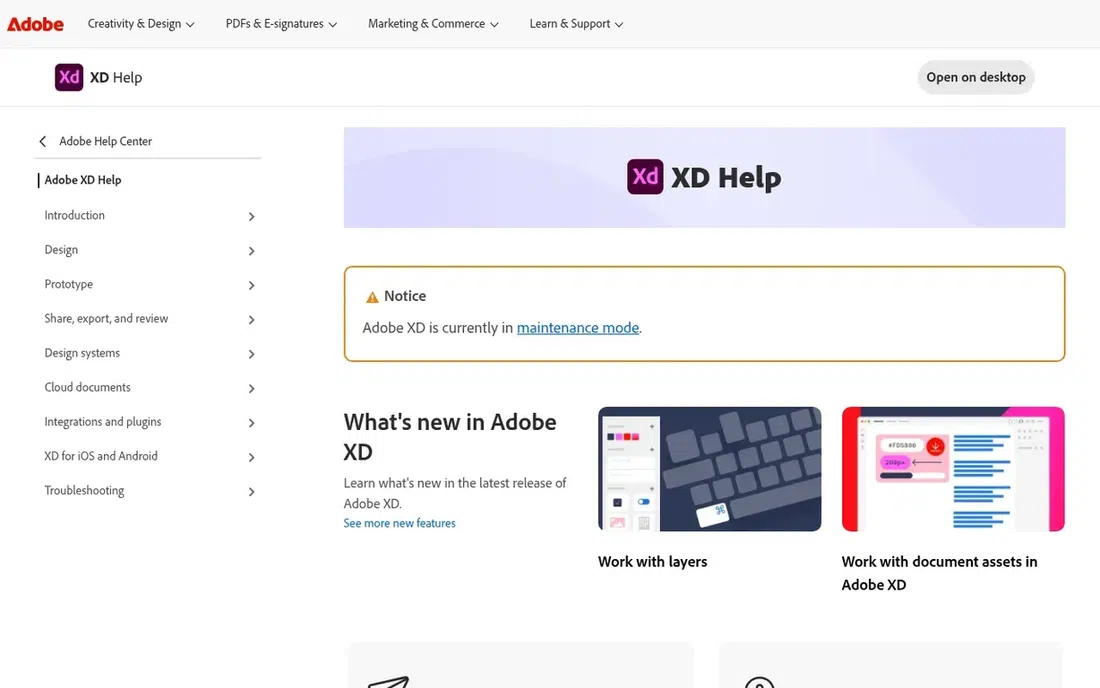
Adobe XD is aimed squarely at designers already in the Adobe ecosystem. Adobe XD is an UI/UX design tool that makes it possible for teams to build prototypes and design interfaces. It integrates well with Adobe's suite of creative applications, making it a natural choice for designers already using Photoshop or Illustrator.
The main drawbacks: Needs separate subscription for full access.
Also, the tool supports collaborative workflows through shared libraries and comments. From a buyer's view, teams seeking broad co-editing capabilities might find it limiting. Adobe XD does not show a starting price in this comparison, so check the vendor site for current pricing. Free plan details: Not stated.
- Familiar interface for Adobe users
- Links up with other Adobe Creative Cloud apps
- Collaboration features are less developed than some competitors
For detailed prototyping and specifications, Axure RP is a natural candidate. Axure RP is an all-in-one software design tool for creating prototypes, specifications, and diagrams. It is especially suited for UX professionals who need to produce high-fidelity, interactive prototypes and in-depth documentation.
From a buyer's view, Axure RP's feature-rich features come with a ramp-up time. Its collaboration capabilities are not as fluid as cloud-based design systems. Beyond that, the tool supports complicated interactions and dynamic content. Axure RP cost at the entry level: $29 per user per month. As for free access: Not stated.
The main drawbacks: Steeper ramp-up time.
- Thorough prototyping with conditional logic
- Creates in-depth specifications for developers
- Collaboration features are less live
Miro is built with visual brainstorming and team alignment in mind. Miro is an AI-powered visual workspace aimed at team collaboration and innovation.
Miro is especially handy for product development phases like ideation and strategy alignment. Teams needing in-depth design capabilities may have to pair it with a dedicated design tool. Miro starts at: $8 per member per month. Free access exists with Miro.
Downsides: Not a dedicated UI design tool.
- Infinite canvas for visual collaboration
- AI-powered features to speed up ideation
- Can become cluttered without proper management
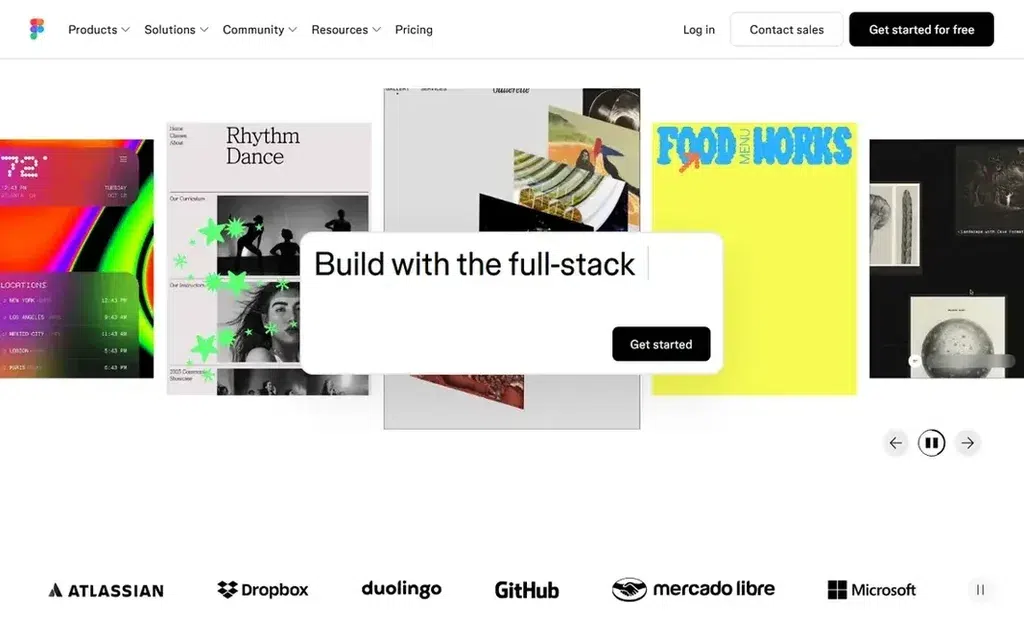
Think of Figma for all-in-one collaborative design and prototyping. Figma is a cloud-based design product that brings design, code, and AI together in one collaborative canvas. It makes it possible for teams to move from concept to production smoothly, with several stakeholders working simultaneously.
Strengths: Supports the whole product development cycle.
Downsides: Needs internet connection for full functionality.
This tool is a strong match for cross-functional teams that require a shared space for design and prototyping. Whereas Figma excels at live collaboration, it may not suit teams that prefer offline or native desktop workflows. Also, its broad feature set can be overwhelming for beginners. Price to start with Figma: $3 per month. Free access: Not stated.
- Integrates design, code
- AI capabilities
- Can become complicated for very large projects
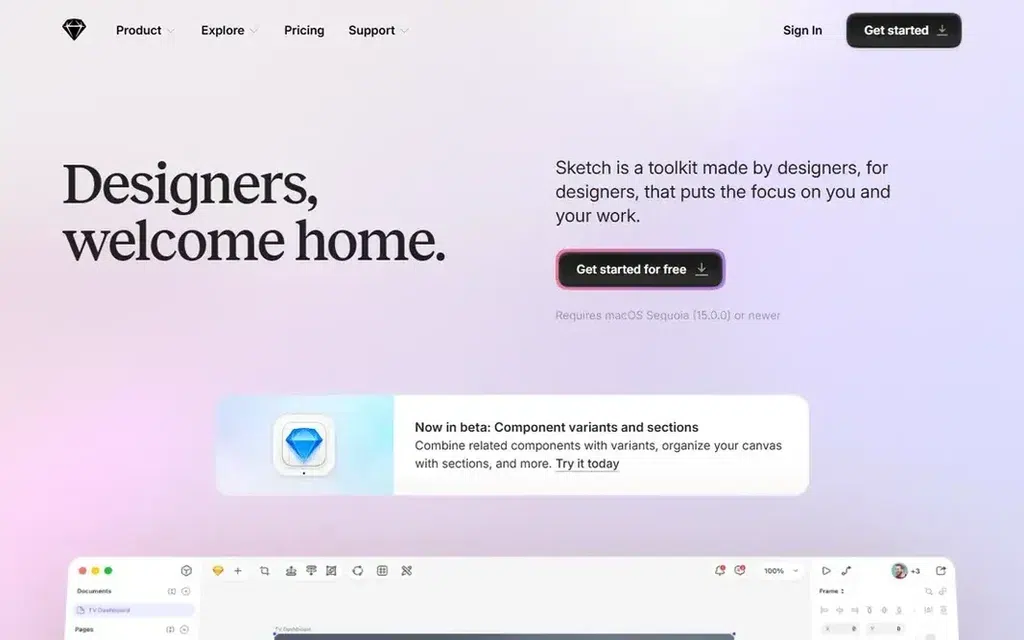
Think of Sketch for Mac-based designers seeking a native app. Sketch is a design toolkit built exclusively for macOS, emphasizing a clean, designer-friendly experience. It includes design, prototyping, and handoff, making it a solid choice for individual designers or teams deeply integrated into the Apple ecosystem.
As for the details, the tool prioritizes focus and efficiency for creative work. In daily use, if live co-editing is essential, you might need a different option. Worth adding: Sketch's Mac-only availability can be a barrier for teams with mixed operating systems. Its collaboration capabilities are not as solid as cloud-native alternatives. Price to start with Sketch: $12 per editor per month. Free options: Free trial.
Where it is weaker: Restricted to macOS system.
- Focus on designer workflow and productivity
- Easy-to-learn interface built for Mac users
- Collaboration features are less smooth than cloud-based tools
How we chose
What to confirm before you sign up
- Get a written quote from Adobe XD; the list shows no starting price for them.
- Read the fine print on the free plans from Mural and Miro; seat, project and feature caps differ.
- Use real work to test the free trial from Sketch, rather than a demo project.
- Before choosing Mural, weigh its main limit: restricted design and prototyping capabilities.
- Check whether Axure RP bills monthly or annually, and what cancelling early costs.
- Test the integrations you rely on with Mural before committing; some connectors sit on upper tiers.
FAQ
How does Sketch compare to Figma for collaboration?
Sketch is a native Mac app with collaboration features that are less smooth, commonly requiring external tools. Teams needing deep co-editing may prefer Figma.
Is Mural the right pick for everyone comparing collaborative design software?
No single tool suits every team. Mural comes first because it fits collaborative workshops and strategic planning, while Adobe XD suits designers already in the Adobe ecosystem and Axure RP suits detailed prototyping and specifications. Match the tool to your own size, budget and workflow before deciding.
How are the tools for collaborative design software ordered?
The order follows typical fit for collaborative design software, with Mural first and Sketch last, then price clarity and free access. It is editorial judgement, not a score, so another team could rank the tools differently.
Can I try these options before paying?
Often, yes. Mural and Miro have a free plan and Sketch offers a free trial. Use your own data and a real task during the test, and check what the free tier or trial limits before you rely on it. Prices, free plan details and limits for all 6 tools in this collaborative design software roundup sit on the individual cards above.
Do these tools publish their prices?
Not all of them. Adobe XD publishes no starting price, so expect a quote request for it. The rest, Mural included, show a starting price, though seats and billing terms still change the final cost.
Sources
- https://www.mural.co
- https://www.adobe.com/products/xd.html
- https://www.axure.com
- https://miro.com
- https://www.figma.com
- https://www.sketch.com