6 Editing Software for Sports Highlights Worth Shortlisting in 2026
Best editing software for sports highlights in 2026: 6 contenders with entry costs and free tiers. The weak spots sit next to the strengths. See the full list.
- Editor's choice
 Vegas Pro
Windows editors wanting AI tools
Starts atPricing on requestVisit vegascreativesoftware.comFull review - Great alternative
 Final Cut Pro
Mac and iPad highlight editing
Starts atPricing on requestVisit apple.comFull review - Also consider
 DaVinci Resolve
Color and audio in one app
Starts atPricing on requestVisit blackmagicdesign.comFull review
Direct answer
If you need Windows editors wanting AI tools, Vegas Pro is the first tool to look at here. Alternatives: Final Cut Pro for Mac and iPad highlight editing, and DaVinci Resolve for color and audio in one app. The full list of 6 tools follows, with free plan facts. None of these vendors publish plan prices, so pricing is on request for every option.
TL;DR:
- Vegas Pro takes the first slot, best suited to Windows editors wanting AI tools.
- No starting price is shown for any of the 6 tools, Vegas Pro and Avid Media Composer included, so plan time for sales calls.
- Avid Media Composer suits structured post-production workflows.
- A permanent free plan is missing from all 6 tools, Vegas Pro and Avid Media Composer included; plan for a trial or a premium start.
Last checked November 2026. Pricing on request: vendors did not publish plan prices when this guide was last checked (November 2026), so ask each vendor for a written quote.
Quick comparison
| Tool | Best for | Starts at | Free plan? | |
|---|---|---|---|---|
| Vegas Pro | Windows editors wanting AI tools | Pricing on request | Not stated | Visit |
| Final Cut Pro | Mac and iPad highlight editing | Pricing on request | Not stated | Visit |
| DaVinci Resolve | Color and audio in one app | Pricing on request | Not stated | Visit |
 Adobe After Effects | Motion graphics for highlight packages | Pricing on request | Not stated | Visit |
 Adobe Premiere Pro | All-around sports highlight editing | Pricing on request | Not stated | Visit |
 Avid Media Composer | Structured post-production workflows | Pricing on request | Not stated | Visit |
The full editing software for sports highlights list
LinkVetted compared 6 editing software for sports highlights. The goal is a practical shortlist: published prices, free plan facts, best-fit use cases and honest limits for every entry.
Vegas Pro is aimed squarely at Windows editors wanting AI tools. If cross-platform collaboration matters, DaVinci Resolve is the safer pick.
Trade-offs to know: Windows only.
On top of that, Vegas Pro is professional video editing software for Windows with AI tools, color grading, VFX and audio. For sports flags, that mix handles quick cutting, color work and sound cleanup in one place. Vegas Pro shows no starting price here, so confirm the cost on the vendor site. On free options: Not stated.
- AI tools for editing
- Audio tools built in
- Interface differs from other editors
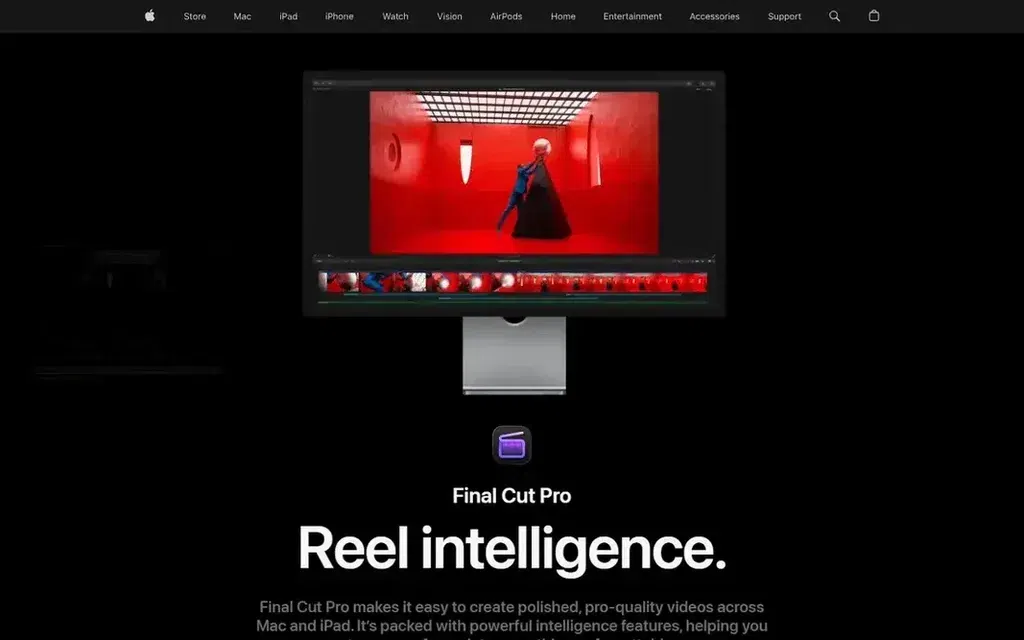
Final Cut Pro is aimed squarely at Mac and iPad highlight editing. Final Cut Pro is Apple's professional editing application, packed with powerful intelligence features that make pro-quality video creation and editing simpler on Mac and iPad. If you work cross-platform, DaVinci Resolve or Adobe Premiere Pro is the more adaptable choice.
Where it is weaker: Apple products only.
Also, the primary limit is system: it is designed for Mac and iPad, so Windows and Linux editors need another option. Project sharing with non-Apple collaborators can also need additional steps. Final Cut Pro does not show a starting price in this comparison, so check the vendor site for current pricing. Free access: Not stated.
- Meant to make editing approachable
- Pro-quality editing on Mac and iPad
- Not targeted at Windows users
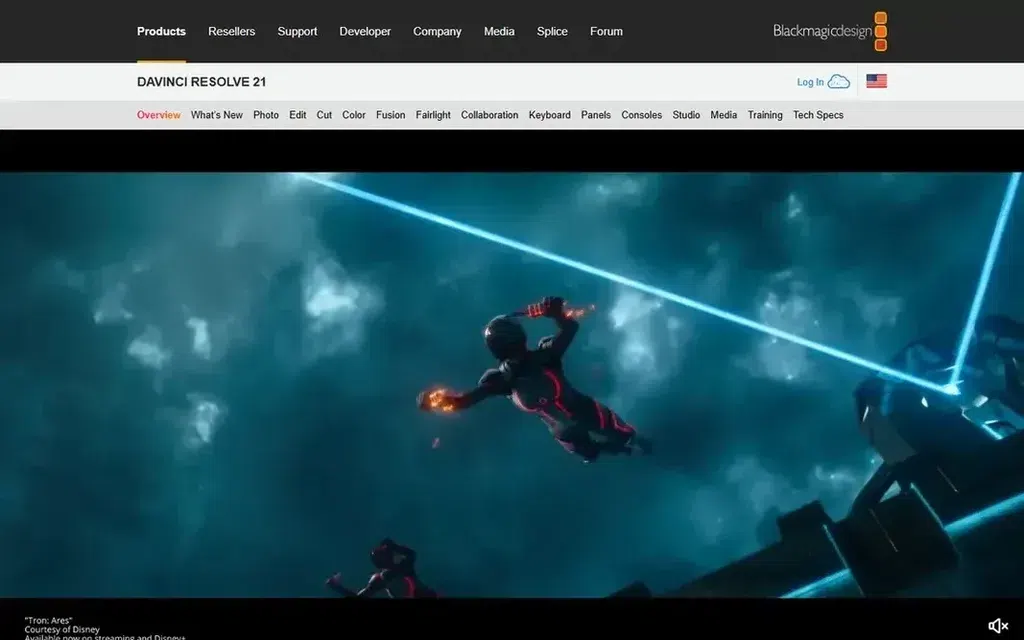
DaVinci Resolve was built for color and audio in one app. DaVinci Resolve bundles professional video editing, color correction, visual effects and audio post production into a single application. That makes it handy for sports flags where consistent color across clips and clean audio mixing matter.
It is offered in free and premium versions for Mac, Windows and Linux. Since it packs so numerous modules, the interface can feel dense and the ramp-up time is real. More specifically, older machines may also struggle with heavier timelines. No starting price is listed for DaVinci Resolve here; confirm pricing on the vendor site. Free access: Not stated.
What to check first: Deep toolset can overwhelm beginners.
- Editing, color
- VFX and audio together
- Demanding on older hardware
In short, Adobe After Effects is for motion graphics for highlight packages. Adobe After Effects is motion graphics software for designing movement for film, TV, video and web. After Effects is not built as a fast cutting tool, so assembling full highlight reels in it is inefficient.
Honest limits: Animation work takes time to learn.
It also rewards patience, since animation and keyframing take practice. In practice, pair it with Adobe Premiere Pro for the edit, or choose a single all-in-one editor if graphics are minimal. Adobe After Effects shows no starting price here, so confirm the cost on the vendor site. Trial and free access: Not stated.
- Motion graphics and animation tools
- Pairs with other Adobe editing tools
- Not a primary timeline editor
Pick Adobe Premiere Pro if this describes you: all-around sports highlight editing. For sports flags, its wide toolset spans cutting game footage, layering replays and balancing crowd and commentary audio.
The software is aimed at professional workflows, so new editors may need time to learn its panels and settings. It also runs on a subscription instead of a one-time purchase. Adobe Premiere Pro shows no starting price here, so confirm the cost on the vendor site. Free options: Not stated.
Highlights: trimming and effects in one timeline. What to check first: Subscription-based access.
- Editing
- Audio mixing built in
- Can feel heavy for beginners
Pick Avid Media Composer if this describes you: structured post-production workflows. Avid Media Composer is professional video editing software aimed at creative storytelling and post-production workflows, used to edit films, television and video. Worth adding: Media Composer is designed around professional post workflows, so newcomers face a steep ramp-up time and a less forgiving interface.
Solo creators cutting fast highlight clips may find it heavier than needed. For more straightforward projects, Adobe Premiere Pro or Final Cut Pro is simpler to pick up. In daily use, for sports flags produced inside a bigger broadcast or post house, its structured approach to media and editing suits team-based pipelines. This comparison lists no price for Avid Media Composer; ask the vendor. On free options: Not stated.
Downsides: Workflow-first design can feel rigid.
- Suited to film and television editing
- Designed for creative storytelling
- Steep ramp-up time
Selection criteria
What to confirm before you sign up
- Ask each vendor, from Vegas Pro to Avid Media Composer, for a written quote; none of them publishes a starting price.
- Read the limits listed for Vegas Pro first: Windows only.
- Ask Avid Media Composer about contract length, onboarding fees and user minimums before you sign.
- Confirm you can export your data from Final Cut Pro, so leaving later does not mean losing records.
- Run a one or two week pilot of Vegas Pro with the people who will use it every day.
FAQ
Can I add graphics to sports highlights?
Motion graphics tools like Adobe After Effects are made for animated titles, score bugs and transitions that sit on top of your edit. Plenty of editors also contain entry-level titling, so you can start straightforward and add a dedicated graphics tool later.
Do these tools publish their prices?
No. None of the tools, from Vegas Pro to Avid Media Composer, shows a fixed starting price here, so budget time for quotes.
Can I try these tools before paying?
Not by default. None of the tools, from Vegas Pro to Avid Media Composer, lists a free plan or a free trial here, so ask each vendor for a demo before committing.
What makes editing software well suited to sports flags?
Sports flags reward quick trimming, steady slow motion, clean audio mixing and fast titling. More straightforward editors can still work well for short, casual reels.
How are the tools for editing software for sports highlights ordered?
The order follows typical fit for editing software for sports highlights, with Vegas Pro first and Avid Media Composer last, then price clarity and free access. It is editorial judgement, not a score, so another team could rank the tools differently.
Is Vegas Pro the right pick for everyone comparing editing software for sports highlights?
No single tool suits every team. Vegas Pro comes first because it fits Windows editors wanting AI tools, while Final Cut Pro suits Mac and iPad highlight editing and DaVinci Resolve suits color and audio in one app. Match the tool to your own size, budget and workflow before deciding.
Sources
- https://www.vegascreativesoftware.com/us/vegas-pro
- https://www.apple.com/final-cut-pro
- https://www.blackmagicdesign.com/products/davinciresolve
- https://www.adobe.com/products/aftereffects.html
- https://www.adobe.com/products/premiere.html
- https://www.avid.com/media-composer