The 6 Best Sports Video Editing Software in 2026, Ranked
Compare 6 picks for the best sports video editing software, with prices, free plans and who each fits. Weak spots flagged for every entry. Skim the table first.
- Editor's choice
 DaVinci Resolve
Color-focused sports highlight work
Starts atSee websiteVisit blackmagicdesign.comFull review - Great alternative
 Final Cut Pro
Mac and iPad sports editors
Starts atSee websiteVisit apple.comFull review - Also consider
 Avid Media Composer
Broadcast and film post workflows
Starts atSee websiteVisit avid.comFull review
Direct answer
DaVinci Resolve leads the list, best for color-focused sports highlight work. Listed starting prices: CyberLink PowerDirector from $54.99 per month. If your case is different, Final Cut Pro suits Mac and iPad sports editors and Avid Media Composer suits broadcast and film post workflows. All 6 tools are compared below on price, free plan and limits.
TL;DR:
- Number one here is DaVinci Resolve, a fit for color-focused sports highlight work.
- What to know about DaVinci Resolve first: large feature set can overwhelm beginners.
- CyberLink PowerDirector has the lowest monthly starting price in this list: $54.99 per month.
- DaVinci Resolve, Corel VideoStudio and the 4 others all need a premium plan or a trial, since no free plan is listed.
- Corel VideoStudio is the one to check for beginners making sports highlight reels.
Last checked November 2026. Prices and plan details were read from the vendors' own pages in November 2026; vendors change plans often, so confirm the current price on the vendor site before you buy.
Quick comparison
| Tool | Best for | Starts at | Free plan? | |
|---|---|---|---|---|
| DaVinci Resolve | Color-focused sports highlight work | See website | Not stated | Visit |
| Final Cut Pro | Mac and iPad sports editors | See website | Not stated | Visit |
| Avid Media Composer | Broadcast and film post workflows | See website | Not stated | Visit |
 Adobe Premiere Pro | All-around professional sports editing | See website | Not stated | Visit |
 CyberLink PowerDirector | Quick AI-assisted sports edits | $54.99 per month | Not stated | Visit |
| Corel VideoStudio | Beginners making sports highlight reels | See website | Not stated | Visit |
Sports Video Editing Software, one by one
LinkVetted compared 6 tools for sports video editing software. The goal is a practical shortlist: published prices, free plan facts, best-fit use cases and honest limits for every entry.
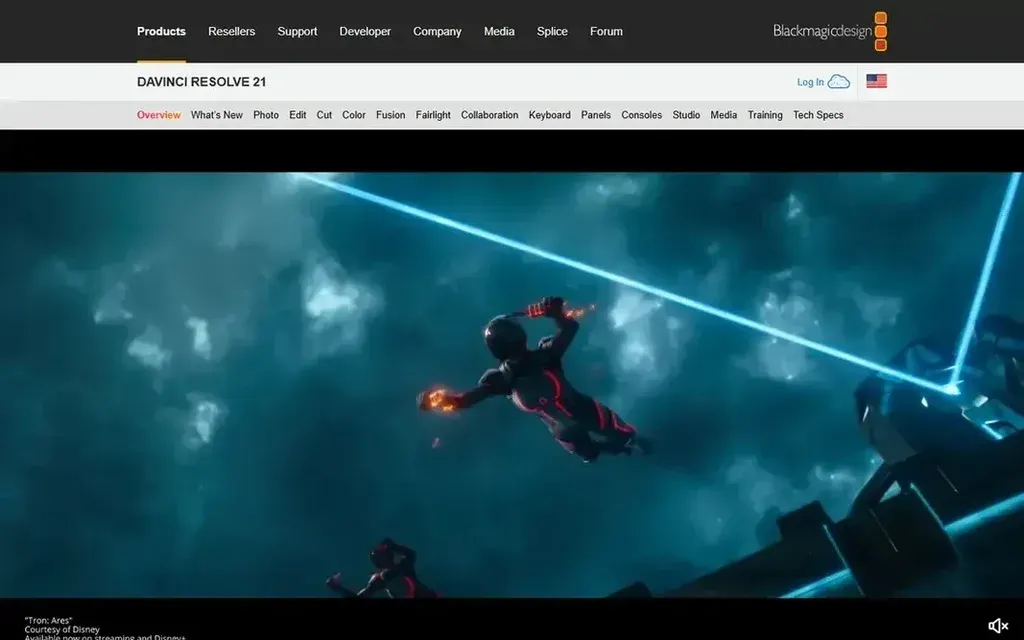
DaVinci Resolve is aimed squarely at color-focused sports highlight work. Sports editors who care about consistent team colors, clean slow-motion looks and refined highlight grades will find the color tools close at hand without switching applications.
Pricing for DaVinci Resolve is not stated here, so ask the vendor for current figures. Free plan details: Not stated.
Downsides: Large feature set can overwhelm beginners.
- Available for Mac
- Single application for post production
- Heavy projects need capable hardware
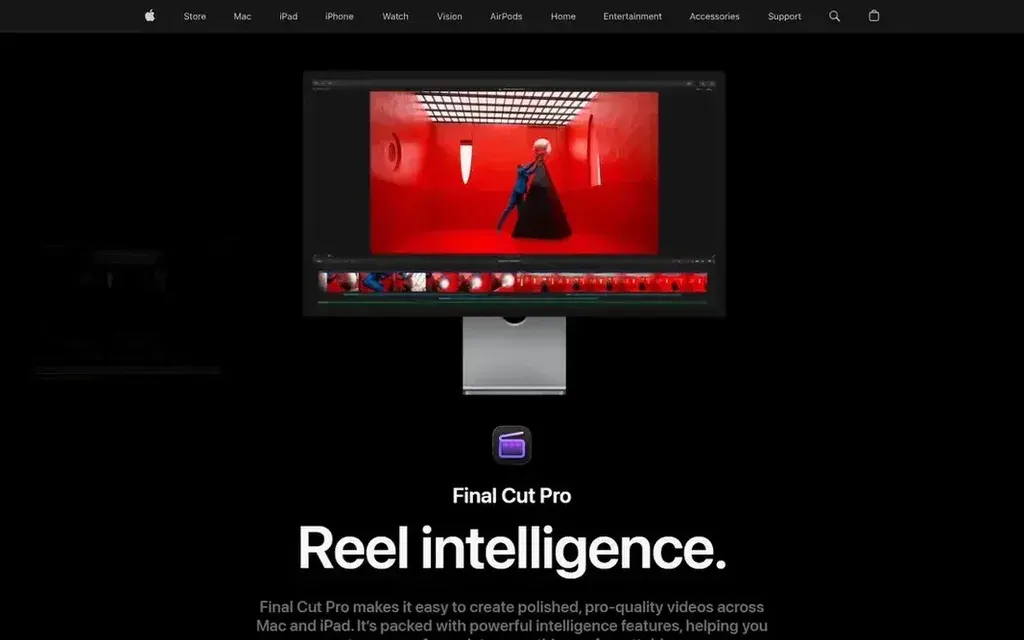
Pick Final Cut Pro if this describes you: Mac and iPad sports editors. The software is built around Apple hardware, so Windows and Linux editors cannot use it.
Check the vendor site for Final Cut Pro pricing; none is listed in this comparison. Free access: Not stated.
The main drawbacks: Workflow differs from cross-platform editors.
- Pitched at pro-quality creation
- Intelligence features accelerate editing
- Tied to Apple hardware
Pick Avid Media Composer if this describes you: broadcast and film post workflows. Avid Media Composer is professional video editing software for film, television and video, designed for creative storytelling and post-production workflows.
Sports broadcasters and production houses that move long-form game coverage through established post pipelines will recognize its structure. Pricing for Avid Media Composer is not stated here, so ask the vendor for current figures. As for free access: Not stated.
Limits to weigh: Geared toward professional environments.
- Made for creative storytelling
- Deals with film
- Interface can feel unfamiliar to newcomers
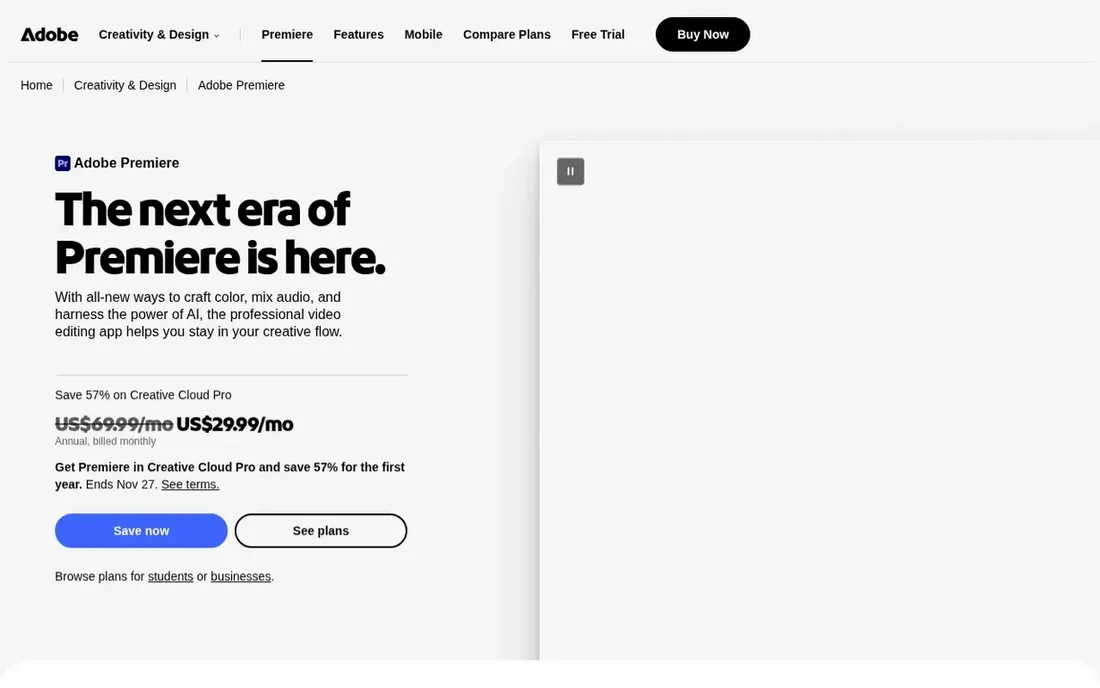
Adobe Premiere Pro is designed for all-around professional sports editing. Premiere Pro is Adobe's professional video editing and postproduction application, built for editing and trimming footage, adding effects, mixing audio and extending video.
As for the details, for sports work it suits editors who require one environment for cutting game footage, layering graphics and balancing crowd or commentary audio. Pricing for Adobe Premiere Pro is not stated here, so ask the vendor for current figures. As for free access: Not stated.
Points against: Demanding on hardware for heavy projects.
Reasons to shortlist it: Editing.
- Trimming and effects in one tool
- Wide postproduction feature set
- Professional depth takes time to learn
Think of CyberLink PowerDirector for quick AI-assisted sports edits. CyberLink PowerDirector is video editing software with AI tools, pro-grade effects and a large collection of royalty-free assets.
Beyond that, if you need deep color and audio post, DaVinci Resolve is the more solid fit. CyberLink PowerDirector pricing: $54.99 per month. On free options: Not stated.
Limits to weigh: Advanced work may need a deeper editor.
- Large library of royalty-free assets
- AI tools for quicker editing
- Feature volume can feel crowded
Corel VideoStudio
Best for: Beginners making sports highlight reels
Where Corel VideoStudio fits: beginners making sports highlight reels. Corel VideoStudio is consumer video editing software from Corel, with product information, updates, tutorials and videos on its official site. The tutorial material helps new editors get moving.
Where it shines: Decent fit for short highlight projects.
Where it falls short: Restricted appeal for broadcast teams. It is not pitched at complicated post-production, so broadcast workflows and heavy effects work will outgrow it. On top of that, professional teams should consider Adobe Premiere Pro or Avid Media Composer instead. Pricing for Corel VideoStudio is not stated here, so ask the vendor for current figures. Free access: Not stated.
- Tutorials and product guidance available
- Approachable consumer editing
- Less depth for complicated post work
How these tools were picked
We compared the tools on published pricing, free plan or trial availability, feature coverage for sports video editing software, and the limits each vendor documents. Seat minimums, billing terms and add-ons can move the real cost, so the starting prices here are a guide and not a quote. We ordered the tools by general fit, then by how clearly pricing is shown, then by free access. A buyer with unusual needs may reorder them.
A buyer's checklist
- Confirm the entry price on the vendor page. For DaVinci Resolve, Final Cut Pro, Avid Media Composer and others that means a quote rather than a fixed price.
- Before choosing DaVinci Resolve, weigh its main limit: large feature set can overwhelm beginners.
- Verify that exporting from Corel VideoStudio is possible on your plan and covers all your records.
- Check the support hours and onboarding help Avid Media Composer offers; smaller vendors vary a lot here.
- Confirm minimum seats and billing terms with DaVinci Resolve before you commit to an annual plan.
FAQ
Is DaVinci Resolve the right pick for everyone comparing sports video editing software?
No single tool suits every team. DaVinci Resolve comes first because it fits color-focused sports highlight work, while Final Cut Pro suits Mac and iPad sports editors and Avid Media Composer suits broadcast and film post workflows. Match the tool to your own size, budget and workflow before deciding.
What is the cheapest option for sports video editing software in this list?
On published monthly entry prices, CyberLink PowerDirector is the lowest here at $54.99 per month. Entry price is only part of the cost, because seats, add-ons and billing terms can change the total. Each of the 6 options in this Sports video editing software guide has its own card above with the price, free plan and limits.
Does any tool for sports video editing software here have a free plan?
No tool in this list, DaVinci Resolve and Corel VideoStudio included, has a permanent free plan. Trials and quotes are the usual route, so plan a short evaluation period.
Can I try these options before paying?
Not by default. None of the tools, from DaVinci Resolve to Corel VideoStudio, lists a free plan or a free trial here, so ask each vendor for a demo before committing.
Sources
- https://www.blackmagicdesign.com/products/davinciresolve
- https://www.apple.com/final-cut-pro
- https://www.avid.com/media-composer
- https://www.adobe.com/products/premiere.html
- https://www.cyberlink.com/products/powerdirector/overview_en_US.html
- https://www.videostudiopro.com