The 6 Best Stop Motion Software for Clay Animators in 2026, Ranked
Best stop motion software for clay animators: 6 contenders ranked by fit, with entry costs and free tiers. Every tool lists pros and cons. Full profiles inside.
- Editor's choice
 Adobe After Effects
Compositing and visual effects for stop motion
Starts atPricing on requestVisit adobe.comFull review - Great alternative
 DaVinci Resolve
All-in-one editing, color, and VFX
Starts atPricing on requestVisit blackmagicdesign.comFull review - Also consider
 TVPaint Animation
Natural media 2D animation and planning
Starts atPricing on requestVisit tvpaint.comFull review
Direct answer
If you need compositing and visual effects for stop motion, Adobe After Effects is the first tool to look at here. DaVinci Resolve fits all-in-one editing, color, and VFX; TVPaint Animation fits natural media 2D animation and planning. All 6 tools are compared below on fit, free plan and limits. None of these vendors publish plan prices, so pricing is on request for every option.
TL;DR:
- Number one here is Adobe After Effects, a fit for compositing and visual effects for stop motion.
- Dragonframe is the one to check for professional claymation capture and control.
- Every tool from Adobe After Effects to Dragonframe works by quote, with no list price shown.
- None of the 6 tools, from Adobe After Effects to Dragonframe, has a free plan, so budget for a subscription or use a trial.
Last checked November 2026. Pricing on request: vendors did not publish plan prices when this guide was last checked (November 2026), so ask each vendor for a written quote.
Quick comparison
| Tool | Best for | Starts at | Free plan? | |
|---|---|---|---|---|
| Adobe After Effects | Compositing and visual effects for stop motion | Pricing on request | Not stated | Visit |
| DaVinci Resolve | All-in-one editing, color, and VFX | Pricing on request | Not stated | Visit |
| TVPaint Animation | Natural media 2D animation and planning | Pricing on request | Not stated | Visit |
 Toon Boom Harmony | 2D animation with cut-out and traditional workflows | Pricing on request | Not stated | Visit |
| Stop Motion Studio | Beginner-friendly mobile and desktop animation | Pricing on request | Not stated | Visit |
| Dragonframe | Professional claymation capture and control | Pricing on request | Not stated | Visit |
The full stop motion software for clay animators list
LinkVetted compared 6 stop motion software for clay animators. The goal is a practical shortlist: published prices, free plan facts, best-fit use cases and honest limits for every entry.
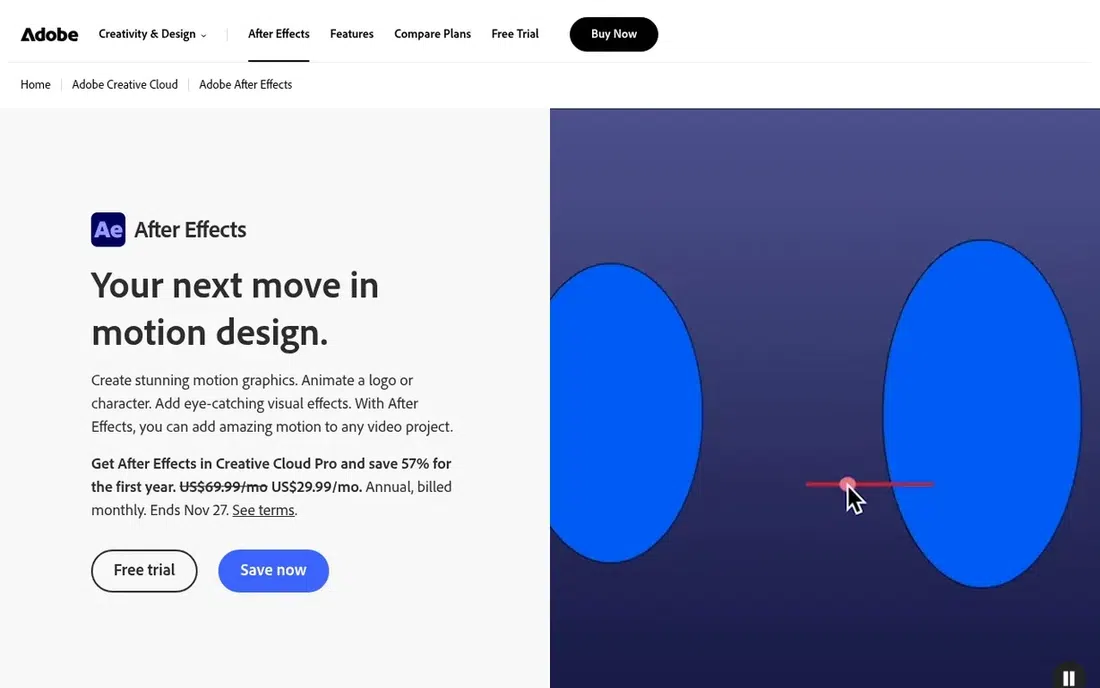
Adobe After Effects is a good fit for compositing and visual effects for stop motion. Adobe After Effects is a motion graphics and compositing application widely used in film, TV, and web production.
The main drawbacks: Not a dedicated stop motion capture tool.
Adobe After Effects does not show a starting price in this comparison, so check the vendor site for current pricing. Free access: Not stated.
- Capable compositing and effects
- Plugs into other Adobe tools
- Subscription-based pricing
DaVinci Resolve targets all-in-one editing, color, and VFX. DaVinci Resolve merges professional video editing, color correction, visual effects, and audio post-production in a single application. More specifically, for clay animators, it gives you a capable environment to edit captured frames, grade color, and add effects.
It is available for Mac, Windows, and Linux, with both free and premium versions. For everyday use, like other post-production suites, DaVinci Resolve does not supply stop motion capture features for example onion skinning or camera control. DaVinci Resolve does not show a starting price in this comparison, so check the vendor site for current pricing. As for free access: Not stated.
Limits to weigh: Complicated interface for beginners.
- Thorough editing and color tools
- Visual effects and audio post
- Not a dedicated stop motion tool
TVPaint Animation works best for natural media 2D animation and planning. TVPaint does not offer stop motion capture or onion skinning for physical models, so it cannot replace a dedicated capture tool.
Honest limits: Not a stop motion capture tool.
Pricing for TVPaint Animation is not stated here, so ask the vendor for current figures. Trial and free access: Not stated.
- Natural media brushes
- A good match for students and studios
- Windows and Mac only
Toon Boom Harmony targets 2D animation with cut-out and traditional workflows. Its pricing and complexity may also be prohibitive for hobbyists.
Where it falls short: Not specialized for stop motion.
Toon Boom Harmony shows no starting price here, so confirm the cost on the vendor site. Free options: Not stated.
- End-to-end 2D animation
- Professional studio features
- Can be expensive for individuals
Stop Motion Studio
Best for: Beginner-friendly mobile and desktop animation
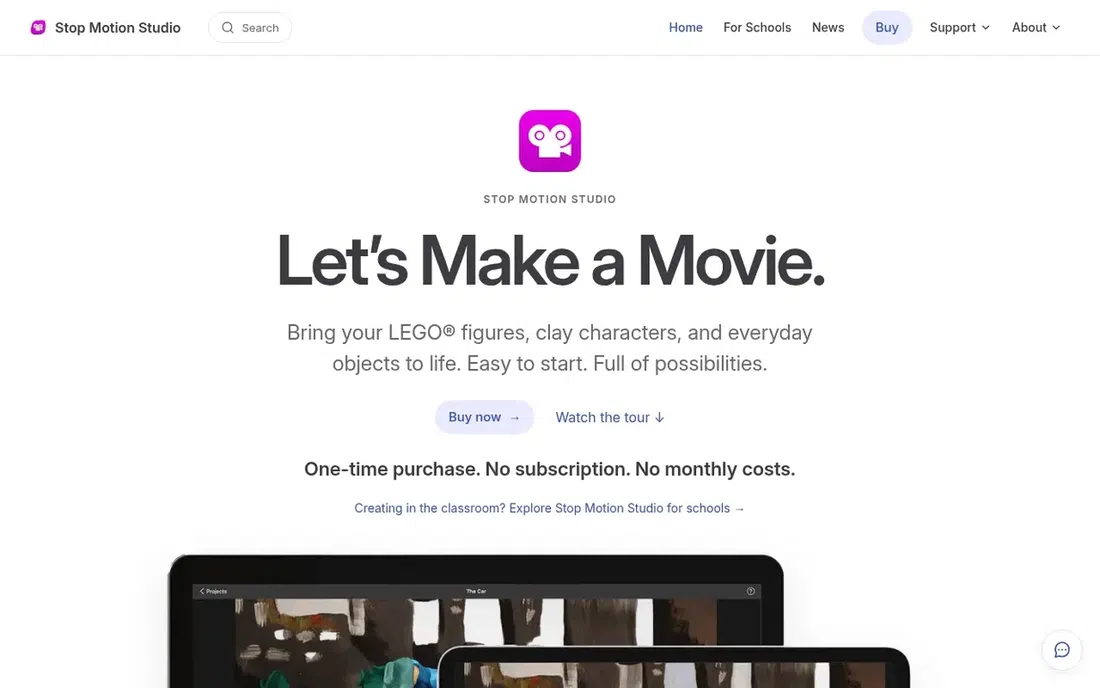
Choose Stop Motion Studio for beginner-friendly mobile and desktop animation. For studio-level work, Dragonframe is a more capable alternative.
It supplies a straightforward interface that makes it simple for clay animators to capture frames, preview motion, and export videos. Check the vendor site for Stop Motion Studio pricing; none is listed in this comparison. Free options: Not stated.
Where it is weaker: May lack precision for complicated setups.
- Fun and accessible for all ages
- Straightforward to use on iOS and Android
- Restricted advanced capture controls
Dragonframe
Best for: Professional claymation capture and control
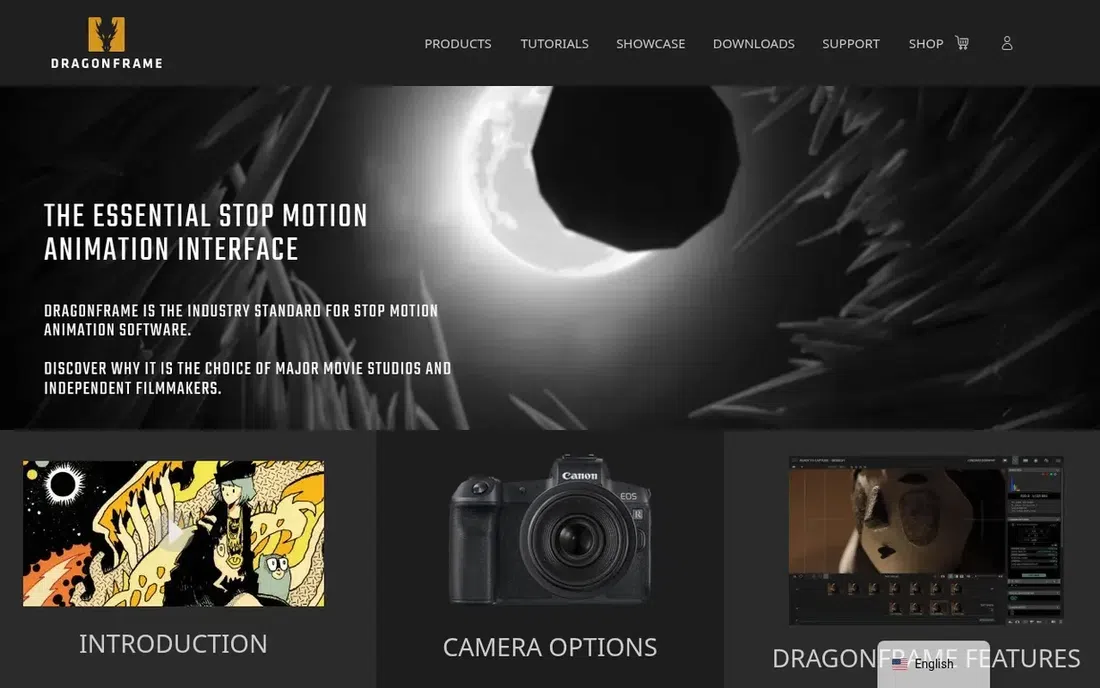
In short, Dragonframe is for professional claymation capture and control. The software runs on Mac, Windows, and Linux, and connects with a set of DSLR and mirrorless cameras for high-resolution capture.
Points against: Steeper ramp-up time for beginners.
No starting price is listed for Dragonframe here; confirm pricing on the vendor site. Free access: Not stated.
- Supports Mac, Windows, Linux
- Onion skinning and camera control
- Needs dedicated camera setup
How we built this list
Pre-purchase checklist
- Request quotes from Adobe After Effects, Dragonframe and the others; the list shows no fixed prices.
- Before choosing Adobe After Effects, weigh its main limit: not a dedicated stop motion capture tool.
- Before you load data into Adobe After Effects, check what an export looks like and who can run it.
- Add up seats, add-ons and usage charges for TVPaint Animation before comparing it with cheaper entries.
- Confirm minimum seats and billing terms with DaVinci Resolve before you commit to an annual plan.
FAQ
How are the tools for stop motion software for clay animators ordered?
Adobe After Effects sits first and Dragonframe last because the order follows typical fit for stop motion software for clay animators, then price clarity and free access. It is a judgement call, so read each profile for fit and limits.
What features should I look for in stop motion software?
For clay animation, precise capture and the capacity to adjust timing are important. Post-production tools for editing and compositing are also valuable for finishing your project.
Can I try these tools before paying?
Not by default. None of the tools, from Adobe After Effects to Dragonframe, lists a free plan or a free trial here, so ask each vendor for a demo before committing.
Does any tool for stop motion software for clay animators here have a free plan?
A permanent free plan is not offered by Adobe After Effects, Dragonframe or the other tools here. Plan a short evaluation period instead.
What is the best stop motion software for clay animators?
Adobe After Effects comes first here and is built for compositing and visual effects for stop motion. Buyers with other needs may prefer DaVinci Resolve (for all-in-one editing, color, and VFX) or TVPaint Animation (for natural media 2D animation and planning). Compare costs and limits first.
Is Adobe After Effects the right pick for everyone comparing stop motion software for clay animators?
No single tool suits every team. Adobe After Effects comes first because it fits compositing and visual effects for stop motion, while DaVinci Resolve suits all-in-one editing, color, and VFX and TVPaint Animation suits natural media 2D animation and planning. Match the tool to your own size, budget and workflow before deciding.
Sources
- https://www.adobe.com/products/aftereffects.html
- https://www.blackmagicdesign.com/products/davinciresolve
- https://www.tvpaint.com
- https://www.toonboom.com/products/harmony
- https://www.cateater.com
- https://www.dragonframe.com