Best Character Design Software for Animators (2026): 6 Picks Checked on Vendor Pages
Best character design software for animators: 6 tools compared on price, free plans and fit. Every profile names its biggest catch. Budget notes included.
- Editor's choiceAdobe Character Animator
Live motion capture animation
Starts atPricing on requestVisit adobe.comFull review - Great alternative
 Adobe Photoshop
Painterly character art and edits
Starts atPricing on requestVisit adobe.comFull review - Also consider
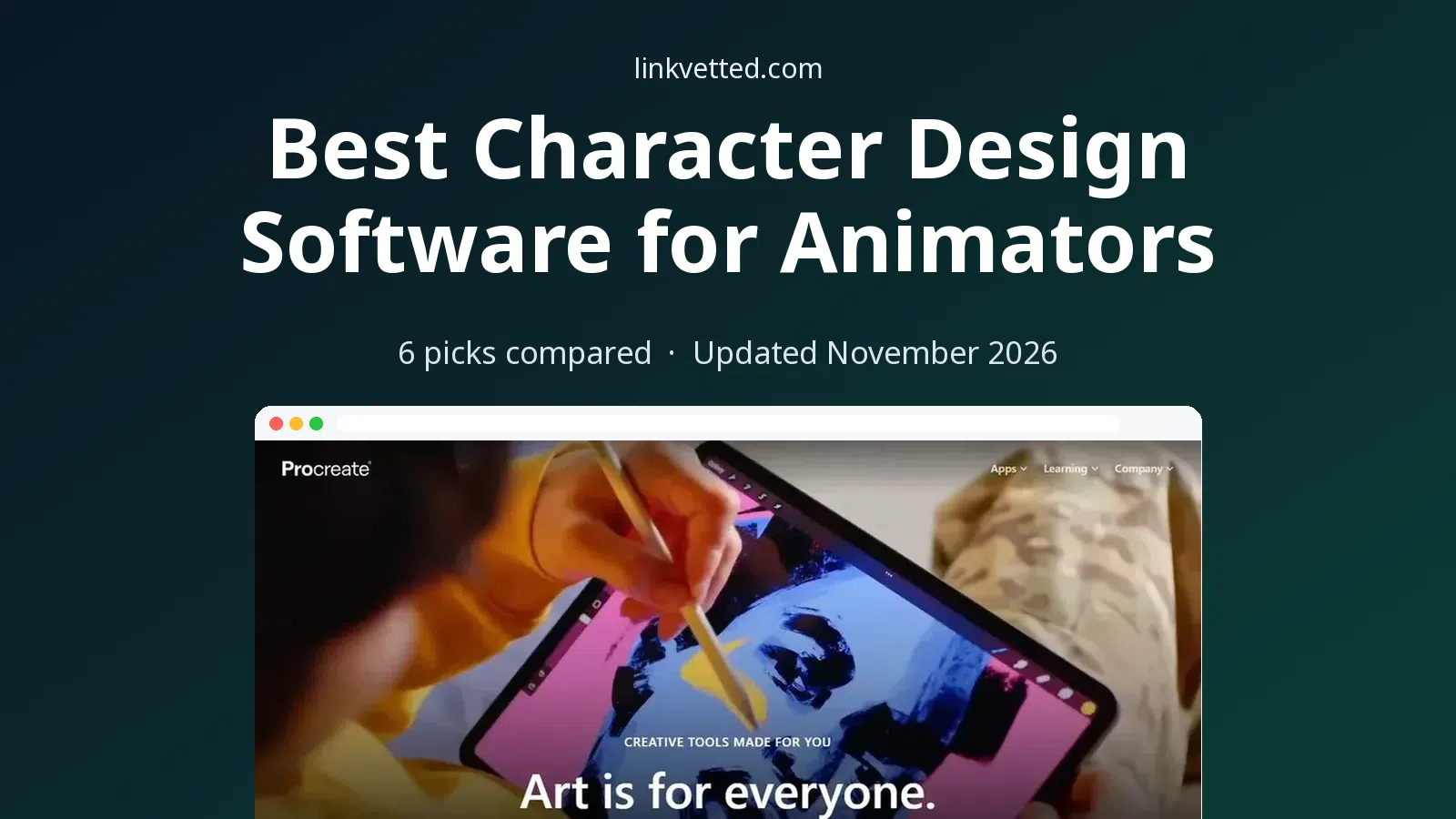
 Procreate
Natural iPad character sketching
Starts atPricing on requestVisit procreate.comFull review
Direct answer
If you need live motion capture animation, Adobe Character Animator is the first tool to look at here. For a different need, Adobe Photoshop covers Painterly character art and edits and Procreate covers natural iPad character sketching. The other 3 tools in the list cover narrower or pricier cases. None of these vendors publish plan prices, so pricing is on request for every option.
TL;DR:
- Adobe Character Animator sits first on this list: live motion capture animation.
- The main caution on Adobe Character Animator: best with prepared layered artwork.
- For Sculpting 3D character models, ZBrush is worth a look.
- Adobe Character Animator, ZBrush and the 4 others all need a premium plan or a trial, since no free plan is listed.
- Pricing across the list, from Adobe Character Animator to ZBrush, is by quote only.
Last checked November 2026. Pricing on request: vendors did not publish plan prices when this guide was last checked (November 2026), so ask each vendor for a written quote.
Quick comparison
| Tool | Best for | Starts at | Free plan? | |
|---|---|---|---|---|
| Adobe Character Animator | Live motion capture animation | Pricing on request | Not stated | Visit |
| Adobe Photoshop | Painterly character art and edits | Pricing on request | Not stated | Visit |
| Procreate | Natural iPad character sketching | Pricing on request | Not stated | Visit |
 Adobe Illustrator | Clean vector character design | Pricing on request | Not stated | Visit |
 Clip Studio Paint | Illustration, comics and frame drawing | Pricing on request | Not stated | Visit |
 ZBrush | Sculpting 3D character models | Pricing on request | Not stated | Visit |
Tool-by-tool breakdown
LinkVetted compared 6 character design software for animators. The goal is a practical shortlist: published prices, free plan facts, best-fit use cases and honest limits for every entry.
Adobe Character Animator
Best for: Live motion capture animation
Think of Adobe Character Animator for live motion capture animation. Animators building in-depth hand-drawn sequences may prefer a drawing-first application, whereas live performers will find the motion capture approach efficient. In daily use, Adobe Character Animator is motion capture and animation software for easy-to-learn 2D character animation, live performance, character sharing and publishing.
As for the details, results rely on well-organized source artwork, and the tool is less suited to traditional frame-by-frame animation. The workflow favors fast, expressive character acting over hand-drawn frame animation. This comparison lists no price for Adobe Character Animator; ask the vendor. Free plan details: Not stated.
The main drawbacks: Less suited to traditional frame-by-frame work.
- Supports character sharing and publishing
- Easy-to-learn live animation workflow
- Best with prepared layered artwork
Adobe Photoshop is aimed squarely at Painterly character art and edits. Adobe Photoshop is an image editing and design application for custom scenes, complicated edits and combined imagery, available online and through its mobile app. Photoshop is not an animation tool by design, so timing and rigging need separate software.
Beyond that, subscription access may also be a consideration for some users. Animators wanting vector output or integrated frame animation may prefer a more specialized application. Adobe Photoshop does not show a starting price in this comparison, so check the vendor site for current pricing. Free plan details: Not stated.
Drawbacks to consider: Subscription-based access.
- Feature-rich image editing and compositing
- Available online and on mobile
- Not made for animation
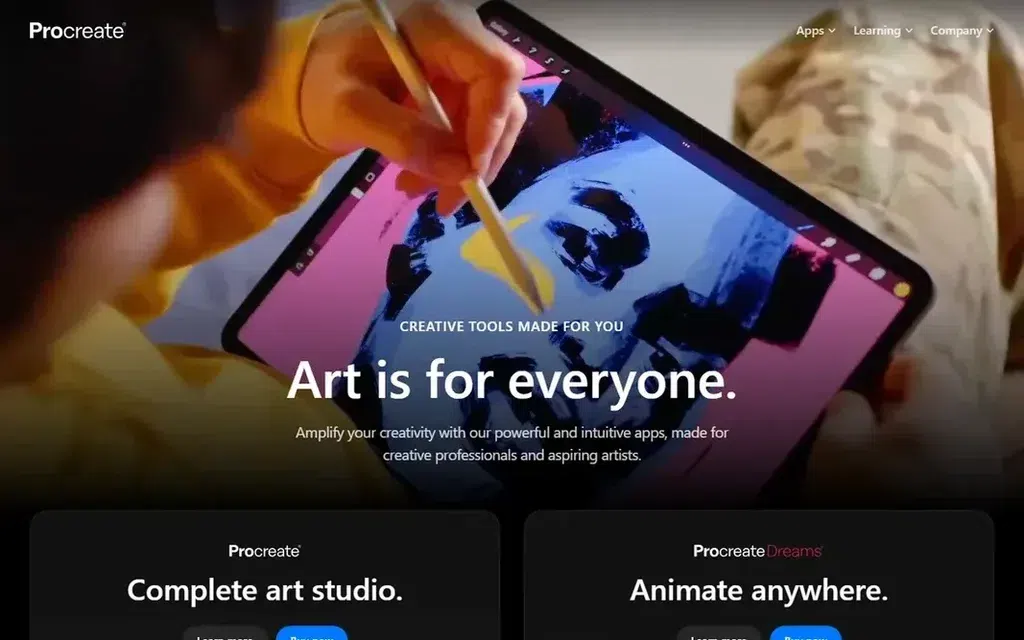
Think of Procreate for natural iPad character sketching. Its natural brush feel makes it a good fit for character sketching, concept exploration and straightforward frame-by-frame animation on a tablet.
The main drawbacks: Restricted for complicated production pipelines.
Procreate shows no starting price here, so confirm the cost on the vendor site. Free options: Not stated.
- Pay once with no subscription
- Contains animation features
- IPad only
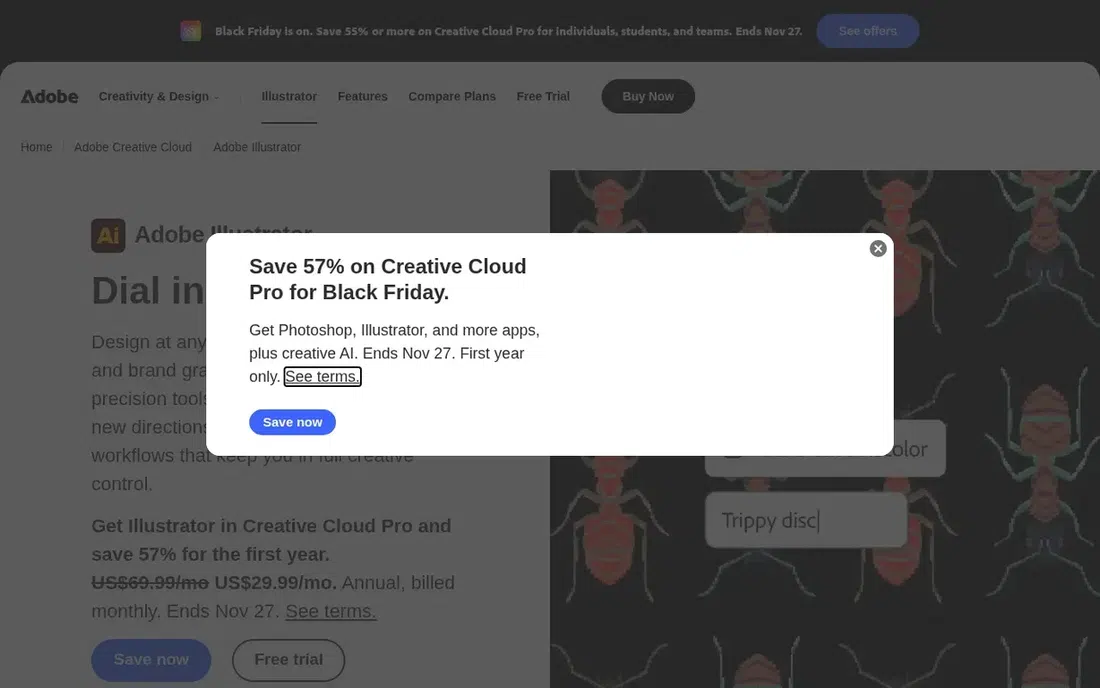
Pick Adobe Illustrator if this describes you: clean vector character design. Its generative AI feature can transform a text prompt into a completely editable vector graphic, which helps animators block out character shapes and props rapidly.
Downsides: Less natural for painterly sketching.
Beyond that, the vector model can feel rigid for loose, expressive sketching, and the subscription requirement may not suit everyone. Animators who chiefly paint textured characters or rough frames may prefer a raster-focused app, and those wanting animation built in should look at dedicated animation tools. No starting price is listed for Adobe Illustrator here; confirm pricing on the vendor site. Free options: Not stated.
- Generative AI turns prompts into editable vectors
- Precise vector paths and shapes
- Subscription-based access
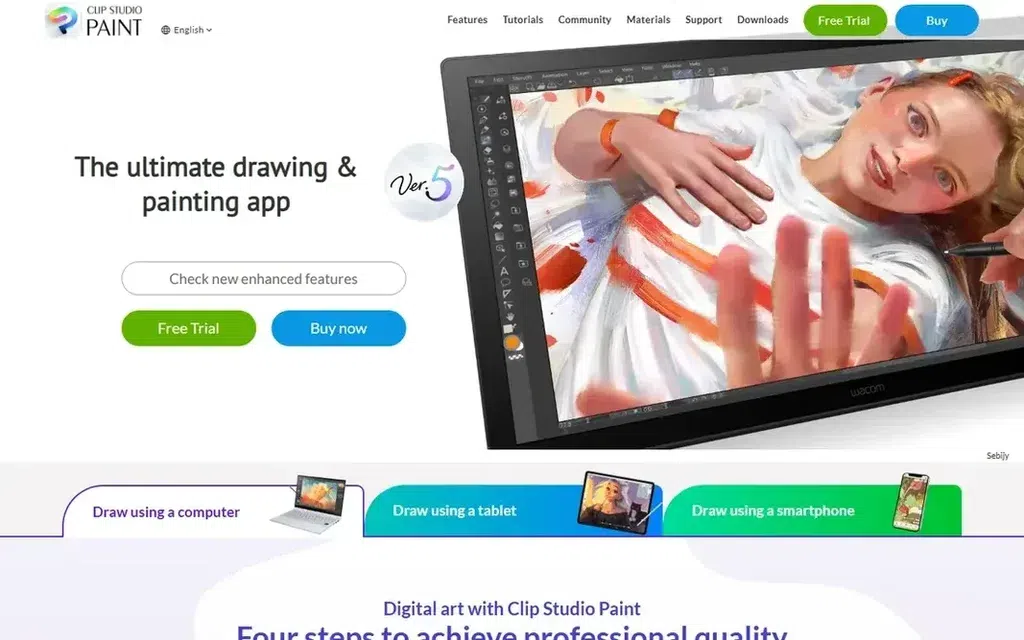
Think of Clip Studio Paint for Illustration, comics and frame drawing. The homepage highlights easy-to-use brushes and convenient features, with availability across PC, tablet and smartphone.
Also, animators focused purely on vector output may find a vector-first app more direct. Clip Studio Paint shows no starting price here, so confirm the cost on the vendor site. Free access: Not stated.
What to check first: Interface can feel dense for beginners.
- Tablet and phone
- Available on PC
- Animation features are lighter than studio tools
ZBrush makes the most sense for Sculpting 3D character models. ZBrush is a digital sculpting application used to build in-depth 3D character models and concept sculpts. Worth adding: animators working purely in 2D may find a paint or vector application more immediate.
Limits to weigh: Not a 2D drawing tool.
On top of that, ZBrush is not a 2D drawing tool, so illustrators concentrated on flat character sheets will need a different app. It also assumes familiarity with 3D concepts and navigation. For everyday use, animators working in 3D pipelines use it to explore anatomy, form and surface detail before retopology or animation. Pricing for ZBrush is not stated here, so ask the vendor for current figures. As for free access: Not stated.
- Digital sculpting for in-depth forms
- Supports concept and production work
- Needs 3D workflow knowledge
How the list was put together
Selection started from tools commonly considered for character design software for animators, then narrowed to 6 that have clear pricing information or a clear quote process. Figures are shown as the vendors publish them. Billing terms, seat minimums and add-ons can change the real cost. The order reflects how well each tool fits the most common buying scenario for character design software for animators, then price clarity, then free plan access. It is a starting point, not a verdict.
Questions to settle before buying
- Request quotes from Adobe Character Animator, ZBrush and the others; the list shows no fixed prices.
- Before choosing Adobe Character Animator, weigh its main limit: best with prepared layered artwork.
- Add up seats, add-ons and usage charges for Adobe Illustrator before comparing it with cheaper entries.
- See whether Procreate offers onboarding or training, and whether it is included in the price.
- Check how data leaves Adobe Character Animator: formats, limits and whether exports are available on every plan.
FAQ
Does any tool for character design software for animators here have a free plan?
No tool in this list, Adobe Character Animator and ZBrush included, has a permanent free plan. Trials and quotes are the usual route, so plan a short evaluation period.
Can I try these tools before paying?
Not by default. None of the tools, from Adobe Character Animator to ZBrush, lists a free plan or a free trial here, so ask each vendor for a demo before committing.
Do I need a 3D tool for character design?
ZBrush is a sculpting application suited to building in-depth 3D character models. Animators working in 2D can depend on drawing and vector tools instead.
Is Adobe Character Animator the right pick for everyone comparing character design software for animators?
No single tool suits every team. Adobe Character Animator comes first because it fits live motion capture animation, while Adobe Photoshop suits Painterly character art and edits and Procreate suits natural iPad character sketching. Match the tool to your own size, budget and workflow before deciding.
How are the tools for character design software for animators ordered?
The order follows typical fit for character design software for animators, with Adobe Character Animator first and ZBrush last, then price clarity and free access. It is editorial judgement, not a score, so another team could rank the tools differently.
Sources
- https://www.adobe.com/products/character-animator.html
- https://www.adobe.com/products/photoshop.html
- https://procreate.com
- https://www.adobe.com/products/illustrator.html
- https://www.clipstudio.net
- https://www.maxon.net/en/zbrush