Best Check Printing Software in 2026: 9 Tools Compared
Find the best check printing software for business and personal checks in 2026. We compare cloud, desktop and pay as you go check tools before you buy.
- Editor's choice
 Checkeeper
individuals and small businesses who want the simplest online check printing
Starts at$14.99 per monthVisit checkeeper.comFull review - Great alternative
 ezCheckPrinting
budget buyers who want a one time desktop licence with no monthly fee
Starts at$59 one timeVisit halfpricesoft.comFull review - Also consider
 PrintBoss
QuickBooks users who print from several accounts and need tight control
Starts at$10 per user per monthVisit printboss.comFull review
TL;DR:
- Prices in this list start at $1 per printed check on pay as you go tools, while some larger options use $129 one time for some desktop tools, so the headline price is only part of the total cost.
- none with a full free plan, though trials are available offer a free way to start or try the service, which makes a short trial a sensible first step before a paid plan.
- The best pick depends on your size and daily workflow, not on the longest feature list, so match the tool to the job you do most often.
- Check contract terms, extra fees and limits on the vendor pricing page before you commit, since those details change the real monthly cost.
- This is not financial advice. Keep bank details and check stock secure, use MICR ink and paper that your bank accepts, and check with your bank before switching stock or formats.
Quick comparison
| Tool | Best for | Starts at | Free plan? | |
|---|---|---|---|---|
| Checkeeper | individuals and small businesses who want the simplest online check printing | $14.99 per month | Free trial (14 days) | Visit |
| ezCheckPrinting | budget buyers who want a one time desktop licence with no monthly fee | $59 one time | Free trial | Visit |
| PrintBoss | QuickBooks users who print from several accounts and need tight control | $10 per user per month | No | Visit |
 Online Check Writer | businesses that print checks rarely and also send ACH and wires | See website | No | Visit |
 MultiCHAX | Windows shops that print checks straight from accounting software | $129 one time | No | Visit |
 VersaCheck | businesses that want browser based finance tools alongside check printing | See website | No | Visit |
 Zil Money | businesses that want payments, checks and cards in one wallet | See website | No | Visit |
 CheckBuilderPro | home and small business users on Mac and Windows who want check registers | $60 one time | No | Visit |
 QuickBooks Online | businesses that already run QuickBooks and want checks inside accounting | See website | Free trial | Visit |
The best check printing software
We compared official feature pages, pricing pages and public reviews to build this list, and we focused on tools that exist and work today in October 2026. The options below cover well known leaders and smaller tools that suit a narrower need, so read the trade-offs as carefully as the strengths.
Checkeeper
Best for: individuals and small businesses who want the simplest online check printing
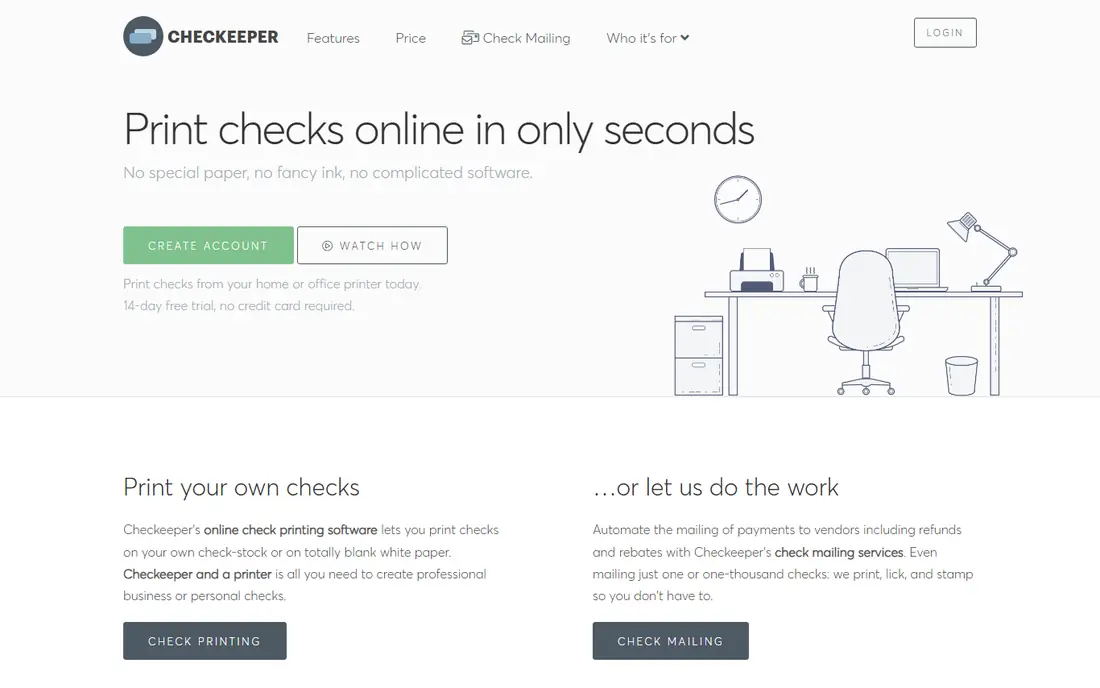
Checkeeper is the simplest cloud option in this list, with online design, printing and mailing in one account. Pricing starts at $14.99 per month, and the free plan status is Free trial (14 days), so you can judge the entry cost before you commit to a larger plan.
The strengths are prints on blank paper or existing stock, check mailing service and no special ink or paper needed for basic use. The trade-offs are monthly cost adds up for occasional use and account reviews are reported by some users, so test those points in a trial before you pay. Our view is to choose this option if individuals and small businesses who want the simplest online check printing matches your main need, and to shortlist a different tool if those trade-offs hit your daily work.
- Prints on blank paper or existing stock
- Check mailing service
- No special ink or paper needed for basic use
- Monthly cost adds up for occasional use
- Account reviews are reported by some users
ezCheckPrinting
Best for: budget buyers who want a one time desktop licence with no monthly fee
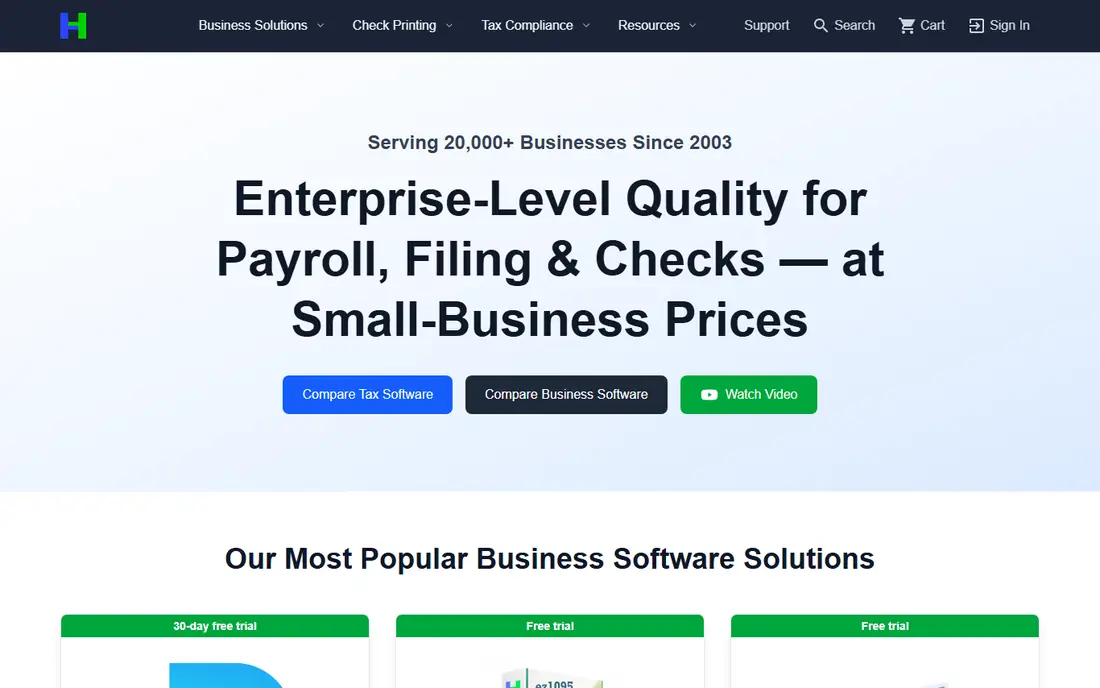
ezCheckPrinting is a desktop tool for buyers who would rather pay once than pay every month for check printing. Pricing starts at $59 one time, and the free plan status is Free trial, so you can judge the entry cost before you commit to a larger plan.
The strengths are one time price, unlimited accounts and checks and works with blank stock. The trade-offs are Windows focused and interface feels dated next to cloud tools, so test those points in a trial before you pay. Our view is to choose this option if budget buyers who want a one time desktop licence with no monthly fee matches your main need, and to shortlist a different tool if those trade-offs hit your daily work.
- One time price
- Unlimited accounts and checks
- Works with blank stock
- Windows focused
- Interface feels dated next to cloud tools
PrintBoss
Best for: QuickBooks users who print from several accounts and need tight control
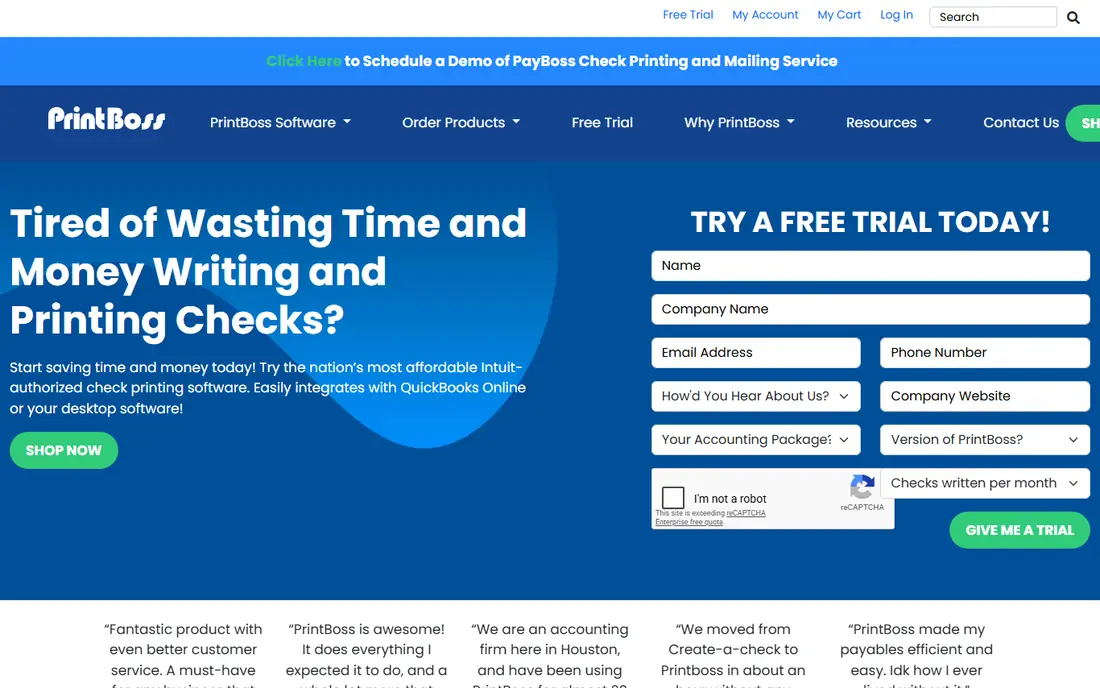
PrintBoss is purpose built for accounting software users, and it handles multi account check printing in one step. Pricing starts at $10 per user per month, and the free plan status is No, so you can judge the entry cost before you commit to a larger plan.
The strengths are built for QuickBooks and Quicken printing, multi account support and mail out service per check. The trade-offs are online plans are per user and setup takes care with bank and printer settings, so test those points in a trial before you pay. Our view is to choose this option if QuickBooks users who print from several accounts and need tight control matches your main need, and to shortlist a different tool if those trade-offs hit your daily work.
- Built for QuickBooks and Quicken printing
- Multi account support
- Mail out service per check
- Online plans are per user
- Setup takes care with bank and printer settings
Online Check Writer
Best for: businesses that print checks rarely and also send ACH and wires
Online Check Writer suits businesses that only print checks now and then, since there is no monthly plan to keep paying. Pricing starts at See website, and the free plan status is No, so you can judge the entry cost before you commit to a larger plan.
The strengths are pay as you go model, ACH, wires and check mailing in one wallet and cloud access. The trade-offs are minimum recharge applies and per check costs add up at high volume, so test those points in a trial before you pay. Our view is to choose this option if businesses that print checks rarely and also send ACH and wires matches your main need, and to shortlist a different tool if those trade-offs hit your daily work.
- Pay as you go model
- ACH, wires and check mailing in one wallet
- Cloud access
- Minimum recharge applies
- Per check costs add up at high volume
MultiCHAX
Best for: Windows shops that print checks straight from accounting software
MultiCHAX is a Windows desktop option for offices that already run accounting software and want direct check output. Pricing starts at $129 one time, and the free plan status is No, so you can judge the entry cost before you commit to a larger plan.
The strengths are one time price, prints from accounting software and supports several check formats. The trade-offs are Windows only and setup and support are less polished than cloud rivals, so test those points in a trial before you pay. Our view is to choose this option if Windows shops that print checks straight from accounting software matches your main need, and to shortlist a different tool if those trade-offs hit your daily work.
- One time price
- Prints from accounting software
- Supports several check formats
- Windows only
- Setup and support are less polished than cloud rivals
VersaCheck
Best for: businesses that want browser based finance tools alongside check printing
VersaCheck combines check printing with a browser based finance manager for small businesses. Pricing starts at See website, and the free plan status is No, so you can judge the entry cost before you commit to a larger plan.
The strengths are browser based finance manager, check printing and design tools and business finance features. The trade-offs are pricing is not clear on the main page and professional tier is costly, so test those points in a trial before you pay. Our view is to choose this option if businesses that want browser based finance tools alongside check printing matches your main need, and to shortlist a different tool if those trade-offs hit your daily work.
- Browser based finance manager
- Check printing and design tools
- Business finance features
- Pricing is not clear on the main page
- Professional tier is costly
Zil Money
Best for: businesses that want payments, checks and cards in one wallet
Zil Money centralises payments in one wallet, with mailed checks as one option among ACH, wires and cards. Pricing starts at See website, and the free plan status is No, so you can judge the entry cost before you commit to a larger plan.
The strengths are check mailing from $1.25 per mailed check, ACH and wire options and central payment wallet. The trade-offs are pricing varies by feature and check printing is one part of a larger platform, so test those points in a trial before you pay. Our view is to choose this option if businesses that want payments, checks and cards in one wallet matches your main need, and to shortlist a different tool if those trade-offs hit your daily work.
- Check mailing from $1.25 per mailed check
- ACH and wire options
- Central payment wallet
- Pricing varies by feature
- Check printing is one part of a larger platform
CheckBuilderPro
Best for: home and small business users on Mac and Windows who want check registers
CheckBuilderPro is a desktop check tool for Mac and Windows, with registers and reconciliation for small users. Pricing starts at $60 one time, and the free plan status is No, so you can judge the entry cost before you commit to a larger plan.
The strengths are one time price, check registers and reconciliation and QuickBooks integration. The trade-offs are smaller support footprint and fewer cloud features than rivals, so test those points in a trial before you pay. Our view is to choose this option if home and small business users on Mac and Windows who want check registers matches your main need, and to shortlist a different tool if those trade-offs hit your daily work.
- One time price
- Check registers and reconciliation
- QuickBooks integration
- Smaller support footprint
- Fewer cloud features than rivals
QuickBooks Online
Best for: businesses that already run QuickBooks and want checks inside accounting
QuickBooks Online is not a check only tool, but for businesses already on it, printing checks from the same books is convenient. Pricing starts at See website, and the free plan status is Free trial, so you can judge the entry cost before you commit to a larger plan.
The strengths are check printing inside full accounting, bank reconciliation and payroll and invoicing in one place. The trade-offs are check printing alone does not justify the full accounting price and plan tiers vary widely, so test those points in a trial before you pay. Our view is to choose this option if businesses that already run QuickBooks and want checks inside accounting matches your main need, and to shortlist a different tool if those trade-offs hit your daily work.
- Check printing inside full accounting
- Bank reconciliation
- Payroll and invoicing in one place
- Check printing alone does not justify the full accounting price
- Plan tiers vary widely
How we picked these
We started with tools that truly fit best check printing software, and we removed any product that did not exist, did not work in October 2026, or only partly matched the topic. We compared official feature pages and pricing pages, app store listings where relevant, and public reviews, and we noted where a vendor did not publish a price, so we wrote See website rather than guessing a number.
We also weighed who each tool suits best, not just which tool has the most features, so the write-ups above name the fit and the catch for each option.
What to check before you choose
Start with the job you do most often, and pick two tools that fit that job well. Run a real task in each one, such as a full campaign, a full booking flow, or a full plan, rather than judging by a demo alone. Watch for limits that only appear in daily use, such as seat minimums, per item fees, or features locked behind a higher tier.
Next, add up the total cost, not just the plan price. Include per user fees, per item or per message fees, hardware, onboarding and any add-on that your team will actually need. A cheaper plan can cost more in a year if it charges for the volume you already have, while a dearer plan can save money if it includes those items.
Finally, check support, contract length and how easy it is to leave. Ask how you export your data, what happens at renewal, and how support answers when something breaks at a busy time. A short trial answers most of these questions, and it is worth more than a long feature list on a sales page.
FAQ
What is best check printing software?
A best check printing software is software that prints checks on blank or pre-printed stock, with MICR encoding, check registers and mailing options. The tools in this list differ in price, depth and audience, so the right one depends on how many people use it and how often you need it.
How much does best check printing software cost?
Prices in this list start at $1 per printed check on pay as you go tools, while some larger options use $129 one time for some desktop tools. Always check the vendor pricing page for the plan that matches your volume, since per user and per item fees change the total.
Is there a free best check printing software option?
none with a full free plan, though trials are available offer a free way to start or try the service. A free plan is a good way to test the core workflow, but paid plans usually add capacity, controls and support that growing teams need.
Which best check printing software is best for beginners?
Checkeeper is our pick for most beginners in this list, because its entry point is clear and its core workflow is easy to learn. If your needs are larger or more specialised, read the trade-offs for the other options before you decide.
What should I check before buying best check printing software?
Check the total cost, contract terms, limits and support, and run a real task in a trial. Also confirm that the tool works with the systems you already use, since a poor fit there can cost more time than the software itself.