The 5 Best 3D Printing Software for Bambu Lab in 2026, Ranked
Best 3D printing software for Bambu lab in 2026: 5 contenders with entry costs and free tiers. Limits and pricing notes included. Narrow your shortlist.
- Editor's choice
 ZBrush
Digital sculpting for printable models
Starts atSee websiteVisit maxon.netFull review - Great alternativeNetfabb
Additive manufacturing preparation and simulation
Starts atSee websiteVisit autodesk.comFull review - Also consider
 UltiMaker Cura
General-purpose slicing across numerous printers
Starts atSee websiteVisit ultimaker.comFull review
Direct answer
ZBrush leads the list, best for digital sculpting for printable models. Listed starting prices: OrcaSlicer from $4 per user per month. Netfabb is better for Additive manufacturing preparation and simulation, and UltiMaker Cura is better for general-purpose slicing across plenty of printers. All 5 tools are compared below on price, free plan and limits.
TL;DR:
- ZBrush sits first on this list: digital sculpting for printable models.
- Before buying Bambu Studio, weigh this: centred on Bambu Lab machines.
- OrcaSlicer is the only tool of the 5 with a free plan.
- For community G-code generation across brands, OrcaSlicer is worth a look.
- OrcaSlicer is the lowest-priced starter here at $4 per user per month.
Last checked November 2026. Prices and plan details were read from the vendors' own pages in November 2026; vendors change plans often, so confirm the current price on the vendor site before you buy.
Quick comparison
| Tool | Best for | Starts at | Free plan? | |
|---|---|---|---|---|
| ZBrush | Digital sculpting for printable models | See website | Not stated | Visit |
| Netfabb | Additive manufacturing preparation and simulation | See website | Not stated | Visit |
| UltiMaker Cura | General-purpose slicing across numerous printers | See website | Not stated | Visit |
 Bambu Studio | Native slicing for Bambu Lab printers | See website | Not stated | Visit |
| OrcaSlicer | Community G-code generation across brands | $4 per user per month | Yes | Visit |
5 options for 3D printing software for Bambu lab in detail
This LinkVetted guide covers 5 options for 3D printing software for Bambu lab. Each profile lists a starting price, free plan details, strengths and drawbacks, so you can drop poor fits quickly.
ZBrush is aimed squarely at digital sculpting for printable models. For Bambu Lab owners, it is a modeling tool for designing or refining printable sculptures before slicing.
The main drawbacks: Steep ramp-up time.
Pricing for ZBrush is not stated here, so ask the vendor for current figures. As for free access: Not stated.
- From Maxon
- Suited to organic shapes
- Not a slicer
Netfabb
Best for: Additive manufacturing preparation and simulation
Pick Netfabb if this describes you: Additive manufacturing preparation and simulation. Netfabb is part of Autodesk Fusion with Netfabb, software for additive manufacturing, design and simulation.
Points against: Commercial Autodesk product.
As for the details, choose Netfabb when additive manufacturing preparation and simulation are part of your professional process. No starting price is listed for Netfabb here; confirm pricing on the vendor site. As for free access: Not stated.
- Concentrated on additive workflows
- Part of Autodesk Fusion with Netfabb
- Not targeted at everyday hobby slicing
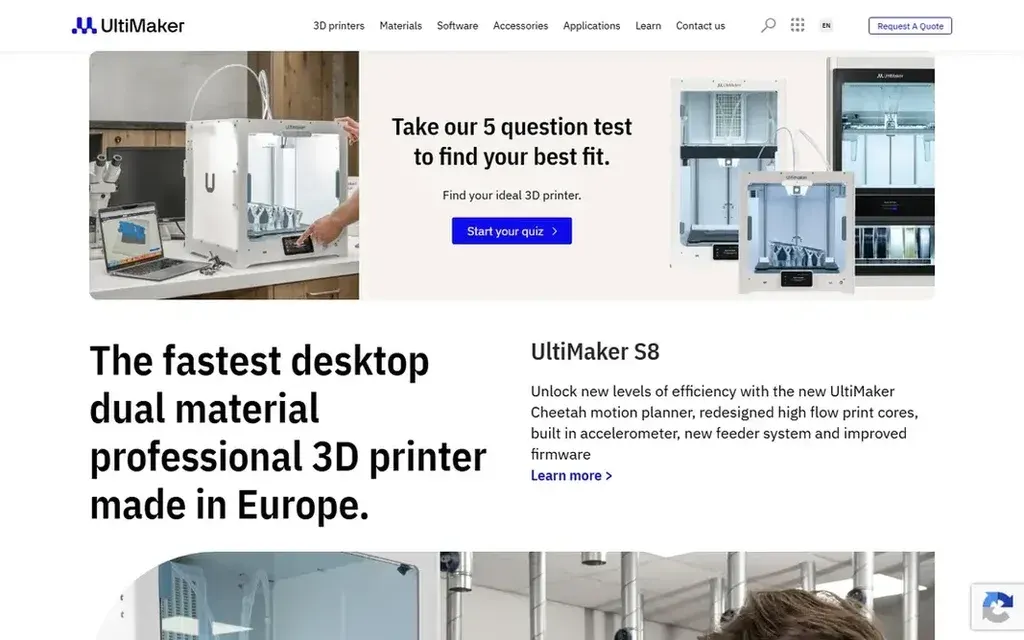
Pick UltiMaker Cura if this describes you: general-purpose slicing across plenty of printers. If your priority is a close match to a Bambu Lab machine, Bambu Studio or OrcaSlicer is more direct.
What to check first: Bambu profiles may need additional setup.
In daily use, Cura is not designed for Bambu Lab hardware, so printer profiles and settings may need more manual work than with the vendor slicer. No starting price is listed for UltiMaker Cura here; confirm pricing on the vendor site. On free options: Not stated.
- Widely used general slicer
- Free to download
- Not tailored to Bambu Lab
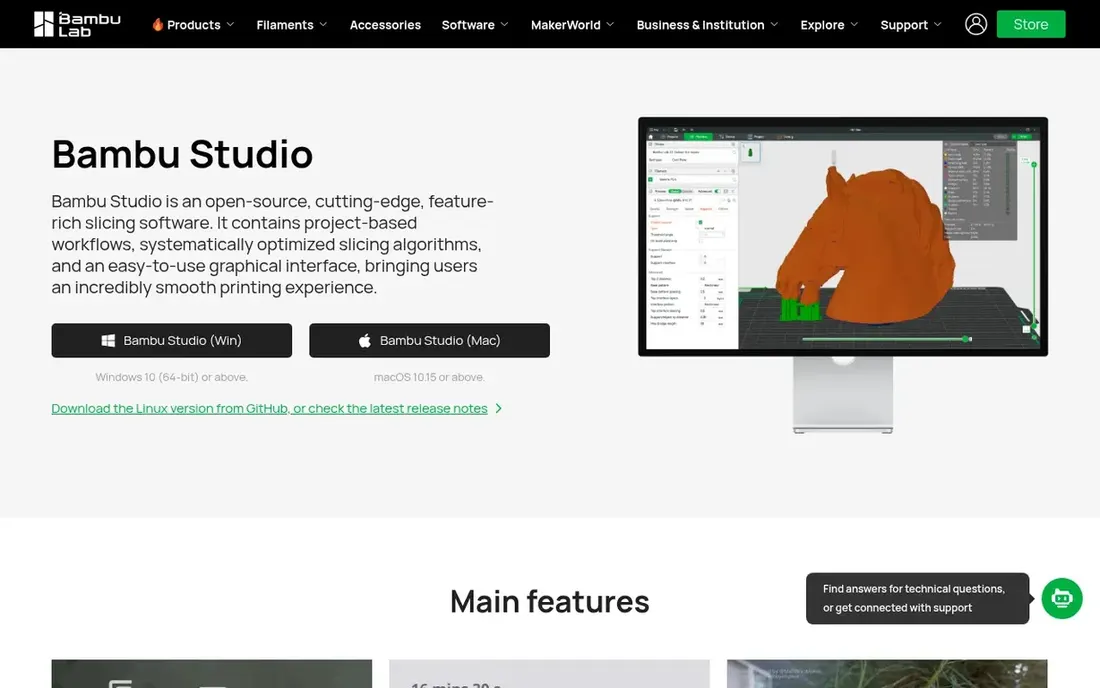
Bambu Studio works best for native slicing for Bambu Lab printers. Bambu Studio is the slicer offered by Bambu Lab for its own printers.
From a buyer's view, if you run a mixed fleet or want a community-maintained G-code generator, OrcaSlicer or Cura may fit better. Beyond that, users who prefer a single tool aligned with their Bambu Lab hardware will find it the most direct choice. Bambu Studio shows no starting price here, so confirm the cost on the vendor site. Free access: Not stated.
Where it is weaker: Centred on Bambu Lab machines.
- Tight fit with Bambu hardware
- Built by the printer vendor
- Less appealing for other brands
OrcaSlicer
Best for: Community G-code generation across brands
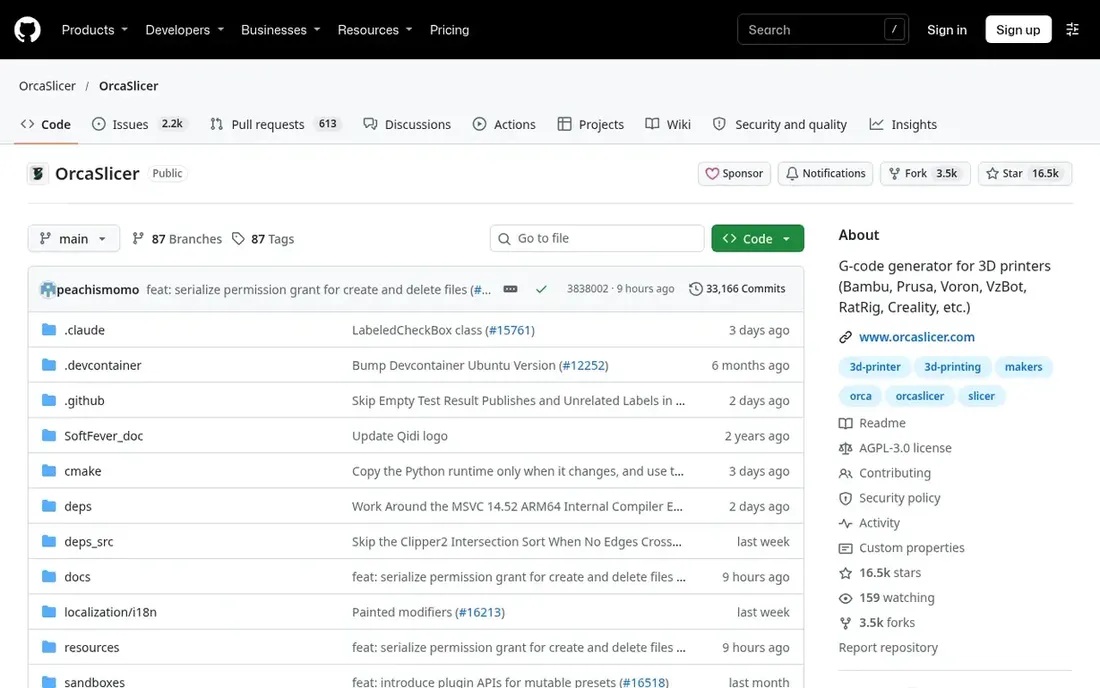
Where OrcaSlicer fits: community G-code generation across brands. Choose OrcaSlicer when cross-brand adaptability matters more.
On top of that, if you want the simplest path with a Bambu Lab printer, Bambu Studio is the safer default. On cost, OrcaSlicer starts like this: $4 per user per month. You can start on OrcaSlicer without paying.
What to check first: Setup can be more involved.
- Lists Bambu among supported printers
- Open project on GitHub
- Not vendor-supported for Bambu
How the list was put together
LinkVetted looked at what each vendor publishes: pricing, plan limits, feature coverage for 3D printing software for Bambu lab and stated drawbacks. No hands-on testing is claimed. Treat prices as a snapshot: vendors change plans often, so check the vendor site for the figure that applies today. The order reflects how well each tool fits the most common buying scenario for 3D printing software for Bambu lab, then price clarity, then free plan access. It is a starting point, not a verdict.
Before you commit
- Confirm the entry price on the vendor page. For ZBrush, Netfabb, UltiMaker Cura and Bambu Studio that means a quote rather than a fixed price.
- Look at the free plan from OrcaSlicer closely: its caps decide whether it is usable for real work.
- Read the limits listed for ZBrush first: not a slicer.
- Find out whether the entry plan of Bambu Studio covers your must-haves or only a trimmed-down version.
- Look at the help docs and support options for Netfabb before you commit.
FAQ
Is ZBrush the right pick for everyone comparing 3D printing software for Bambu lab?
No single tool suits every team. ZBrush comes first because it fits digital sculpting for printable models, while Netfabb suits Additive manufacturing preparation and simulation and UltiMaker Cura suits general-purpose slicing across many printers. Match the tool to your own size, budget and workflow before deciding.
Do these tools publish their prices?
Not all of them. ZBrush, Netfabb, UltiMaker Cura and Bambu Studio publish no starting price, so expect a quote request for those. The rest, OrcaSlicer included, show a starting price, though seats and billing terms still change the final cost.
How are the tools for 3D printing software for Bambu lab ordered?
The order follows typical fit for 3D printing software for Bambu lab, with ZBrush first and OrcaSlicer last, then price clarity and free access. It is editorial judgement, not a score, so another team could rank the tools differently.
Which options for 3D printing software for Bambu lab have a free plan?
OrcaSlicer is the only tool in this list with a free plan. Free plans usually cap users, projects or features, so check the limits on the vendor page.
Sources
- https://www.maxon.net/en/zbrush
- https://www.autodesk.com/products/netfabb/overview
- https://ultimaker.com/software/ultimaker-cura
- https://bambulab.com/en/download/studio
- https://github.com/SoftFever/OrcaSlicer