The 5 Best 3D Design Software for Woodworking in 2026, Ranked
5 tools for the best 3D design software for woodworking, compared on pricing, free plans and best-fit use. Each profile ends with a plain caveat. Quick to scan.

- Editor's choiceCabinet Vision
Cabinet and casework production
Starts atPricing on requestVisit cabinetvision.comFull review - Great alternative
 Vectric VCarve Pro
Straightforward, productive CNC cutting
Starts atPricing on requestVisit vectric.comFull review - Also consider
 AutoCAD
Familiar 2D drafting and DWG work
Starts atPricing on requestVisit autodesk.comFull review
Direct answer
Cabinet Vision leads the list, best for Cabinet and casework production. For a different need, Vectric VCarve Pro covers straightforward, productive CNC cutting and AutoCAD covers familiar 2D drafting and DWG work. All 5 tools are compared below on price, free plan and limits. None of these vendors publish plan prices, so pricing is on request for every option.
TL;DR:
- Cabinet Vision sits first on this list: Cabinet and casework production.
- Vectric VCarve Pro comes with a trade-off: restricted 3D relief design compared to Aspire.
- A permanent free plan is missing from all 5 tools, Cabinet Vision and Vectric Aspire included; plan for a trial or a premium start.
- Every tool from Cabinet Vision to Vectric Aspire works by quote, with no list price shown.
- Vectric Aspire is the one to check for 3D relief carving and CNC machining.
Last checked November 2026. Pricing on request: vendors did not publish plan prices when this guide was last checked (November 2026), so ask each vendor for a written quote.
Quick comparison
| Tool | Best for | Starts at | Free plan? | |
|---|---|---|---|---|
| Cabinet Vision | Cabinet and casework production | Pricing on request | Not stated | Visit |
| Vectric VCarve Pro | Straightforward, productive CNC cutting | Pricing on request | Not stated | Visit |
| AutoCAD | Familiar 2D drafting and DWG work | Pricing on request | Not stated | Visit |
 Fusion 360 | Integrated 3D CAD and CAM | Pricing on request | Not stated | Visit |
| Vectric Aspire | 3D relief carving and CNC machining | Pricing on request | Not stated | Visit |
Every option for 3D design software for woodworking explained
LinkVetted compared 5 tools for 3D design software for woodworking. The goal is a practical shortlist: published prices, free plan facts, best-fit use cases and honest limits for every entry.
Cabinet Vision
Best for: Cabinet and casework production
Cabinet Vision was built for Cabinet and casework production. Cabinet Vision is software aimed at cabinet and casework manufacturing, supporting the design-to-production flow that cabinet shops depend on. Its focus is narrow by design.
Limits to weigh: Specialized focus limits general design use.
That specialization makes it a poor fit for general woodworking design, furniture prototyping or carving work. Also, consider Cabinet Vision when cabinet production is the core of your business and you want a dedicated workflow. Shops that build both cabinets and custom furniture may need a second tool. Check the vendor site for Cabinet Vision pricing; none is listed in this comparison. Free access: Not stated.
- Built around cabinet manufacturing
- Pitched at shop production workflows
- Different ramp-up time from general CAD
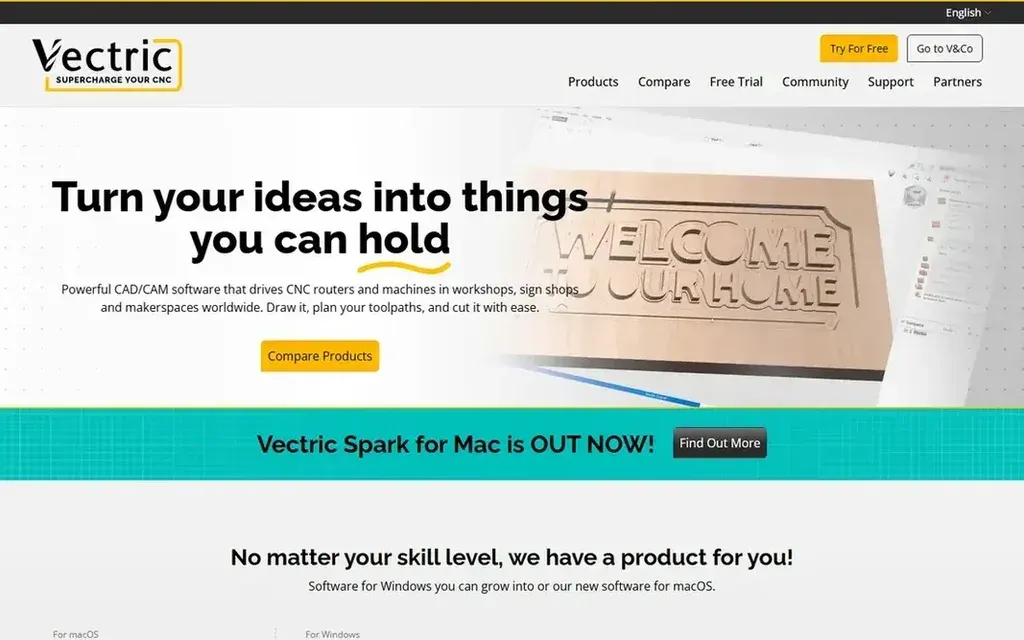
Vectric VCarve Pro was built for straightforward, productive CNC cutting. Vectric VCarve Pro is CNC software meant to make cutting parts on a CNC an enjoyable and productive experience, balancing power with simplicity. In practice, since it centers on 2D design and toolpath calculation, it does not offer the full 3D relief modeling found in Aspire.
It also is not aimed at cabinet engineering or assembly documentation. Choose VCarve Pro when your work is largely flat cutting and you value speed over depth. Vectric VCarve Pro shows no starting price here, so confirm the cost on the vendor site. Free access: Not stated.
Drawbacks to consider: Restricted 3D relief design compared to Aspire.
- 2D design and toolpath calculation
- Aimed at enjoyable CNC cutting
- Not a furniture engineering tool
AutoCAD is aimed squarely at familiar 2D drafting and DWG work. In woodworking it suits shops and designers who produce shop drawings, plans and layouts and need files that open easily for clients and partners.
Beyond that, choose AutoCAD when drawing production and DWG interchange matter most, and pair it with a specialized tool for in-depth 3D work. AutoCAD shows no starting price here, so confirm the cost on the vendor site. As for free access: Not stated.
Points against: Less parametric than dedicated 3D CAD.
- Shared DWG collaboration across desktop and web
- Widely used drafting standard
- Woodworking-specific tools are restricted
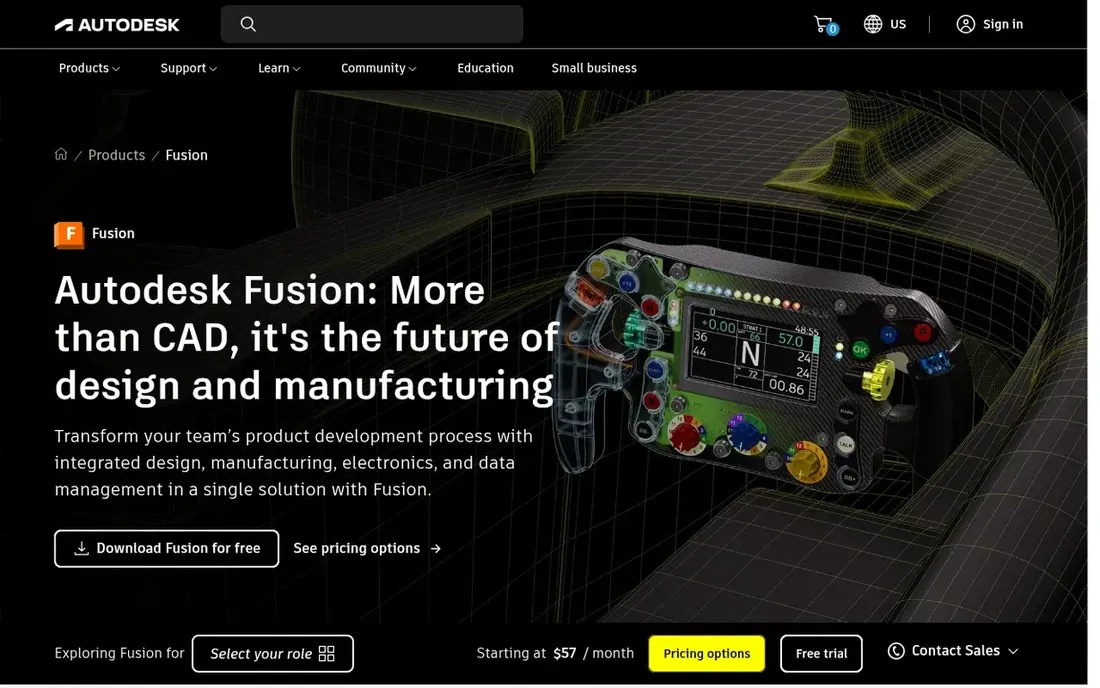
Fusion 360 makes the most sense for integrated 3D CAD and CAM. The breadth of the system means a learning curve, and it does not ship with furniture-specific libraries or cut lists.
Where it falls short: Wide feature set takes time to learn.
Beyond that, choose Fusion 360 when you need adaptable modeling and CAM together. For everyday use, Fusion 360, now branded Autodesk Fusion, is a cloud-based product for 3D CAD, CAM, CAE and PCB work. Fusion 360 shows no starting price here, so confirm the cost on the vendor site. Free options: Not stated.
- Includes industrial design and mechanical parts
- Parametric modeling plus CAM in one system
- Not tailored to cabinet or furniture libraries
Vectric Aspire
Best for: 3D relief carving and CNC machining
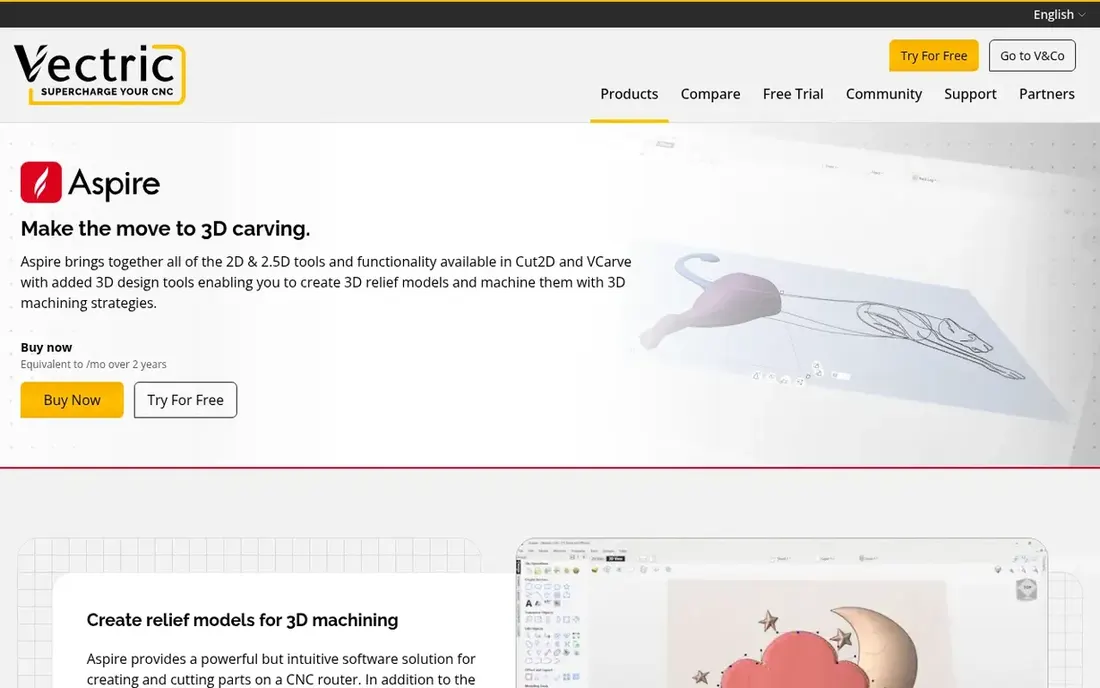
Vectric Aspire makes the most sense for 3D relief carving and CNC machining. Pick it when decorative 3D machining is central to your work.
Pricing for Vectric Aspire is not stated here, so ask the vendor for current figures. Free options: Not stated.
Drawbacks to consider: Focused on CNC routing instead of joinery.
- 3D design tools for building relief models
- 3D machining strategies
- Relief modeling has its own ramp-up time
Our selection method
The comparison looks at four things: starting price, free access, how well the feature set matches 3D design software for woodworking, and the main limit of each tool. Treat prices as a snapshot: vendors change plans often, so check the vendor site for the figure that applies today. Tools are placed by general fit for 3D design software for woodworking, with price clarity and free access as tie-breakers. A different team can reasonably rank them differently.
What to check before you buy
- Confirm the entry price with every vendor: no tool from Cabinet Vision to Vectric Aspire shows a fixed starting price.
- Read the limits listed for Cabinet Vision first: specialized focus limits general design use.
- Ask AutoCAD about contract length, onboarding fees and user minimums before you sign.
- Find out what support Vectric VCarve Pro includes on your plan, and whether onboarding help costs extra.
- Confirm the exact Fusion 360 plan that includes your must-have features.
FAQ
Is Cabinet Vision the right pick for everyone comparing 3D design software for woodworking?
No single tool suits every team. Cabinet Vision comes first because it fits Cabinet and casework production, while Vectric VCarve Pro suits simple, productive CNC cutting and AutoCAD suits familiar 2D drafting and DWG work. Match the tool to your own size, budget and workflow before deciding.
Do these tools publish their prices?
No. None of the tools, from Cabinet Vision to Vectric Aspire, shows a fixed starting price here, so budget time for quotes.
What should hobbyists start with?
Vectric VCarve Pro emphasizes power with simplicity for CNC cutting, which fits hobbyists and small shops. Start with the workflow you will use most.
How are the tools for 3D design software for woodworking ordered?
The order follows typical fit for 3D design software for woodworking, with Cabinet Vision first and Vectric Aspire last, then price clarity and free access. It is editorial judgement, not a score, so another team could rank the tools differently.
Does any tool for 3D design software for woodworking here have a free plan?
No tool in this list, Cabinet Vision and Vectric Aspire included, has a permanent free plan. Trials and quotes are the usual route, so plan a short evaluation period.
Do I need CAM software as well as 3D design software?
It relies on the tool. Fusion 360 bundles CAM alongside 3D CAD, whereas Vectric products focus on toolpath calculation for CNC routing.
Sources
- https://www.cabinetvision.com
- https://www.vectric.com/products/vcarve-pro
- https://www.autodesk.com/products/autocad
- https://www.autodesk.com/products/fusion-360
- https://www.vectric.com/products/aspire