Switching From VN Video Editor? 5 Alternatives for 2026
5 tools for VN Video Editor alternatives, compared on pricing, free plans and best-fit use. Every profile names its biggest catch. Built for quick decisions.
- Editor's choice
 DaVinci Resolve
Color, audio and effects in one app
Starts atSee websiteVisit blackmagicdesign.comFull review - Great alternative
 CapCut
Quick social video editing
Starts atSee websiteVisit capcut.comFull review - Also consider
 CyberLink PowerDirector
AI tools with effects and assets
Starts at$54.99 a monthVisit cyberlink.comFull review
Direct answer
If you need color, audio and effects in one app, DaVinci Resolve is the first tool to look at here. Listed starting prices: CyberLink PowerDirector from $54.99 a month. CapCut fits quick social video editing; CyberLink PowerDirector fits AI tools with effects and assets. The full list of 5 tools follows, with prices and free plan facts.
TL;DR:
- DaVinci Resolve takes the first slot, best suited to color, audio and effects in one app.
- CyberLink PowerDirector is the lowest-priced starter here at $54.99 per month.
- A fair warning about Filmora: fewer deep professional controls than top suites.
- Adobe Premiere Pro suits full professional editing workflows.
Last checked November 2026. Prices and plan details were read from the vendors' own pages in November 2026; vendors change plans often, so confirm the current price on the vendor site before you buy.
Quick comparison
| Tool | Best for | Starts at | Free plan? | |
|---|---|---|---|---|
| DaVinci Resolve | Color, audio and effects in one app | See website | Not stated | Visit |
| CapCut | Quick social video editing | See website | Yes | Visit |
| CyberLink PowerDirector | AI tools with effects and assets | $54.99 a month | Not stated | Visit |
 Filmora | Accessible AI-assisted desktop editing | See website | Not stated | Visit |
 Adobe Premiere Pro | Full professional editing workflows | See website | Not stated | Visit |
Our 5 picks for VN Video Editor
Choosing VN Video Editor usually comes down to price, fit and limits. This LinkVetted guide sets 5 tools side by side on those three points, with the facts kept short and checkable.
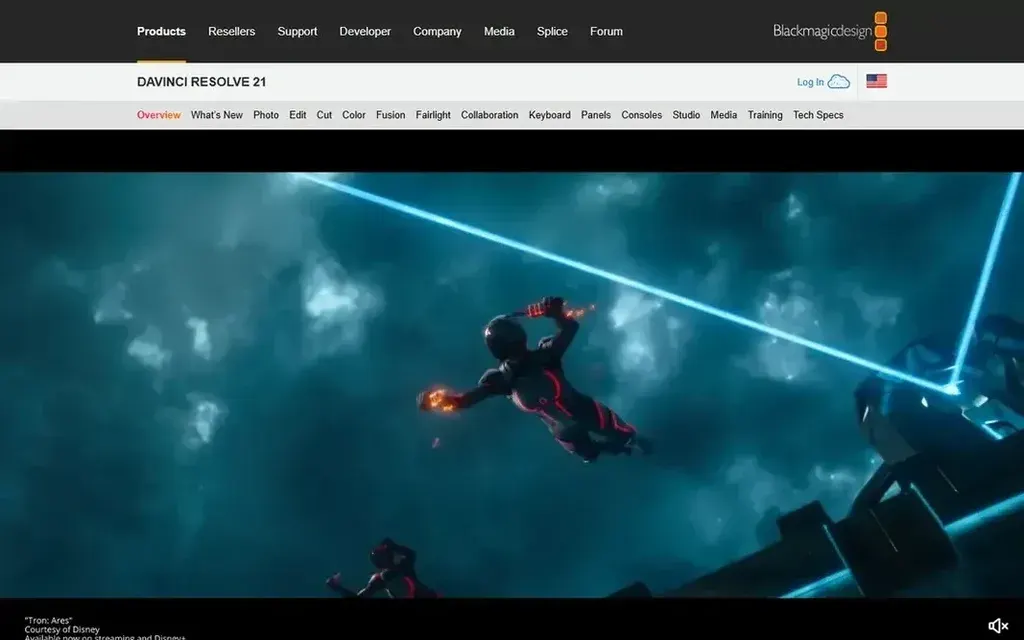
DaVinci Resolve is aimed squarely at color, audio and effects in one app. DaVinci Resolve is Blackmagic Design's application for professional video editing, color correction, visual effects and audio postproduction in a single tool.
Main advantages: color correction; Available for Mac.
Watch-outs: Hardware demands can be high for advanced work.
For everyday use, pick Resolve when color and audio quality are central to your work. For quick template-driven social edits, a lighter choice like CapCut is simpler to pick up. No starting price is listed for DaVinci Resolve here; confirm pricing on the vendor site. On free options: Not stated.
- Visual effects and audio together
- Windows and Linux
- Plenty of panels can overwhelm beginners
Where CapCut fits: quick social video editing. CapCut is an AI video editor designed for editing YouTube and Instagram videos with smart templates and creative effects.
Best features of CapCut: Creative effects for social products.
Downsides: Template style can feel repetitive.
Editors who require advanced color or audio work should look at DaVinci Resolve or Premiere Pro. For everyday use, template-driven edits can start to look alike, and the tool is not pitched at long-form professional postproduction. Check the vendor site for CapCut pricing; none is listed in this comparison. A free plan is available with CapCut.
- Mobile and online editing choices
- Desktop
- Less suited to long-form professional projects
Choose CyberLink PowerDirector for AI tools with effects and assets. Choose PowerDirector when you want AI assistance and a wide effects library in a single desktop editor.
In daily use, CyberLink PowerDirector is video editing software with AI tools, pro-grade effects and a large royalty-free asset library. Entry price for CyberLink PowerDirector: $54.99 per month. On free options: Not stated.
Honest limits: Advanced users may want deeper manual control.
- Desktop editing with guided features
- AI tools and pro-grade effects
- Asset-heavy interface can feel busy
Filmora is designed for accessible AI-assisted desktop editing. Filmora from Wondershare is AI-powered video editing software for desktop and mobile, with easy-to-learn timeline tools plus AI features, effects, captions and audio. It gives you fewer deep professional controls than Premiere Pro or DaVinci Resolve, and the desktop and mobile experiences differ.
As for the details, editors planning complicated color or audio pipelines may outgrow it. Choose Filmora when approachability and built-in creative helpers matter more than advanced manual control. Check the vendor site for Filmora pricing; none is listed in this comparison. Free access: Not stated.
Trade-offs to know: Feature set varies between desktop and mobile.
- Captions and audio tools
- AI features, effects
- Fewer deep professional controls than top suites
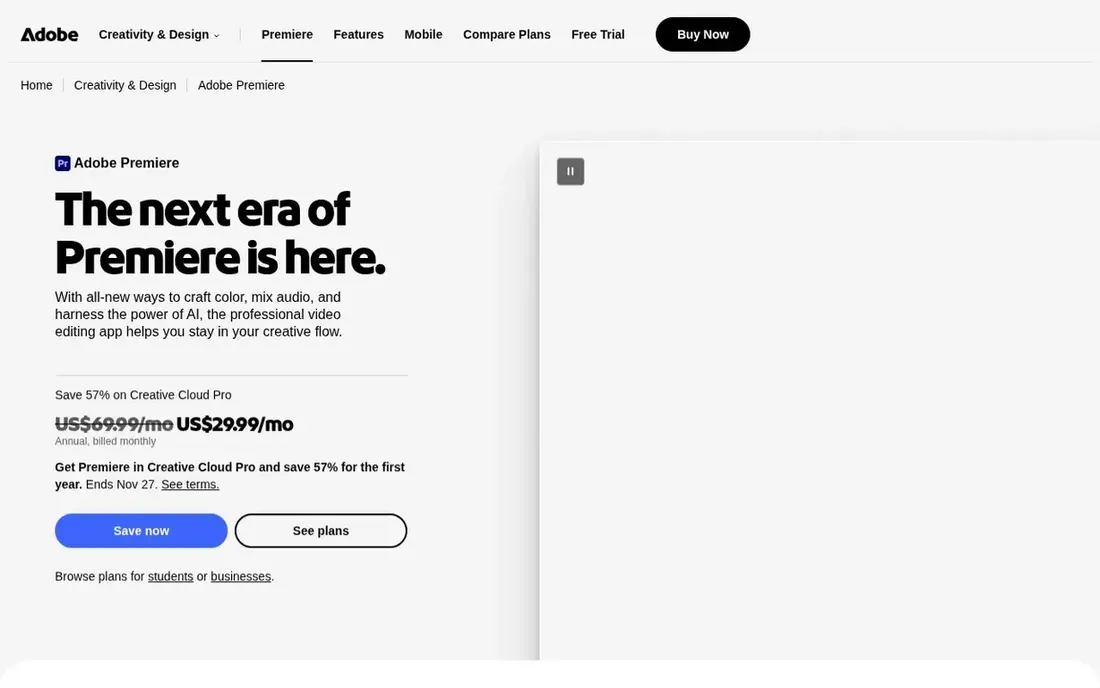
Adobe Premiere Pro targets full professional editing workflows. Adobe Premiere Pro is professional video editing and postproduction software for trimming, effects, audio mixing and extending video. Its depth can feel like overhead for fast social clips or straightforward trims, and newcomers may find the interface busy.
Drawbacks to consider: Can feel heavy for casual editors.
Choose Premiere Pro when the project demands a wide professional toolset. In daily use, if you chiefly edit short vertical videos on a phone, a more straightforward tool like CapCut or VN itself may be more comfortable. No starting price is listed for Adobe Premiere Pro here; confirm pricing on the vendor site. As for free access: Not stated.
Where Adobe Premiere Pro stands out: Wide editing and postproduction toolset.
- Trimming
- Deep integration with professional creative workflows
- Ramp-up time is steeper than mobile editors
Selection criteria
For each of the 5 tools we noted price, free plan or trial, fit for VN Video Editor and the main limit, using vendor pages and documentation. Prices and plan limits come from vendor pages and can change, so confirm them on the vendor site before you buy. Position on the page reflects fit for a typical buyer first, with price clarity and free access breaking ties. Treat it as a guide, not a ruling.
Things to verify first
- Get a written quote from DaVinci Resolve, CapCut, Filmora and Adobe Premiere Pro; the list shows no starting price for them.
- Test the free plan from CapCut against your real workload before relying on it.
- Before choosing DaVinci Resolve, weigh its main limit: plenty of panels can overwhelm beginners.
- Ask DaVinci Resolve which support channels and response times come with the plan you would buy.
- Confirm you can export your data from Adobe Premiere Pro, so leaving later does not mean losing records.
FAQ
What is the cheapest option for VN Video Editor in this list?
On published monthly entry prices, CyberLink PowerDirector is the lowest here at $54.99 per month. Entry price is only part of the cost, because seats, add-ons and billing terms can change the total. For the full picture, the cards above cover all 5 entries of this VN Video Editor alternatives list, including price, free plan and limits.
Can I try these tools before paying?
Often, yes. CapCut has a free plan. Use your own data and a real task during the test, and check what the free tier or trial limits before you rely on it. Prices, free plan details and limits for all 5 tools in this VN Video Editor alternatives roundup sit on the individual cards above.
How are the tools for VN Video Editor ordered?
The order follows typical fit for VN Video Editor, with DaVinci Resolve first and Adobe Premiere Pro last, then price clarity and free access. It is editorial judgement, not a score, so another team could rank the tools differently.
Which options for VN Video Editor have a free plan?
CapCut is the only tool in this list with a free plan. Free plans usually cap users, projects or features, so check the limits on the vendor page. Each of the 5 options in this VN Video Editor alternatives guide has its own card above with the price, free plan and limits.
Sources
- https://www.blackmagicdesign.com/products/davinciresolve
- https://www.capcut.com
- https://www.cyberlink.com/products/powerdirector/overview_en_US.html
- https://filmora.wondershare.com
- https://www.adobe.com/products/premiere.html