Switching From Venn Diagram? 5 Alternatives for 2026
Comparing Venn Diagram alternatives? 5 contenders, each with entry cost, free tier and best-fit buyer. Each listing flags where it falls short. No filler.
- Editor's choice
 Canva
Straightforward diagrams inside visual designs
Starts atSee websiteVisit canva.comFull review - Great alternative
 Miro
Collaborative ideation and visual workshops
Starts at$8 per member a monthVisit miro.comFull review - Also consider
 Creately
Org, process and system planning
Starts atSee websiteVisit creately.comFull review
Direct answer
Canva is the first pick on this list for straightforward diagrams inside visual designs. Listed starting prices: Miro from $8 per member a month. Miro is better for collaborative ideation and visual workshops, and Creately is better for Org, process and system planning. The full list of 5 tools follows, with prices and free plan facts.
TL;DR:
- This list starts with Canva, which is built for straightforward diagrams inside visual designs.
- Before buying SmartDraw, weigh this: layout focus may not suit pure diagramming.
- Lucidchart suits data-connected business and system diagrams.
- Miro has the lowest monthly starting price in this list: $8 per member per month.
- Miro, Creately: these are the 2 tools out of 5 that offer a free plan.
Last checked November 2026. Prices and plan details were read from the vendors' own pages in November 2026; vendors change plans often, so confirm the current price on the vendor site before you buy.
Quick comparison
| Tool | Best for | Starts at | Free plan? | |
|---|---|---|---|---|
| Canva | Straightforward diagrams inside visual designs | See website | Not stated | Visit |
| Miro | Collaborative ideation and visual workshops | $8 per member a month | Yes | Visit |
| Creately | Org, process and system planning | See website | Yes | Visit |
 SmartDraw | Layouts, plans and simple flowcharts | See website | Free trial | Visit |
 Lucidchart | Data-connected business and system diagrams | See website | Not stated | Visit |
The full Venn Diagram list
LinkVetted compared 5 tools for Venn Diagram. The goal is a practical shortlist: published prices, free plan facts, best-fit use cases and honest limits for every entry.
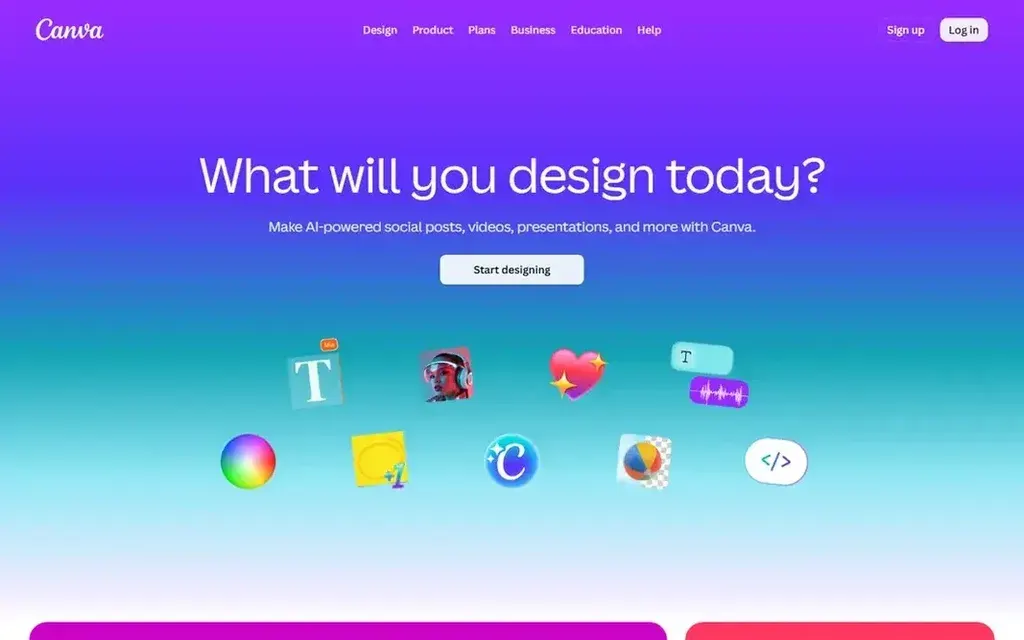
Canva is a good fit for simple diagrams inside visual designs. Teams needing structured flowcharts or system maps should look at dedicated diagramming tools.
Honest limits: Precision diagramming is restricted.
Best features of Canva: slides and posters.
From a buyer's view, Canva is not designed for complicated, data-linked diagrams or precise connector logic. Canva shows no starting price here, so confirm the cost on the vendor site. Free options: Not stated.
- Deals with graphics
- Approachable for non-designers
- Not a dedicated diagramming tool

For collaborative ideation and visual workshops, Miro is a natural candidate. Pick Miro when discussion and shared visual thinking are the central goal.
Trade-offs to know: Less centred on precise diagramming.
Worth adding: the emphasis is on collaboration and breaking down tool silos instead of producing formal technical diagrams. What you pay to start with Miro: $8 per member per month. A free plan is available with Miro.
- Supports ideation through launch
- Shared visual workspace for teams
- Large boards can get crowded
Creately is aimed squarely at Org, process and system planning. Users wanting general graphic design should look elsewhere.
The main drawbacks: Planning focus may be narrow for some.
Pick Creately when diagramming links to org or process data. Pricing for Creately is not stated here, so ask the vendor for current figures. Creately includes a free tier.
- AI-assisted planning features
- Opens from existing HR or cloud data
- Advanced use relies on setup
Where SmartDraw fits: Layouts, plans and simple flowcharts. SmartDraw markets itself as simple plan and layout software for buildings, offices, sites, planograms, evacuations and more, plus flowcharts, org charts and related diagrams.
SmartDraw shows no starting price here, so confirm the cost on the vendor site. As for free access: Free trial.
Where it falls short: Less known for collaborative workshops.
- Also includes flowcharts and org charts
- Solid for plans and layouts
- Layout focus may not suit pure diagramming
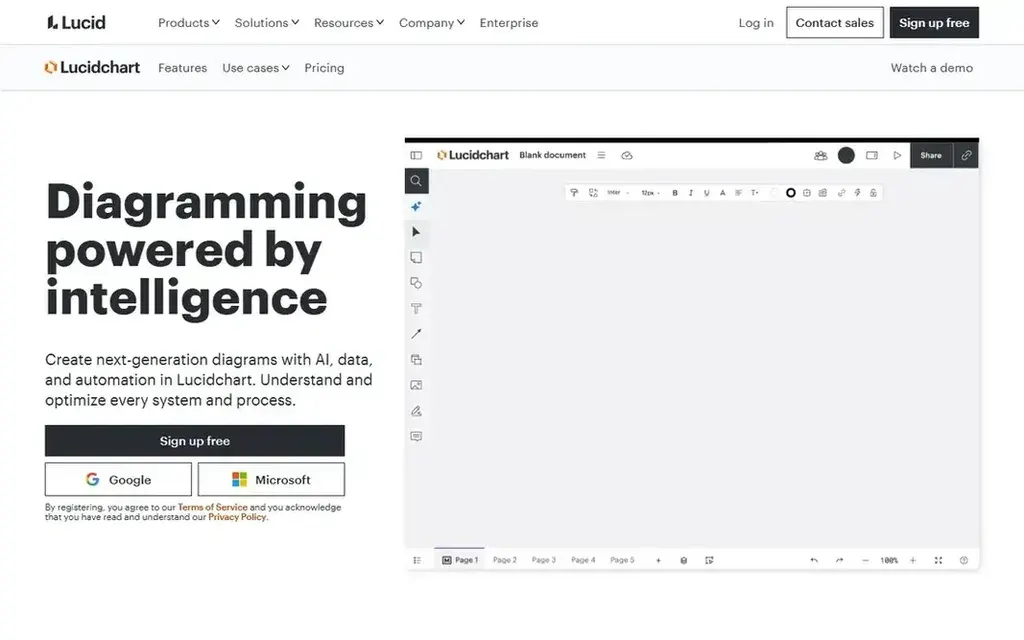
Lucidchart serves data-connected business and system diagrams. Lucidchart is a diagramming system that emphasizes AI, data and automation to help teams build and understand systems and processes.
Watch-outs: Feature depth may overwhelm straightforward needs.
Main advantages: Supports numerous diagram types. Choose Lucidchart when diagram accuracy, data links and shared editing matter more than minimalism. Check the vendor site for Lucidchart pricing; none is listed in this comparison. On free options: Not stated.
- AI
- Data and automation features
- Full capabilities need a premium account
How we compared the tools
For each of the 5 tools we noted price, free plan or trial, fit for Venn Diagram and the main limit, using vendor pages and documentation. Seat minimums, billing terms and add-ons can move the real cost, so the starting prices here are a guide and not a quote. We ordered the tools by general fit, then by how clearly pricing is shown, then by free access. A buyer with unusual needs may reorder them.
Things to verify first
- Confirm the entry price on the vendor page. For Canva, Creately, SmartDraw and Lucidchart that means a quote rather than a fixed price.
- Read the fine print on the free plans from Miro and Creately; seat, project and feature caps differ.
- Use real work to test the free trial from SmartDraw, rather than a demo project.
- Before choosing Canva, weigh its main limit: not a dedicated diagramming tool.
- Check whether the features you need in SmartDraw sit on the entry plan or only on higher tiers.
- Ask Creately about contract length, onboarding fees and user minimums before you sign.
FAQ
Can I try these tools before paying?
Often, yes. Miro and Creately have a free plan and SmartDraw offers a free trial. Use your own data and a real task during the test, and check what the free tier or trial limits before you rely on it. Each of the 5 options in this Venn Diagram alternatives guide has its own card above with the price, free plan and limits.
Which options for Venn Diagram have a free plan?
On this list, Miro and Creately include a free plan. Caps on seats, usage or features are common, so test the free plan against your real workload. One other tool offers a trial instead.
What is the best alternative for making venn diagrams?
Start with Canva if you need straightforward diagrams inside visual designs. Miro is the better match for collaborative ideation and visual workshops, and Creately for Org, process and system planning. The best choice depends on budget, team size and workflow.
What is the cheapest option for Venn Diagram in this list?
On published monthly entry prices, Miro is the lowest here at $8 per member per month. Entry price is only part of the cost, because seats, add-ons and billing terms can change the total. All 5 picks in this Venn Diagram alternatives comparison list a starting price, free plan details and the main limits on their cards above.
How are the tools for Venn Diagram ordered?
Canva sits first and Lucidchart last because the order follows typical fit for Venn Diagram, then price clarity and free access. It is a judgement call, so read each profile for fit and limits.
Sources
- https://www.canva.com
- https://miro.com
- https://creately.com
- https://www.smartdraw.com
- https://www.lucidchart.com