Best ER Diagram Tool (2026): 6 Picks Checked on Vendor Pages
Searching for the best ER diagram tool? Here are 6 options with prices and free plans. Every pick gets a straight assessment. Built for quick decisions.
- Editor's choice
 Vertabelo
Database modeling with a visual approach
Starts at$189 per user per yearVisit vertabelo.comFull review - Great alternative
 dbdiagram.io
Code-first ER diagrams with DBML
Starts at$8 a monthVisit dbdiagram.ioFull review - Also consider
 ERDPlus
Free browser-based ERD and schema modeling
Starts atSee websiteVisit erdplus.comFull review
Direct answer
For database modeling with a visual approach, Vertabelo is where this list starts. Listed starting prices: Vertabelo from $189 per user per year, dbdiagram.io from $8 a month and Miro from $8 per member per month. Alternatives: dbdiagram.io for code-first ER diagrams with DBML, and ERDPlus for free browser-based ERD and schema modeling. The remaining 3 options are covered below with prices and limits.
TL;DR:
- Top of the list is Vertabelo, which targets database modeling with a visual approach.
- Microsoft Visio is the one to check for integrated flowcharting and data visualization.
- Only 2 of the 6 tools have a free plan (dbdiagram.io, Miro), so check the caps.
- dbdiagram.io is the lowest-priced starter here at $8 per month.
Last checked November 2026. Prices and plan details were read from the vendors' own pages in November 2026; vendors change plans often, so confirm the current price on the vendor site before you buy.
Quick comparison
| Tool | Best for | Starts at | Free plan? | |
|---|---|---|---|---|
| Vertabelo | Database modeling with a visual approach | $189 per user per year | Free trial | Visit |
| dbdiagram.io | Code-first ER diagrams with DBML | $8 a month | Yes | Visit |
| ERDPlus | Free browser-based ERD and schema modeling | See website | Not stated | Visit |
 Miro | Collaborative visual workspace for teams | $8 per member per month | Yes | Visit |
 Lucidchart | Collaborative visual diagramming with AI | See website | Not stated | Visit |
 Microsoft Visio | Integrated flowcharting and data visualization | See website | Not stated | Visit |
Tool-by-tool breakdown
LinkVetted put together this guide to ER diagram tool for readers who want a clear shortlist without reading every vendor page. It compares 6 tools on starting price, free plans, who each one suits and where each one falls short.
Pick Vertabelo if this describes you: database modeling with a visual approach. It suits data professionals who want a dedicated modeling environment instead of a general diagramming canvas.
Honest limits: May be narrower than Lucidchart.
On cost, Vertabelo starts like this: $189 per user per year. Trial and free access: Free trial.
- Web-based access
- Supports ER diagram design
- Less general-purpose than Miro
For code-first ER diagrams with DBML, dbdiagram.io is a natural candidate. It is built for developers and data analysts who prefer a text-based workflow and want to move rapidly from schema definition to a visual ER diagram.
Downsides: Less suited to non-technical stakeholders.
Entry price for dbdiagram.io: $8 per month. dbdiagram.io offers a free plan.
- Designed for developers and data analysts
- Quick
- Needs comfort with code input
ERDPlus serves free browser-based ERD and schema modeling. It suits students, analysts, and developers who want a focused modeling environment without a local install.
Lucidchart and Miro offer broader collaborative canvases. ERDPlus shows no starting price here, so confirm the cost on the vendor site. Free plan details: Not stated.
Drawbacks to consider: Feature set concentrated on modeling basics.
- Relational schemas
- Builds ERDs
- May lack advanced collaboration features
Miro serves collaborative visual workspace for teams. Miro is an AI innovation workspace that helps teams accelerate product development from ideation to launch by aligning teams and breaking tool silos in one visual product.
Points against: Not a dedicated ER modeling tool.
Also, for rigorous ER work, dbdiagram.io or ERDPlus may be more direct. Miro pricing: $8 per member per month. Miro offers a free plan.
- AI-powered visual product
- Breaks down tool silos
- ER features may need setup
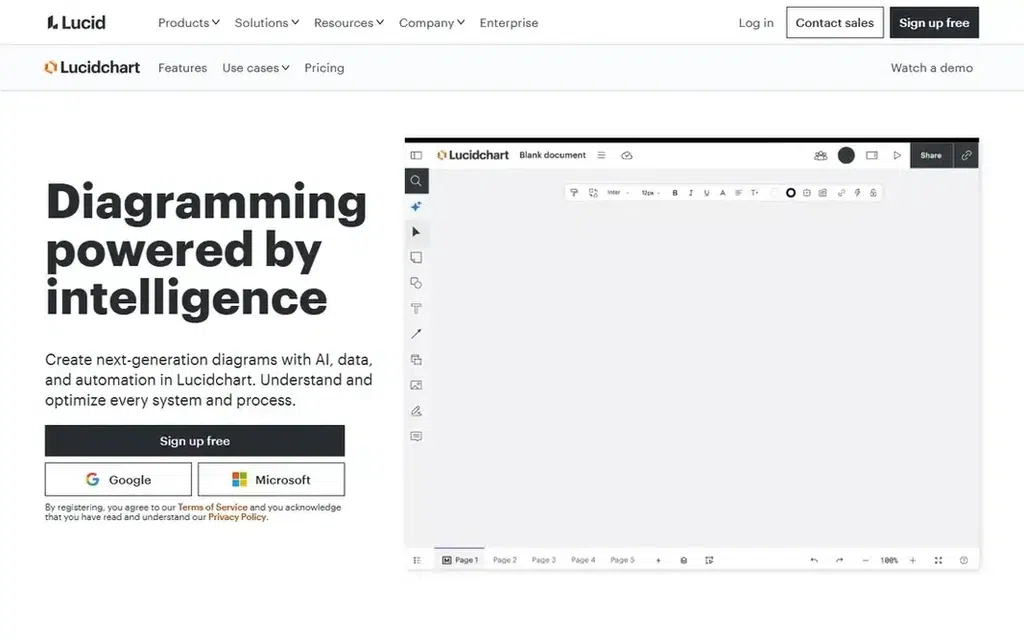
Lucidchart is aimed squarely at collaborative visual diagramming with AI. It suits teams that want a refined visual canvas for ER diagrams alongside other diagram types.
It supports collaboration so several stakeholders can work on the same model. Check the vendor site for Lucidchart pricing; none is listed in this comparison. On free options: Not stated.
What to check first: Needs account setup.
- Supports system and process optimization
- AI, data
- May be heavier than needed for straightforward ERDs
Microsoft Visio works best for integrated flowcharting and data visualization. It is a natural choice for organizations already using Microsoft 365 that want ER diagrams alongside flowcharts and other business diagrams, with collaboration and productivity features built in.
The main drawbacks: Less centred on code-first ER modeling.
Also, Visio is wide in scope, so teams seeking a light, browser-based ER tool with code input may find it less direct. Pricing for Microsoft Visio is not stated here, so ask the vendor for current figures. On free options: Not stated.
- Data visualization and integrated workflows
- Diagramming and flowchart software
- May need a Microsoft 365 context
What went into this list
Selection started from tools commonly considered for ER diagram tool, then narrowed to 6 that have clear pricing information or a clear quote process. Where a price is missing, the vendor does not list one publicly or ties it to a quote. Always confirm before budgeting. We ordered the tools by general fit, then by how clearly pricing is shown, then by free access. A buyer with unusual needs may reorder them.
What to confirm before you sign up
- Ask ERDPlus, Lucidchart and Microsoft Visio for a written quote, since no starting price is shown.
- Read the fine print on the free plans from dbdiagram.io and Miro; seat, project and feature caps differ.
- Take the trial from Vertabelo and push a live task through it before you pay.
- Read the limits listed for Vertabelo first: less general-purpose than Miro.
- Get the contract term, renewal terms and any onboarding fees from ERDPlus in writing.
- Check the integration list for Vertabelo against the tools you run today, and note which ones need a higher plan.
FAQ
Which options for ER diagram tool have a free plan?
On this list, dbdiagram.io and Miro include a free plan. Caps on seats, usage or features are common, so test the free plan against your real workload. One other tool offers a trial instead.
Can I try these tools before paying?
Often, yes. dbdiagram.io and Miro have a free plan and Vertabelo offers a free trial. Use your own data and a real task during the test, and check what the free tier or trial limits before you rely on it.
How are the tools for ER diagram tool ordered?
Vertabelo sits first and Microsoft Visio last because the order follows typical fit for ER diagram tool, then price clarity and free access. It is a judgement call, so read each profile for fit and limits.
Is Vertabelo the right pick for everyone comparing ER diagram tool?
No single tool suits every team. Vertabelo comes first because it fits database modeling with a visual approach, while dbdiagram.io suits code-first ER diagrams with DBML and ERDPlus suits free browser-based ERD and schema modeling. Match the tool to your own size, budget and workflow before deciding.
Sources
- https://www.vertabelo.com
- https://dbdiagram.io
- https://erdplus.com
- https://miro.com
- https://www.lucidchart.com
- https://www.microsoft.com/en-us/microsoft-365/visio/flowchart-software