Best Embroidery Software in 2026: 8 Programs Compared
Find the best embroidery software for beginners and pros. We compare eight programs on digitizing, editing, machine fit, prices, trials and free options.
- Editor's choice
 Embrilliance Essentials
Beginners on Mac and PC
Starts at$149Visit embrilliance.comFull review - Great alternative
 Hatch Embroidery
Hobbyists moving to digitizing
Starts at$149Visit hatchembroidery.comFull review - Also consider
 Ink/Stitch
Free open-source digitizing
Starts atFreeVisit inkstitch.orgFull review
TL;DR:
- Beginners should start with editing and lettering tools, while digitizing from scratch needs a higher tier or a dedicated program.
- Mac support is a key filter, since several leading programs are Windows only.
- Modular pricing can look cheap at entry level and rise fast as you add levels or modules.
- Free tools can produce good results, but they need more learning time and community support.
- Check your machine file formats before buying, since a great program is useless if your machine cannot read its output.
Quick comparison
| Tool | Best for | Starts at | Free plan? | |
|---|---|---|---|---|
| Embrilliance Essentials | Beginners on Mac and PC | $149 | Free trial | Visit |
| Hatch Embroidery | Hobbyists moving to digitizing | $149 | Free trial | Visit |
| Ink/Stitch | Free open-source digitizing | Free | Yes | Visit |
 Brother PE-Design 11 | Brother machine owners | See website | No | Visit |
 Wilcom EmbroideryStudio | Professional digitizing | See website | Free trial | Visit |
 Embird | Modular budget setup | $149 | Free trial | Visit |
 Bernina ArtLink | Free viewing and editing | Free | Yes | Visit |
 SewArt | Cheap auto-digitizing | $75 | Free trial | Visit |
The best embroidery software
Embroidery software turns artwork into stitch files, edits existing designs, adds lettering and prepares files for a specific machine. We compared official product pages, pricing, platform support and file format information for the programs below. Prices are starting prices where published, and See website is used where a vendor sells through dealers or does not publish a single entry price.
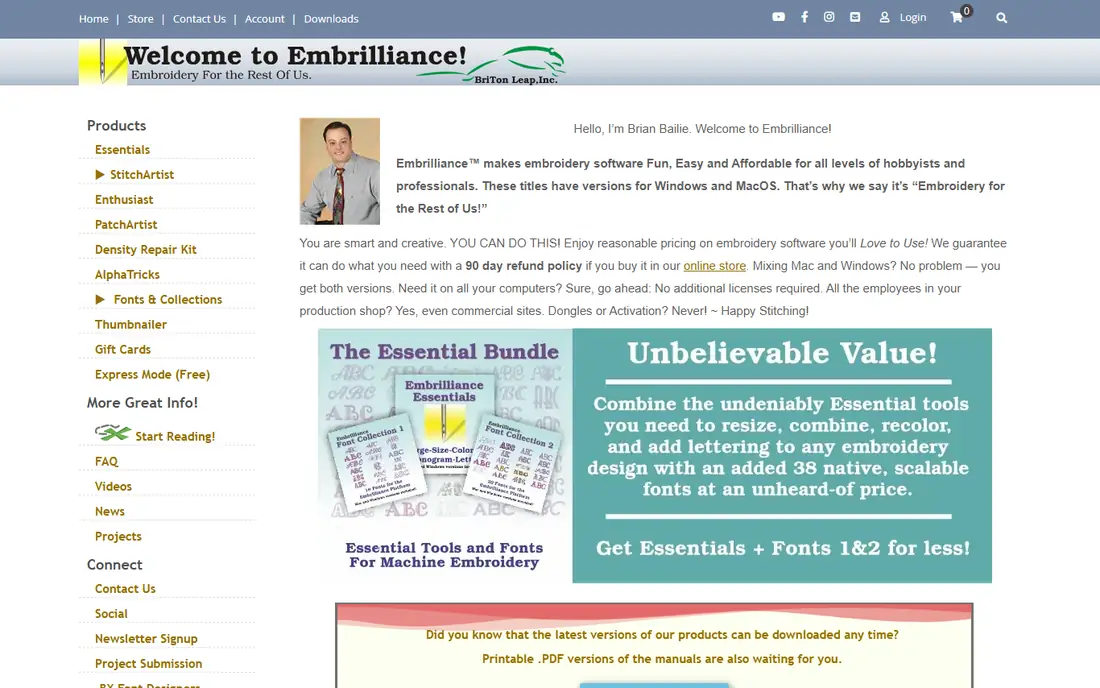
Embrilliance Essentials is our pick for most beginners because it covers the tasks new embroiderers actually do first: resizing, combining designs, adding lettering and converting formats. It runs on Mac and PC, which matters a lot in a market where many rivals are Windows only. The Express Mode trial lets you test the workflow before buying, and tutorials help with the first projects. The honest limit is digitizing. Essentials edits and letters well, but creating original stitch files from artwork needs StitchArtist, starting at a separate price. If your goal is only to use and adapt purchased designs, Essentials may be all you need for a long time.
- Works on Mac and PC
- Friendly editing and lettering
- Modular add-ons as skills grow
- Full digitizing needs StitchArtist, sold separately
- Add-ons can raise total cost
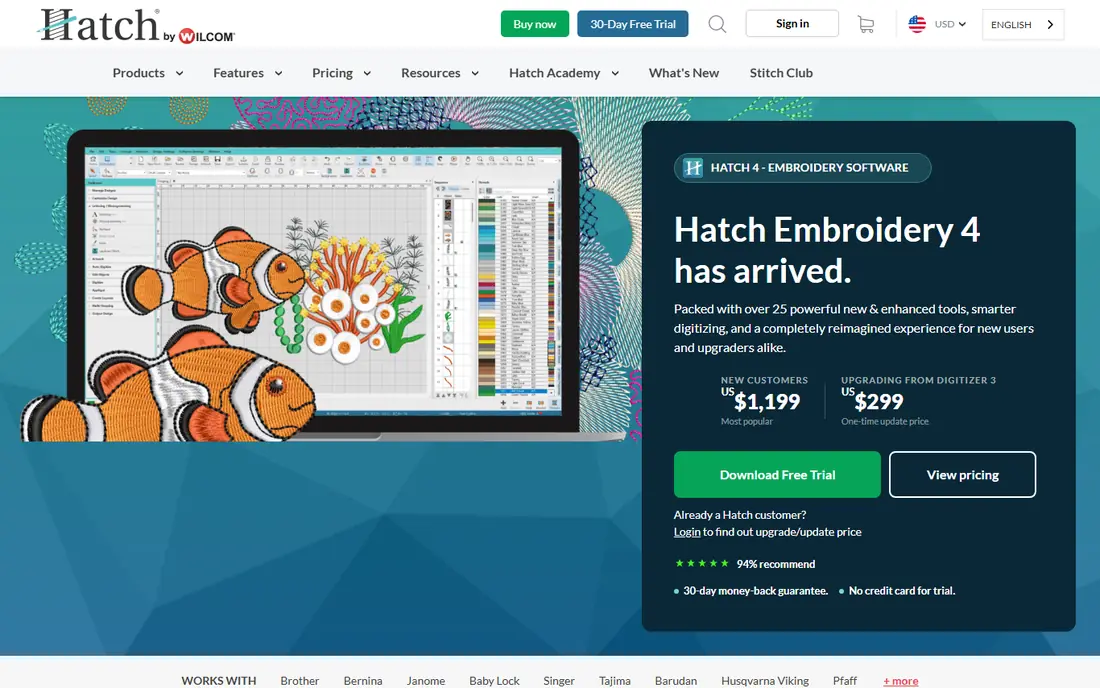
Hatch, made by Wilcom, is a tiered family that lets a hobbyist start small and move up without switching brands. The entry Organizer tier handles design management, while Personalizer, Composer and Digitizer add lettering, editing and full digitizing in steps. That path suits people who want to learn digitizing properly and may later sell designs or run a small business. The trade-off is platform and price. Hatch is Windows only, so Mac users need another option or a Windows setup. Also, the entry price is not the digitizing price, so check which tier matches your goal before you buy. Hatch Academy tutorials are a genuine plus for self-taught users.
- Tiered range from Organizer to Digitizer
- Auto and manual digitizing
- Strong tutorials
- Windows only
- Higher tiers cost much more than entry level
Ink/Stitch is an extension for Inkscape that turns vector artwork into embroidery files, and it is the best free option for people willing to learn. It can produce professional-quality stitch files, including fills, satin stitches and lettering workflows, without a purchase. That makes it ideal for testing whether digitizing is a hobby you want to pursue before spending hundreds. The cost is time. You need to learn Inkscape basics as well as embroidery concepts such as underlay, pull compensation and stitch order. Support comes from documentation and community forums rather than a vendor help desk. For a patient beginner on a tight budget, that trade is worth it.
- Free and open source
- Real digitizing tools
- Active community and tutorials
- Steeper learning curve
- Interface is less polished than paid rivals
Brother PE-Design 11 is the natural choice if you own a Brother embroidery machine and want design, editing and digitizing in one package. It includes photo stitch conversion, lettering with a large font set, and tools for creating and editing designs that transfer cleanly to Brother machines. That machine fit reduces format friction and makes the first projects smoother. The drawbacks are price and platform. PE-Design 11 is sold through dealers at varying prices, so we list See website rather than a single figure, and it is Windows only. Owners of other brands should check format support carefully, since a Brother-centred tool may not be the best value for a mixed-brand setup.
- Strong fit for Brother machines
- Photo stitch and lettering tools
- Large built-in font set
- Windows only
- Price varies by dealer
- Less flexible for other machine brands
Wilcom EmbroideryStudio is the professional standard for commercial digitizing, used by shops that produce logos, patches and high-volume work. It offers deep control over stitch types, underlay, sequencing, 3D puff and production workflows that hobby tools cannot match. For a business where stitch quality and turnaround directly affect income, that control can justify the price. For a hobbyist, it is usually too much. Pricing is by edition and dealer quote, with subscription and one-time options reported in the market, so check the current Wilcom page for your region. It is also Windows only, and it needs a capable PC for large, complex designs.
- Industry-standard professional tools
- Advanced digitizing and production features
- Broad format support
- High cost
- Steep learning curve
- Windows only
Embird takes a modular approach that suits buyers who want to pay only for what they need. The base program handles editing and management, while plug-ins add digitizing, lettering and other tools over time. That can keep the first purchase low and let a hobbyist expand as projects get more complex. Format support is broad, which helps owners of different machine brands. The trade-offs are look and learning. The interface feels older than Hatch or Embrilliance, and new users may need tutorials to get comfortable. Digitizing is not included in the base price, so add the module cost when comparing with an all-in-one tier.
- Modular buying
- Broad format support
- Long track record for editing and digitizing
- Interface feels dated
- Digitizing is a separate module
- Learning curve for new users
Bernina ArtLink is free software for Bernina and Bernette machine owners, and it is a sensible first step before spending on a paid program. It lets you view designs, resize them, change colours and convert formats for your machine, which covers many beginner tasks. If you mainly use purchased designs and want to adjust size or layout, ArtLink may be enough. It is not a digitizing program, so you cannot create original stitch files from artwork in any serious way. Owners of other brands should look elsewhere, since ArtLink is built around Bernina and Bernette workflows. Use it to learn file handling, then upgrade when you need lettering or digitizing.
- Free for Bernina and Bernette owners
- Simple resizing and format conversion
- Good first step
- Very limited digitizing
- Best only for Bernina and Bernette machines
SewArt is one of the cheapest paid routes into auto-digitizing, converting images into stitch files at a price far below Hatch or Wilcom. It suits hobbyists who want to turn simple artwork, such as a logo outline or a basic image, into a stitch file without learning manual digitizing. The workflow is straightforward, and the trial lets you test results on your own images. The limit is control. Auto-digitized files often need editing for stitch order, density and clean edges, and SewArt offers less manual precision than higher-priced tools. For simple projects and learning, that is acceptable. For client work or detailed logos, a manual digitizing tool will give cleaner results.
- Low price
- Auto-digitizing from images
- Simple workflow for basic designs
- Auto results need cleanup
- Limited manual control
- Windows only
How we picked these
We compared official product pages, pricing, platform support and file format coverage for programs that edit, letter or digitize embroidery designs. We favoured tools with current availability in October 2026, clear pricing or a clear dealer model, and a real user base. We included free, modular and professional options so beginners and pros can both find a fit. We did not include design marketplaces or digitizing services, since those sell finished files rather than software you run yourself.
How to choose embroidery software
Start with your machine and your goal. Check which file formats your machine reads, such as PES, DST, EXP or JEF, and confirm the software exports those formats. Then decide whether you mainly need to edit purchased designs, add lettering, or digitize original artwork. Editing and lettering can be done at lower cost, while digitizing needs a higher tier, a module or a dedicated program. Buying a digitizing tool for editing-only work wastes money, and buying an editor for digitizing work leads to frustration.
Next, test the workflow on a real project. Use a trial to resize a design, add a name, change colours and export a file your machine can read. Check whether the interface feels clear after an hour, not just in a demo video. Mac users should filter first for Mac support, since that alone removes several strong Windows programs. Also check tutorial quality, since a good tutorial library can matter more than a small feature difference for a beginner.
Finally, budget for the full path, not just the entry price. Add the cost of digitizing modules, font packs or higher tiers you are likely to need within a year. A modular program that starts cheap can end up costing more than a mid-tier all-in-one, while a professional program may include features you will never use. Start with the smallest tool that handles your current projects well, and upgrade when a specific project proves you need more.
FAQ
What is the best embroidery software for beginners?
Embrilliance Essentials is our pick for most beginners, since it handles editing, lettering and format conversion on Mac and PC with a friendly interface. Ink/Stitch is the best free option if you are willing to learn Inkscape and embroidery basics. Hatch Organizer is also a good start if you plan to move into Hatch digitizing later and use Windows.
What is the best embroidery software overall?
There is no single best program, because the answer depends on machine, platform and goal. Wilcom EmbroideryStudio leads for professional digitizing, Hatch leads for hobbyists moving toward small business work, and Embrilliance Essentials leads for everyday editing and lettering. Match the tool to your current projects, not to the most powerful option.
Can I digitize embroidery designs for free?
Yes, Ink/Stitch offers free digitizing through Inkscape, and it can produce good results with practice. Free tools need more learning time and community support than paid tools, and you will still need to learn stitch concepts such as density and underlay. For simple designs, a free tool may be enough, while complex logos benefit from paid manual tools.
Does embroidery software work on Mac?
Some programs do, including Embrilliance and Ink/Stitch through Inkscape, while Hatch, Wilcom, Brother PE-Design and SewArt are Windows only. Check platform support before buying, and do not assume a Windows program will run well through emulation. Mac users should shortlist Mac-native options first.
What file format does my embroidery machine need?
It depends on the brand, with Brother machines commonly using PES, Janome using JEF, and many commercial machines using DST or EXP. Check your machine manual or the file types listed on the machine maker site before buying software. A good program should export your machine format directly, without a separate converter step.