Best Enterprise Presentation Software in 2026: Prices, Free Plans and 6 Picks
6 products for the best enterprise presentation software, ranked by fit, with starting costs and free tiers. Real limits included. Read before you buy.
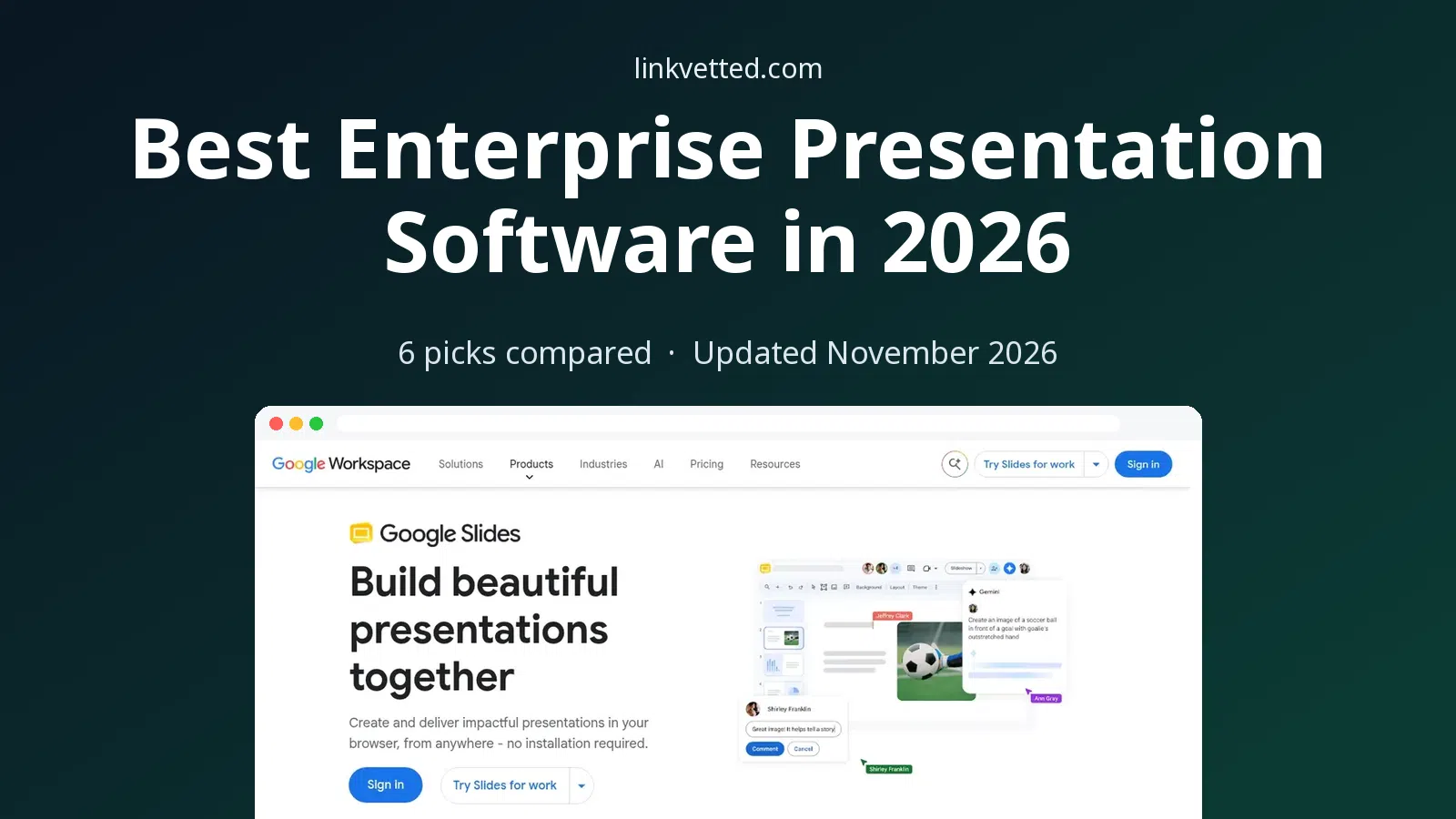
- Editor's choice
 Google Slides
Live collaboration and AI visuals
Starts atSee websiteVisit workspace.google.comFull review - Great alternativeLucidpress
Brand-controlled templates for teams
Starts at$12 a monthVisit lucidpress.comFull review - Also consider
 Prezi
Interactive live sessions with polls
Starts atSee websiteVisit prezi.comFull review
Direct answer
Start with Google Slides if you need live collaboration and AI visuals. Listed starting prices: Lucidpress from $12 a month, Pitch from €10 a month and Beautiful.ai from $14.50 a month. Look at Lucidpress for brand-controlled templates for teams, and at Prezi for interactive live sessions with polls. The remaining 3 options are covered below with prices and limits.
TL;DR:
- This list starts with Google Slides, which is built for live collaboration and AI visuals.
- Lucidpress, Pitch: these are the 2 tools out of 6 that offer a free plan.
- For the cheapest start, look at Lucidpress: $12 per month.
- Before buying Google Slides, weigh this: fewer advanced animation controls.
Last checked November 2026. Prices and plan details were read from the vendors' own pages in November 2026; vendors change plans often, so confirm the current price on the vendor site before you buy.
Quick comparison
| Tool | Best for | Starts at | Free plan? | |
|---|---|---|---|---|
| Google Slides | Live collaboration and AI visuals | See website | Not stated | Visit |
| Lucidpress | Brand-controlled templates for teams | $12 a month | Yes | Visit |
| Prezi | Interactive live sessions with polls | See website | Not stated | Visit |
 Pitch | Collaborative team presentation workspace | €10 a month | Yes | Visit |
 Microsoft PowerPoint | Deep slide creation and pitch decks | See website | Not stated | Visit |
 Beautiful.ai | On-brand decks for enterprise teams | $14.50 a month | Free trial | Visit |
Enterprise Presentation Software compared in detail
This LinkVetted guide covers 6 options for enterprise presentation software. Each profile lists a starting price, free plan details, strengths and drawbacks, so you can drop poor fits quickly.
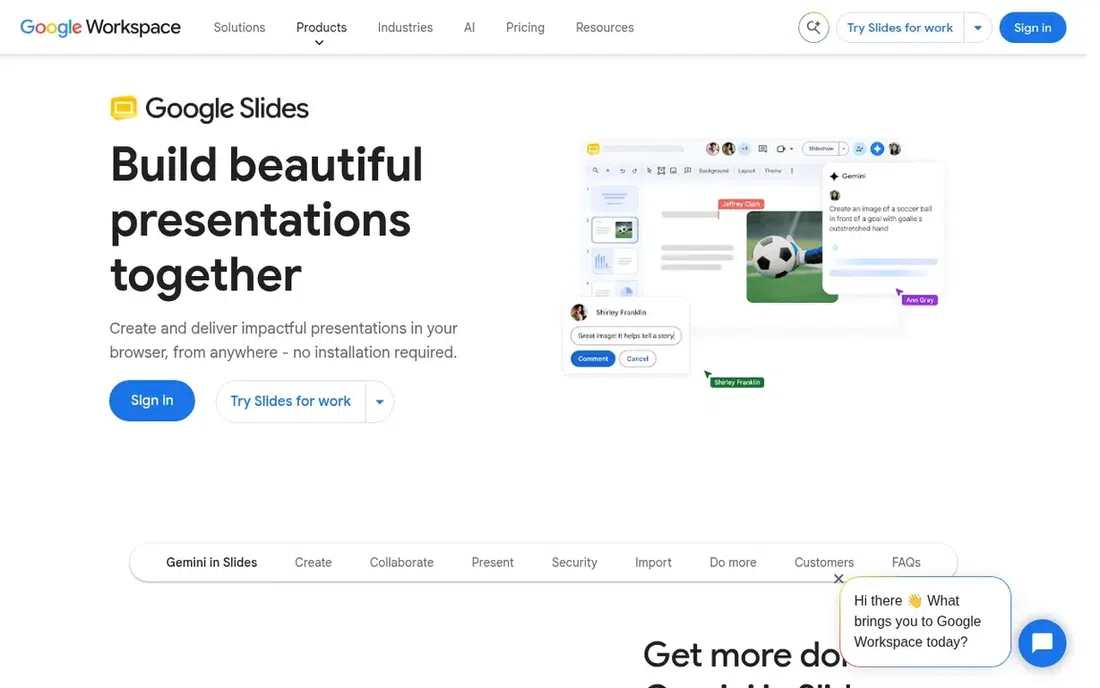
In short, Google Slides is for live collaboration and AI visuals. Google Slides is a presentation slideshow maker that lets teams produce stunning presentations with templates for every use case. It contains AI to create unique visualizations, helping teams build visuals rapidly.
Also, choose Google Slides when shared editing speed and AI-assisted visuals are the priority over deep design customization. Also, teams needing intricate pitch decks or precise layout control may find it limiting. Pricing for Google Slides is not stated here, so ask the vendor for current figures. Free plan details: Not stated.
Downsides: Design depth may lag behind desktop tools.
- AI to produce unique visualizations
- Browser-based co-editing
- Fewer advanced animation controls
Lucidpress
Best for: Brand-controlled templates for teams
Lucidpress is a good fit for brand-controlled templates for teams. Teams can adapt templates while central teams retain oversight, making it a fit for organizations with strict brand governance requirements. From a buyer's view, enterprises needing advanced slide animation or audience interaction may need a dedicated presentation tool.
From a buyer's view, choose Lucidpress when template-driven brand control across numerous content types is the primary requirement. Presentation features may be secondary to document and template design, and the system is less centred on live presentation delivery. Lucidpress starts at: $12 per month. Free access exists with Lucidpress.
Drawbacks to consider: Less centred on live presentation delivery.
- Teams customize without losing brand control
- Brand enablement focus
- Presentation features may be secondary to document design
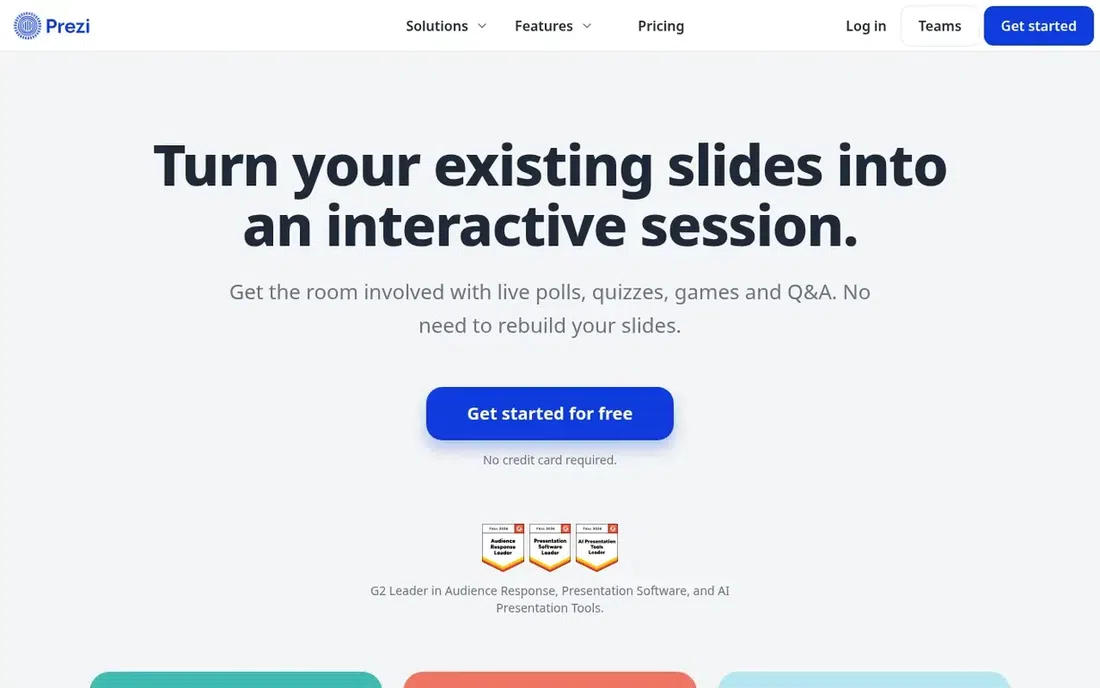
In short, Prezi is for interactive live sessions with polls. Pick Prezi when live participation and post-session sharing are central to your presentation goals.
More specifically, Prezi is an interactive presentation product for educators, trainers, and teams. In daily use, the interactive format can feel less appropriate for formal corporate reviews or highly structured pitch decks. No starting price is listed for Prezi here; confirm pricing on the vendor site. As for free access: Not stated.
What to check first: Interactive format may not fit formal corporate reviews.
- Share one link for audience participation
- Interactive presentation system
- Less suited to static slide decks
Pitch makes the most sense for collaborative team presentation workspace. Pitch is an AI presentation workspace and collaborative system for teams that want to build, share, and deliver better work. It brings presentation creation and delivery into a shared environment, which fits teams that build decks together and need a simplified workflow.
Limits to weigh: Smaller ecosystem than legacy tools.
In practice, enterprises looking for a modern, collaboration-first alternative to legacy slide tools will find Pitch a solid candidate for team-based presentation projects. Pitch has a smaller ecosystem and fewer integrations than long-established tools, and advanced design features may be restricted for highly customized decks. Teams needing deep formatting control or deep external extras may prefer PowerPoint. The starting price for Pitch: €10 per month. A free plan is available with Pitch.
Main advantages: deliver in one place.
- AI presentation workspace
- Build, share
- Advanced design features may be restricted
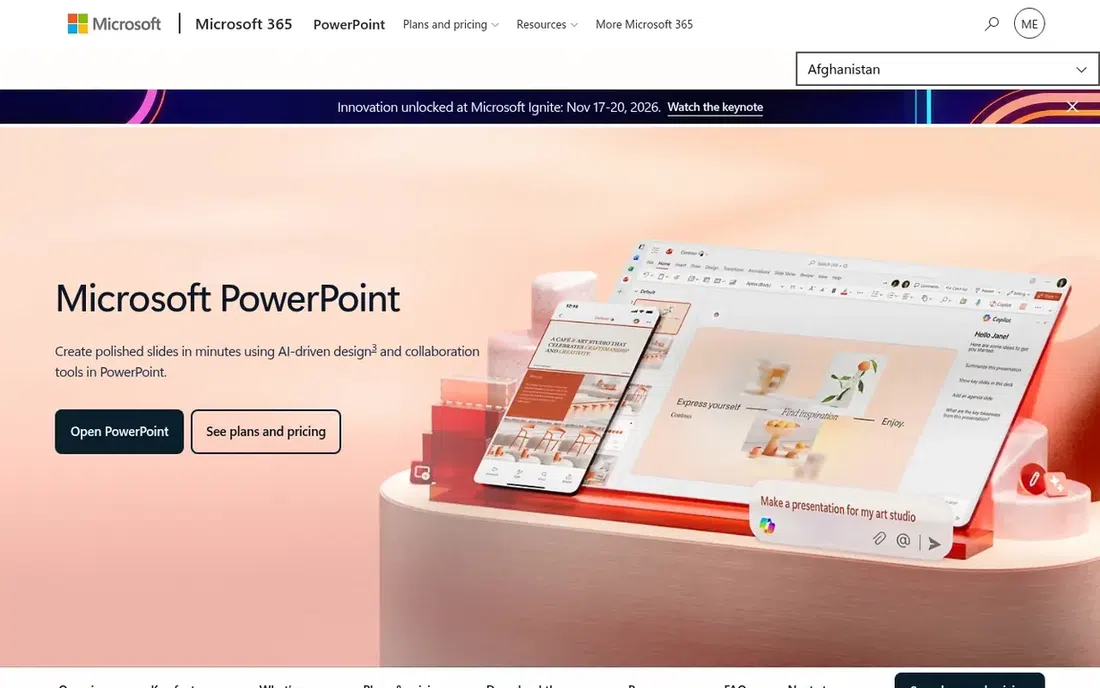
In short, Microsoft PowerPoint is for deep slide creation and pitch decks. It hands teams a capable tool to tell their story with a broad set of formatting and layout choices.
Limits to weigh: Live co-editing is less smooth than browser-first tools.
The depth of features can slow down fast, simple slide creation, and browser-based collaboration may feel less fluid than in cloud-native tools. PowerPoint remains a capable default when deck complexity and familiarity matter most. Check the vendor site for Microsoft PowerPoint pricing; none is listed in this comparison. As for free access: Not stated.
- Familiar to most enterprise users
- Deals with clean slideshows and intricate pitch decks
- Can feel complicated for straightforward decks
Beautiful.ai is a good fit for on-brand decks for enterprise teams. Design automation can limit manual control, and teams needing highly custom layouts may find the product restrictive.
What you pay to start with Beautiful.ai: $14.50 per month. Trial and free access: Free trial.
Points against: May feel restrictive for highly custom layouts.
- Keeps every deck on-brand
- Ready to share across the company
- Design automation can limit manual control
How these tools were picked
LinkVetted used vendor pricing pages and product documentation as the base, then compared plans, free access and documented limits for 6 tools. Figures are shown as the vendors publish them. Billing terms, seat minimums and add-ons can change the real cost. Tools are placed by general fit for enterprise presentation software, with price clarity and free access as tie-breakers. A different team can reasonably rank them differently.
Before you commit
- Get a written quote from Google Slides, Prezi and Microsoft PowerPoint; the list shows no starting price for them.
- Look at free plan limits closely: Lucidpress and Pitch have one, and the caps decide whether it is usable for real work.
- Run a trial of Beautiful.ai with real work before paying for a year; your own workflow is the best test.
- Before choosing Google Slides, weigh its main limit: fewer advanced animation controls.
- Pick one real project and run it in Pitch first; a small pilot shows fit faster than a checklist.
- Ask Microsoft PowerPoint which support channels and response times come with the plan you would buy.
FAQ
How are the tools for enterprise presentation software ordered?
The order follows typical fit for enterprise presentation software, with Google Slides first and Beautiful.ai last, then price clarity and free access. It is editorial judgement, not a score, so another team could rank the tools differently.
What makes presentation software suitable for enterprise use?
Enterprise presentation software usually supports collaboration, brand consistency, and administrative controls. It should help teams produce and share decks whereas maintaining company standards. Security and integration with existing systems are also typical considerations.
Do these tools publish their prices?
Not all of them. Google Slides, Prezi and Microsoft PowerPoint publish no starting price, so expect a quote request for those. The rest, Lucidpress included, show a starting price, though seats and billing terms still change the final cost.
Can I try these options before paying?
Often, yes. Lucidpress and Pitch have a free plan and Beautiful.ai offers a free trial. Use your own data and a real task during the test, and check what the free tier or trial limits before you rely on it.
What is the cheapest option for enterprise presentation software in this list?
On published monthly entry prices, Lucidpress is the lowest here at $12 per month. Entry price is only part of the cost, because seats, add-ons and billing terms can change the total. Each of the 6 options in this enterprise presentation software guide has its own card above with the price, free plan and limits.
How do brand-focused tools differ from traditional slide editors?
Traditional editors like PowerPoint offer more manual control but need more effort to enforce brand standards. Worth adding: the right choice relies on whether speed and consistency or customization is the priority.
Sources
- https://workspace.google.com/products/slides
- https://www.lucidpress.com
- https://prezi.com
- https://pitch.com
- https://www.microsoft.com/microsoft-365/powerpoint
- https://www.beautiful.ai