Best Energy Modeling Software for 2026: Our 6 Vetted Picks
Comparing the best energy modeling software? 6 contenders, each with entry cost, free tier and best-fit buyer. Concise write-ups of every option. No hype.
- Editor's choiceAutodesk Insight
BIM-connected performance analysis
Starts atPricing on requestVisit autodesk.comFull review - Great alternativeCarrier HAP
HVAC system sizing and energy analysis
Starts atPricing on requestVisit carrier.comFull review - Also considerEnergyPro
California compliance and energy analysis
Starts atPricing on requestVisit energysoft.comFull review
Direct answer
Autodesk Insight is the first pick on this list for BIM-connected performance analysis. For a different need, Carrier HAP covers HVAC system sizing and energy analysis and EnergyPro covers California compliance and energy analysis. The other 3 tools in the list cover narrower or pricier cases. None of these vendors publish plan prices, so pricing is on request for every option.
TL;DR:
- Number one here is Autodesk Insight, a fit for BIM-connected performance analysis.
- Autodesk Insight, DesignBuilder and the 4 others all need a premium plan or a trial, since no free plan is listed.
- DesignBuilder fits simplified building energy simulation.
- A fair warning about Autodesk Insight: needs Autodesk ecosystem familiarity.
- No starting price is shown for any of the 6 tools, Autodesk Insight and DesignBuilder included, so plan time for sales calls.
Last checked November 2026. Pricing on request: vendors did not publish plan prices when this guide was last checked (November 2026), so ask each vendor for a written quote.
Quick comparison
| Tool | Best for | Starts at | Free plan? | |
|---|---|---|---|---|
| Autodesk Insight | BIM-connected performance analysis | Pricing on request | Not stated | Visit |
| Carrier HAP | HVAC system sizing and energy analysis | Pricing on request | Not stated | Visit |
| EnergyPro | California compliance and energy analysis | Pricing on request | Not stated | Visit |
| IESVE | Whole-building performance and carbon analysis | Pricing on request | Free trial | Visit |
| eQUEST | Fast DOE-2 based compliance studies | Pricing on request | Not stated | Visit |
| DesignBuilder | Simplified building energy simulation | Pricing on request | Not stated | Visit |
Our 6 picks for energy modeling software
LinkVetted compared 6 tools for energy modeling software. The goal is a practical shortlist: published prices, free plan facts, best-fit use cases and honest limits for every entry.
Autodesk Insight
Best for: BIM-connected performance analysis
For BIM-connected performance analysis, Autodesk Insight is a natural candidate. Autodesk Insight is a building performance analysis tool that links to Autodesk design software so teams can study energy and environmental performance from their models.
Where it falls short: Needs Autodesk ecosystem familiarity.
From a buyer's view, for in-depth compliance or advanced HVAC analysis, a specialist tool may be needed. On top of that, pick Insight when model-integrated performance feedback is the priority. No starting price is listed for Autodesk Insight here; confirm pricing on the vendor site. Free access: Not stated.
- Works with Autodesk design models
- Cloud-based analysis workflow
- Less depth for specialist simulation
Carrier HAP
Best for: HVAC system sizing and energy analysis
Pick Carrier HAP if this describes you: HVAC system sizing and energy analysis. For everyday use, HAP is oriented toward HVAC systems instead of wide whole-building carbon or architectural performance studies, and new users need time to learn the interface. Use HAP when HVAC system analysis is the focus.
Watch-outs: Interface takes practice.
The tool is commonly used where HVAC system performance and sizing are central to the design question. If your goal is envelope-driven or code-compliance modeling, a dedicated building simulation tool may be a better primary choice. No starting price is listed for Carrier HAP here; confirm pricing on the vendor site. On free options: Not stated.
- Capable HVAC system modeling
- Load and energy calculations
- Centred on HVAC instead of whole-building carbon
EnergyPro
Best for: California compliance and energy analysis
Pick EnergyPro if this describes you: California compliance and energy analysis. EnergyPro from EnergySoft is an energy analysis tool oriented toward code compliance and building energy performance documentation.
The tool is commonly chosen where local code requirements drive the modeling task. Its focus on compliance means it is less oriented toward exploratory early-stage design studies or in-depth carbon analysis. EnergyPro shows no starting price here, so confirm the cost on the vendor site. Free plan details: Not stated.
Where it falls short: Regional focus.
- Compliance-oriented workflow
- Supports energy analysis
- Less suited to early-stage design
IESVE
Best for: Whole-building performance and carbon analysis
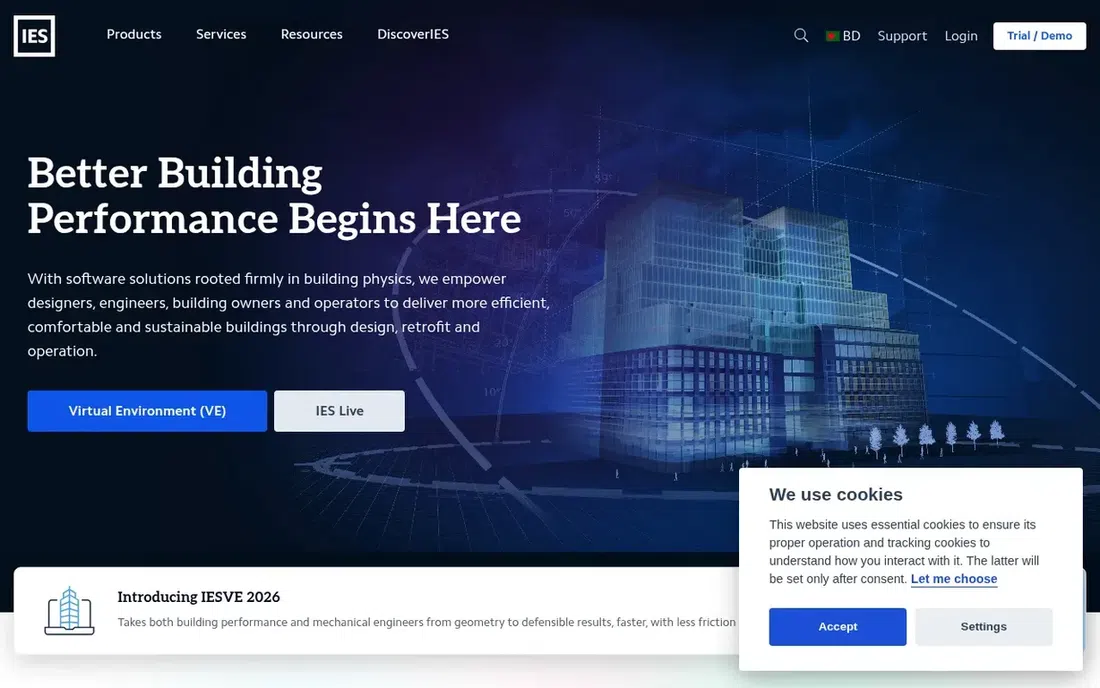
IESVE targets whole-building performance and carbon analysis. IESVE is an integrated environmental design system from IES that models building energy use and environmental impact across cities and individual buildings. For a single-zone schematic check or a fast residential compliance run, a simpler choice may be quicker.
Also, teams working on complicated projects with several systems and compliance needs are the core audience. The depth of the product means a longer onboarding period and more setup effort than light tools. No starting price is listed for IESVE here; confirm pricing on the vendor site. Free plan details: Free trial.
The main drawbacks: Steep ramp-up time.
- Wide building physics coverage
- Supports zero carbon targets
- Heavy for straightforward studies
eQUEST
Best for: Fast DOE-2 based compliance studies
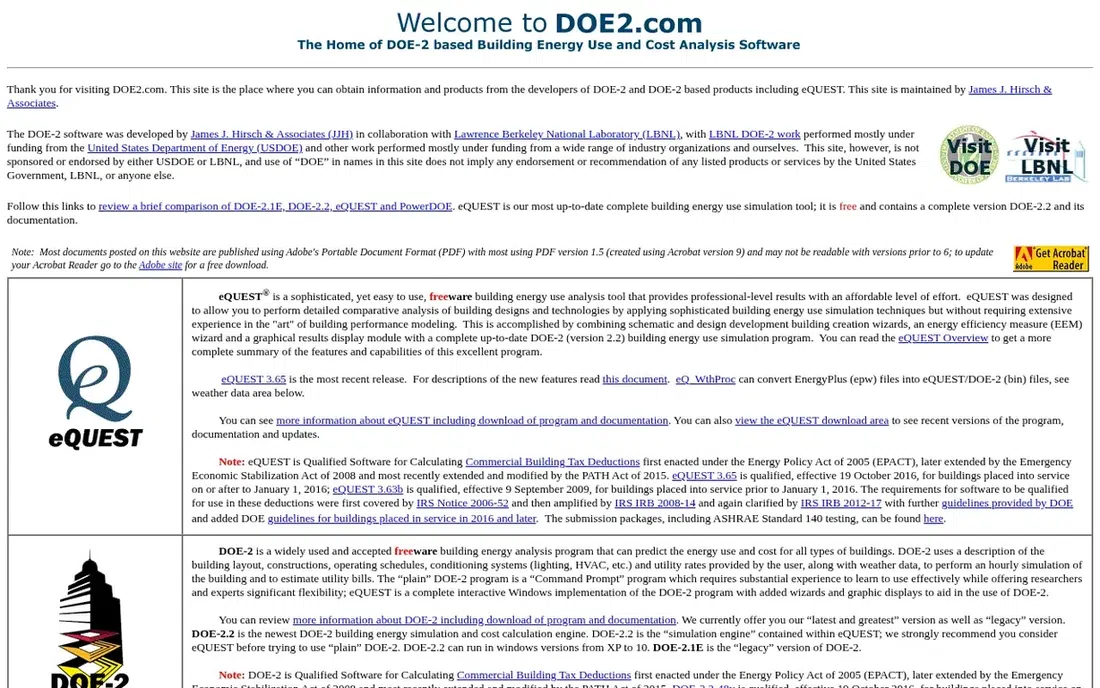
For fast DOE-2 based compliance studies, eQUEST is a natural candidate. The guided wizards help new users set up a model, whereas in-depth edit modes provide experienced users control over inputs.
Beyond that, choose eQUEST when a familiar DOE-2 workflow and quick schematic analysis are the central needs. No starting price is listed for eQUEST here; confirm pricing on the vendor site. Trial and free access: Not stated.
Downsides: Restricted modern visualization.
- Schematic design wizard
- Established DOE-2 engine
- Dated interface
DesignBuilder
Best for: Simplified building energy simulation
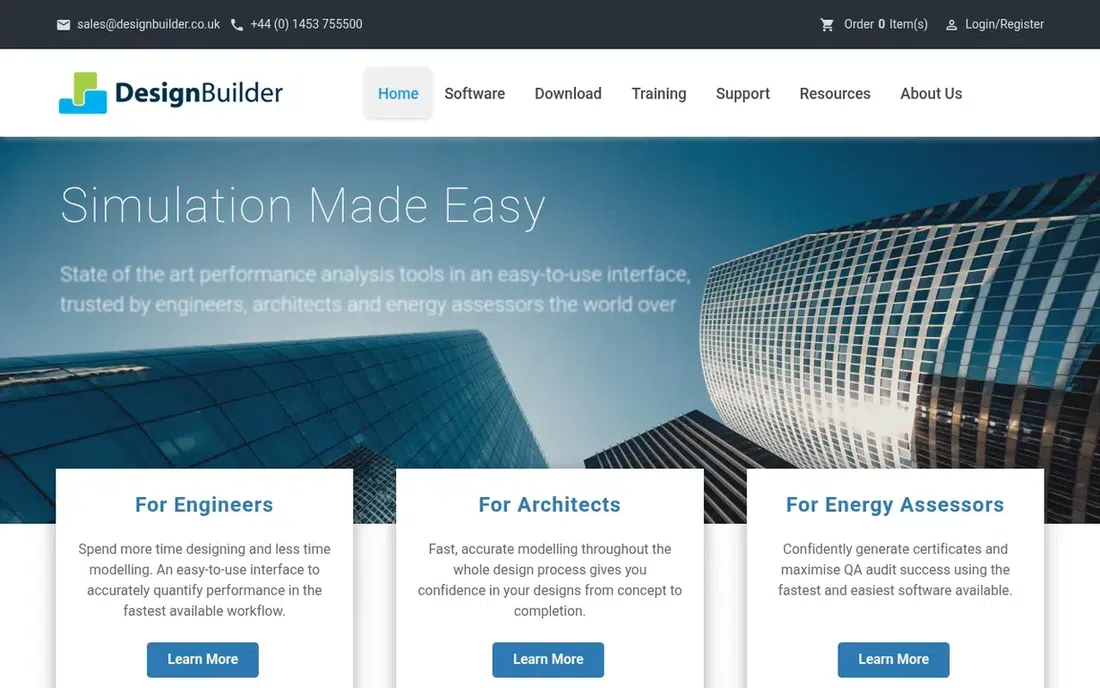
DesignBuilder makes the most sense for simplified building energy simulation. The workflow supports iterative design comparisons, making it handy for teams evaluating envelope, glazing and system choices during design.
On top of that, pick DesignBuilder when a balance of usability and detailed simulation matters. Beyond that, some advanced modeling choices need training and careful input management, and very large models can take time to run. No starting price is listed for DesignBuilder here; confirm pricing on the vendor site. Free options: Not stated.
Trade-offs to know: Advanced features need training.
- Visual results review
- Supports in-depth simulation
- Large models can be slow
How we built this list
LinkVetted used vendor pricing pages and product documentation as the base, then compared plans, free access and documented limits for 6 tools. Plan names, prices and limits change often. Treat the figures here as a starting point and verify them with the vendor. The order reflects how well each tool fits the most common buying scenario for energy modeling software, then price clarity, then free plan access. It is a starting point, not a verdict.
Things to verify first
- Request quotes from Autodesk Insight, DesignBuilder and the others; the list shows no fixed prices.
- Run a trial of IESVE with real work before paying for a year; your own workflow is the best test.
- Before choosing Autodesk Insight, weigh its main limit: needs Autodesk ecosystem familiarity.
- Check how data leaves eQUEST: formats, limits and whether exports are available on every plan.
- Check the integration list for Autodesk Insight against the tools you run today, and note which ones need a higher plan.
FAQ
What should I look for in energy modeling software?
Then check supported codes, simulation engine, interoperability with your design tools and the learning effort required. Matching the tool to the task avoids unnecessary complexity.
Do these tools publish their prices?
No. None of the tools, from Autodesk Insight to DesignBuilder, shows a fixed starting price here, so budget time for quotes.
Can I try these options before paying?
Often, yes. IESVE offers a free trial. Use your own data and a real task during the test, and check what the free tier or trial limits before you rely on it.
Is Autodesk Insight the right pick for everyone comparing energy modeling software?
No single tool suits every team. Autodesk Insight comes first because it fits BIM-connected performance analysis, while Carrier HAP suits HVAC system sizing and energy analysis and EnergyPro suits California compliance and energy analysis. Match the tool to your own size, budget and workflow before deciding.
Does any tool for energy modeling software here have a free plan?
A permanent free plan is not offered by Autodesk Insight, DesignBuilder or the other tools here. IESVE offer a trial. Plan a short evaluation period instead.
Sources
- https://www.autodesk.com
- https://www.carrier.com
- https://www.energysoft.com
- https://www.iesve.com
- https://www.doe2.com
- https://designbuilder.co.uk