The 6 Best Video Editing Software Recommendations in 2026, Ranked
Best video editing software recommendations: 6 tools compared on price, free plans and fit. Strengths and weak spots are spelled out. Jump to the table.
- Editor's choiceCorel VideoStudio
Everyday consumer editing
Starts atSee websiteVisit videostudiopro.comFull review - Great alternative
 Avid Media Composer
Film and TV post-production
Starts atSee websiteVisit avid.comFull review - Also consider
 Adobe Premiere Pro
Wide professional editing workflow
Starts atSee websiteVisit adobe.comFull review
Direct answer
If you need everyday consumer editing, Corel VideoStudio is the first tool to look at here. Listed starting prices: CyberLink PowerDirector from $54.99 per month. Alternatives: Avid Media Composer for film and TV post-production, and Adobe Premiere Pro for wide professional editing workflow. The other 3 tools in the list cover narrower or pricier cases.
TL;DR:
- Corel VideoStudio takes the first slot, best suited to everyday consumer editing.
- A permanent free plan is missing from all 6 tools, Corel VideoStudio and DaVinci Resolve included; plan for a trial or a premium start.
- For the cheapest start, look at CyberLink PowerDirector: $54.99 per month.
- What to know about Avid Media Composer first: narrow appeal outside post houses.
Last checked November 2026. Prices and plan details were read from the vendors' own pages in November 2026; vendors change plans often, so confirm the current price on the vendor site before you buy.
Quick comparison
| Tool | Best for | Starts at | Free plan? | |
|---|---|---|---|---|
| Corel VideoStudio | Everyday consumer editing | See website | Not stated | Visit |
| Avid Media Composer | Film and TV post-production | See website | Not stated | Visit |
| Adobe Premiere Pro | Wide professional editing workflow | See website | Not stated | Visit |
| Adobe Premiere Elements | Beginners who want guidance | See website | Not stated | Visit |
 CyberLink PowerDirector | Quick AI-assisted editing | $54.99 per month | Not stated | Visit |
 DaVinci Resolve | Color, audio and effects in one app | See website | Not stated | Visit |
Video Editing Software Recommendations compared in detail
If you are comparing video editing software recommendations, this page covers 6 tools in one place: what each is best for, what it costs to start, whether it has a free plan, and the main limit to know about.
Corel VideoStudio
Best for: Everyday consumer editing
Corel VideoStudio is designed for everyday consumer editing. Corel VideoStudio is a consumer video editing product family, with product information, updates, tutorials and videos published on its official site.
As for the details, editors planning complicated multi-track productions may prefer a professional application, whereas casual users may find this level sufficient. Also, as a consumer-oriented tool, it supplies less depth for advanced color, audio and effects finishing than professional suites. No starting price is listed for Corel VideoStudio here; confirm pricing on the vendor site. Trial and free access: Not stated.
Downsides: Less depth for advanced finishing.
- Tutorials and updates on the official site
- Consumer-friendly product family
- Not aimed at post houses
Avid Media Composer serves film and TV post-production. Avid Media Composer is professional video editing software made for creative storytelling and post-production workflows in film, television and video.
It fits editors working inside structured post environments where collaboration, media management and long-form storytelling matter more than fast social clips. Avid Media Composer shows no starting price here, so confirm the cost on the vendor site. As for free access: Not stated.
What to check first: Narrow appeal outside post houses.
- Designed for post-production workflows
- Pitched at film and television editing
- Heavier setup for solo creators
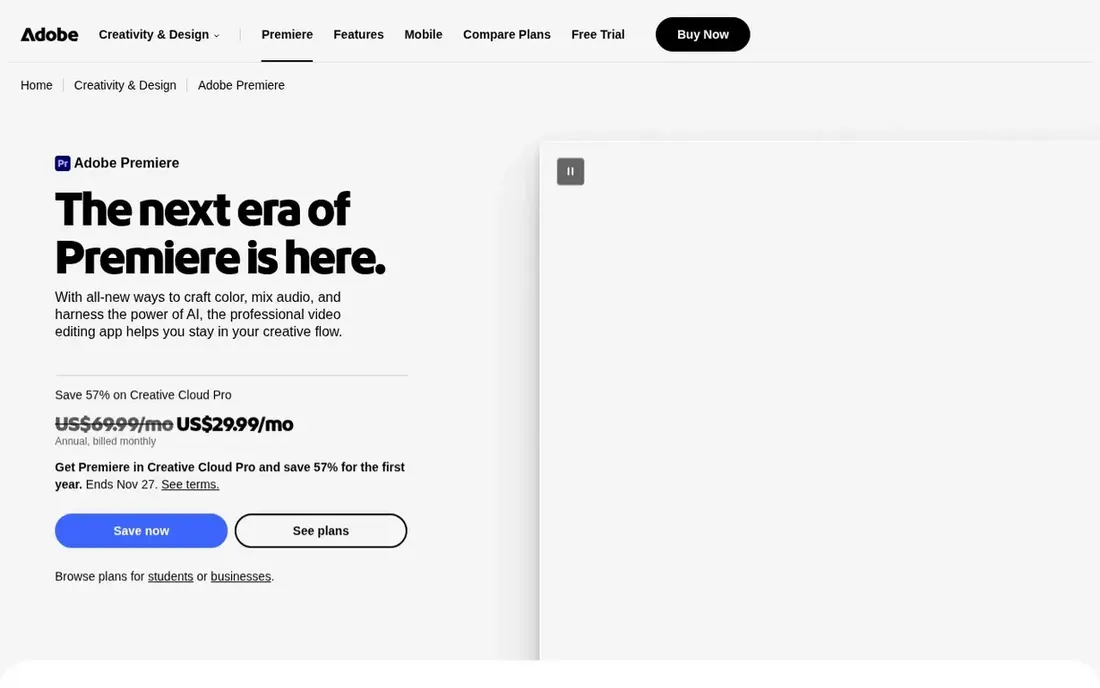
Think of Adobe Premiere Pro for wide professional editing workflow. Editors who chiefly need fast automatic movies may prefer a guided consumer tool, and Mac-focused users may want to weigh a native alternative before committing.
It fits editors who want a single application that handles a full project from first cut to finishing, and who value a mature set of editing tools backed by Adobe's wider creative ecosystem. Pricing for Adobe Premiere Pro is not stated here, so ask the vendor for current figures. As for free access: Not stated.
Points against: Subscription-based access.
What Adobe Premiere Pro does well: Professional postproduction focus.
- Editing
- Audio mixing built in
- Ramp-up time for newcomers
Adobe Premiere Elements
Best for: Beginners who want guidance
Adobe Premiere Elements targets beginners who want guidance. Adobe Premiere Elements is simple video editing software geared toward people who want to turn video clips into good-looking movies with automatic editing and step-by-step guidance.
Where it falls short: Fewer advanced controls.
Worth adding: the guided approach means fewer fine-grained controls than professional editors expect, so advanced color and audio work can feel constrained. Beyond that, editors who outgrow the basics may want to move up to a full professional application instead of stretch this one. Adobe Premiere Elements does not show a starting price in this comparison, so check the vendor site for current pricing. Free options: Not stated.
- Step-by-step guidance
- Turns clips into finished movies
- Restricted fit for pro workflows
CyberLink PowerDirector was built for quick AI-assisted editing. It suits creators who want speed and ready-made assets for online content, presentations and short projects without building effects from scratch.
Watch-outs: Consumer focus over deep finishing.
More specifically, the broad feature set can feel crowded for people who only need entry-level cuts, and the consumer orientation means less depth for advanced finishing than professional suites. What you pay to start with CyberLink PowerDirector: $54.99 per month. Free access: Not stated.
- Pro-grade effects included
- AI tools for quicker edits
- Feature volume can overwhelm
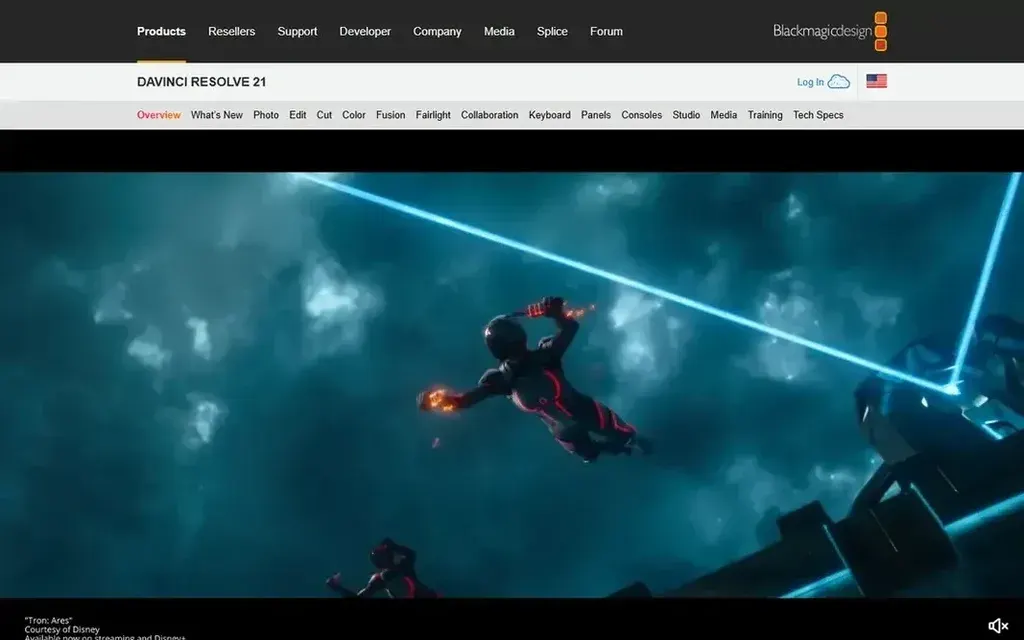
In short, DaVinci Resolve is for color, audio and effects in one app. DaVinci Resolve bundles professional editing, color correction, visual effects and audio post production into a single application. It runs on Mac, Windows and Linux, which makes it a practical choice across mixed computer setups.
Casual editors who only trim home clips may find a simpler consumer program quicker to learn, whereas dedicated colorists may still pair it with other finishing tools. More specifically, the breadth of the toolset means a busier interface and a steeper path for newcomers. DaVinci Resolve does not show a starting price in this comparison, so check the vendor site for current pricing. Free plan details: Not stated.
What works well: Available for Mac.
Limits to weigh: Dense interface for beginners.
- Editing
- Audio post production included
- Deep feature set takes time
How the list was put together
What to confirm before you sign up
- Confirm the entry price on the vendor page. For Corel VideoStudio, Avid Media Composer, Adobe Premiere Pro and others that means a quote rather than a fixed price.
- Read the limits listed for Corel VideoStudio first: less depth for advanced finishing.
- Confirm minimum seats and billing terms with Adobe Premiere Elements before you commit to an annual plan.
- Involve the people who will use CyberLink PowerDirector daily; a short pilot beats a long feature checklist.
- Make sure Adobe Premiere Pro lets you export your data in a format another tool can read.
FAQ
Do I need a professional editor for online videos?
Consumer tools cover straightforward cuts, effects and sharing for plenty of online projects. Professional applications become worthwhile when you need in-depth color correction, audio mixing or multi-track workflows.
What is the cheapest option for video editing software recommendations in this list?
On published monthly entry prices, CyberLink PowerDirector is the lowest here at $54.99 per month. Entry price is only part of the cost, because seats, add-ons and billing terms can change the total. Each of the 6 options in this video editing software recommendations guide has its own card above with the price, free plan and limits.
How are the tools for video editing software recommendations ordered?
Corel VideoStudio sits first and DaVinci Resolve last because the order follows typical fit for video editing software recommendations, then price clarity and free access. It is a judgement call, so read each profile for fit and limits.
Do these tools publish their prices?
Not all of them. Corel VideoStudio, Avid Media Composer, Adobe Premiere Pro and others publish no starting price, so expect a quote request for those. The rest, CyberLink PowerDirector included, show a starting price, though seats and billing terms still change the final cost.
Does any tool for video editing software recommendations here have a free plan?
No tool in this list, Corel VideoStudio and DaVinci Resolve included, has a permanent free plan. Trials and quotes are the usual route, so plan a short evaluation period.
Sources
- https://www.videostudiopro.com
- https://www.avid.com/media-composer
- https://www.adobe.com/products/premiere.html
- https://www.adobe.com/products/premiere-elements.html
- https://www.cyberlink.com/products/powerdirector/overview_en_US.html
- https://www.blackmagicdesign.com/products/davinciresolve