The 6 Best Video Editing Software for Enterprise in 2026, Ranked
Shortlisting the best video editing software for enterprise? 6 products compared on cost, free access and ideal buyer. Every tool lists pros and cons.
- Editor's choice
 Avid Media Composer
Broadcast and film post-production workflows
Starts atPricing on requestVisit avid.comFull review - Great alternativeVizrt
Live graphics and live production
Starts atPricing on requestVisit vizrt.comFull review - Also consider
 Adobe Premiere Pro
General enterprise editing and post-production
Starts atPricing on requestVisit adobe.comFull review
Direct answer
Avid Media Composer leads the list, best for broadcast and film post-production workflows. For a different need, Vizrt covers real-time graphics and live production and Adobe Premiere Pro covers general enterprise editing and post-production. All 6 tools are compared below on fit, free plan and limits. None of these vendors publish plan prices, so pricing is on request for every option.
TL;DR:
- Top of the list is Avid Media Composer, which targets broadcast and film post-production workflows.
- One limit worth knowing about Autodesk Flame: geared toward specialist finishing artists.
- Neither Avid Media Composer nor DaVinci Resolve Studio, nor any of the other 4 tools, has a permanent free plan; trials and quotes are the norm.
- DaVinci Resolve Studio fits editing, color, VFX and audio in one app.
Last checked November 2026. Pricing on request: vendors did not publish plan prices when this guide was last checked (November 2026), so ask each vendor for a written quote.
Quick comparison
| Tool | Best for | Starts at | Free plan? | |
|---|---|---|---|---|
| Avid Media Composer | Broadcast and film post-production workflows | Pricing on request | Not stated | Visit |
| Vizrt | Live graphics and live production | Pricing on request | Not stated | Visit |
| Adobe Premiere Pro | General enterprise editing and post-production | Pricing on request | Not stated | Visit |
| Autodesk Flame | High-end finishing and visual effects | Pricing on request | Not stated | Visit |
 Final Cut Pro | Mac and iPad editing with intelligence features | Pricing on request | Not stated | Visit |
 DaVinci Resolve Studio | Editing, color, VFX and audio in one app | Pricing on request | Not stated | Visit |
Video Editing Software for Enterprise compared in detail
LinkVetted put together this guide to video editing software for enterprise for readers who want a clear shortlist without reading every vendor page. It compares 6 tools on starting price, free plans, who each one suits and where each one falls short.
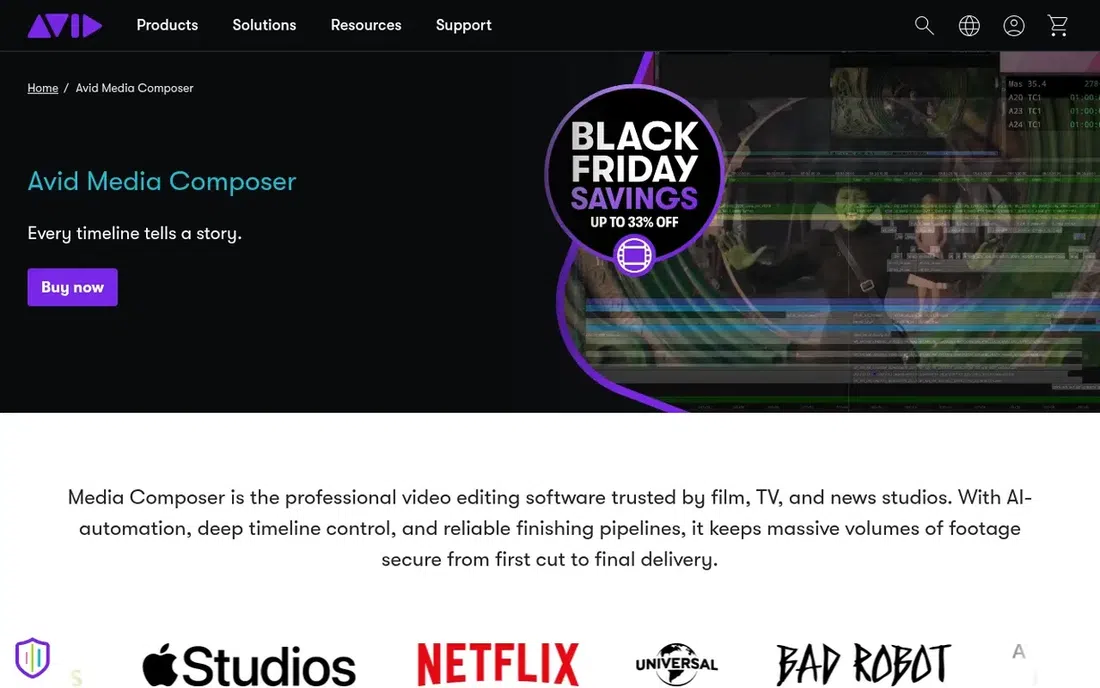
In short, Avid Media Composer is for broadcast and film post-production workflows. Avid Media Composer is professional video editing software aimed at creative storytelling and post-production workflows.
In practice, pick Media Composer when your enterprise workflow centers on broadcast or film-style post-production. Avid Media Composer shows no starting price here, so confirm the cost on the vendor site. On free options: Not stated.
Trade-offs to know: Interface can feel complicated for newcomers.
- Suited to collaborative editing
- Capable post-production focus
- Less suited to casual corporate editing
Vizrt
Best for: Live graphics and live production
Vizrt is aimed squarely at live graphics and live production. Vizrt is specialized for live and live graphics instead of everyday timeline editing, so it complements instead of replaces an editor.
No starting price is listed for Vizrt here; confirm pricing on the vendor site. Free access: Not stated.
Points against: Not a general-purpose editor.
- Live 3D graphics
- Live production systems
- Specialized for broadcast-style output
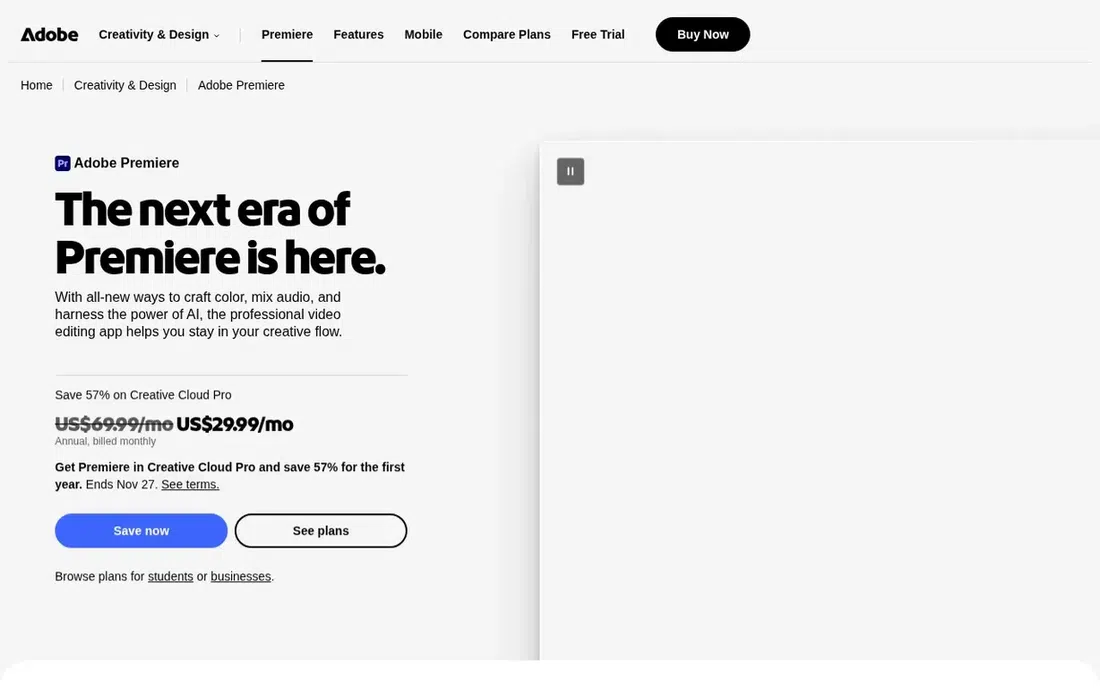
Pick Adobe Premiere Pro if this describes you: general enterprise editing and post-production. Choose Premiere Pro when wide editing and effects coverage is the priority.
Points against: Feature depth can overwhelm new editors.
Strengths: Professional editing.
As for the details, if your team chiefly needs color grading and finishing in a single application, DaVinci Resolve Studio may be a better fit. No starting price is listed for Adobe Premiere Pro here; confirm pricing on the vendor site. As for free access: Not stated.
- Audio mixing and extended video tools
- Trimming and effects
- Needs capable hardware for heavy projects
Autodesk Flame
Best for: High-end finishing and visual effects
Autodesk Flame works best for high-end finishing and visual effects. Autodesk Flame is a finishing and visual effects option for creating high-grade film and TV productions. From a buyer's view, choose Flame when high-end finishing and VFX are the core requirement.
Flame is a specialist finishing tool, so general editors may find it complicated and unnecessary for routine content. Also, most enterprises pair it with a primary editor for assembly and editorial. Pricing for Autodesk Flame is not stated here, so ask the vendor for current figures. Free options: Not stated.
Downsides: Targeted at specialist finishing artists.
- Designed for high-grade film and TV
- Finishing and VFX in one option
- Steep ramp-up time for general editors
Final Cut Pro is aimed squarely at Mac and iPad editing with intelligence features. It suits enterprises standardized on Apple hardware, including creative teams that value a simplified editing experience across desktop and tablet.
Check the vendor site for Final Cut Pro pricing; none is listed in this comparison. On free options: Not stated.
Trade-offs to know: Less typical in mixed-OS enterprises.
- Simplified Apple workflow
- Built-in intelligence features
- Restricted to Apple products
DaVinci Resolve Studio
Best for: Editing, color, VFX and audio in one app
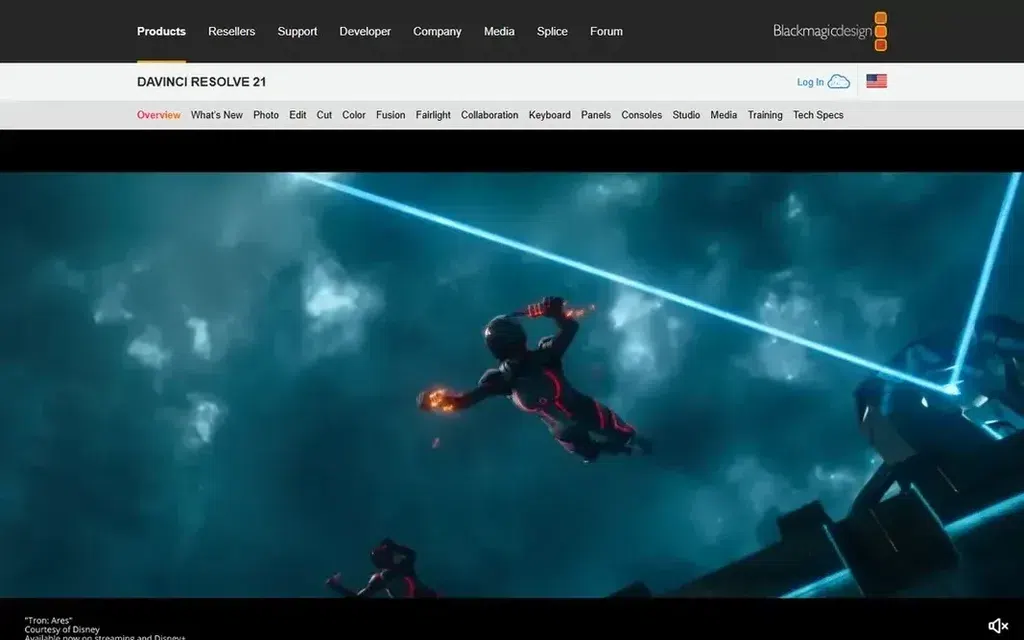
Choose DaVinci Resolve Studio for editing, color, VFX and audio in one app. Choose Resolve Studio when finishing, color and audio work are part of the same enterprise pipeline.
More specifically, DaVinci Resolve Studio from Blackmagic Design brings professional video editing, color correction, visual effects and audio post-production into a single application, with free and premium versions for Mac, Windows and Linux. From a buyer's view, the unified toolset is deep, so editors may need time to learn the color, effects and audio modules. Pricing for DaVinci Resolve Studio is not stated here, so ask the vendor for current figures. On free options: Not stated.
Limits to weigh: Plenty of modules mean a steeper ramp-up time.
- Windows and Linux
- Available for Mac
- Heavy projects need solid workstations
How we compared the tools
Selection started from tools commonly considered for video editing software for enterprise, then narrowed to 6 that have clear pricing information or a clear quote process. Seat minimums, billing terms and add-ons can move the real cost, so the starting prices here are a guide and not a quote. Order on the page follows fit for the typical buyer first, then price transparency and free access. Your own requirements should decide the final pick.
Questions to settle before buying
- Request quotes from Avid Media Composer, DaVinci Resolve Studio and the others; the list shows no fixed prices.
- Before choosing Avid Media Composer, weigh its main limit: interface can feel complicated for newcomers.
- Check whether DaVinci Resolve Studio bills monthly or annually, and what cancelling early costs.
- The entry price of Final Cut Pro is only the starting point; model the full cost with seats and extras.
- Run a one or two week pilot of Autodesk Flame with the people who will use it every day.
FAQ
Is Avid Media Composer the right pick for everyone comparing video editing software for enterprise?
No single tool suits every team. Avid Media Composer comes first because it fits broadcast and film post-production workflows, while Vizrt suits real-time graphics and live production and Adobe Premiere Pro suits general enterprise editing and post-production. Match the tool to your own size, budget and workflow before deciding.
Do these tools publish their prices?
No. None of the tools, from Avid Media Composer to DaVinci Resolve Studio, shows a fixed starting price here, so budget time for quotes.
Do enterprise teams need more than one video tool?
Plenty of enterprises pair a primary editor for example Premiere Pro with After Effects for motion graphics, or use DaVinci Resolve Studio for color and finishing. Specialist tools like Vizrt and Flame handle live graphics and high-end finishing respectively.
Does any tool for video editing software for enterprise here have a free plan?
A permanent free plan is not offered by Avid Media Composer, DaVinci Resolve Studio or the other tools here. Plan a short evaluation period instead.
Can I try these tools before paying?
Not by default. None of the tools, from Avid Media Composer to DaVinci Resolve Studio, lists a free plan or a free trial here, so ask each vendor for a demo before committing.
What should enterprises check before choosing editing software?
Confirm system support, collaboration features, integration with existing creative apps and format coverage for your output. In daily use, verify current details on each vendor site.
Sources
- https://www.avid.com/media-composer
- https://www.vizrt.com
- https://www.adobe.com/products/premiere.html
- https://www.autodesk.com/products/flame/overview
- https://www.apple.com/final-cut-pro
- https://www.blackmagicdesign.com/products/davinciresolve