Best Screen and Video Capture Software for Enterprise (2026): 6 Picks Checked on Vendor Pages
Searching for the best screen and video capture software for enterprise? Here are 6 options with prices and free plans. Real limits included. Choose faster.
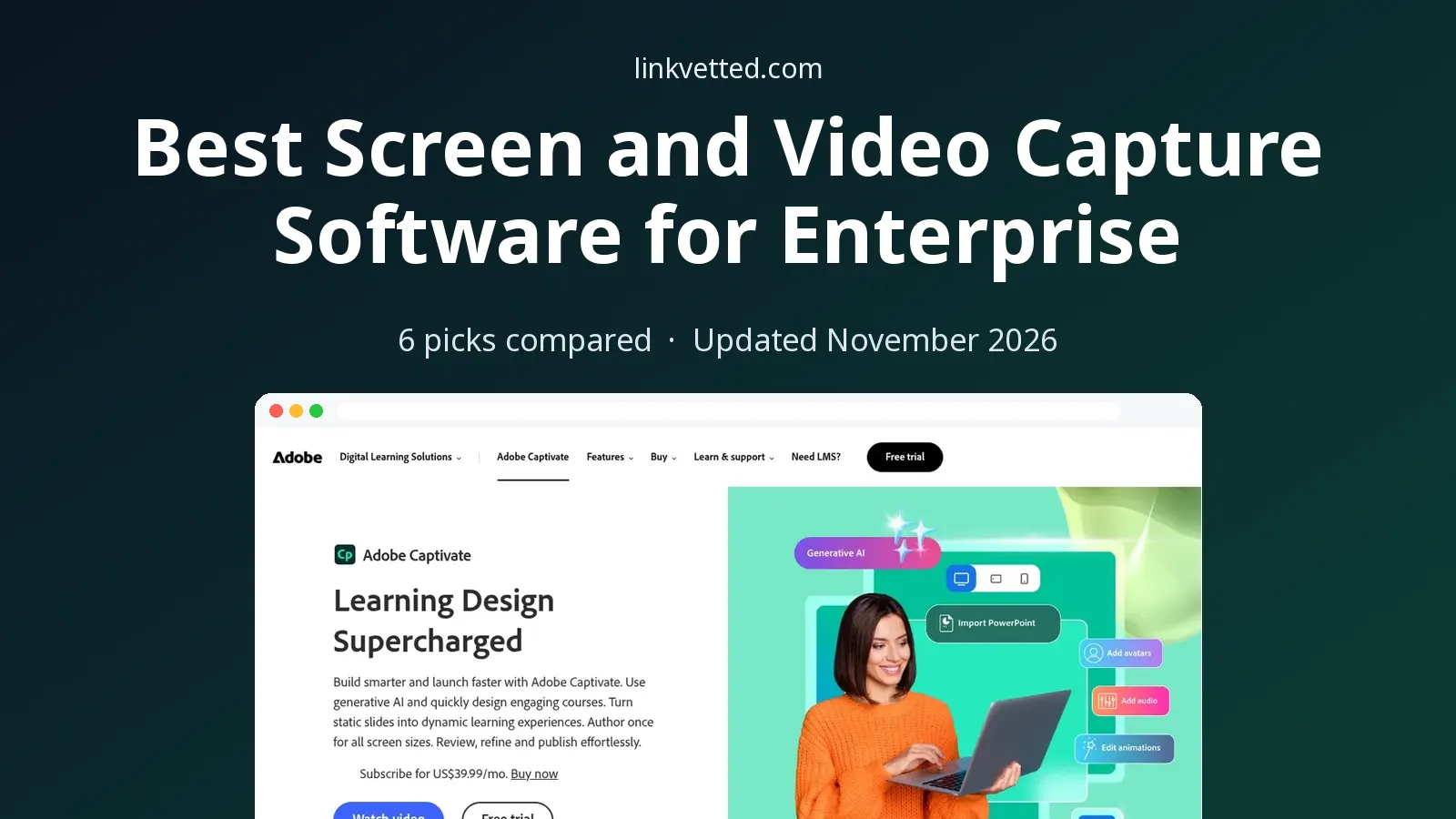
- Editor's choice
 Adobe Captivate
Rapid e-learning course creation
Starts atSee websiteVisit adobe.comFull review - Great alternativeKaltura Video Platform
Enterprise video content management
Starts atSee websiteVisit corp.kaltura.comFull review - Also consider
 Camtasia
Professional tutorials and training videos
Starts atSee websiteVisit techsmith.comFull review
Direct answer
Adobe Captivate comes first here, mainly for rapid e-learning course creation. Listed starting prices: Loom from $18 per user a month. Kaltura Video Platform fits enterprise video content management; Camtasia fits professional tutorials and training videos. Prices, free plans and limits for all 6 tools follow.
TL;DR:
- The list opens with Adobe Captivate, aimed at rapid e-learning course creation.
- Loom is the only tool of the 6 with a free plan.
- Loom has the lowest monthly starting price in this list: $18 per user per month.
- Loom suits fast async video messaging.
Last checked November 2026. Prices and plan details were read from the vendors' own pages in November 2026; vendors change plans often, so confirm the current price on the vendor site before you buy.
Quick comparison
| Tool | Best for | Starts at | Free plan? | |
|---|---|---|---|---|
| Adobe Captivate | Rapid e-learning course creation | See website | Not stated | Visit |
| Kaltura Video Platform | Enterprise video content management | See website | Free trial | Visit |
| Camtasia | Professional tutorials and training videos | See website | Not stated | Visit |
 Panopto | Video knowledge management and lecture capture | See website | Free trial | Visit |
 ScreenPal | Easy-to-learn video creation and sharing | See website | Not stated | Visit |
 Loom | Fast async video messaging | $18 per user a month | Yes | Visit |
Screen and Video Capture Software for Enterprise profiles
If you are comparing screen and video capture software for enterprise, this page covers 6 tools in one place: what each is best for, what it costs to start, whether it has a free plan, and the main limit to know about.
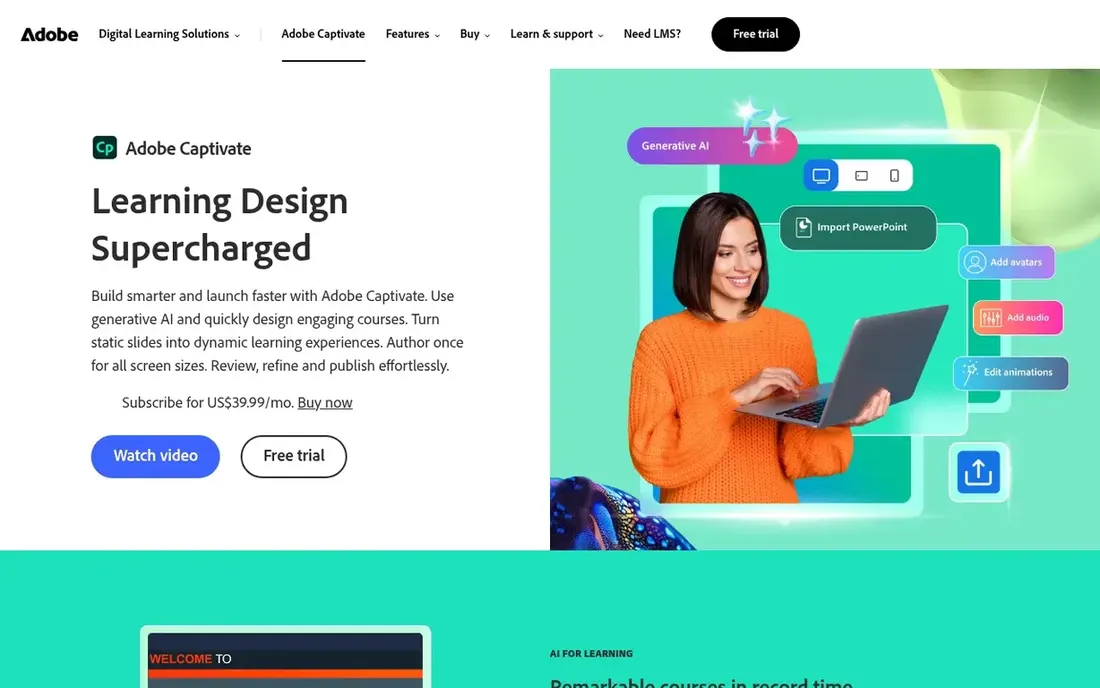
Adobe Captivate makes the most sense for rapid e-learning course creation. If your primary need is high-quality screen recording with editing, Camtasia might be a better choice.
Where it is weaker: Restricted screen recording adaptability.
On top of that, Adobe Captivate is an e-learning authoring tool that permits enterprises to design mobile-ready courses rapidly. It supplies ease for beginners and speed for professionals, making it a good match for creating interactive training modules. Adobe Captivate shows no starting price here, so confirm the cost on the vendor site. Free access: Not stated.
- Mobile-ready output
- Beginner-friendly interface
- Subscription required
Kaltura Video Platform
Best for: Enterprise video content management
Kaltura Video Platform targets enterprise video content management. Kaltura Video Platform is a full video content management option that supports recording, hosting, and sharing across the enterprise.
Kaltura Video Platform shows no starting price here, so confirm the cost on the vendor site. Free plan details: Free trial.
Trade-offs to know: May be overkill for straightforward needs.
- Full video system
- Scalable for large organizations
- Complicated setup
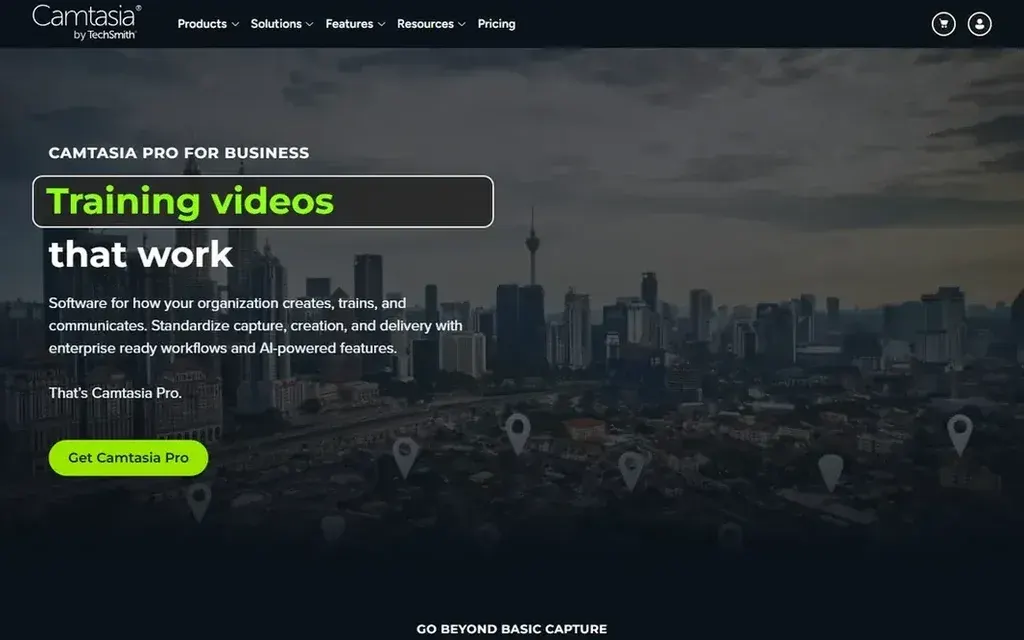
Camtasia is aimed squarely at professional tutorials and training videos. Camtasia is a screen recorder and video editor that enables enterprises to produce professional tutorials, training videos, and software demos.
Where it falls short: Limited advanced collaboration features.
Also, if your team needs broad live collaboration or enterprise-level video management, consider a system like Panopto or Kaltura instead. Camtasia does not show a starting price in this comparison, so check the vendor site for current pricing. Free access: Not stated.
- Supports software demos
- Integrated video editor
- Can be complicated for beginners
Think of Panopto for Video knowledge management and lecture capture. Panopto is a video knowledge system made for training, onboarding, and lecture capture. It lets organizations to record, search, and share video across the enterprise, making it a strong match for creating a searchable video library.
Points against: Less focus on editing.
In practice, for teams needing sophisticated editing, a dedicated editor might be necessary alongside Panopto. More specifically, Panopto places less emphasis on advanced video editing compared with tools like Camtasia, and its deployment may need IT involvement. Panopto does not show a starting price in this comparison, so check the vendor site for current pricing. Free access: Free trial.
- Integrated sharing
- Searchable video library
- May require IT setup
ScreenPal was built for easy-to-learn video creation and sharing. ScreenPal gives you easy-to-learn tools for capturing, creating, and sharing videos and images. It is aimed at visual communication and is right for teams that require a straightforward yet effective screen recording option.
For more solid enterprise needs, products like Panopto or Kaltura might be better suited. In daily use, ScreenPal may lack some advanced features required for large-scale enterprise video management, for example in-depth analytics or deep integrations. Check the vendor site for ScreenPal pricing; none is listed in this comparison. On free options: Not stated.
Where it falls short: Entry-level editing tools.
- Approachable interface
- Integrated sharing
- Restricted enterprise features
Loom targets fast async video messaging. Loom is a screen recording tool that emphasizes fast and simple video sharing for async communication. It permits users to record their screen and camera with minimal setup, making it well suited to teams that require to send video messages rapidly.
Drawbacks to consider: Restricted editing features.
Loom gives you restricted video editing capabilities and is not intended for producing refined training videos. For more advanced editing and production, consider Camtasia or Adobe Captivate. Entry price for Loom: $18 per user per month. You can start on Loom without paying.
- Straightforward recording
- Simple sharing
- Depends on cloud storage
How we chose
LinkVetted used vendor pricing pages and product documentation as the base, then compared plans, free access and documented limits for 6 tools. Prices and plan limits come from vendor pages and can change, so confirm them on the vendor site before you buy. The order reflects how well each tool fits the most common buying scenario for screen and video capture software for enterprise, then price clarity, then free plan access. It is a starting point, not a verdict.
Things to verify first
- Ask Adobe Captivate, Kaltura Video Platform, Camtasia and others for a written quote, since no starting price is shown.
- Look at the free plan from Loom closely: its caps decide whether it is usable for real work.
- Run a trial of Kaltura Video Platform and Panopto with real work before paying for a year; your own workflow is the best test.
- Read the limits listed for Adobe Captivate first: subscription required.
- Test the integrations you rely on with Loom before committing; some connectors sit on upper tiers.
- Make sure Panopto lets you export your data in a format another tool can read.
FAQ
Is Adobe Captivate the right pick for everyone comparing screen and video capture software for enterprise?
No single tool suits every team. Adobe Captivate comes first because it fits rapid e-learning course creation, while Kaltura Video Platform suits enterprise video content management and Camtasia suits professional tutorials and training videos. Match the tool to your own size, budget and workflow before deciding.
Can I try these tools before paying?
Often, yes. Loom has a free plan and Kaltura Video Platform and Panopto offer a free trial. Use your own data and a real task during the test, and check what the free tier or trial limits before you rely on it.
Can Kaltura plug into other enterprise tools?
Kaltura gives you integrations with several learning management systems and enterprise systems to support video content management. It is built to fit into existing workflows, but setup may need technical expertise.
Do these tools publish their prices?
Not all of them. Adobe Captivate, Kaltura Video Platform, Camtasia and others publish no starting price, so expect a quote request for those. The rest, Loom included, show a starting price, though seats and billing terms still change the final cost.
How are the tools for screen and video capture software for enterprise ordered?
The order follows typical fit for screen and video capture software for enterprise, with Adobe Captivate first and Loom last, then price clarity and free access. It is editorial judgement, not a score, so another team could rank the tools differently.
Sources
- https://www.adobe.com/products/captivate.html
- https://corp.kaltura.com
- https://www.techsmith.com/camtasia.html
- https://www.panopto.com
- https://screenpal.com
- https://www.loom.com