Best Green Screen Software for Video Editors in 2026: 6 Tools Compared
Weighing the best green screen software for video editors? We lined up 6 products by cost, free access and fit. Read the caveats before you buy. No filler.
- Editor's choice
 CyberLink PowerDirector
Quick editing with AI assistance
Starts at$54.99 a monthVisit cyberlink.comFull review - Great alternative
 VEGAS Pro
Windows editors wanting VFX and audio
Starts atSee websiteVisit vegascreativesoftware.comFull review - Also considerCorel VideoStudio
Accessible editing with guided tools
Starts atSee websiteVisit videostudiopro.comFull review
Direct answer
This list puts CyberLink PowerDirector first for quick editing with AI assistance. Listed starting prices: CyberLink PowerDirector from $54.99 a month. If your case is different, VEGAS Pro suits Windows editors wanting VFX and audio and Corel VideoStudio suits accessible editing with guided tools. All 6 tools are compared below on price, free plan and limits.
TL;DR:
- Number one here is CyberLink PowerDirector, a fit for quick editing with AI assistance.
- Final Cut Pro suits Mac and iPad editors.
- What to know about Adobe After Effects first: layer-based workflow has a ramp-up time.
- None of the 6 tools, from CyberLink PowerDirector to Final Cut Pro, has a free plan, so budget for a subscription or use a trial.
- CyberLink PowerDirector has the lowest monthly starting price in this list: $54.99 per month.
Last checked November 2026. Prices and plan details were read from the vendors' own pages in November 2026; vendors change plans often, so confirm the current price on the vendor site before you buy.
Quick comparison
| Tool | Best for | Starts at | Free plan? | |
|---|---|---|---|---|
| CyberLink PowerDirector | Quick editing with AI assistance | $54.99 a month | Not stated | Visit |
| VEGAS Pro | Windows editors wanting VFX and audio | See website | Not stated | Visit |
| Corel VideoStudio | Accessible editing with guided tools | See website | Not stated | Visit |
 Adobe After Effects | In-depth keying and compositing | See website | Not stated | Visit |
 Adobe Premiere Pro | Keying inside a standard editing timeline | See website | Not stated | Visit |
 Final Cut Pro | Mac and iPad editors | See website | Not stated | Visit |
Green Screen Software for Video Editors compared in detail
Choosing green screen software for video editors usually comes down to price, fit and limits. This LinkVetted guide sets 6 tools side by side on those three points, with the facts kept short and checkable.
CyberLink PowerDirector is built with quick editing with AI assistance in mind. Editors can key green screen footage and then build the rest of the video with effects and stock assets in the same application.
Trade-offs to know: Advanced compositing is restricted.
For precise matte work and layered compositing, dedicated tools for example After Effects offer more control. On top of that, PowerDirector is best chosen when speed and built-in assets matter most, and paired with a compositor when a production calls for in-depth keying refinement. CyberLink PowerDirector cost at the entry level: $54.99 per month. Free access: Not stated.
- Large royalty-free asset library
- AI tools for quicker editing
- Feature density can overwhelm beginners
VEGAS Pro was built for Windows editors wanting VFX and audio. Editors can key green screen footage and then grade and mix it without leaving the application.
What VEGAS Pro does well: Windows-focused editing environment.
Points against: Effects depth sits below dedicated compositors. Vegas Pro is professional video editing software for Windows with AI tools, color grading, VFX and audio. Editors who require very advanced compositing may also pair it with a dedicated effects application, since its VFX tools are wide instead of specialized. This comparison lists no price for VEGAS Pro; ask the vendor. Free options: Not stated.
- VFX and audio
- Color grading
- Windows only
Corel VideoStudio
Best for: Accessible editing with guided tools
For accessible editing with guided tools, Corel VideoStudio is a natural candidate. Corel VideoStudio is the VideoStudio Pro family of video editing products, with product information, updates, tutorials and videos on the official site.
Editors with demanding green screen shots should look to those tools, whereas VideoStudio remains a sensible choice for more straightforward projects where speed and ease matter more than depth. Beyond that, for green screen work it offers an accessible route to keying and effects, which fits editors and creators who want a guided, less technical path. Corel VideoStudio shows no starting price here, so confirm the cost on the vendor site. Trial and free access: Not stated.
Trade-offs to know: Less depth for complicated compositing.
- Guided tutorials and learning material
- Effects and templates for fast projects
- Better suited to lighter projects
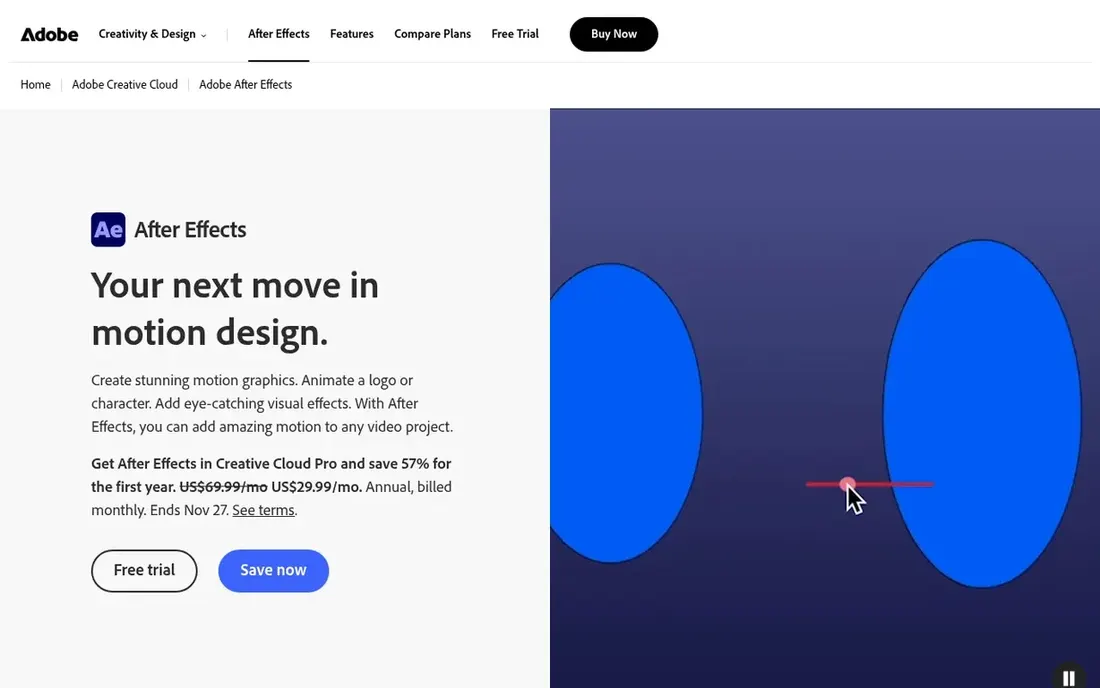
Adobe After Effects is a good fit for in-depth keying and compositing. After Effects is motion graphics software made for design across film, TV, video and web. For green screen work it provides editors layered control over keying, mattes and compositing, so a shot can be refined well beyond an entry-level key.
The main drawbacks: Layer-based workflow has a ramp-up time.
Editors who primarily need quick keying inside a normal timeline may prefer Premiere Pro or a more straightforward editor, and reserve After Effects for shots that require heavy compositing. Beyond that, the depth includes complexity, and the layer-based approach can feel slow for straightforward cuts. Adobe After Effects does not show a starting price in this comparison, so check the vendor site for current pricing. As for free access: Not stated.
- Solid motion graphics toolset
- Suits film
- Heavier than a straightforward editor
Choose Adobe Premiere Pro for keying inside a standard editing timeline. Premiere Pro is professional video editing and postproduction software for editing, trimming, adding effects and mixing audio.
Where it falls short: Subscription-based access model.
What works well: Editing.
This comparison lists no price for Adobe Premiere Pro; ask the vendor. As for free access: Not stated.
- Does well alongside After Effects
- Trimming and effects in one place
- Advanced compositing is restricted
Final Cut Pro is built with Mac and iPad editors in mind. Final Cut Pro is Apple's professional editing application, built to make pro-quality video creation and editing simple on Mac and iPad. Green screen clips can be keyed within the timeline, and the intelligence features help move projects along rapidly.
For deep compositing and motion graphics, After Effects provides more control, and Final Cut Pro is best treated as the editing home for keyed footage instead of a dedicated compositor. The software is tied to Apple hardware, so Windows and Linux editors need another choice. Check the vendor site for Final Cut Pro pricing; none is listed in this comparison. Free options: Not stated.
What to check first: Restricted to Apple hardware.
- Magnetic timeline keeps clips organized
- Editing on Mac and iPad
- Fewer external compositing choices
How we chose
LinkVetted looked at what each vendor publishes: pricing, plan limits, feature coverage for green screen software for video editors and stated drawbacks. No hands-on testing is claimed. Plan names, prices and limits change often. Treat the figures here as a starting point and verify them with the vendor. The ranking is editorial: typical fit first, then clear pricing, then free access. If your needs are unusual, read the profiles rather than relying on position.
Questions to settle before buying
- Confirm the entry price on the vendor page. For VEGAS Pro, Corel VideoStudio, Adobe After Effects and others that means a quote rather than a fixed price.
- Read the limits listed for CyberLink PowerDirector first: advanced compositing is restricted.
- Look at which plan of Final Cut Pro unlocks the features you need; entry tiers are often cut down.
- Look at the renewal terms for Adobe Premiere Pro: auto-renewal, notice periods and price changes can matter more than the first-year price.
- Before you load data into VEGAS Pro, check what an export looks like and who can run it.
FAQ
What is the cheapest option for green screen software for video editors in this list?
On published monthly entry prices, CyberLink PowerDirector is the lowest here at $54.99 per month. Entry price is only part of the cost, because seats, add-ons and billing terms can change the total.
Do these tools publish their prices?
Not all of them. VEGAS Pro, Corel VideoStudio, Adobe After Effects and others publish no starting price, so expect a quote request for those. The rest, CyberLink PowerDirector included, show a starting price, though seats and billing terms still change the final cost.
Is CyberLink PowerDirector the right pick for everyone comparing green screen software for video editors?
No single tool suits every team. CyberLink PowerDirector comes first because it fits fast editing with AI assistance, while VEGAS Pro suits Windows editors wanting VFX and audio and Corel VideoStudio suits accessible editing with guided tools. Match the tool to your own size, budget and workflow before deciding.
What should I check before choosing green screen software?
Confirm your operating system and hardware are supported, and that the keying tools match the complexity of your shots. Reviewing vendor documentation helps avoid surprises after purchase.
Can I try these tools before paying?
Not by default. None of the tools, from CyberLink PowerDirector to Final Cut Pro, lists a free plan or a free trial here, so ask each vendor for a demo before committing.
Sources
- https://www.cyberlink.com/products/powerdirector/overview_en_US.html
- https://www.vegascreativesoftware.com/us/vegas-pro
- https://www.videostudiopro.com
- https://www.adobe.com/products/aftereffects.html
- https://www.adobe.com/products/premiere.html
- https://www.apple.com/final-cut-pro