Best Green Screen Software for Live Streaming (2026): 5 Picks Checked on Vendor Pages
Best green screen software for live streaming in 2026: 5 tools with starting prices, free plans and limits. Details on cost, catches and fit. Compare quickly.
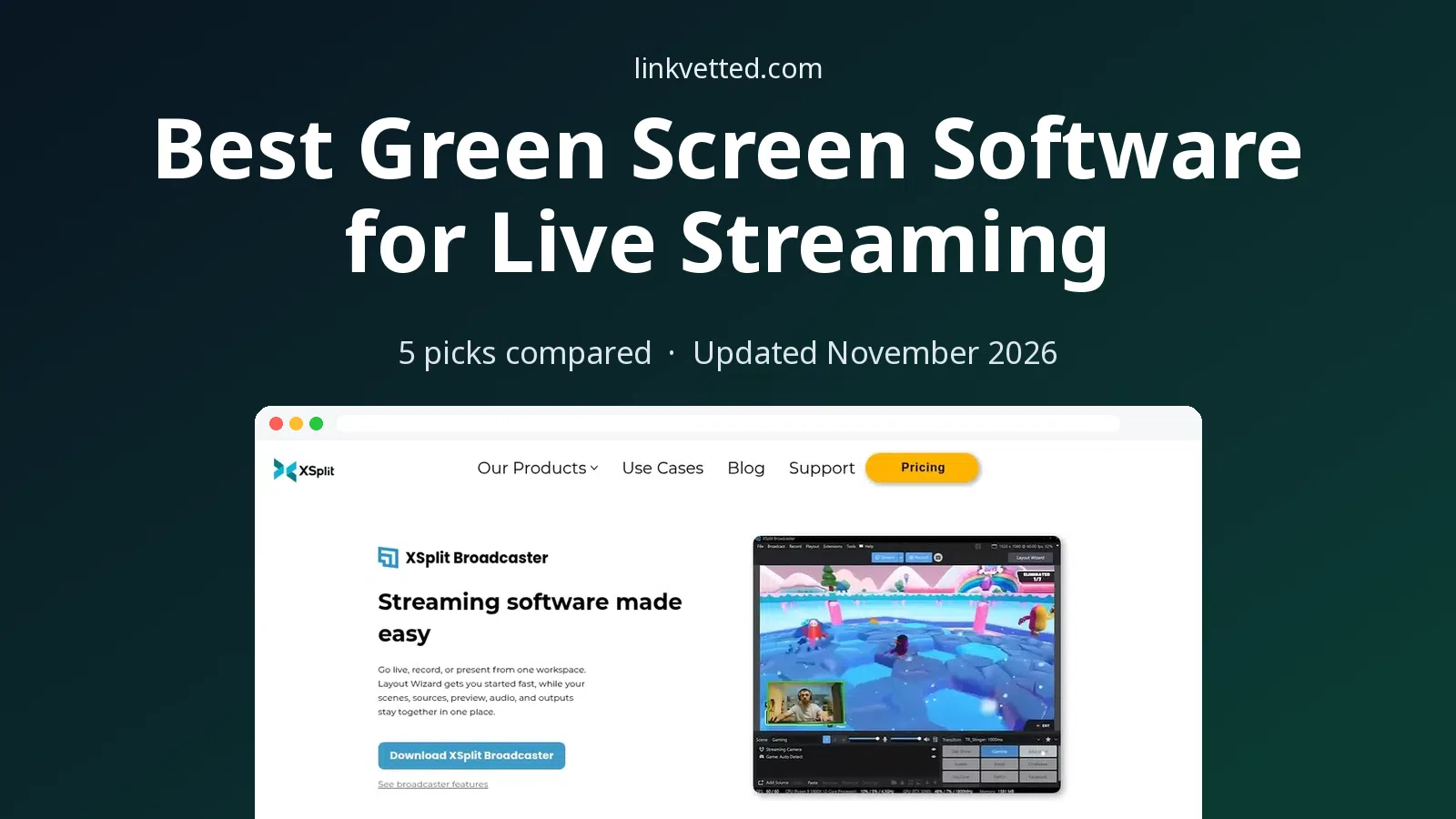
- Editor's choiceXSplit Broadcaster
Guided streaming for games and podcasts
Starts atSee websiteVisit xsplit.comFull review - Great alternative
 Zoom
Green screen in meetings and webinars
Starts atSee websiteVisit zoom.usFull review - Also considerRestream Studio
Browser-based multistreaming
Starts at$239 a monthVisit restream.ioFull review
Direct answer
XSplit Broadcaster is the first pick on this list for guided streaming for games and podcasts. Listed starting prices: Restream Studio from $239 a month and Wirecast from $34 a month. For a different need, Zoom covers green screen in meetings and webinars and Restream Studio covers browser-based multistreaming. Details, prices and limits for the rest of the 5 tools are below.
TL;DR:
- Number one here is XSplit Broadcaster, a fit for guided streaming for games and podcasts.
- Wirecast comes with a trade-off: production focus adds complexity.
- OBS Studio fits open source streaming with chroma key.
- XSplit Broadcaster, OBS Studio and the 3 others all need a premium plan or a trial, since no free plan is listed.
Last checked November 2026. Prices and plan details were read from the vendors' own pages in November 2026; vendors change plans often, so confirm the current price on the vendor site before you buy.
Quick comparison
| Tool | Best for | Starts at | Free plan? | |
|---|---|---|---|---|
| XSplit Broadcaster | Guided streaming for games and podcasts | See website | Not stated | Visit |
| Zoom | Green screen in meetings and webinars | See website | Not stated | Visit |
| Restream Studio | Browser-based multistreaming | $239 a month | Not stated | Visit |
 Wirecast | Multicamera streaming with remote guests | $34 a month | Free trial | Visit |
 OBS Studio | Open source streaming with chroma key | See website | Not stated | Visit |
Green Screen Software for Live Streaming compared in detail
Choosing green screen software for live streaming usually comes down to price, fit and limits. This LinkVetted guide sets 5 tools side by side on those three points, with the facts kept short and checkable.
XSplit Broadcaster
Best for: Guided streaming for games and podcasts
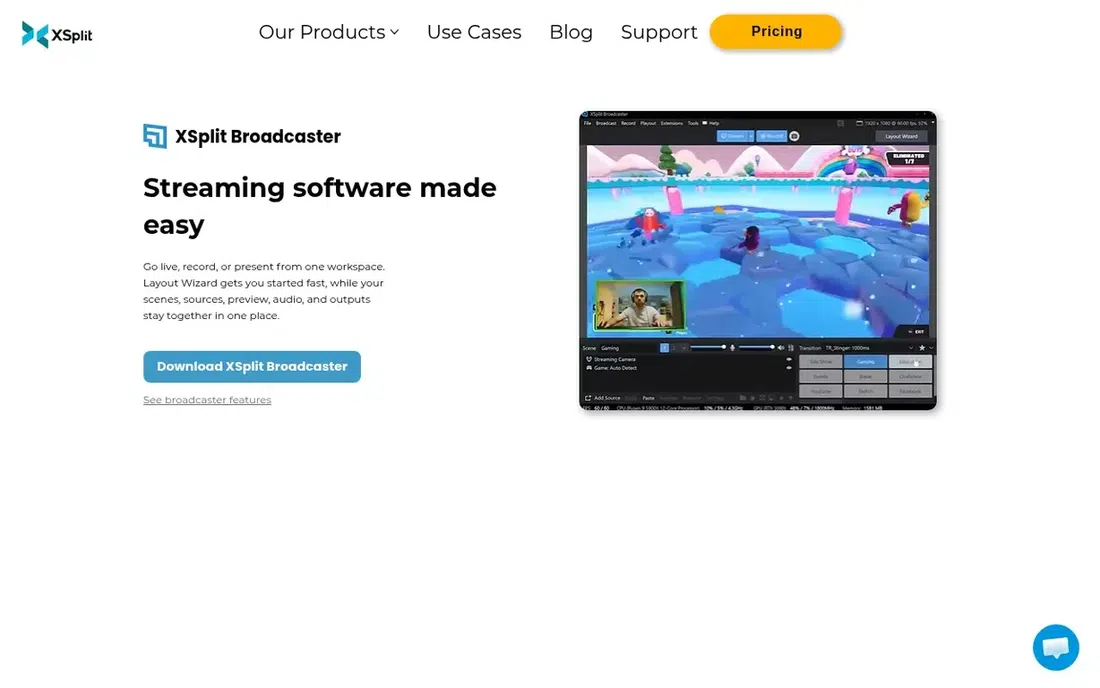
XSplit Broadcaster is built with guided streaming for games and podcasts in mind. XSplit Broadcaster is recording and live streaming software geared toward games, podcasts and presentations, with tools for creating professional recordings and streams. For everyday use, if you need open source code or deep plugin control, OBS Studio is the better fit.
As for the details, compared to open source choices, XSplit Broadcaster gives you less room for deep customization, and some capabilities rely on account setup. Also, green screen users can key a camera source and place it over backgrounds or gameplay. No starting price is listed for XSplit Broadcaster here; confirm pricing on the vendor site. Free access: Not stated.
Limits to weigh: Some features tied to account setup.
What works well: Clear scene-based interface.
- Fits games
- Podcasts and presentations
- Less open than OBS Studio
Zoom serves green screen in meetings and webinars. It suits hosts who need keyed video inside a familiar meeting environment instead of a full broadcast workflow.
Points against: Not a dedicated streaming studio.
Pick Zoom when green screen use is incidental to meetings; pick a production tool when streaming is the primary event. Pricing for Zoom is not stated here, so ask the vendor for current figures. Free access: Not stated.
- Familiar to most guests
- Virtual background support
- Restricted production layering
Restream Studio
Best for: Browser-based multistreaming
Restream Studio is built with browser-based multistreaming in mind. Since it runs in the browser, it fits hosts who want to go live without installing a full production application.
Watch-outs: Relies on browser performance.
Browser-based production gives you less granular control than desktop mixers, and performance depends on your machine and connection. Starting cost for Restream Studio: $239 per month. Trial and free access: Not stated.
- Runs in the browser
- Straightforward video creation
- Fewer deep production controls
Think of Wirecast for Multicamera streaming with remote guests. It switches several cameras, brings remote guests and multistreams to products, which makes it handy for displays that combine keyed presenters with interviews. More specifically, new users should expect a learning period.
In daily use, if your needs are entry-level, a lighter scene-based tool may serve you better. Choose Wirecast when guests and multistreaming are central. Price to start with Wirecast: $34 per month. Free access: Free trial.
What to check first: Production focus layers on complexity.
- Layers on remote guests and multistreams
- Switches several cameras
- Ramp-up time for new users
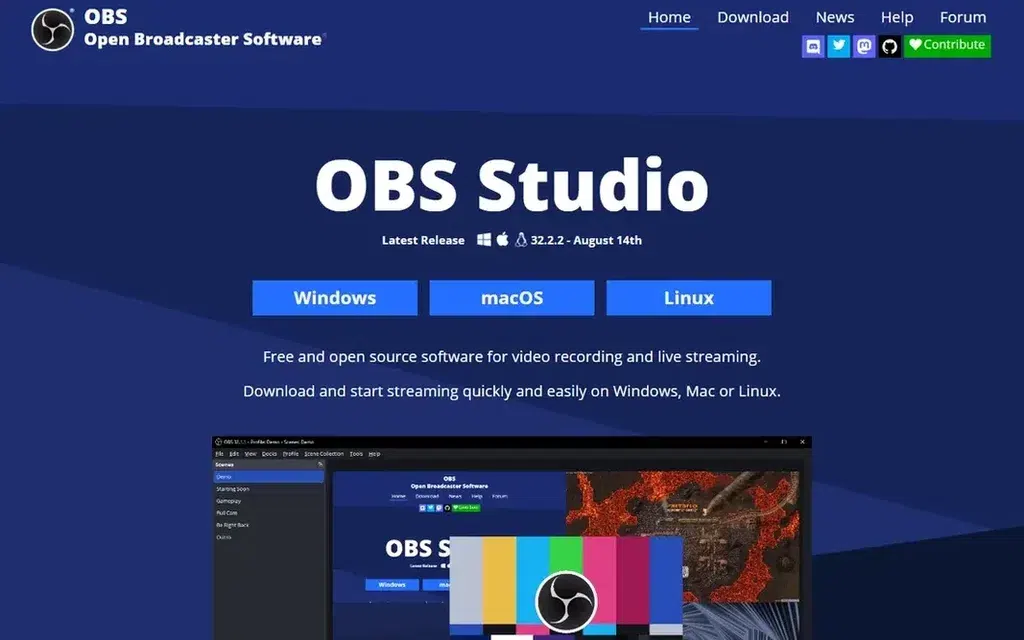
Think of OBS Studio for open source streaming with chroma key. For green screen work, its chroma key filter removes the background from a camera source, and scenes and sources let you layer graphics over the keyed footage.
Worth adding: OBS Studio is open source software for video recording and live streaming, with support for streaming to Twitch, YouTube and plenty of other providers. It records and encodes in H264 and AAC. No starting price is listed for OBS Studio here; confirm pricing on the vendor site. As for free access: Not stated.
Where it falls short: Settings can feel technical.
- Chroma key filter for green screens
- Streams to plenty of providers
- Interface takes learning
How these tools were picked
What to check before you buy
- Confirm the entry price on the vendor page. For XSplit Broadcaster, Zoom and OBS Studio that means a quote rather than a fixed price.
- Take the trial from Wirecast and push a live task through it before you pay.
- Before choosing XSplit Broadcaster, weigh its main limit: some features tied to account setup.
- Find out what support Restream Studio includes on your plan, and whether onboarding help costs extra.
- Find out whether the entry plan of Wirecast covers your must-haves or only a trimmed-down version.
FAQ
Can I try these tools before paying?
Often, yes. Wirecast offers a free trial. Use your own data and a real task during the test, and check what the free tier or trial limits before you rely on it. For the full picture, the cards above cover all 5 entries of this green screen software for live Streaming list, including price, free plan and limits.
What is the cheapest option for green screen software for live streaming in this list?
On published monthly entry prices, Wirecast is the lowest here at $34 per month. Entry price is only part of the cost, because seats, add-ons and billing terms can change the total. Prices, free plan details and limits for all 5 tools in this green screen software for live Streaming roundup sit on the individual cards above.
Is XSplit Broadcaster the right pick for everyone comparing green screen software for live streaming?
No single tool suits every team. XSplit Broadcaster comes first because it fits guided streaming for games and podcasts, while Zoom suits green screen in meetings and webinars and Restream Studio suits browser-based multistreaming. Match the tool to your own size, budget and workflow before deciding.
Do these tools publish their prices?
Not all of them. XSplit Broadcaster, Zoom and OBS Studio publish no starting price, so expect a quote request for those. The rest, Restream Studio included, show a starting price, though seats and billing terms still change the final cost.
Which green screen software is best for beginners?
Start with XSplit Broadcaster if you need guided streaming for games and podcasts. Zoom is the better match for green screen in meetings and webinars, and Restream Studio for browser-based multistreaming. The best choice depends on budget, team size and workflow.
Sources
- https://www.xsplit.com
- https://zoom.us
- https://restream.io
- https://www.telestream.net/wirecast
- https://obsproject.com