The 6 Best Live Streaming Software for Podcast Editing in 2026, Ranked
Best live streaming software for podcast editing: 6 contenders ranked by fit, with entry costs and free tiers. Each pick lists its main limit. See which fits.
- Editor's choiceRestream Studio
Multistreaming live podcast video
Starts at$239 per monthVisit restream.ioFull review - Great alternative
 Wirecast
Cross-platform broadcast production
Starts at$34 a monthVisit telestream.netFull review - Also consider
 Zoom
Straightforward remote guest conversations
Starts atSee websiteVisit zoom.usFull review
Direct answer
This list puts Restream Studio first for Multistreaming live podcast video. Listed starting prices: Restream Studio from $239 per month, Wirecast from $34 a month and Riverside from $24 a month. For a different need, Wirecast covers cross-platform broadcast production and Zoom covers straightforward remote guest conversations. The remaining 3 options are covered below with prices and limits.
TL;DR:
- Number one here is Restream Studio, a fit for Multistreaming live podcast video.
- Just one of the 6 tools, Riverside, has a free plan.
- Check the limits for Restream Studio before you commit: editing features are restricted.
- Riverside suits HD podcast recording with editing.
Last checked November 2026. Prices and plan details were read from the vendors' own pages in November 2026; vendors change plans often, so confirm the current price on the vendor site before you buy.
Quick comparison
| Tool | Best for | Starts at | Free plan? | |
|---|---|---|---|---|
| Restream Studio | Multistreaming live podcast video | $239 per month | Not stated | Visit |
| Wirecast | Cross-platform broadcast production | $34 a month | Free trial | Visit |
| Zoom | Straightforward remote guest conversations | See website | Not stated | Visit |
 Ecamm Live | Mac live streaming and podcast presents | See website | Not stated | Visit |
 OBS Studio | Free open source recording and streaming | See website | Not stated | Visit |
 Riverside | HD podcast recording with editing | $24 a month | Yes | Visit |
Tool-by-tool breakdown
LinkVetted compared 6 tools for live streaming software for podcast editing. The goal is a practical shortlist: published prices, free plan facts, best-fit use cases and honest limits for every entry.
Restream Studio
Best for: Multistreaming live podcast video
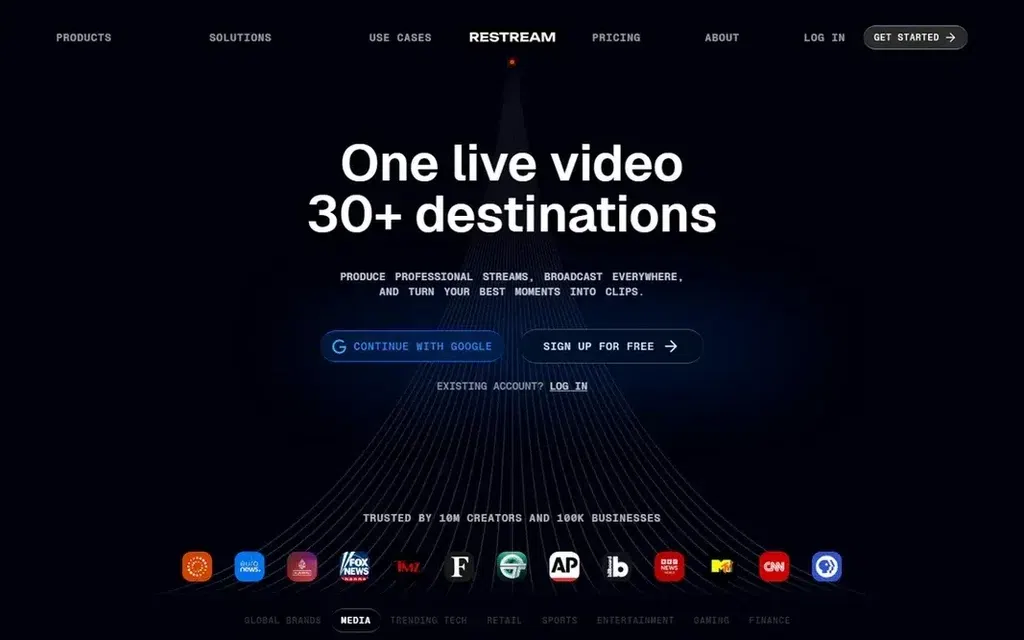
Restream Studio serves Multistreaming live podcast video. Restream Studio is a live video product for creating refined presents and multistreaming them to your favorite channels at once. For podcasters who publish live video versions of episodes, it eases getting the same session out to multiple destinations without separate setups.
Trade-offs to know: Best value tied to streaming goals.
Its strength is distribution rather than editing, so expect to finish audio and video elsewhere. On top of that, choose a dedicated recording studio if clean isolated tracks and post-production editing matter more than broadcasting to plenty of channels. On cost, Restream Studio starts like this: $239 per month. On free options: Not stated.
- Straightforward live video system
- Multistreams to favorite channels
- Editing features are restricted
Wirecast targets cross-platform broadcast production. Wirecast is live video streaming and broadcast software for Mac and Windows, with the capacity to switch unlimited cameras, add remote guests and multistream to systems. The breadth of controls can overwhelm straightforward two-person displays.
Worth adding: for podcasters who want a broadcast-style present with several angles and guests, it includes switching and distribution in one application. From a buyer's view, a lighter recording studio is a better match if you do not need camera switching and multistreaming. The starting price for Wirecast: $34 per month. On free options: Free trial.
Honest limits: Can be complicated for straightforward displays.
- Mac and Windows support
- Add remote guests and multistream
- Production-first, not editing-first
Where Zoom fits: straightforward remote guest conversations. Zoom is a collaboration system with video meetings, chat, webinars and events among its tools.
Points against: Not a production switcher.
Recording quality relies on settings and connections. Zoom is not designed as live production or podcast editing software, so scene switching, multistreaming and refined audio workflows are restricted. Zoom shows no starting price here, so confirm the cost on the vendor site. Free access: Not stated.
- Video meetings and webinars
- Familiar to most guests
- Restricted podcast editing
In short, Ecamm Live is for Mac live streaming and podcast presents. Ecamm Live is a live streaming product for Mac that supports streaming to Facebook, YouTube, Instagram, X, Twitch and LinkedIn.
What to check first: Not a dedicated audio editor.
Worth adding: the Mac requirement rules out Windows users, and the product is oriented toward live production instead of deep audio editing. Expect to deal with final episode polish in separate software. Pricing for Ecamm Live is not stated here, so ask the vendor for current figures. Free plan details: Not stated.
- Designed for Mac
- Streams to major products
- Mac only
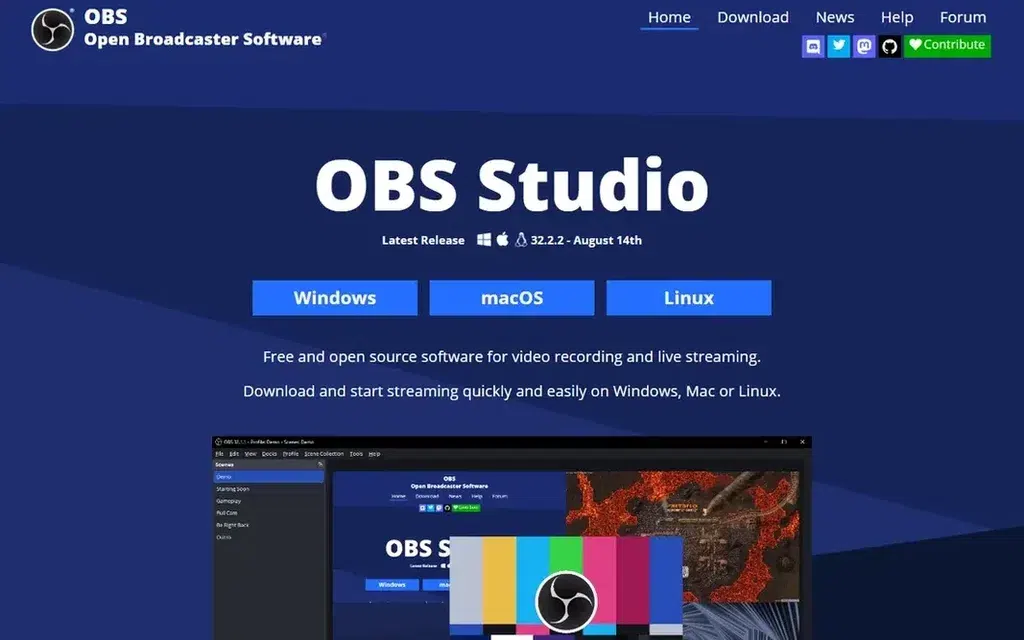
For free open source recording and streaming, OBS Studio is a natural candidate. OBS Studio is open source software for video recording and live streaming, and it can send output to Twitch, YouTube and plenty of other providers.
Drawbacks to consider: Setup can feel technical.
On top of that, pick something else if you want a browser studio with recording and editing combined, or a product built around multistreaming. In practice, the tradeoff is complexity: OBS Studio is a production tool, not a podcast editor, so trimming and polishing episodes happens elsewhere. OBS Studio shows no starting price here, so confirm the cost on the vendor site. Free access: Not stated.
- Streams to plenty of providers
- Open source and widely used
- No built-in podcast editor
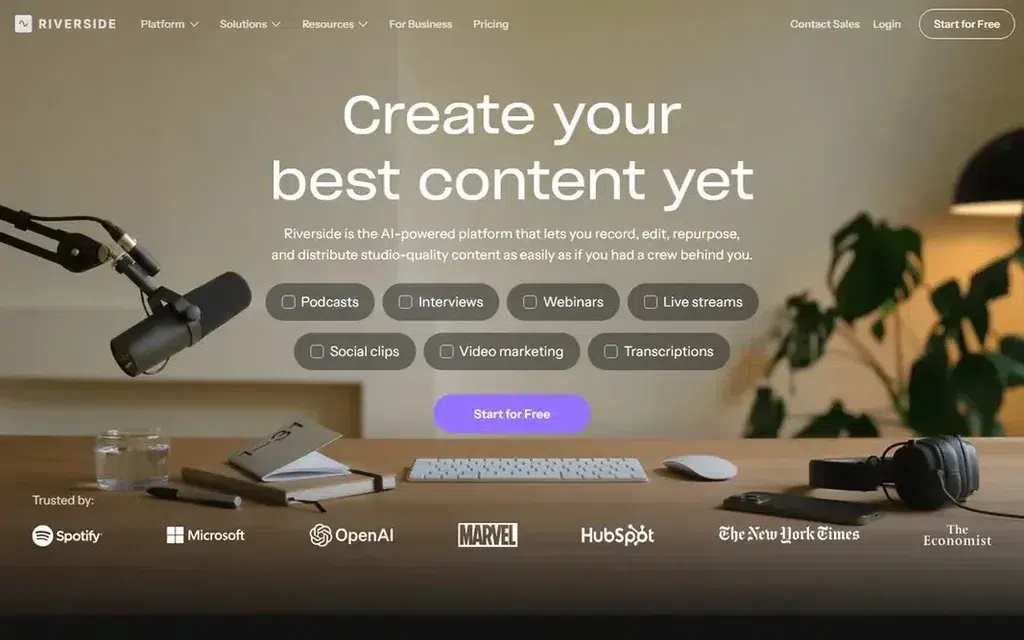
Riverside works best for HD podcast recording with editing. Riverside is an online studio for high-quality podcast and video recording and editing, powered by AI and aimed at human conversations.
Points against: Browser dependence.
Beyond that, since it centers on recording and editing, it is not a full live production switcher for complicated multi-camera broadcasts. Pick a switcher-style tool if your podcast is really a live display with layered scenes and numerous inputs. Entry price for Riverside: $24 per month. You can start on Riverside without paying.
- AI-assisted recording and editing
- Online studio for podcast and video
- Advanced production control is restricted
How we chose
For each of the 6 tools we noted price, free plan or trial, fit for live streaming software for podcast editing and the main limit, using vendor pages and documentation. Where a vendor does not publish a price, the entry says quote. Where a price depends on seats or billing term, the entry says so. The ranking is editorial: typical fit first, then clear pricing, then free access. If your needs are unusual, read the profiles rather than relying on position.
Pre-purchase checklist
- Confirm the entry price on the vendor page. For Zoom, Ecamm Live and OBS Studio that means a quote rather than a fixed price.
- Look at the free plan from Riverside closely: its caps decide whether it is usable for real work.
- Take the trial from Wirecast and push a live task through it before you pay.
- Read the limits listed for Restream Studio first: editing features are restricted.
- Compare total cost, not headline price: for Restream Studio, add extra seats, add-ons and any usage-based charges.
- Find out what support Wirecast includes on your plan, and whether onboarding help costs extra.
FAQ
What is the cheapest option for live streaming software for podcast editing in this list?
On published monthly entry prices, Riverside is the lowest here at $24 per month. Entry price is only part of the cost, because seats, add-ons and billing terms can change the total. For the full picture, the cards above cover all 6 entries of this live Streaming software for Podcast editing list, including price, free plan and limits.
Do these tools publish their prices?
Not all of them. Zoom, Ecamm Live and OBS Studio publish no starting price, so expect a quote request for those. The rest, Restream Studio included, show a starting price, though seats and billing terms still change the final cost.
Which options for live streaming software for podcast editing have a free plan?
Riverside is the only tool in this list with a free plan. Free plans usually cap users, projects or features, so check the limits on the vendor page. One other tool offers a trial instead. Prices, free plan details and limits for all 6 tools in this live Streaming software for Podcast editing roundup sit on the individual cards above.
How are the tools for live streaming software for podcast editing ordered?
Restream Studio sits first and Riverside last because the order follows typical fit for live streaming software for podcast editing, then price clarity and free access. It is a judgement call, so read each profile for fit and limits.
Sources
- https://restream.io
- https://www.telestream.net/wirecast
- https://zoom.us
- https://www.ecamm.com
- https://obsproject.com
- https://riverside.fm