Top 6 Live Streaming Software for Churches for 2026 (Prices and Free Plans)
6 products for the best live streaming software for churches, ranked by fit, with starting costs and free tiers. Caveats come with every verdict. Numbers first.
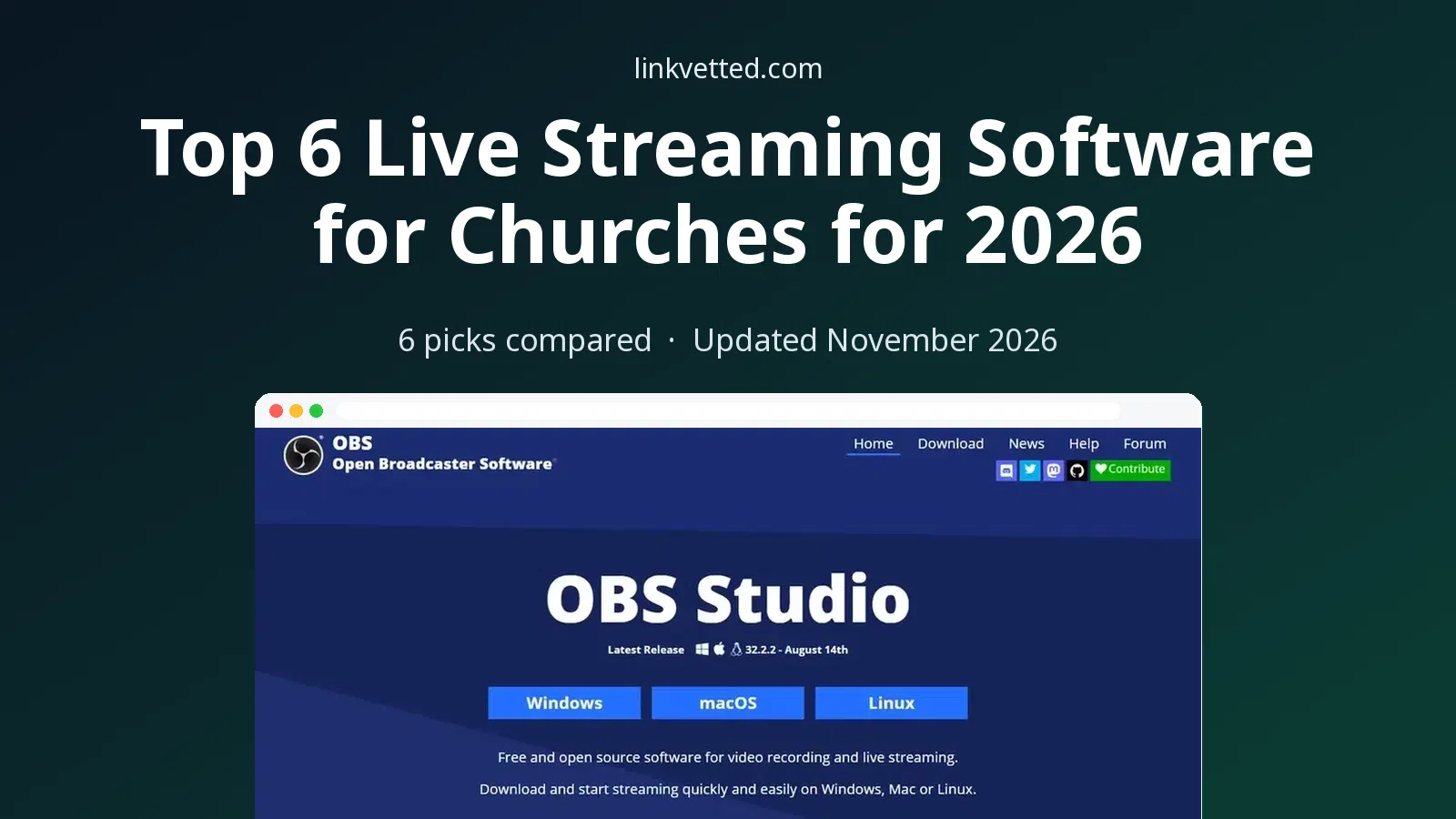
- Editor's choice
 vMix
Windows live production mixing
Starts atSee websiteVisit vmix.comFull review - Great alternative
 Wirecast
Cross-platform broadcast production
Starts at$34 per monthVisit telestream.netFull review - Also consider
 OBS Studio
Open source studio control
Starts atSee websiteVisit obsproject.comFull review
Direct answer
Our first pick is vMix, best for Windows live production mixing. Listed starting prices: Wirecast from $34 per month, Restream from $239 per month and BoxCast from $109 a month. Look at Wirecast for cross-platform broadcast production, and at OBS Studio for open source studio control. Details, prices and limits for the rest of the 6 tools are below.
TL;DR:
- Top of the list is vMix, which targets Windows live production mixing.
- The main caution on Restream: not a full production switcher.
- Starting prices begin at $34 per month with Wirecast.
- BoxCast is the one to check for integrated streaming product.
- vMix, BoxCast and the 4 others all need a premium plan or a trial, since no free plan is listed.
Last checked November 2026. Prices and plan details were read from the vendors' own pages in November 2026; vendors change plans often, so confirm the current price on the vendor site before you buy.
Quick comparison
| Tool | Best for | Starts at | Free plan? | |
|---|---|---|---|---|
| vMix | Windows live production mixing | See website | Not stated | Visit |
| Wirecast | Cross-platform broadcast production | $34 per month | Free trial | Visit |
| OBS Studio | Open source studio control | See website | Not stated | Visit |
 Restream | Multistreaming to numerous channels | $239 per month | Not stated | Visit |
 Ecamm Live | Mac-based church streaming | See website | Not stated | Visit |
| BoxCast | Integrated streaming system | $109 a month | Free trial | Visit |
Live Streaming Software for Churches compared in detail
Short on time? The summary and table above give the quick view of 6 live streaming software for churches, and the profiles that follow give the detail behind each entry.
Where vMix fits: Windows live production mixing. vMix is a live streaming and live production video mixer and switcher for Windows. It lets a team produce, record and live stream professional-looking content from a PC, which fits churches with several cameras, graphics and a permanent control room or media booth.
Points against: Steeper ramp-up time.
In practice, vMix runs only on Windows, so Mac-based teams would have to look elsewhere. The production depth means training time before volunteers are confident. Beyond that, churches with a single camera and a small team may find more straightforward browser tools sufficient for weekly services. Pricing for vMix is not stated here, so ask the vendor for current figures. Free access: Not stated.
- Produce
- Professional-looking output
- Windows only
Where Wirecast fits: cross-platform broadcast production. Its broadcast-oriented feature set carries a ramp-up time, and the software expects a capable computer for smooth switching.
Limits to weigh: Needs a capable machine.
Worth adding: smaller churches with one camera and restricted volunteer time may prefer a browser studio, whereas bigger productions will appreciate the depth. Wirecast cost at the entry level: $34 per month. Free access: Free trial.
- Works on Mac and Windows
- Add remote guests and multistream
- Production features take time to learn
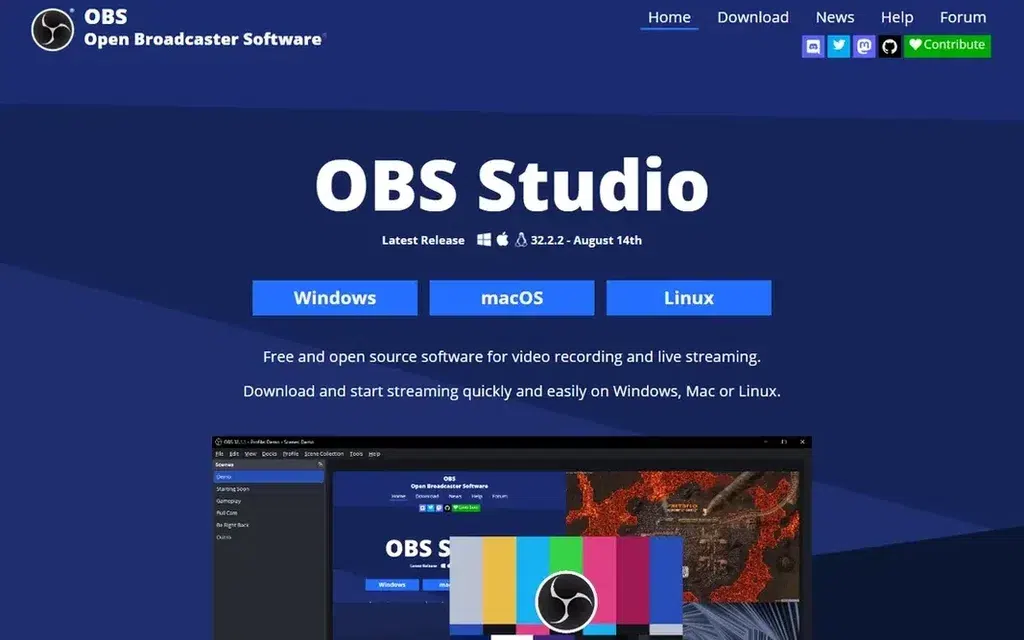
OBS Studio serves open source studio control. OBS Studio is open source software for video recording and live streaming, with high quality H264 and AAC encoding. It streams to YouTube, Twitch and many other providers, or records services for later sharing.
Worth adding: the trade-off is complexity: new volunteers may need training before they can run a service solo. The software expects a reasonably capable computer. If your team wants a guided, browser-based experience with fewer moving parts, a hosted studio tool may be simpler to hand off week to week. OBS Studio does not show a starting price in this comparison, so check the vendor site for current pricing. Free options: Not stated.
Trade-offs to know: Needs a capable computer.
- Streams to numerous providers or records locally
- High quality H264 and AAC encoding
- Setup can feel technical for volunteers
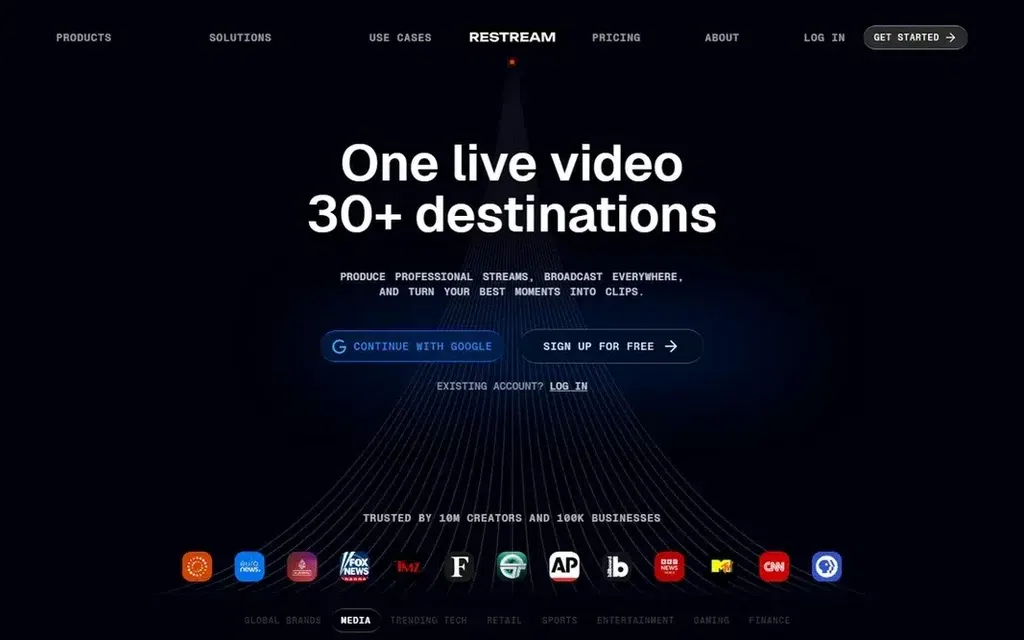
In short, Restream is for Multistreaming to numerous channels. Restream is built around distribution and creation instead of deep on-site production, so camera switching and audio mixing still need another tool.
What to check first: Relies on cloud connectivity.
From a buyer's view, churches wanting an all-in-one production desk should pair it with a desktop mixer or choose software that manages both roles. Restream cost at the entry level: $239 per month. On free options: Not stated.
- Multistreams to favorite channels
- Straightforward live video product
- Not a full production switcher
In short, Ecamm Live is for Mac-based church streaming. If your church needs Windows support or heavier switching, vMix or Wirecast are the more natural comparisons.
Honest limits: Mac only.
Best features of Ecamm Live: Approachable production interface. Check the vendor site for Ecamm Live pricing; none is listed in this comparison. Free options: Not stated.
- Designed for Mac
- Twitch and LinkedIn
- Not aimed at large hardware setups
BoxCast
Best for: Integrated streaming system
BoxCast works best for integrated streaming product. BoxCast presents professional live video streaming and production made straightforward, backed by a supportive team, with an integrated video system that helps organizations link and engage with their community anywhere.
Downsides: Less of a DIY encoder approach.
Confirm hardware compatibility and workflow details with the vendor before committing your service schedule. BoxCast starts at: $109 per month. Free plan details: Free trial.
- Integrated video system
- Supportive team backing
- Platform-centric workflow
Selection criteria
We compared the tools on published pricing, free plan or trial availability, feature coverage for live streaming software for churches, and the limits each vendor documents. Figures are shown as the vendors publish them. Billing terms, seat minimums and add-ons can change the real cost. Tools are placed by general fit for live streaming software for churches, with price clarity and free access as tie-breakers. A different team can reasonably rank them differently.
What to confirm before you sign up
- Confirm the entry price on the vendor page. For vMix, OBS Studio and Ecamm Live that means a quote rather than a fixed price.
- Run a trial of Wirecast and BoxCast with real work before paying for a year; your own workflow is the best test.
- Before choosing vMix, weigh its main limit: Windows only.
- Confirm minimum seats and billing terms with Wirecast before you commit to an annual plan.
- Test the integrations you rely on with vMix before committing; some connectors sit on upper tiers.
FAQ
What is the cheapest option for live streaming software for churches in this list?
On published monthly entry prices, Wirecast is the lowest here at $34 per month. Entry price is only part of the cost, because seats, add-ons and billing terms can change the total. Each of the 6 options in this live Streaming software for Churches guide has its own card above with the price, free plan and limits.
Is vMix the right pick for everyone comparing live streaming software for churches?
No single tool suits every team. vMix comes first because it fits Windows live production mixing, while Wirecast suits cross-platform broadcast production and OBS Studio suits open source studio control. Match the tool to your own size, budget and workflow before deciding.
Do these tools publish their prices?
Not all of them. vMix, OBS Studio and Ecamm Live publish no starting price, so expect a quote request for those. The rest, Wirecast included, show a starting price, though seats and billing terms still change the final cost.
Can I try these tools before paying?
Often, yes. Wirecast and BoxCast offer a free trial. Use your own data and a real task during the test, and check what the free tier or trial limits before you rely on it.
Sources
- https://www.vmix.com
- https://www.telestream.net/wirecast
- https://obsproject.com
- https://restream.io
- https://www.ecamm.com
- https://www.boxcast.com