Top 6 Motion Capture Software for Animated Art for 2026 (Prices and Free Plans)
Searching for the best motion capture software for animated art? Here are 6 options with prices and free plans. Each pick lists its main limit. Plain facts.
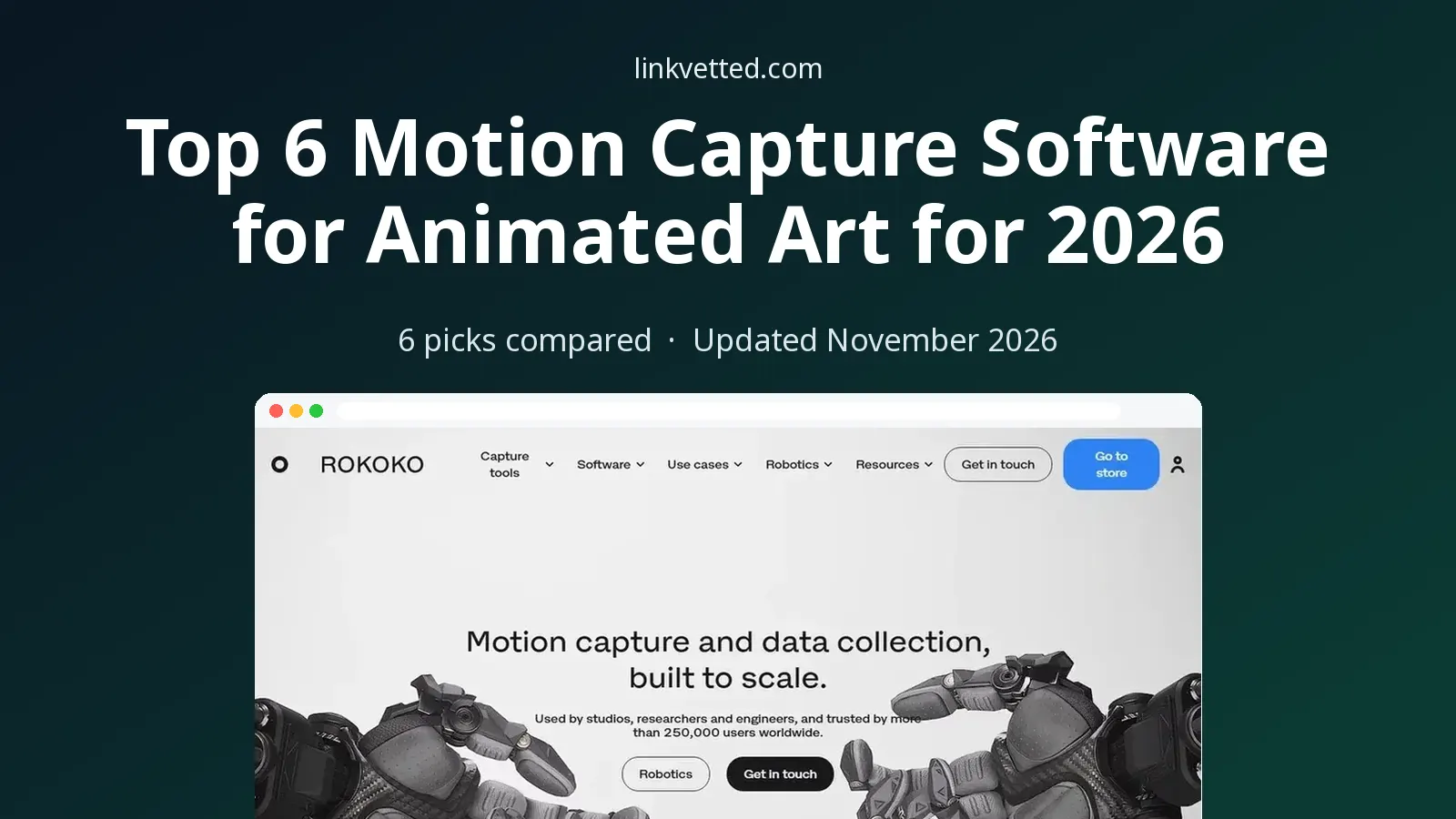
- Editor's choiceiClone
Realtime character animation and mocap editing
Starts atSee websiteVisit reallusion.comFull review - Great alternativeMotion Analysis Cortex
Optical capture setup and data processing
Starts atSee websiteVisit motionanalysis.comFull review - Also considerRokoko Studio
Recording and streaming mocap into engines
Starts at$10 per monthVisit rokoko.comFull review
Direct answer
iClone is the first pick on this list for Realtime character animation and mocap editing. Listed starting prices: Rokoko Studio from $10 per month. Look at Motion Analysis Cortex for optical capture setup and data processing, and at Rokoko Studio for recording and streaming mocap into engines. The remaining 3 options are covered below with prices and limits.
TL;DR:
- iClone is the opening pick, best for Realtime character animation and mocap editing.
- Only Rokoko Studio offers a free plan among these 6 tools.
- Starting prices begin at $10 per month with Rokoko Studio.
- What to know about iClone first: best value within its own ecosystem.
- Vicon Shōgun is the one to check for VFX and optical capture pipelines.
Last checked November 2026. Prices and plan details were read from the vendors' own pages in November 2026; vendors change plans often, so confirm the current price on the vendor site before you buy.
Quick comparison
| Tool | Best for | Starts at | Free plan? | |
|---|---|---|---|---|
| iClone | Realtime character animation and mocap editing | See website | Not stated | Visit |
| Motion Analysis Cortex | Optical capture setup and data processing | See website | Not stated | Visit |
| Rokoko Studio | Recording and streaming mocap into engines | $10 per month | Yes | Visit |
| Autodesk MotionBuilder | Editing and retargeting captured performance | See website | Not stated | Visit |
 Blender | Open animation pipeline with mocap import | See website | Not stated | Visit |
| Vicon Shōgun | VFX and optical capture pipelines | See website | Not stated | Visit |
Motion Capture Software for Animated Art compared in detail
If you are comparing motion capture software for animated art, this page covers 6 tools in one place: what each is best for, what it costs to start, whether it has a free plan, and the main limit to know about.
iClone
Best for: Realtime character animation and mocap editing
iClone makes the most sense for Realtime character animation and mocap editing. iClone is realtime 3D animation software that eases character animation, mocap animation, mocap editing, lipsync and crowd simulation.
Artists who only need raw capture streaming into a game engine may find it broader than necessary. Beyond that, the realtime approach helps artists see results as they build scenes. This comparison lists no price for iClone; ask the vendor. Trial and free access: Not stated.
Drawbacks to consider: Less suited to pure optical pipelines.
- Realtime 3D character animation
- Crowd simulation for bigger scenes
- Best value within its own ecosystem
Motion Analysis Cortex
Best for: Optical capture setup and data processing
In short, Motion Analysis Cortex is for optical capture setup and data processing. The emphasis is on processing captured data with minimal friction.
Points against: Tied to Motion Analysis hardware.
Motion Analysis Cortex does not show a starting price in this comparison, so check the vendor site for current pricing. Trial and free access: Not stated.
- Pairs with Motion Analysis systems
- Feature-rich setup and processing software
- Oriented toward laboratory-style capture
Rokoko Studio
Best for: Recording and streaming mocap into engines
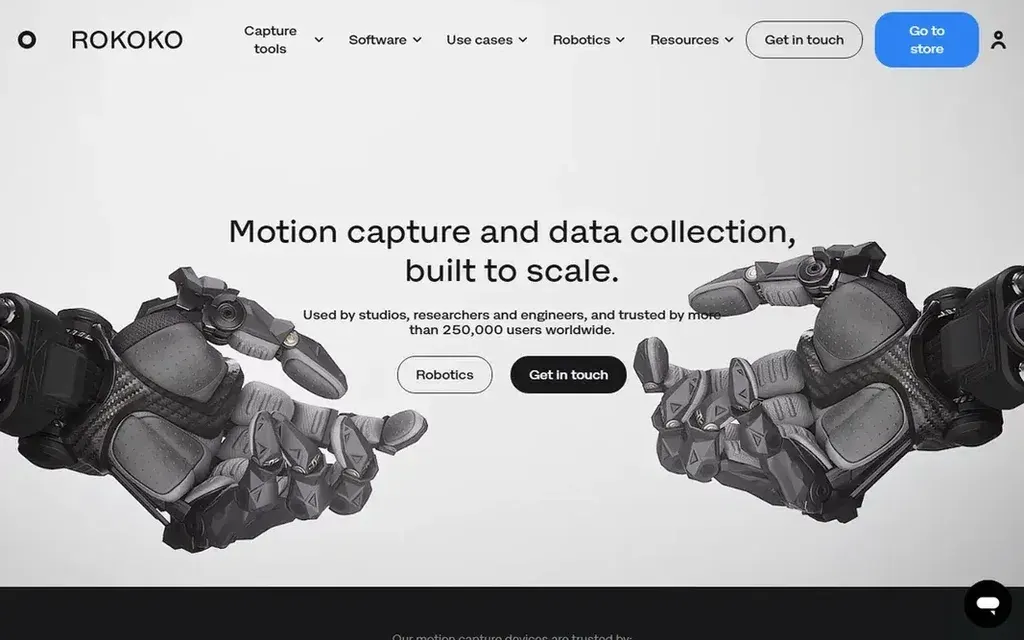
Rokoko Studio was built for recording and streaming mocap into engines. Its emphasis is on body motion, so facial animation needs may call for a separate tool.
What you pay to start with Rokoko Studio: $10 per month. Rokoko Studio has a free plan.
What users get: Visualize. What to check first: Concentrated on body capture workflows.
- Record and export body data
- Easy-to-learn interface for capture sessions
- Depends on compatible capture hardware
Autodesk MotionBuilder
Best for: Editing and retargeting captured performance
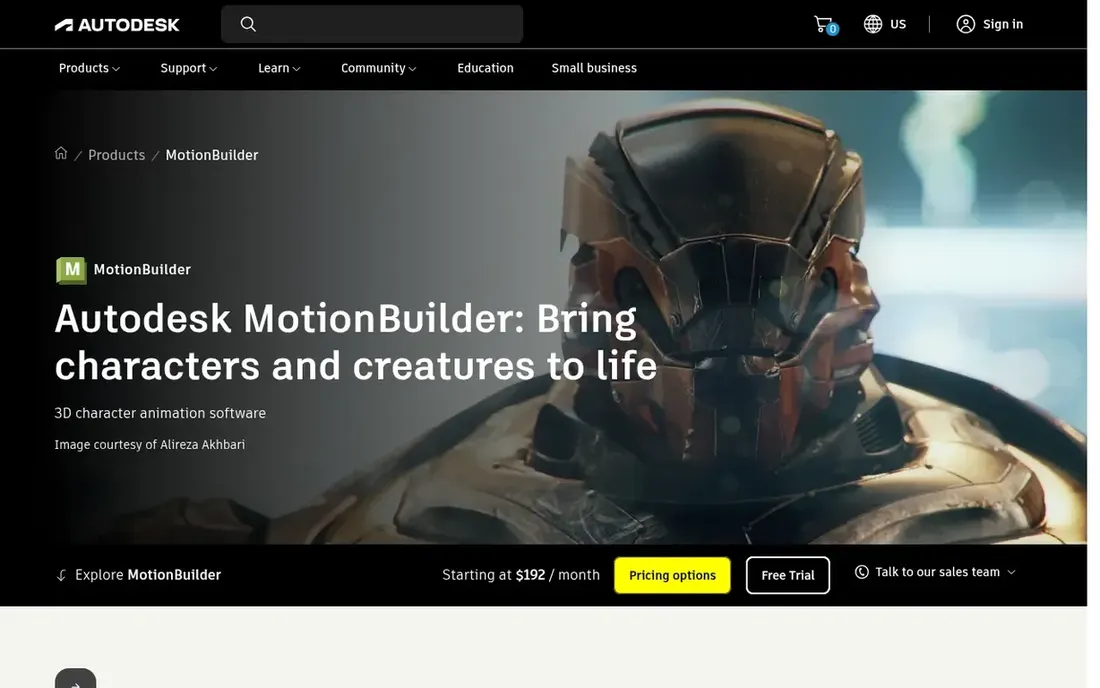
Autodesk MotionBuilder is designed for editing and retargeting captured performance. Teams working alongside other Autodesk products commonly find it slots naturally into an existing pipeline.
What to check first: Subscription-based licensing.
Autodesk MotionBuilder does not show a starting price in this comparison, so check the vendor site for current pricing. Free access: Not stated.
- Capable performance editing and retargeting
- Takes care of playback of captured motion
- Ramp-up time for newcomers
In short, Blender is for open animation pipeline with mocap import. Blender is a widely used open source 3D creation suite that handles modeling, animation, rendering and video editing. It can import motion capture data for use in animated art.
Blender is not a dedicated motion capture application, so recording and cleaning data normally relies on extras or companion tools. Beyond that, artists who require a guided, end-to-end capture environment may prefer a purpose-built package and use Blender for final animation. Pricing for Blender is not stated here, so ask the vendor for current figures. Free access: Not stated.
Limits to weigh: Mocap cleanup needs extras or manual work.
- Imports captured motion for animation
- Large community and learning resources
- Not a dedicated capture application
Vicon Shōgun
Best for: VFX and optical capture pipelines
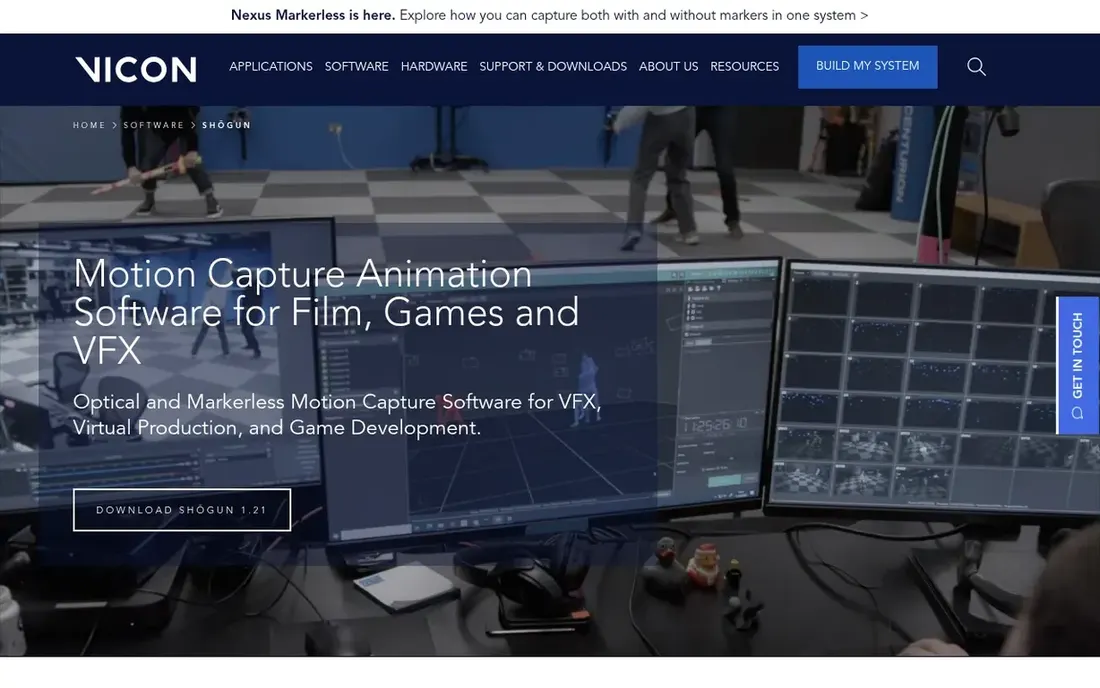
Think of Vicon Shōgun for VFX and optical capture pipelines. Vicon Shogun is motion capture animation software designed around the needs of VFX customers, and it now supports markerless motion capture alongside established optical workflows.
On top of that, the tool is positioned for teams with dedicated capture infrastructure. Vicon Shōgun shows no starting price here, so confirm the cost on the vendor site. Free plan details: Not stated.
Where it is weaker: Targeted at professional studio pipelines.
- Built with VFX customer needs in mind
- Supports markerless motion capture
- Tied to Vicon capture systems
Selection criteria
The comparison looks at four things: starting price, free access, how well the feature set matches motion capture software for animated art, and the main limit of each tool. Figures are shown as the vendors publish them. Billing terms, seat minimums and add-ons can change the real cost. Position on the page reflects fit for a typical buyer first, with price clarity and free access breaking ties. Treat it as a guide, not a ruling.
Things to verify first
- Ask iClone, Motion Analysis Cortex, Autodesk MotionBuilder and others for a written quote, since no starting price is shown.
- Test the free plan from Rokoko Studio against your real workload before relying on it.
- Read the limits listed for iClone first: best value within its own ecosystem.
- Verify that exporting from Rokoko Studio is possible on your plan and covers all your records.
- Ask Autodesk MotionBuilder whether prices are locked for the first term and what happens at renewal.
FAQ
Which motion capture software is a good match for beginners making animated art?
iClone is the pick this page puts first, mainly for Realtime character animation and mocap editing. If your situation differs, Motion Analysis Cortex suits optical capture setup and data processing, and Rokoko Studio suits recording and streaming mocap into engines. Compare price and limits before you decide.
How are the tools for motion capture software for animated art ordered?
iClone sits first and Vicon Shōgun last because the order follows typical fit for motion capture software for animated art, then price clarity and free access. It is a judgement call, so read each profile for fit and limits.
Is iClone the right pick for everyone comparing motion capture software for animated art?
No single tool suits every team. iClone comes first because it fits Realtime character animation and mocap editing, while Motion Analysis Cortex suits optical capture setup and data processing and Rokoko Studio suits recording and streaming mocap into engines. Match the tool to your own size, budget and workflow before deciding.
Which options for motion capture software for animated art have a free plan?
Rokoko Studio is the only tool in this list with a free plan. Free plans usually cap users, projects or features, so check the limits on the vendor page.
Can I try these tools before paying?
Often, yes. Rokoko Studio has a free plan. Use your own data and a real task during the test, and check what the free tier or trial limits before you rely on it.
Sources
- https://www.reallusion.com/iclone
- https://www.motionanalysis.com
- https://www.rokoko.com/products/studio
- https://www.autodesk.com/products/motionbuilder
- https://www.blender.org
- https://www.vicon.com/software/shogun