Best Motion Capture Software for Indie Studios in 2026: Prices, Free Plans and 6 Picks
Best motion capture software for indie studios in 2026: 6 tools with starting prices, free plans and limits. Plain-spoken summaries throughout. Clear verdicts.
- Editor's choiceDeepMotion Animate 3D
Fast AI capture from video
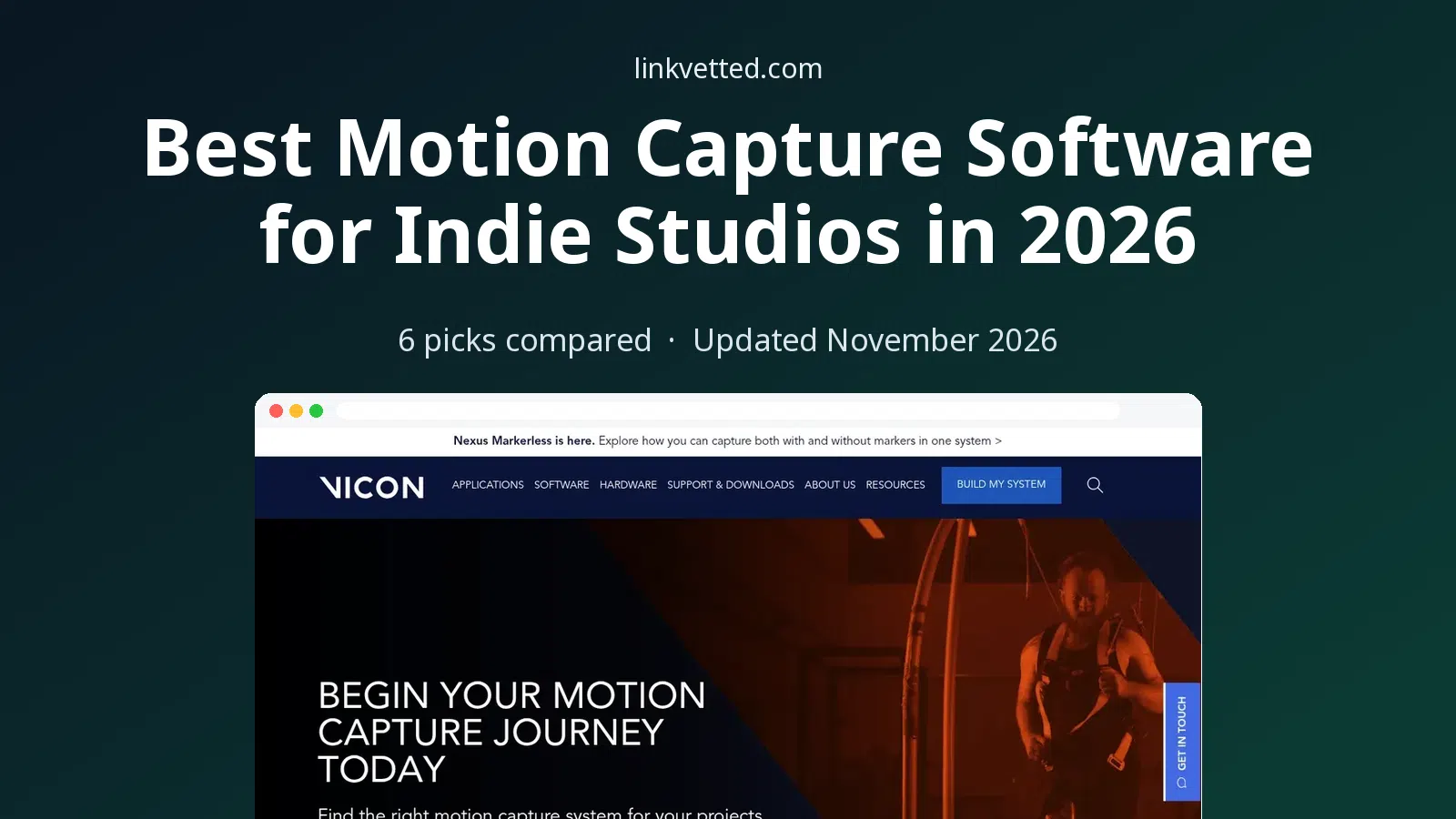
Starts atSee websiteVisit deepmotion.comFull review - Great alternativeVicon Shogun
Optical motion capture pipelines
Starts atSee websiteVisit vicon.comFull review - Also considerXsens MVN Animate
High-fidelity inertial suit capture
Starts atSee websiteVisit xsens.comFull review
Direct answer
If you need quick AI capture from video, DeepMotion Animate 3D is the first tool to look at here. Listed starting prices: Rokoko Studio from $10 per month and Plask from $18 a month. Vicon Shogun fits optical motion capture pipelines; Xsens MVN Animate fits high-fidelity inertial suit capture. Details, prices and limits for the rest of the 6 tools are below.
TL;DR:
- DeepMotion Animate 3D takes the first slot, best suited to fast AI capture from video.
- Free plans exist at 2 of 6 tools (Rokoko Studio, Plask).
- Check the limits for Rokoko Studio before you commit: hardware-dependent workflows may add complexity.
- Starting prices begin at $10 per month with Rokoko Studio.
Last checked November 2026. Prices and plan details were read from the vendors' own pages in November 2026; vendors change plans often, so confirm the current price on the vendor site before you buy.
Quick comparison
| Tool | Best for | Starts at | Free plan? | |
|---|---|---|---|---|
| DeepMotion Animate 3D | Fast AI capture from video | See website | Not stated | Visit |
| Vicon Shogun | Optical motion capture pipelines | See website | Not stated | Visit |
| Xsens MVN Animate | High-fidelity inertial suit capture | See website | Not stated | Visit |
| Rokoko Studio | All-in-one body, finger, and face capture | $10 per month | Yes | Visit |
| Plask | Video capture with scene editing | $18 a month | Yes | Visit |
| Faceware Studio | Facial performance capture | See website | Not stated | Visit |
Motion Capture Software for Indie Studios profiles
Short on time? The summary and table above give the quick view of 6 motion capture software for indie studios, and the profiles that follow give the detail behind each entry.
DeepMotion Animate 3D
Best for: Fast AI capture from video
Pick DeepMotion Animate 3D if this describes you: fast AI capture from video. It emphasizes speed and simplicity, making it a practical entry point for indie studios that want to create body tracking data without specialized hardware.
What to check first: Less control than hardware-based systems.
In daily use, studios requiring precise finger or facial data may need extra tools. Since it depends on markerless AI tracking, results depend heavily on video quality and may need cleanup for complicated or occluded movements. Pricing for DeepMotion Animate 3D is not stated here, so ask the vendor for current figures. Trial and free access: Not stated.
- AI-powered body tracking
- Produces 3D animation from video in a browser
- Markerless accuracy can vary by footage
Vicon Shogun
Best for: Optical motion capture pipelines
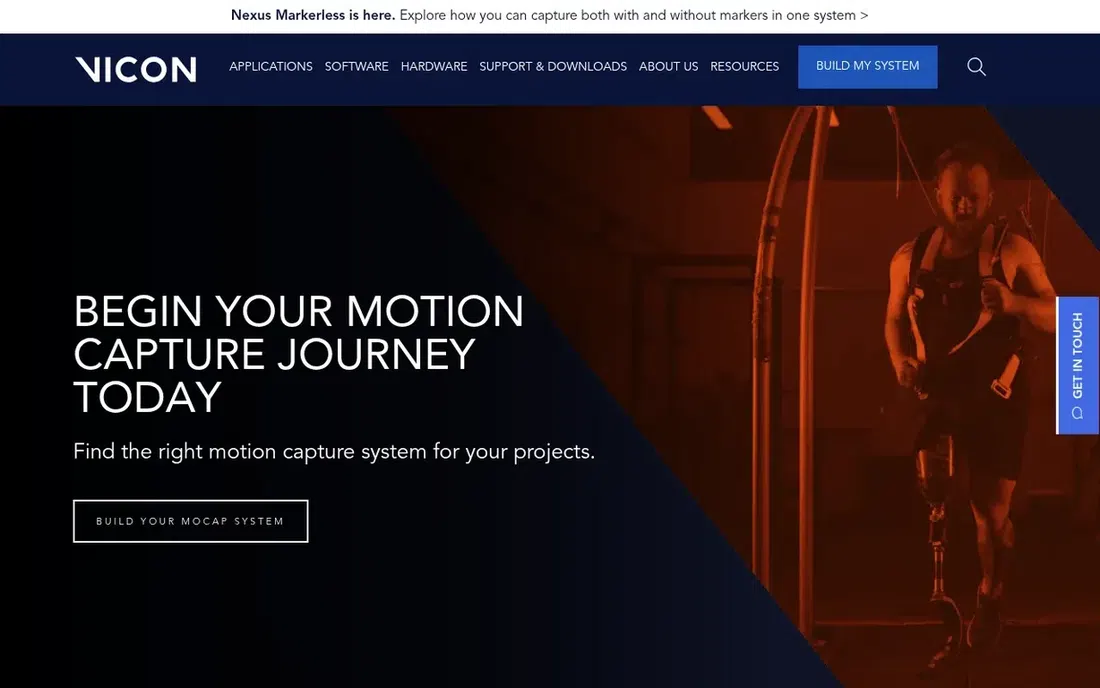
Vicon Shogun is built with optical motion capture pipelines in mind. It is usually used in stage-based setups with cameras and markers to record precise movement for animation and visual effects.
Teams without a stage may prefer markerless or inertial choices. Check the vendor site for Vicon Shogun pricing; none is listed in this comparison. Free access: Not stated.
Where it is weaker: Can be complicated for small teams.
- Suited to stage-based capture setups
- Established optical mocap software
- Needs optical hardware and studio space
Xsens MVN Animate
Best for: High-fidelity inertial suit capture
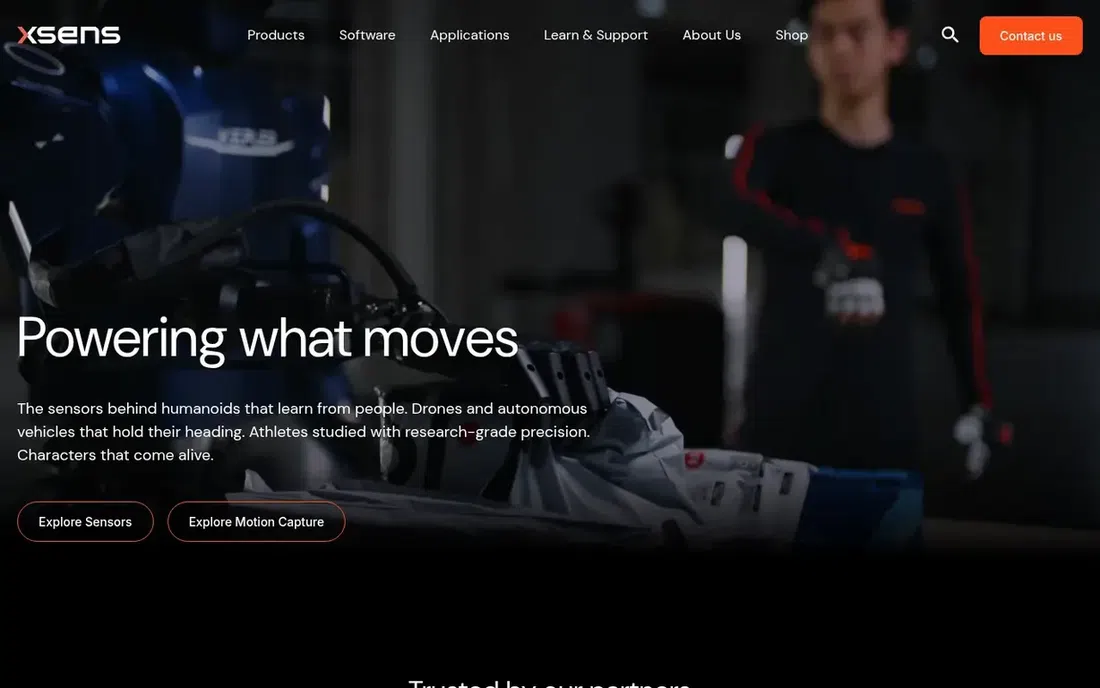
Xsens MVN Animate is designed for high-fidelity inertial suit capture. Xsens MVN Animate is part of Xsens' inertial motion capture system, which merges sensor fits and modules with software for entertainment, health and sports, humanoid robotics, and industrial automation.
Pick Xsens when inertial capture quality and multi-industry versatility are priorities for your production. Beyond that, studios seeking purely markerless or video-based capture may find more straightforward alternatives. Check the vendor site for Xsens MVN Animate pricing; none is listed in this comparison. As for free access: Not stated.
Limits to weigh: May be more than small teams need.
- Professional-grade capture ecosystem
- Used across entertainment, health, sports, robotics
- Needs specialized hardware
Rokoko Studio
Best for: All-in-one body, finger, and face capture
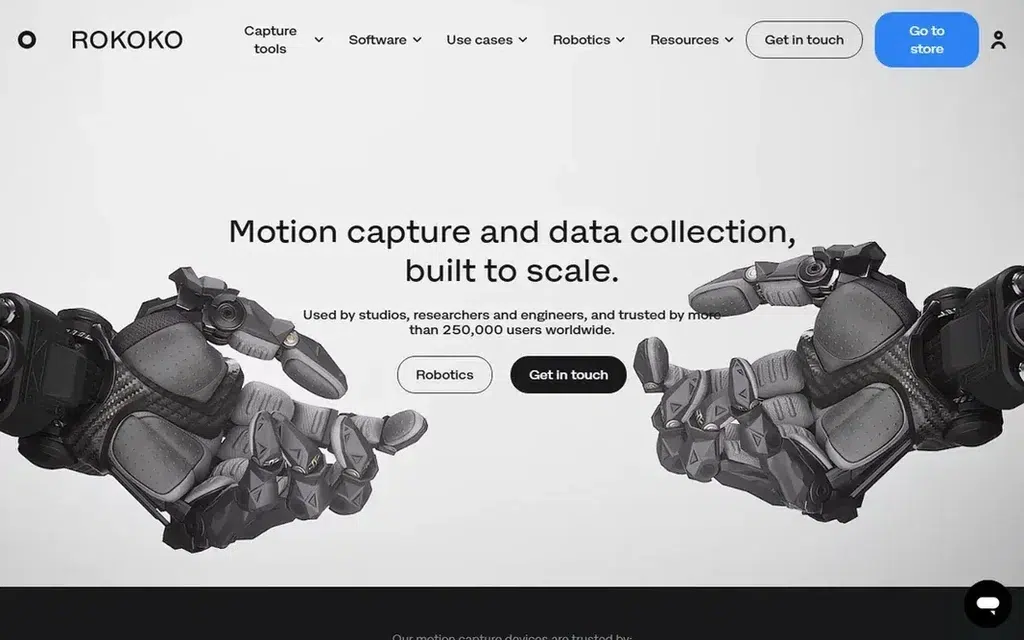
Rokoko Studio is designed for all-in-one body, finger, and face capture. As for the details, teams that only need fast markerless capture from video might prefer a lighter browser-based tool.
Where it is weaker: Advanced setups can need a ramp-up time.
What users get: teleoperation use cases. Beyond that, choose Rokoko when you want a wide capture feature set and are prepared to invest time in configuring your pipeline. On cost, Rokoko Studio starts like this: $10 per month. A free plan is available with Rokoko Studio.
- Records full-body, finger
- Face motion
- Hardware-dependent workflows may add complexity
Plask
Best for: Video capture with scene editing
In short, Plask is for video capture with scene editing. Plask is an AI motion capture tool that converts video into 3D character animation. It contains scene editing and exports to typical formats for example FBX, BVH, and GLB for Blender, Unreal Engine, and other pipelines.
Trade-offs to know: Markerless capture may need cleanup.
As with other markerless options, capture quality relies on the source video and may need manual fixes for tricky poses. In daily use, choose Plask when you value export adaptability and light scene editing alongside video-based capture. Studios needing hardware-grade precision or extensive facial capture should look at other tools. Plask pricing: $18 per month. Free access exists with Plask.
- Built-in scene editing
- Exports FBX, BVH, GLB
- Feature depth varies by workflow
Faceware Studio
Best for: Facial performance capture
Faceware Studio is built with Facial performance capture in mind. As a facial-focused tool, Faceware Studio does not replace full-body motion capture, so studios will need another option for body movement. Faceware Studio is a facial motion capture option from Faceware Technologies, meant to help animators capture facial performances and produce believable expressions rapidly and dependably.
Drawbacks to consider: May need compatible head-mounted hardware.
Some workflows depend on compatible head-mounted cameras or hardware. Also, Indie studios working on character-driven animation, dialogue scenes, or projects where facial detail matters can use it alongside a body capture tool to complete their pipeline. Choose Faceware when facial performance is the priority and you can integrate it with your existing body capture setup. Faceware Studio shows no starting price here, so confirm the cost on the vendor site. On free options: Not stated.
- Hardware and software options available
- Aims for believable facial animation
- Restricted to facial capture, not full body
How these tools were picked
Selection started from tools commonly considered for motion capture software for indie studios, then narrowed to 6 that have clear pricing information or a clear quote process. Prices and plan limits come from vendor pages and can change, so confirm them on the vendor site before you buy. Tools are placed by general fit for motion capture software for indie studios, with price clarity and free access as tie-breakers. A different team can reasonably rank them differently.
A buyer's checklist
- Confirm the entry price on the vendor page. For DeepMotion Animate 3D, Vicon Shogun, Xsens MVN Animate and Faceware Studio that means a quote rather than a fixed price.
- Read the fine print on the free plans from Rokoko Studio and Plask; seat, project and feature caps differ.
- Before choosing DeepMotion Animate 3D, weigh its main limit: Markerless accuracy can vary by footage.
- Look at the renewal terms for Xsens MVN Animate: auto-renewal, notice periods and price changes can matter more than the first-year price.
- Read the plan comparison for Rokoko Studio carefully; key features often start on a higher tier.
FAQ
What is the cheapest option for motion capture software for indie studios in this list?
On published monthly entry prices, Rokoko Studio is the lowest here at $10 per month. Entry price is only part of the cost, because seats, add-ons and billing terms can change the total. For the full picture, the cards above cover all 6 entries of this motion capture software for Indie studios list, including price, free plan and limits.
How are the tools for motion capture software for indie studios ordered?
The order follows typical fit for motion capture software for indie studios, with DeepMotion Animate 3D first and Faceware Studio last, then price clarity and free access. It is editorial judgement, not a score, so another team could rank the tools differently.
Can facial capture be combined with body capture?
Faceware Studio centres on facial performance and can be paired with a body capture option like Rokoko Studio or a markerless tool. Plan your pipeline so facial and body data can be integrated in your animation software.
Which options for motion capture software for indie studios have a free plan?
On this list, Rokoko Studio and Plask include a free plan. Caps on seats, usage or features are common, so test the free plan against your real workload.
Do these tools publish their prices?
Not all of them. DeepMotion Animate 3D, Vicon Shogun, Xsens MVN Animate and Faceware Studio publish no starting price, so expect a quote request for those. The rest, Rokoko Studio included, show a starting price, though seats and billing terms still change the final cost.
Sources
- https://www.deepmotion.com
- https://www.vicon.com
- https://www.xsens.com
- https://www.rokoko.com
- https://plask.ai
- https://facewaretech.com