Best Color Grading Software for Indie Filmmakers (2026): 5 Picks Checked on Vendor Pages
Best color grading software for indie filmmakers in 2026: 5 tools with starting prices, free plans and limits. The catches are listed up front. No hype.
- Editor's choiceAutodesk Flame
Finishing and VFX
Starts atPricing on requestVisit autodesk.comFull review - Great alternativeAssimilate Scratch
Quick color grading and finishing
Starts atPricing on requestVisit assimilateinc.comFull review - Also consider
 DaVinci Resolve
All-in-one post-production
Starts atPricing on requestVisit blackmagicdesign.comFull review
Direct answer
For finishing and VFX, Autodesk Flame is where this list starts. For a different need, Assimilate Scratch covers fast color grading and finishing and DaVinci Resolve covers all-in-one post-production. All 5 tools are compared below on fit, free plan and limits. None of these vendors publish plan prices, so pricing is on request for every option.
TL;DR:
- Top of the list is Autodesk Flame, which targets finishing and VFX.
- Adobe After Effects fits motion graphics and VFX.
- Autodesk Flame, Adobe After Effects and the 3 others all sell by quote; expect sales conversations before you see a price.
- None of the 5 tools, from Autodesk Flame to Adobe After Effects, has a free plan, so budget for a subscription or use a trial.
Last checked November 2026. Pricing on request: vendors did not publish plan prices when this guide was last checked (November 2026), so ask each vendor for a written quote.
Quick comparison
| Tool | Best for | Starts at | Free plan? | |
|---|---|---|---|---|
| Autodesk Flame | Finishing and VFX | Pricing on request | Not stated | Visit |
| Assimilate Scratch | Quick color grading and finishing | Pricing on request | Not stated | Visit |
| DaVinci Resolve | All-in-one post-production | Pricing on request | Not stated | Visit |
 Adobe Premiere Pro | Editing with integrated color tools | Pricing on request | Not stated | Visit |
 Adobe After Effects | Motion graphics and VFX | Pricing on request | Not stated | Visit |
The full color grading software for indie filmmakers list
Choosing color grading software for indie filmmakers usually comes down to price, fit and limits. This LinkVetted guide sets 5 tools side by side on those three points, with the facts kept short and checkable.
Autodesk Flame
Best for: Finishing and VFX
Autodesk Flame works best for finishing and VFX. Autodesk Flame is a finishing and VFX option for creating high-grade film and TV productions.
Its complexity also needs significant training. This comparison lists no price for Autodesk Flame; ask the vendor. Free options: Not stated.
Where it falls short: Requires capable hardware.
- High-grade film and TV production
- Thorough toolset
- Very pricey
Assimilate Scratch
Best for: Quick color grading and finishing
Assimilate Scratch targets quick color grading and finishing. Assimilate Scratch is a color grading and finishing software that supplies quick color grading and compositing tools in HD, 4K, 8K, stereo, HDR, VR, and beyond. It is made for professional finishing work and fits indie filmmakers who require high-performance grading and compositing for demanding formats.
Limits to weigh: May need specialized hardware.
From a buyer's view, filmmakers on tight budgets or with more straightforward needs might opt for more accessible choices. Scratch is less widely adopted in the indie community compared with some other tools, which may mean fewer learning resources. It can also need specialized hardware for optimal performance. No starting price is listed for Assimilate Scratch here; confirm pricing on the vendor site. Free options: Not stated.
- Supports HD, 4K, 8K, VR
- Quick color grading and compositing
- Less typical in indie circles
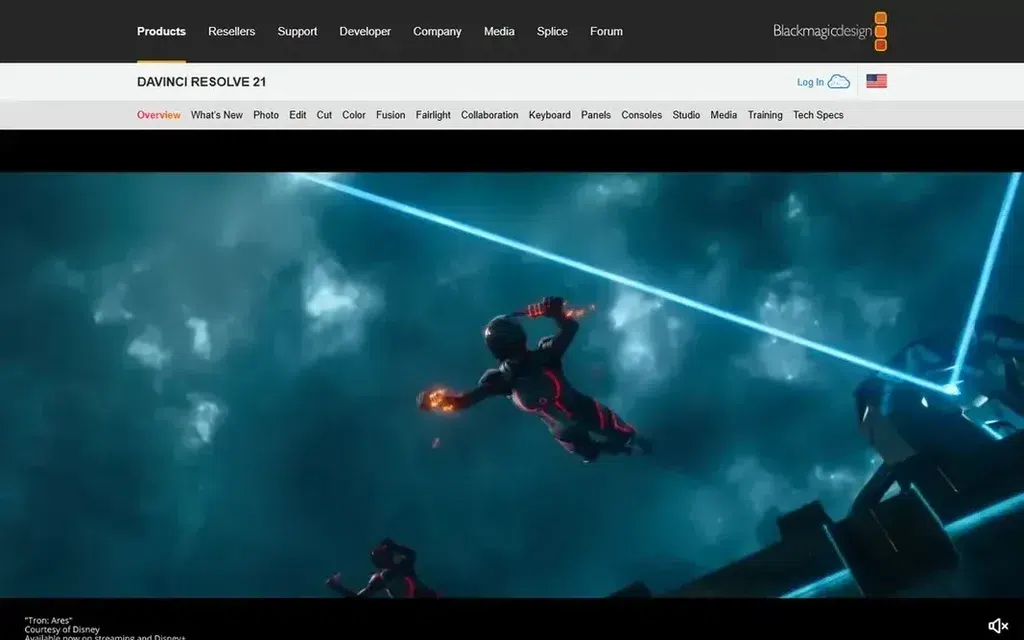
DaVinci Resolve makes the most sense for all-in-one post-production. DaVinci Resolve is a professional application that integrates video editing, color correction, visual effects, and audio post-production. It is available in free and premium versions for Mac, Windows, and Linux.
More specifically, the software can be demanding on hardware, notably when working with high-resolution footage or complicated color grades. Its deep feature set may overwhelm newcomers. Worth adding: Indie filmmakers who want a single tool for the whole post-production pipeline will find it especially fitting, as it cuts the have to switch between several applications. Check the vendor site for DaVinci Resolve pricing; none is listed in this comparison. Free access: Not stated.
Points against: Steep ramp-up time for beginners.
- Free and premium versions
- Available on Mac, Windows, Linux
- High hardware demands for advanced work
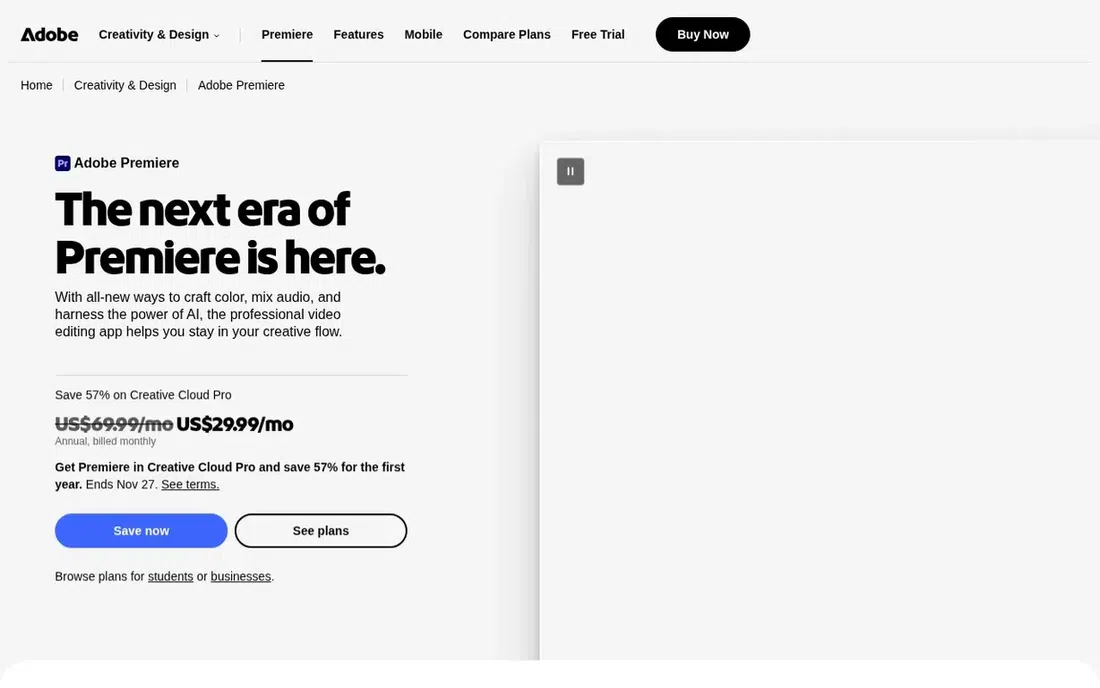
Adobe Premiere Pro was built for editing with integrated color tools. For advanced color work, pairing it with a dedicated grading tool is often preferable.
The main drawbacks: Subscription-based model.
As for the details, Whereas Premiere Pro supplies solid color tools, it lacks the specialized grading features of dedicated color suites. Adobe Premiere Pro shows no starting price here, so confirm the cost on the vendor site. Free access: Not stated.
- Supports effects and audio mixing
- Solid editing and trimming tools
- Color grading less advanced than dedicated tools
Adobe After Effects is built with motion graphics and VFX in mind. Adobe After Effects is motion graphics software that lets you to design for film, TV, video, and web. It is often used for visual effects and compositing, and it can manage color grading tasks through its deep effects library.
Where it is weaker: Not a dedicated color grading tool.
On top of that, Indie filmmakers who require to produce titles, visual effects, or complicated composites will find it valuable. In practice, for primary color correction, a dedicated tool like DaVinci Resolve is commonly more efficient. Adobe After Effects shows no starting price here, so confirm the cost on the vendor site. Trial and free access: Not stated.
- Capable compositing tools
- Industry-standard motion graphics
- Can be resource-intensive
Selection criteria
LinkVetted used vendor pricing pages and product documentation as the base, then compared plans, free access and documented limits for 5 tools. Seat minimums, billing terms and add-ons can move the real cost, so the starting prices here are a guide and not a quote. The order reflects how well each tool fits the most common buying scenario for color grading software for indie filmmakers, then price clarity, then free plan access. It is a starting point, not a verdict.
Before you commit
- Request quotes from Autodesk Flame, Adobe After Effects and the others; the list shows no fixed prices.
- Before choosing Autodesk Flame, weigh its main limit: very pricey.
- Run a one or two week pilot of DaVinci Resolve with the people who will use it every day.
- Work out what Assimilate Scratch costs with your real seat count, add-ons and usage, not just the entry price.
- Confirm you can export your data from Adobe Premiere Pro, so leaving later does not mean losing records.
FAQ
How are the tools for color grading software for indie filmmakers ordered?
Autodesk Flame sits first and Adobe After Effects last because the order follows typical fit for color grading software for indie filmmakers, then price clarity and free access. It is a judgement call, so read each profile for fit and limits.
Does any tool for color grading software for indie filmmakers here have a free plan?
A permanent free plan is not offered by Autodesk Flame, Adobe After Effects or the other tools here. Plan a short evaluation period instead.
Is Autodesk Flame the right pick for everyone comparing color grading software for indie filmmakers?
No single tool suits every team. Autodesk Flame comes first because it fits finishing and VFX, while Assimilate Scratch suits fast color grading and finishing and DaVinci Resolve suits all-in-one post-production. Match the tool to your own size, budget and workflow before deciding.
Can I use Adobe Premiere Pro for color grading?
Yes, Premiere Pro contains color correction and grading tools, though they are less advanced than those in dedicated grading software. It is a decent choice if you already use Adobe products and want to keep editing and grading in one application.
What is the best color grading software for indie filmmakers on a budget?
Autodesk Flame comes first here and is built for finishing and VFX. Buyers with other needs may prefer Assimilate Scratch (for quick color grading and finishing) or DaVinci Resolve (for all-in-one post-production). Compare costs and limits first.
Do these tools publish their prices?
No. None of the tools, from Autodesk Flame to Adobe After Effects, shows a fixed starting price here, so budget time for quotes.
Sources
- https://www.autodesk.com/products/flame/overview
- https://www.assimilateinc.com
- https://www.blackmagicdesign.com/products/davinciresolve
- https://www.adobe.com/products/premiere.html
- https://www.adobe.com/products/aftereffects.html