Color Grading Software for Filmmakers in 2026: The 5 Best Options Side by Side
Need the best color grading software for filmmakers? We compare 5 tools on cost, free access and who each suits. The catches are listed up front. No filler.
- Editor's choiceFilmLight Baselight
High-end dedicated color grading
Starts atPricing on requestVisit filmlight.ltd.ukFull review - Great alternativeAssimilate Scratch
Dedicated color grading and finishing
Starts atPricing on requestVisit assimilateinc.comFull review - Also consider
 Adobe After Effects
Motion graphics and VFX-driven looks
Starts atPricing on requestVisit adobe.comFull review
Direct answer
For high-end dedicated color grading, FilmLight Baselight is where this list starts. Assimilate Scratch is the stronger choice for dedicated color grading and finishing, while Adobe After Effects suits motion graphics and VFX-driven looks. The other 2 tools in the list cover narrower or pricier cases. None of these vendors publish plan prices, so pricing is on request for every option.
TL;DR:
- Number one here is FilmLight Baselight, a fit for high-end dedicated color grading.
- The main caution on Adobe After Effects: not a dedicated grading environment.
- A permanent free plan is missing from all 5 tools, FilmLight Baselight and DaVinci Resolve included; plan for a trial or a premium start.
- Every tool from FilmLight Baselight to DaVinci Resolve works by quote, with no list price shown.
Last checked November 2026. Pricing on request: vendors did not publish plan prices when this guide was last checked (November 2026), so ask each vendor for a written quote.
Quick comparison
| Tool | Best for | Starts at | Free plan? | |
|---|---|---|---|---|
| FilmLight Baselight | High-end dedicated color grading | Pricing on request | Not stated | Visit |
| Assimilate Scratch | Dedicated color grading and finishing | Pricing on request | Not stated | Visit |
| Adobe After Effects | Motion graphics and VFX-driven looks | Pricing on request | Not stated | Visit |
 Adobe Premiere Pro | Editors inside the Adobe ecosystem | Pricing on request | Not stated | Visit |
 DaVinci Resolve | All-in-one editing and color work | Pricing on request | Not stated | Visit |
Our 5 color grading software for filmmakers
Short on time? The summary and table above give the quick view of 5 color grading software for filmmakers, and the profiles that follow give the detail behind each entry.
FilmLight Baselight
Best for: High-end dedicated color grading
Choose FilmLight Baselight for high-end dedicated color grading. Baselight is not designed as an everyday editor, so teams wanting one application for cutting, color and audio should look at an all-in-one suite instead.
Points against: Not an editing application.
In daily use, choose it when high-end grading is the central service you deliver and a dedicated pipeline makes sense. Pricing for FilmLight Baselight is not stated here, so ask the vendor for current figures. Free plan details: Not stated.
- Purpose-built color grading system
- Suits colorist-centered workflows
- Specialist setup and training needed
Assimilate Scratch
Best for: Dedicated color grading and finishing
For dedicated color grading and finishing, Assimilate Scratch is a natural candidate. Assimilate Scratch is color grading and finishing software that merges grading with compositing tools and includes formats and workflows including HD, 4K, 8K, stereo, HDR and VR.
Limits to weigh: Narrower appeal outside finishing.
For everyday use, consider it when grading and finishing are the core of your role and you need wide format support in one dedicated tool. Scratch is aimed at finishing, so editors looking for a single application to cut and grade may find it less natural than an all-in-one suite. This comparison lists no price for Assimilate Scratch; ask the vendor. Free options: Not stated.
Highlights: Supports stereo and VR workflows.
- 8K and HDR
- Grading and compositing in one tool
- Specialized workflows take training
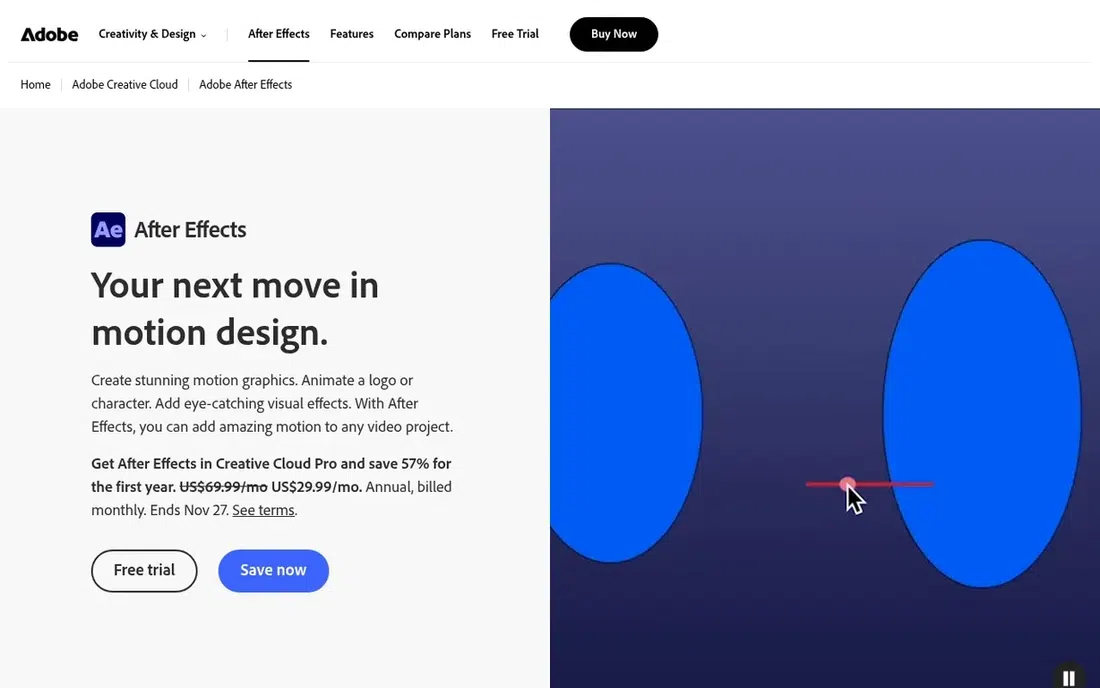
Think of Adobe After Effects for motion graphics and VFX-driven looks. Adobe After Effects is motion graphics and compositing software used to design and animate for film, TV, video and web.
After Effects is not a primary color grading tool, so shot matching and look development across an entire film are better handled elsewhere. Choose it when motion design and effects are central, and pair it with a dedicated grading application for the color pass. No starting price is listed for Adobe After Effects here; confirm pricing on the vendor site. Free access: Not stated.
Drawbacks to consider: Layer-based work can get complicated.
- Works for film, TV
- Pairs naturally with Premiere Pro edits
- Not a dedicated grading environment
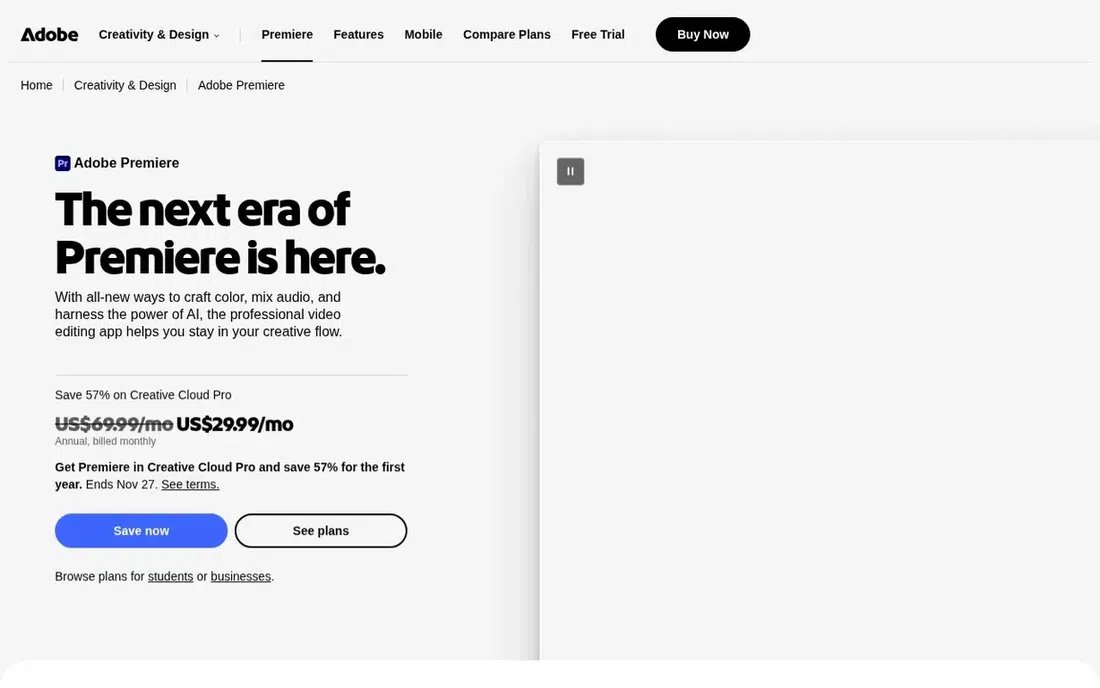
For editors inside the Adobe ecosystem, Adobe Premiere Pro is a natural candidate. Pick Premiere Pro when quick turnaround editing is the priority and grading is one part of a wider post workflow.
More specifically, filmmakers already working with Adobe applications commonly prefer it since edits, graphics and color adjustments can stay within one familiar ecosystem and move between tools as a project grows. No starting price is listed for Adobe Premiere Pro here; confirm pricing on the vendor site. Trial and free access: Not stated.
Downsides: Color tools sit within an editing focus.
- Effects and audio mixing built in
- Professional editing and trimming tools
- Subscription-based access model
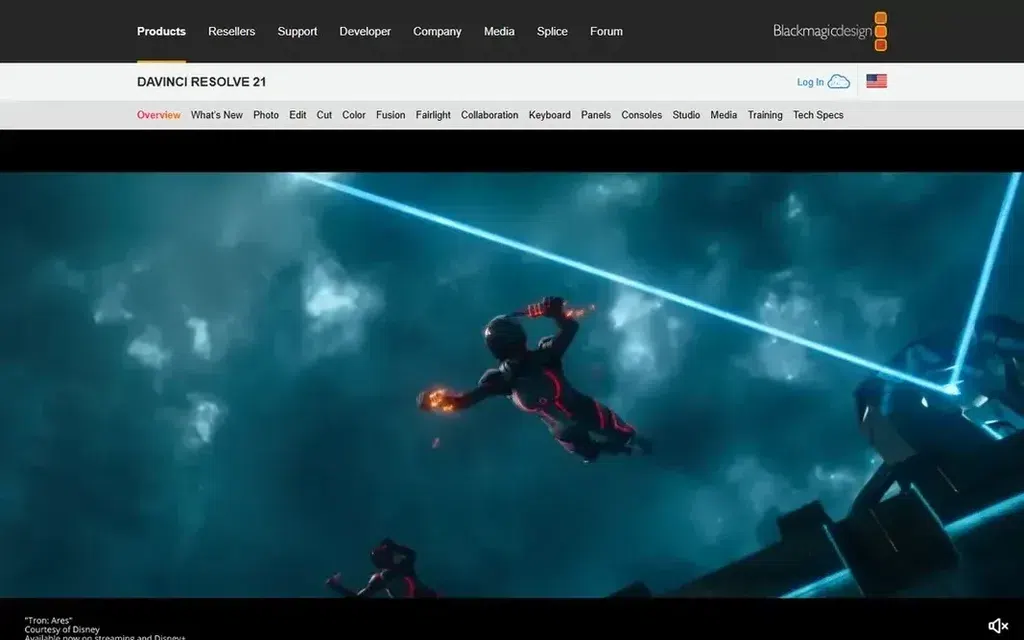
DaVinci Resolve is a good fit for all-in-one editing and color work. DaVinci Resolve is a professional post production application that brings video editing, color correction, visual effects and audio post together in a single environment.
Strengths: Editing, color.
Downsides: Large feature set takes time to learn. As for the details, the breadth of the application means new users face a real ramp-up time, and demanding timelines benefit from a well-specced machine. More specifically, choose Resolve when color is central to your workflow and you want editing and audio nearby. Pricing for DaVinci Resolve is not stated here, so ask the vendor for current figures. Trial and free access: Not stated.
- Runs on Mac
- VFX and audio in one app
- Heavy projects need capable hardware
Selection criteria
Pricing pages, product documentation and feature lists were the main sources, and every entry carries at least one honest drawback. Treat prices as a snapshot: vendors change plans often, so check the vendor site for the figure that applies today. Tools are placed by general fit for color grading software for filmmakers, with price clarity and free access as tie-breakers. A different team can reasonably rank them differently.
Before you commit
- Ask each vendor, from FilmLight Baselight to DaVinci Resolve, for a written quote; none of them publishes a starting price.
- Before choosing FilmLight Baselight, weigh its main limit: not an editing application.
- Ask the daily users to test Adobe Premiere Pro on a live task before you roll it out to everyone.
- See whether Adobe After Effects offers onboarding or training, and whether it is included in the price.
- Check the integration list for Assimilate Scratch against the tools you run today, and note which ones need a higher plan.
FAQ
Does any tool for color grading software for filmmakers here have a free plan?
No tool in this list, FilmLight Baselight and DaVinci Resolve included, has a permanent free plan. Trials and quotes are the usual route, so plan a short evaluation period.
Do filmmakers need a dedicated grading tool if their editor already has color features?
A dedicated grading application becomes worthwhile when color is a major part of the work, when you need precise control across an entire film, or when finishing and delivery formats are demanding. Start with what your editor gives you and move up when you hit limits.
Do these tools publish their prices?
No. None of the tools, from FilmLight Baselight to DaVinci Resolve, shows a fixed starting price here, so budget time for quotes.
Can I try these tools before paying?
Not by default. None of the tools, from FilmLight Baselight to DaVinci Resolve, lists a free plan or a free trial here, so ask each vendor for a demo before committing.
How are the tools for color grading software for filmmakers ordered?
FilmLight Baselight sits first and DaVinci Resolve last because the order follows typical fit for color grading software for filmmakers, then price clarity and free access. It is a judgement call, so read each profile for fit and limits.
Sources
- https://www.filmlight.ltd.uk/products/baselight/overview_bl.php
- https://assimilateinc.com
- https://www.adobe.com/products/aftereffects.html
- https://www.adobe.com/products/premiere.html
- https://www.blackmagicdesign.com/products/davinciresolve