Best Video Color Grading Software for Indie Filmmakers in 2026: Prices, Free Plans and 5 Picks
Best video color grading software for indie filmmakers in 2026: 5 tools with starting prices, free plans and limits. Each entry gets a plain verdict. No filler.
- Editor's choice
 Adobe After Effects
Motion graphics and look effects
Starts atPricing on requestVisit adobe.comFull review - Great alternative
 Adobe Premiere Pro
Grading inside a familiar edit timeline
Starts atPricing on requestVisit adobe.comFull review - Also consider
 Final Cut Pro
Mac and iPad editors who grade as they cut
Starts atPricing on requestVisit apple.comFull review
Direct answer
If you need motion graphics and look effects, Adobe After Effects is the first tool to look at here. If your case is different, Adobe Premiere Pro suits grading inside a familiar edit timeline and Final Cut Pro suits Mac and iPad editors who grade as they cut. None of these vendors publish plan prices, so pricing is on request for every option.
TL;DR:
- The list opens with Adobe After Effects, aimed at motion graphics and look effects.
- No starting price is shown for any of the 5 tools, Adobe After Effects and Autodesk Flame included, so plan time for sales calls.
- One limit worth knowing about Final Cut Pro: restricted to Apple hardware.
- Adobe After Effects, Autodesk Flame and the 3 others all need a premium plan or a trial, since no free plan is listed.
- For high-grade finishing and visual effects, Autodesk Flame is worth a look.
Last checked November 2026. Pricing on request: vendors did not publish plan prices when this guide was last checked (November 2026), so ask each vendor for a written quote.
Quick comparison
| Tool | Best for | Starts at | Free plan? | |
|---|---|---|---|---|
| Adobe After Effects | Motion graphics and look effects | Pricing on request | Not stated | Visit |
| Adobe Premiere Pro | Grading inside a familiar edit timeline | Pricing on request | Not stated | Visit |
| Final Cut Pro | Mac and iPad editors who grade as they cut | Pricing on request | Not stated | Visit |
 DaVinci Resolve | All-in-one editing and color | Pricing on request | Not stated | Visit |
| Autodesk Flame | High-grade finishing and visual effects | Pricing on request | Not stated | Visit |
Video Color Grading Software for Indie Filmmakers, one by one
Short on time? The summary and table above give the quick view of 5 video color grading software for indie filmmakers, and the profiles that follow give the detail behind each entry.
Choose Adobe After Effects for motion graphics and look effects. After Effects is not built as a primary color grading environment, and long timelines with plenty of layers can become slow to work with.
Adobe After Effects shows no starting price here, so confirm the cost on the vendor site. As for free access: Not stated.
Honest limits: Not designed as a primary grading tool.
Strengths: Layer-based compositing for look work.
- Pairs with Adobe editing tools
- Motion graphics for film, TV
- Layer workflows can slow for long timelines
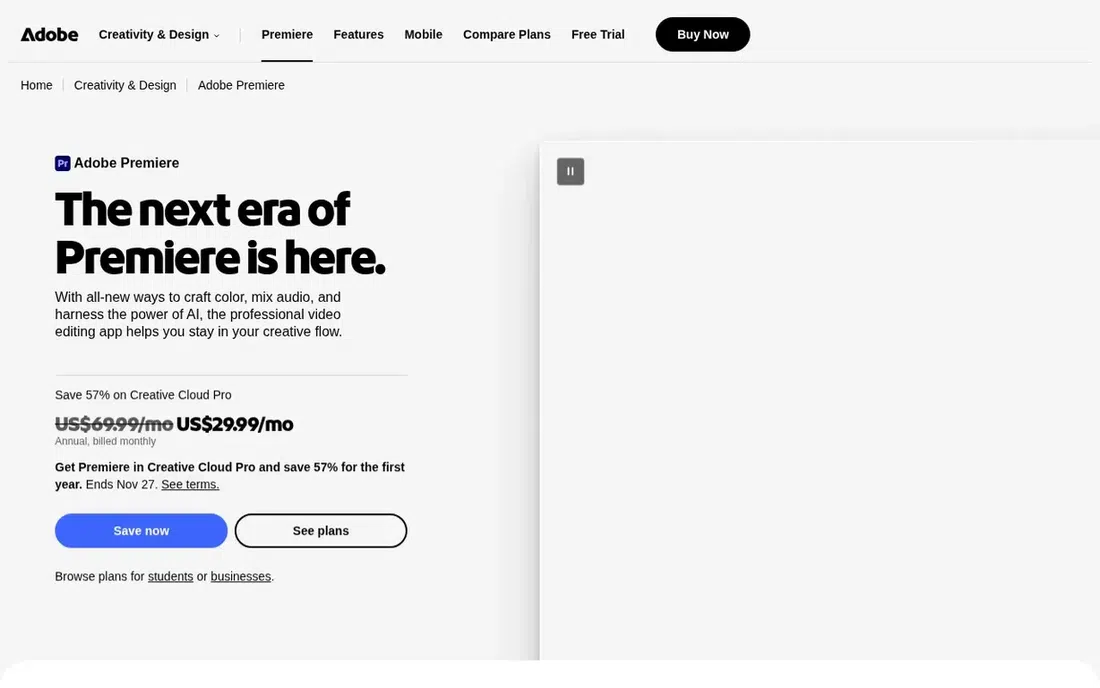
Adobe Premiere Pro works best for grading inside a familiar edit timeline. For indie filmmakers, its appeal is convenience: color adjustments happen inside the same timeline as the cut, so straightforward grades and look development can stay close to the edit.
In practice, choose it when editing speed matters more than deep color tooling, and pair it with a grading tool for finishing. Premiere Pro is built first as an editor, so very complicated grades and look management are better handled in a dedicated grading application. This comparison lists no price for Adobe Premiere Pro; ask the vendor. On free options: Not stated.
Downsides: Color depth is narrower than dedicated grading suites.
- Color work stays in the edit timeline
- Audio mixing alongside video work
- Subscription-based access to the application
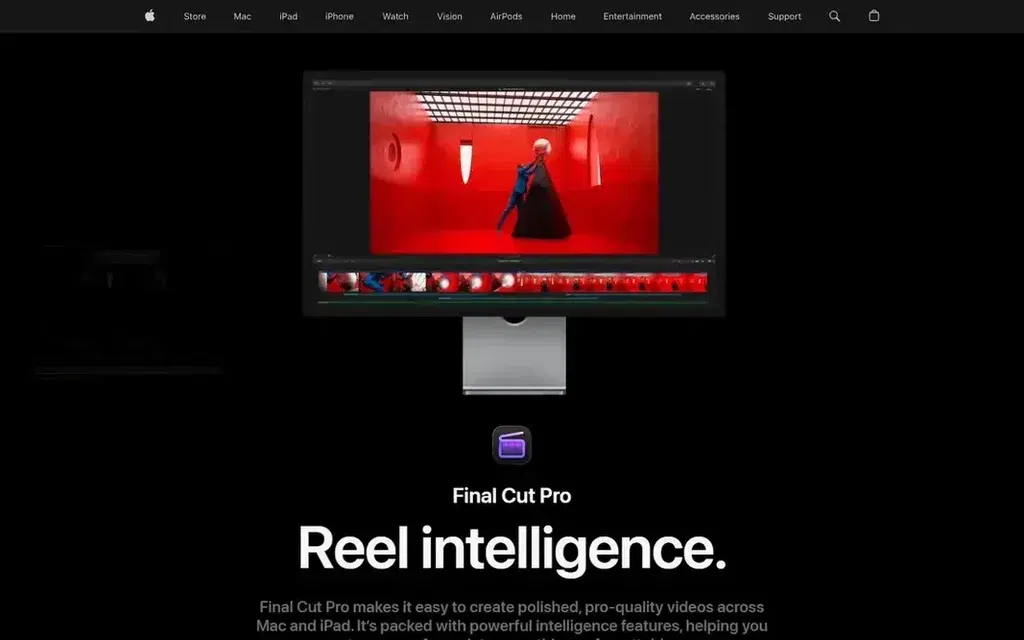
Final Cut Pro targets Mac and iPad editors who grade as they cut. Pick it when your entire workflow lives on Apple hardware and the grade is straightforward. Final Cut Pro is Apple's professional editing application, designed for pro-quality video creation on Mac and iPad with a set of intelligence features that ease editing work.
Since it runs only on Apple devices, Final Cut Pro is not a choice for mixed Windows or Linux crews. Its color tools are practical for plenty of projects but do not reach the depth of dedicated finishing systems. Indie filmmakers who cut on Apple hardware can apply color adjustments straight in the timeline, which keeps the grade close to the story edits. This comparison lists no price for Final Cut Pro; ask the vendor. Free plan details: Not stated.
Points against: Fewer dedicated colorist controls than grading suites.
- Pro-quality editing on Mac and iPad
- Color tools integrated with the timeline
- Restricted to Apple hardware
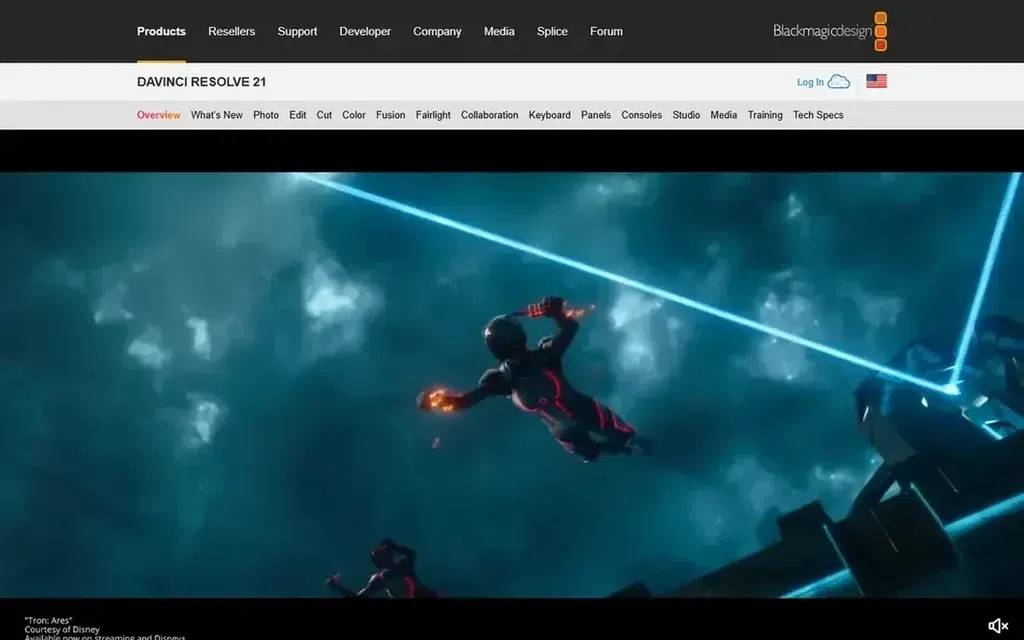
DaVinci Resolve is designed for all-in-one editing and color. DaVinci Resolve is Blackmagic Design's professional application that bundles video editing, color correction, visual effects and audio post production in a single workspace.
Where it falls short: Demands capable hardware for heavy grades.
It runs on Mac, Windows and Linux, and Blackmagic provides both free and premium versions. DaVinci Resolve shows no starting price here, so confirm the cost on the vendor site. On free options: Not stated.
What DaVinci Resolve does well: Free and premium versions available.
- Runs on Mac
- Visual effects and audio in one application
- Deep toolset can feel overwhelming at first
Autodesk Flame
Best for: High-grade finishing and visual effects
Autodesk Flame is a good fit for high-grade finishing and visual effects. For indie filmmakers it suits projects that require finishing and effects work beyond a standard grade, for example compositing-heavy shots that demand a dedicated environment.
The main drawbacks: Heavy option for straightforward grading tasks.
Pricing for Autodesk Flame is not stated here, so ask the vendor for current figures. Free plan details: Not stated.
- Made for high-grade film and TV work
- Finishing and VFX in one option
- Pitched at specialist finishing artists
What went into this list
The comparison looks at four things: starting price, free access, how well the feature set matches video color grading software for indie filmmakers, and the main limit of each tool. Figures are shown as the vendors publish them. Billing terms, seat minimums and add-ons can change the real cost. Tools are placed by general fit for video color grading software for indie filmmakers, with price clarity and free access as tie-breakers. A different team can reasonably rank them differently.
Before you commit
- Request quotes from Adobe After Effects, Autodesk Flame and the others; the list shows no fixed prices.
- Read the limits listed for Adobe After Effects first: not designed as a primary grading tool.
- Check how data leaves Autodesk Flame: formats, limits and whether exports are available on every plan.
- Add up seats, add-ons and usage charges for DaVinci Resolve before comparing it with cheaper entries.
- Pick one real project and run it in Final Cut Pro first; a small pilot shows fit faster than a checklist.
FAQ
Can I try these tools before paying?
Not by default. None of the tools, from Adobe After Effects to Autodesk Flame, lists a free plan or a free trial here, so ask each vendor for a demo before committing.
How are the tools for video color grading software for indie filmmakers ordered?
The order follows typical fit for video color grading software for indie filmmakers, with Adobe After Effects first and Autodesk Flame last, then price clarity and free access. It is editorial judgement, not a score, so another team could rank the tools differently.
Do indie filmmakers need a dedicated grading tool?
Numerous indie projects are graded inside an all-in-one editor like DaVinci Resolve or within the edit timeline of Premiere Pro or Final Cut Pro. A dedicated finishing system becomes worthwhile when the project needs deeper color work, HDR delivery or a separate colorist stage.
What should I check before choosing grading software?
Confirm product support, the formats and resolutions you deliver, and the hardware your grades will demand. Also decide whether you want one application for editing and color or a separate finishing stage, since that choice shapes the rest of your pipeline.
Does any tool for video color grading software for indie filmmakers here have a free plan?
A permanent free plan is not offered by Adobe After Effects, Autodesk Flame or the other tools here. Plan a short evaluation period instead.
Is Adobe After Effects the right pick for everyone comparing video color grading software for indie filmmakers?
No single tool suits every team. Adobe After Effects comes first because it fits motion graphics and look effects, while Adobe Premiere Pro suits grading inside a familiar edit timeline and Final Cut Pro suits Mac and iPad editors who grade as they cut. Match the tool to your own size, budget and workflow before deciding.
Sources
- https://www.adobe.com/products/aftereffects.html
- https://www.adobe.com/products/premiere.html
- https://www.apple.com/final-cut-pro
- https://www.blackmagicdesign.com/products/davinciresolve
- https://www.autodesk.com/products/flame/overview