Best Video Background Changer Software in 2026: 5 Tools Compared
Best video background changer software: 5 tools compared on price, free plans and fit. Fit and flaws are laid out for each entry. Built for quick decisions.
- Editor's choice
 Filmora
AI-powered background changes with ease
Starts atSee websiteVisit filmora.wondershare.comFull review - Great alternative
 CapCut
Quick background swaps with smart templates
Starts atSee websiteVisit capcut.comFull review - Also consider
 Adobe Premiere Pro
Professional editing with advanced background removal
Starts atSee websiteVisit adobe.comFull review
Direct answer
If you need AI-powered background changes with ease, Filmora is the first tool to look at here. Listed starting prices: Descript from $16 per person per month. CapCut is the stronger choice for quick background swaps with smart templates, while Adobe Premiere Pro suits professional editing with advanced background removal. The remaining 2 options are covered below with prices and limits.
TL;DR:
- Filmora takes the first slot, best suited to AI-powered background changes with ease.
- Check the limits for Filmora before you commit: watermark on exports in some cases.
- Final Cut Pro suits Mac and iPad users needing pro background edits.
- Free plans exist at 2 of 5 tools (CapCut, Descript).
Last checked November 2026. Prices and plan details were read from the vendors' own pages in November 2026; vendors change plans often, so confirm the current price on the vendor site before you buy.
Quick comparison
| Tool | Best for | Starts at | Free plan? | |
|---|---|---|---|---|
| Filmora | AI-powered background changes with ease | See website | Not stated | Visit |
| CapCut | Quick background swaps with smart templates | See website | Yes | Visit |
| Adobe Premiere Pro | Professional editing with advanced background removal | See website | Not stated | Visit |
 Descript | Text-based editing with background changes | $16 per person per month | Yes | Visit |
 Final Cut Pro | Mac and iPad users needing pro background edits | See website | Not stated | Visit |
Our 5 picks for video background changer software
LinkVetted put together this guide to video background changer software for readers who want a clear shortlist without reading every vendor page. It compares 5 tools on starting price, free plans, who each one suits and where each one falls short.
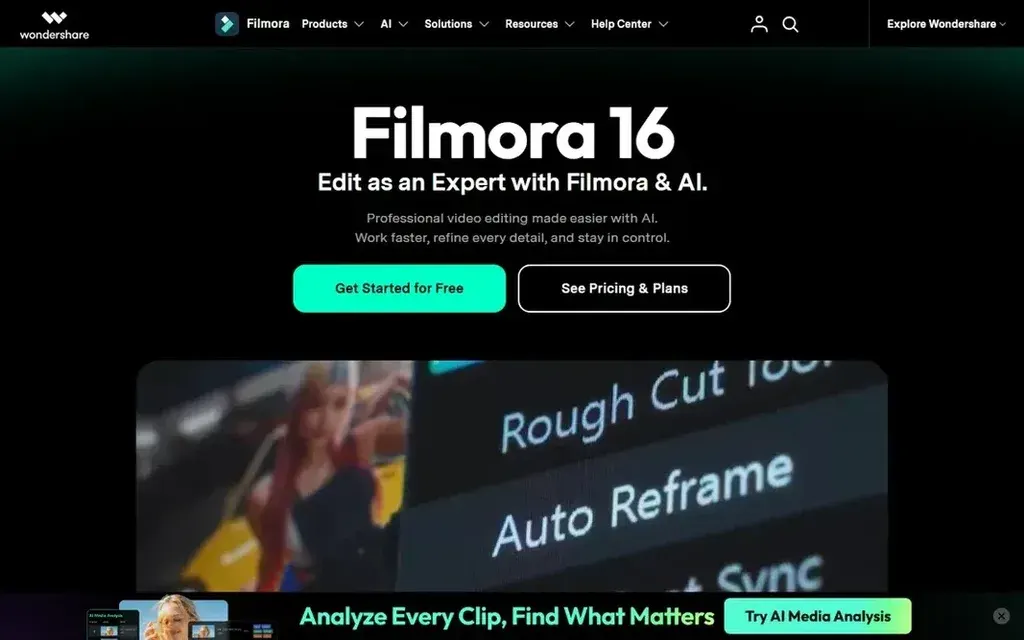
Filmora makes the most sense for AI-powered background changes with ease. Filmora may apply a watermark on exported videos in certain situations, and its advanced customization options are more restricted than professional suites. For completely watermark-free exports or more complicated edits, consider other tools.
Where it falls short: Watermark on exports in some cases.
In daily use, Filmora is AI-powered video editing software for desktop and mobile, featuring easy-to-learn timeline tools and AI effects. From a buyer's view, Filmora is a decent choice for fast, AI-assisted background changes without a steep ramp-up time. Check the vendor site for Filmora pricing; none is listed in this comparison. Free options: Not stated.
- Easy-to-learn timeline interface
- AI features for background removal
- Restricted advanced customization
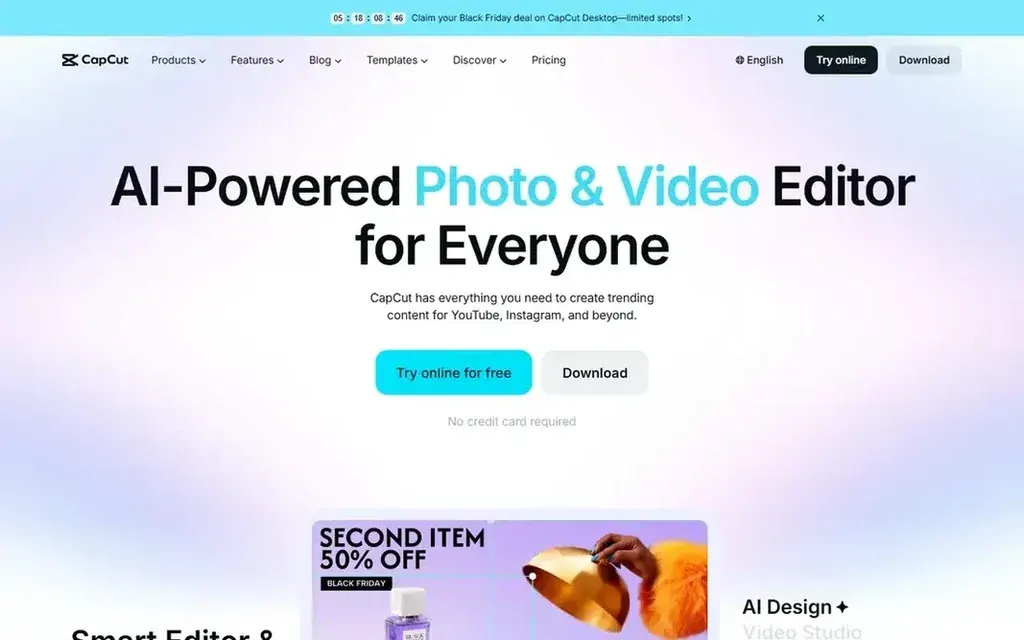
Choose CapCut for quick background swaps with smart templates. Choose CapCut for speedy, template-driven background changes on several devices.
Limits to weigh: Restricted export choices in some cases.
From a buyer's view, CapCut suits casual creators and those who want to produce refined videos without deep editing knowledge. No starting price is listed for CapCut here; confirm pricing on the vendor site. CapCut includes a free tier.
- Free to use with no watermarks
- Smart templates for fast edits
- Fewer advanced controls
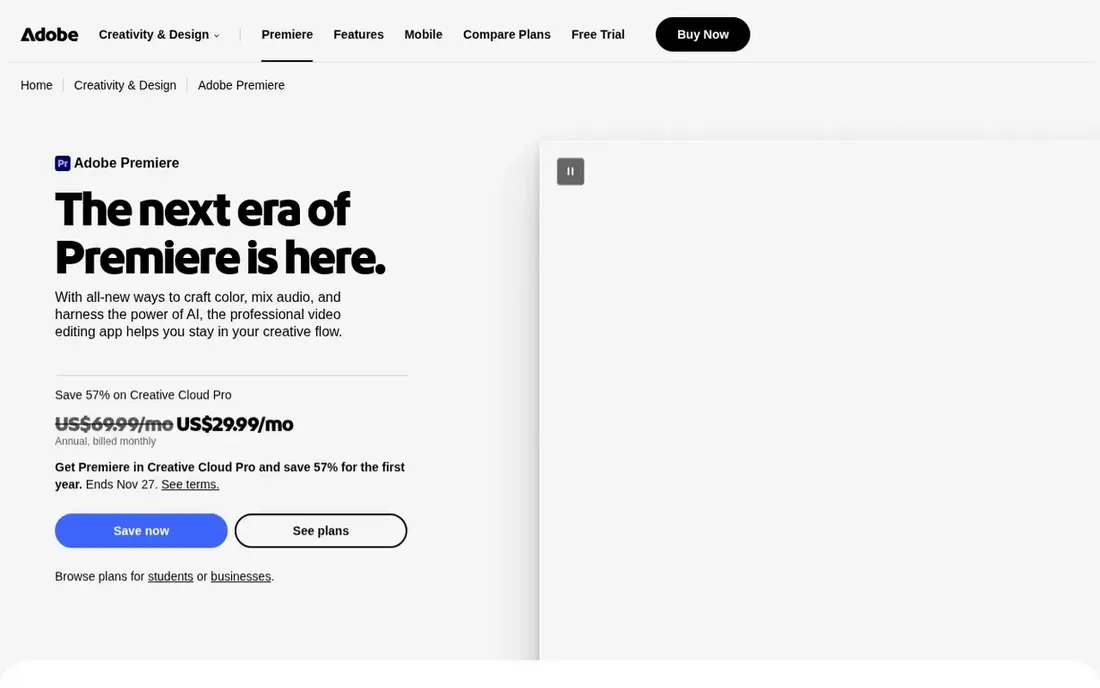
In short, Adobe Premiere Pro is for professional editing with advanced background removal. Adobe Premiere Pro is professional video editing software that contains solid tools for background removal and replacement. It provides precise control over keying, masking, and effects, making it a good match for editors who require high-quality results.
For more straightforward, quicker background changes, tools like CapCut or Filmora might be more appropriate. From a buyer's view, choose Premiere Pro when you need advanced control and are already familiar with professional editing workflows. Beyond that, Premiere Pro has a steep ramp-up time and needs a subscription, which may not suit casual users. Check the vendor site for Adobe Premiere Pro pricing; none is listed in this comparison. Free plan details: Not stated.
Watch-outs: Steep ramp-up time for beginners.
- Links up with other Adobe apps
- Supports advanced keying and masking
- Needs a subscription
Descript targets text-based editing with background changes. Descript is an AI video and audio editor that makes editing as simple as editing text.
Beyond that, Descript may not offer the advanced visual effects and fine control found in traditional editors. Also, pick Descript when you value a text-based workflow and want to simplify background changes alongside audio and video editing. The starting price for Descript: $16 per person per month. Descript has a free plan.
Honest limits: Restricted advanced visual effects.
- AI-powered transcription and editing
- Edit video by editing text
- Needs learning the text-based workflow
Final Cut Pro is a good fit for Mac and iPad users needing pro background edits. Final Cut Pro is Apple's professional video editing software packed with feature-rich intelligence features, making pro-quality video creation simple on Mac and iPad. It supplies solid background removal and replacement capabilities, along with a set of effects and tools.
Beyond that, Final Cut Pro is a strong match for Apple users who want a native, high-performance editing experience. Worth adding: for cross-platform flexibility or subscription-based models, other tools may be preferable. No starting price is listed for Final Cut Pro here; confirm pricing on the vendor site. On free options: Not stated.
Limits to weigh: Mac-only.
- Optimized for Mac and iPad
- Capable intelligence features
- One-time purchase required
Selection criteria
The comparison looks at four things: starting price, free access, how well the feature set matches video background changer software, and the main limit of each tool. Plan names, prices and limits change often. Treat the figures here as a starting point and verify them with the vendor. The order reflects how well each tool fits the most common buying scenario for video background changer software, then price clarity, then free plan access. It is a starting point, not a verdict.
Before you commit
- Confirm the entry price on the vendor page. For Filmora, CapCut, Adobe Premiere Pro and Final Cut Pro that means a quote rather than a fixed price.
- Check what the free option really includes: CapCut and Descript offer a free plan, and usage caps differ.
- Read the limits listed for Filmora first: watermark on exports in some cases.
- Ask Descript which support channels and response times come with the plan you would buy.
- Run a one or two week pilot of Adobe Premiere Pro with the people who will use it every day.
FAQ
What is the cheapest option for video background changer software in this list?
On published monthly entry prices, Descript is the lowest here at $16 per person per month. Entry price is only part of the cost, because seats, add-ons and billing terms can change the total. Prices, free plan details and limits for all 5 tools in this video background Changer software roundup sit on the individual cards above.
What is the best video background changer software for beginners?
Filmora comes first here and is built for AI-powered background changes with ease. Buyers with other needs may prefer CapCut (for quick background swaps with smart templates) or Adobe Premiere Pro (for professional editing with advanced background removal). Compare costs and limits first.
Can I try these options before paying?
Often, yes. CapCut and Descript have a free plan. Use your own data and a real task during the test, and check what the free tier or trial limits before you rely on it.
Do these tools publish their prices?
Not all of them. Filmora, CapCut, Adobe Premiere Pro and Final Cut Pro publish no starting price, so expect a quote request for those. The rest, Descript included, show a starting price, though seats and billing terms still change the final cost.
Can I change video backgrounds without a green screen?
Yes, plenty of modern tools like Adobe Premiere Pro, Filmora, and CapCut use AI to remove backgrounds without a green screen. These features work best with clear subject separation and decent lighting.
Is Filmora the right pick for everyone comparing video background changer software?
No single tool suits every team. Filmora comes first because it fits AI-powered background changes with ease, while CapCut suits fast background swaps with smart templates and Adobe Premiere Pro suits professional editing with advanced background removal. Match the tool to your own size, budget and workflow before deciding.
Sources
- https://filmora.wondershare.com
- https://www.capcut.com
- https://www.adobe.com/products/premiere.html
- https://www.descript.com
- https://www.apple.com/final-cut-pro