Best Video Annotation Software in 2026: Prices, Free Plans and 6 Picks
Comparing the best video annotation software? 6 contenders, each with entry cost, free tier and best-fit buyer. Each pick lists its main limit. Quick to scan.
- Editor's choice
 CVAT
Vision and audio annotation with APIs
Starts atSee websiteVisit cvat.aiFull review - Great alternative
 Roboflow
Vision AI for physical-world data
Starts at$39 a monthVisit roboflow.comFull review - Also consider
 Scale AI
Critical AI systems and evaluations
Starts atSee websiteVisit scale.comFull review
Direct answer
CVAT leads the list, best for Vision and audio annotation with APIs. Listed starting prices: Roboflow from $39 a month. If your case is different, Roboflow suits Vision AI for physical-world data and Scale AI suits critical AI systems and evaluations. Prices, free plans and limits for all 6 tools follow.
TL;DR:
- CVAT is the opening pick, best for Vision and audio annotation with APIs.
- Roboflow has the lowest monthly starting price in this list: $39 per month.
- A fair warning about CVAT: self-managed use needs technical setup.
- Roboflow is the only tool of the 6 with a free plan.
Last checked November 2026. Prices and plan details were read from the vendors' own pages in November 2026; vendors change plans often, so confirm the current price on the vendor site before you buy.
Quick comparison
| Tool | Best for | Starts at | Free plan? | |
|---|---|---|---|---|
| CVAT | Vision and audio annotation with APIs | See website | Not stated | Visit |
| Roboflow | Vision AI for physical-world data | $39 a month | Yes | Visit |
| Scale AI | Critical AI systems and evaluations | See website | Not stated | Visit |
 SuperAnnotate | Production AI data infrastructure | See website | Not stated | Visit |
 Labelbox | AI training environments and expert data | See website | Not stated | Visit |
| V7 Labs | Repeatable AI workflows from instructions | See website | Not stated | Visit |
Tool-by-tool breakdown
Choosing video annotation software usually comes down to price, fit and limits. This LinkVetted guide sets 6 tools side by side on those three points, with the facts kept short and checkable.
Choose CVAT for Vision and audio annotation with APIs. Organizations seeking a completely managed, workflow-first system may prefer a vendor with more packaged operations, whereas technical teams will appreciate the API and collaboration features.
Limits to weigh: Self-managed use needs technical setup.
CVAT shows no starting price here, so confirm the cost on the vendor site. Free plan details: Not stated.
- Supports images, video, audio, 3D
- Supplies APIs and collaboration tools
- Advanced features can need training
Roboflow works best for Vision AI for physical-world data. It suits computer vision teams working with cameras, video feeds, and sensor imagery who require to annotate, train, and deploy vision models.
Projects that do not involve cameras or video streams may find a general annotation product more appropriate. What you pay to start with Roboflow: $39 per month. You can start on Roboflow without paying.
Downsides: Vision-centric scope.
- Takes care of images, videos, streams
- Centred on vision AI
- Stream workflows need planning
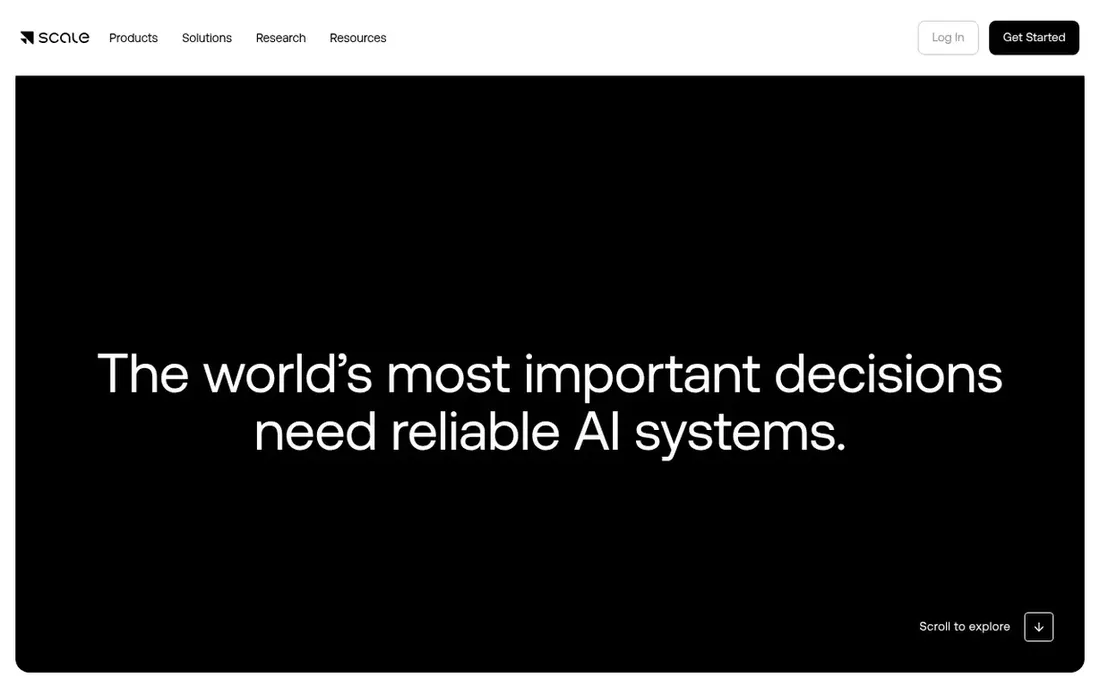
Scale AI was built for critical AI systems and evaluations. It suits organizations that require managed data work and evaluation support for high-stakes models, including video and multimodal data pipelines.
Beyond that, teams needing a self-serve annotation interface for fast video projects may find a lighter tool more direct. This comparison lists no price for Scale AI; ask the vendor. On free options: Not stated.
Points against: Less suited to small ad hoc projects.
- Gives data and evaluations
- Serves AI labs and governments
- Enterprise-oriented approach
SuperAnnotate serves production AI data infrastructure. SuperAnnotate describes itself as AI data infrastructure made for production, combining a system, experts, and workflows for frontier AI teams.
Drawbacks to consider: Wide infrastructure may overwhelm beginners.
Worth adding: small teams or one-off video labeling efforts may be better served by a more straightforward tool with fewer infrastructure requirements. On top of that, the production orientation means teams should expect to invest in workflow design and governance. This comparison lists no price for SuperAnnotate; ask the vendor. Free access: Not stated.
- Aimed at production data
- Product with experts and workflows
- Production focus implies planning
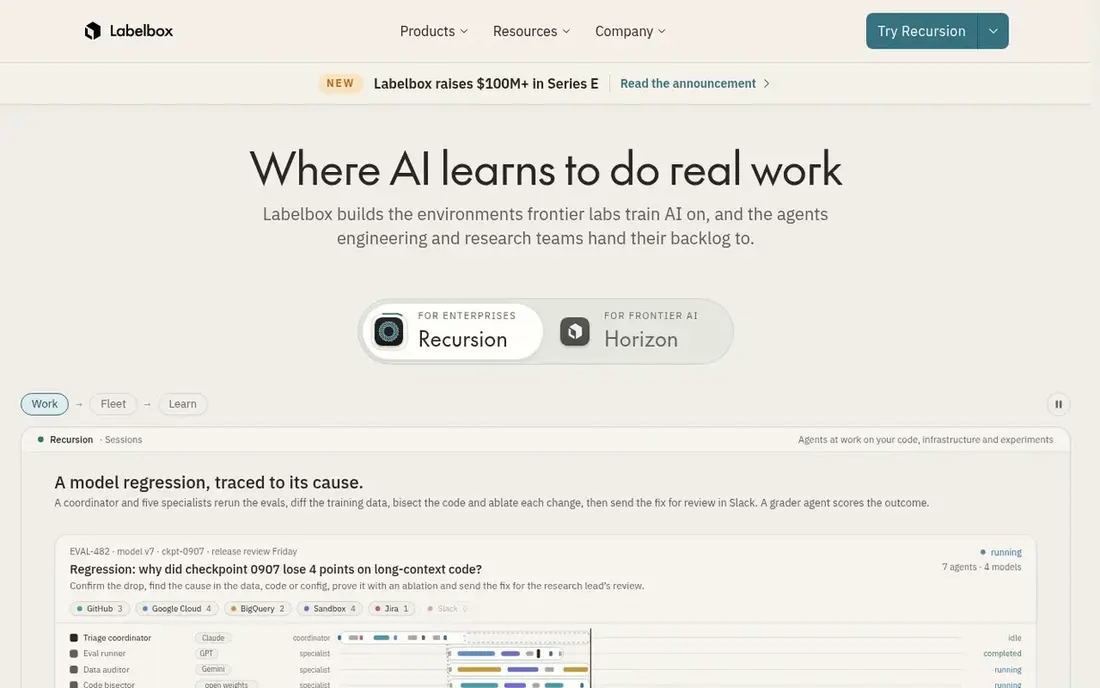
Think of Labelbox for AI training environments and expert data. Smaller projects with straightforward labeling needs should compare lighter choices before committing to a product approach.
Where it is weaker: Wide product may need setup.
As for the details, engineering and research teams can hand recurring work to agents on Recursion. Check the vendor site for Labelbox pricing; none is listed in this comparison. Free access: Not stated.
- Takes care of recurring work with agents
- Supports training and evaluation workflows
- Not focused only on video
V7 Labs
Best for: Repeatable AI workflows from instructions
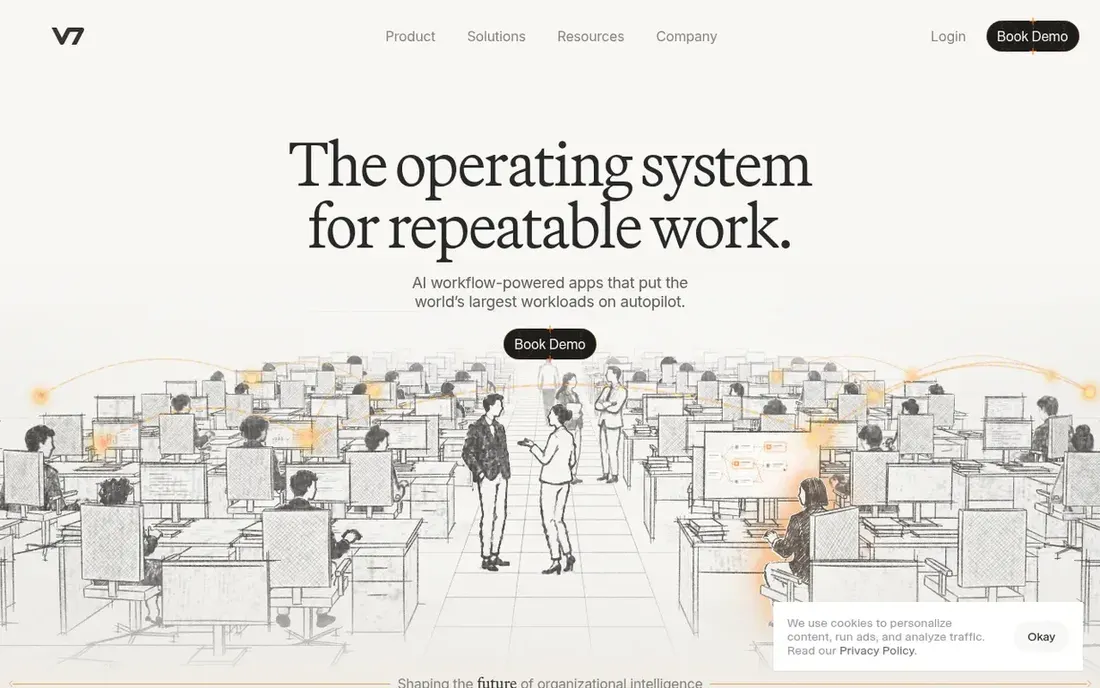
In short, V7 Labs is for repeatable AI workflows from instructions. It suits teams that want to automate document-heavy operations at scale, with video and other inputs handled inside broader business processes instead of as a standalone annotation task.
Limits to weigh: Needs clear process documentation.
Organizations without well-defined instructions to encode should first clarify their processes before adopting a workflow-centric system. Check the vendor site for V7 Labs pricing; none is listed in this comparison. Trial and free access: Not stated.
- Runs complicated operations at scale
- Suited to due diligence and claims
- Workflow focus may not suit pure labeling
What went into this list
Selection started from tools commonly considered for video annotation software, then narrowed to 6 that have clear pricing information or a clear quote process. Seat minimums, billing terms and add-ons can move the real cost, so the starting prices here are a guide and not a quote. The sequence is a judgement call: typical use case first, then pricing transparency, then free access. Use the profiles to check fit.
Things to verify first
- Confirm the entry price on the vendor page. For CVAT, Scale AI, SuperAnnotate and others that means a quote rather than a fixed price.
- Look at the free plan from Roboflow closely: its caps decide whether it is usable for real work.
- Before choosing CVAT, weigh its main limit: self-managed use needs technical setup.
- Run a one or two week pilot of SuperAnnotate with the people who will use it every day.
- Compare total cost, not headline price: for Labelbox, add extra seats, add-ons and any usage-based charges.
FAQ
Can I try these options before paying?
Often, yes. Roboflow has a free plan. Use your own data and a real task during the test, and check what the free tier or trial limits before you rely on it.
How are the tools for video annotation software ordered?
The order follows typical fit for video annotation software, with CVAT first and V7 Labs last, then price clarity and free access. It is editorial judgement, not a score, so another team could rank the tools differently.
Which options for video annotation software have a free plan?
Roboflow is the only tool in this list with a free plan. Free plans usually cap users, projects or features, so check the limits on the vendor page.
Is CVAT the right pick for everyone comparing video annotation software?
No single tool suits every team. CVAT comes first because it fits Vision and audio annotation with APIs, while Roboflow suits Vision AI for physical-world data and Scale AI suits critical AI systems and evaluations. Match the tool to your own size, budget and workflow before deciding.
What should I look for in video annotation software?
Focus on video-specific features like frame tracking, temporal labeling, and playback controls. Also check quality control, collaboration, and API access so annotations fit your model pipeline.
Sources
- https://www.cvat.ai
- https://roboflow.com
- https://scale.com
- https://www.superannotate.com
- https://labelbox.com
- https://www.v7labs.com