Best Video Background Remover Software for 2026: Our 5 Vetted Picks
Shortlisting the best video background remover software? 5 products compared on cost, free access and ideal buyer. Real limits included. Pick with confidence.
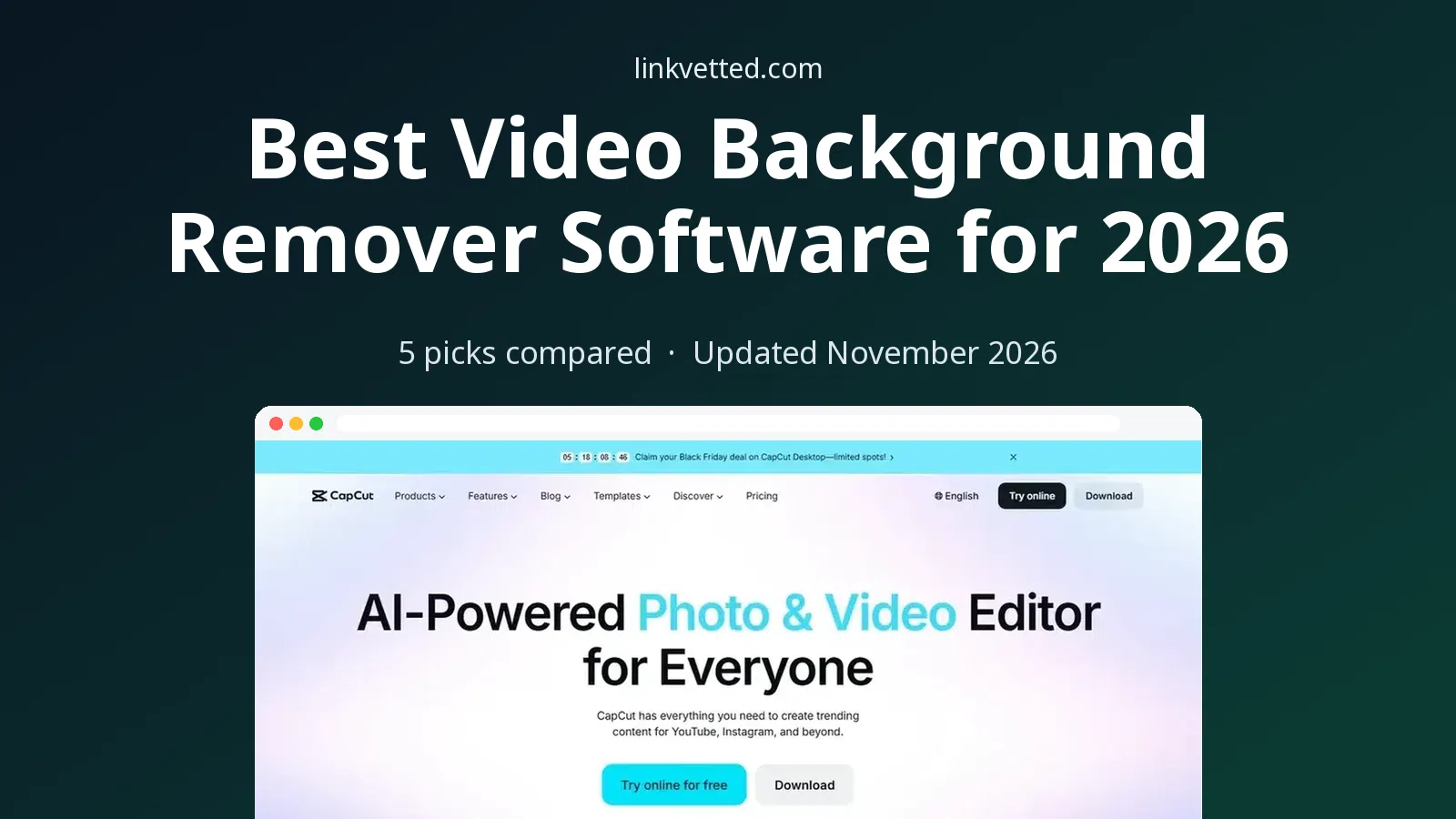
- Editor's choice
 CapCut
Quick social video editing on any device
Starts atSee websiteVisit capcut.comFull review - Great alternative
 Kapwing
Prompt-driven video projects for online creators
Starts at$16 a monthVisit kapwing.comFull review - Also consider
 Adobe Premiere Pro
Professional editing with precise background control
Starts atSee websiteVisit adobe.comFull review
Direct answer
This list puts CapCut first for fast social video editing on any device. Listed starting prices: Kapwing from $16 a month and Descript from $16 per person a month. Kapwing is the stronger choice for prompt-driven video projects for online creators, while Adobe Premiere Pro suits professional editing with precise background control. Details, prices and limits for the rest of the 5 tools are below.
TL;DR:
- Top of the list is CapCut, which targets quick social video editing on any device.
- Kapwing is the lowest-priced starter here at $16 per month.
- Only 3 of the 5 tools have a free plan (CapCut, Kapwing, Descript), so check the caps.
- Filmora is the one to check for approachable AI editing for desktop and mobile.
- What to know about Adobe Premiere Pro first: steeper ramp-up time for beginners.
Last checked November 2026. Prices and plan details were read from the vendors' own pages in November 2026; vendors change plans often, so confirm the current price on the vendor site before you buy.
Quick comparison
| Tool | Best for | Starts at | Free plan? | |
|---|---|---|---|---|
| CapCut | Quick social video editing on any device | See website | Yes | Visit |
| Kapwing | Prompt-driven video projects for online creators | $16 a month | Yes | Visit |
| Adobe Premiere Pro | Professional editing with precise background control | See website | Not stated | Visit |
 Descript | Text-based editing with background removal | $16 per person a month | Yes | Visit |
 Filmora | Approachable AI editing for desktop and mobile | See website | Not stated | Visit |
The 5 tools in detail
Choosing video background remover software usually comes down to price, fit and limits. This LinkVetted guide sets 5 tools side by side on those three points, with the facts kept short and checkable.

CapCut works best for quick social video editing on any device. CapCut is an AI video editor for YouTube and Instagram content, offering smart templates and creative effects.
More specifically, choose CapCut when speed and platform-ready output are the priority. For everyday use, long-form or effects-heavy projects may call for a desktop editor. CapCut shows no starting price here, so confirm the cost on the vendor site. CapCut includes a free tier.
Trade-offs to know: Fewer deep postproduction controls.
- Available on desktop
- Mobile and online
- Template style can feel limiting for long-form work
Think of Kapwing for prompt-driven video projects for online creators. Kapwing is an online video product that can create full video projects from a single prompt and supports creating, editing and expanding content for every channel.
From a buyer's view, automatic results may need manual adjustments. From a buyer's view, background removal suits into its accessible browser workflow. What you pay to start with Kapwing: $16 per month. A free plan is available with Kapwing.
Limits to weigh: Prompt-driven output may need manual cleanup.
- Straightforward workflow for modern creators
- Online editing for every channel
- Less suited to advanced compositing
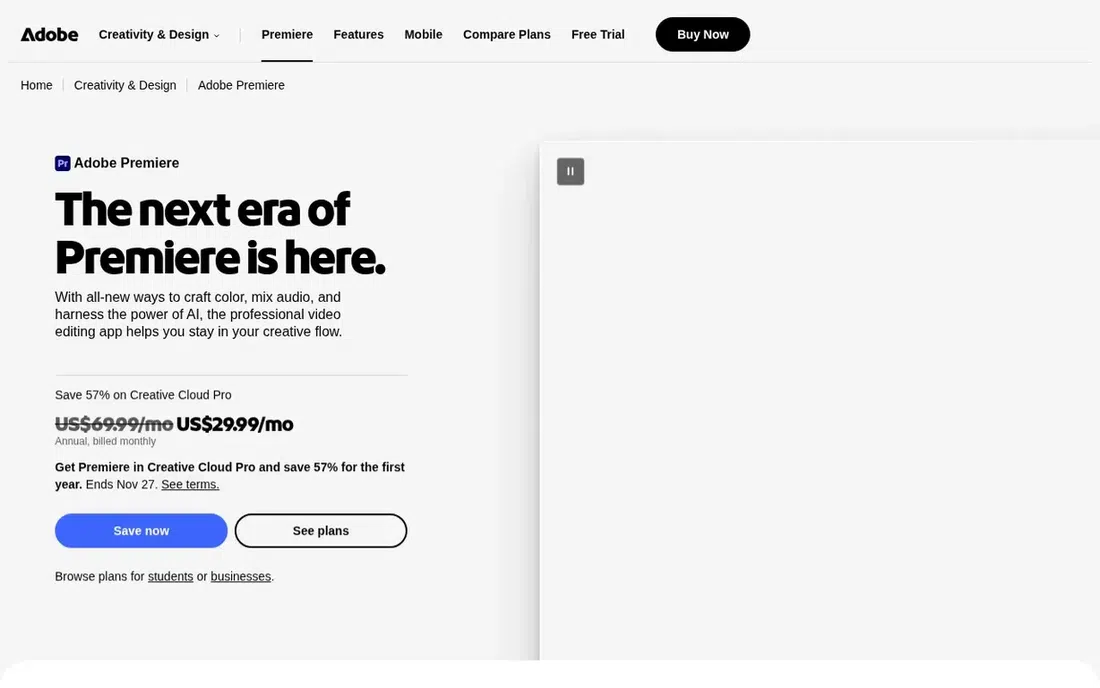
Adobe Premiere Pro is designed for professional editing with precise background control. Adobe Premiere Pro is professional video editing and postproduction software for trimming, effects, audio mixing and more.
For everyday use, the depth of the toolset means a ramp-up time, and casual users may find it heavy for fast social clips. Adobe Premiere Pro does not show a starting price in this comparison, so check the vendor site for current pricing. Free options: Not stated.
Points against: Steeper ramp-up time for beginners.
- Audio mixing and postproduction in one app
- Trimming and effects toolset
- Needs a capable computer

Descript targets text-based editing with background removal. Descript is an AI video and audio editor that makes editing as simple as editing text.
In daily use, background removal is part of a simplified workflow instead of a dedicated effects suite. Descript starts at: $16 per person per month. Descript offers a free plan.
Points against: Text-first approach may not fit every project.
- Edit video by editing transcribed text
- Record, transcribe
- Less suited to complex visual effects
Filmora is aimed squarely at approachable AI editing for desktop and mobile. Background removal sits alongside these everyday editing tools, making it approachable for creators who want results without a steep ramp-up time.
Filmora is AI-powered video editing software for desktop and mobile with easy-to-learn timeline tools, AI features, effects, captions and audio. This comparison lists no price for Filmora; ask the vendor. Trial and free access: Not stated.
Drawbacks to consider: Advanced users may want deeper controls.
- Available for desktop and mobile
- AI features
- Feature set varies between systems
Our selection method
We compared the tools on published pricing, free plan or trial availability, feature coverage for video background remover software, and the limits each vendor documents. Seat minimums, billing terms and add-ons can move the real cost, so the starting prices here are a guide and not a quote. Position on the page reflects fit for a typical buyer first, with price clarity and free access breaking ties. Treat it as a guide, not a ruling.
A buyer's checklist
- Confirm the entry price on the vendor page. For CapCut, Adobe Premiere Pro and Filmora that means a quote rather than a fixed price.
- Read the fine print on the free plans from CapCut, Kapwing and Descript; seat, project and feature caps differ.
- Before choosing CapCut, weigh its main limit: fewer deep postproduction controls.
- Run a one or two week pilot of Kapwing with the people who will use it every day.
- Ask CapCut whether prices are locked for the first term and what happens at renewal.
FAQ
What is the cheapest option for video background remover software in this list?
On published monthly entry prices, Kapwing is the lowest here at $16 per month. Entry price is only part of the cost, because seats, add-ons and billing terms can change the total.
Which options for video background remover software have a free plan?
CapCut, Kapwing and Descript offer a free plan in this list. Free plans usually cap users, projects or features, so check the limits on the vendor page.
Can I try these options before paying?
Often, yes. CapCut, Kapwing and Descript have a free plan. Use your own data and a real task during the test, and check what the free tier or trial limits before you rely on it.
What should I look for in video background remover software?
Look for clean edge handling on hair and moving subjects, support for your video formats, and a workflow that matches how you edit. In daily use, consider whether you need a full editor or a fast online tool. Checking export choices and system requirements early avoids surprises.
How are the tools for video background remover software ordered?
CapCut sits first and Filmora last because the order follows typical fit for video background remover software, then price clarity and free access. It is a judgement call, so read each profile for fit and limits.
Sources
- https://www.capcut.com
- https://www.kapwing.com
- https://www.adobe.com/products/premiere.html
- https://www.descript.com
- https://filmora.wondershare.com