Best Online Background Remover Tools in 2026: Prices, Free Plans and 5 Picks
5 products for the best online background remover tools, ranked by fit, with starting costs and free tiers. Plain-spoken summaries throughout. No filler.
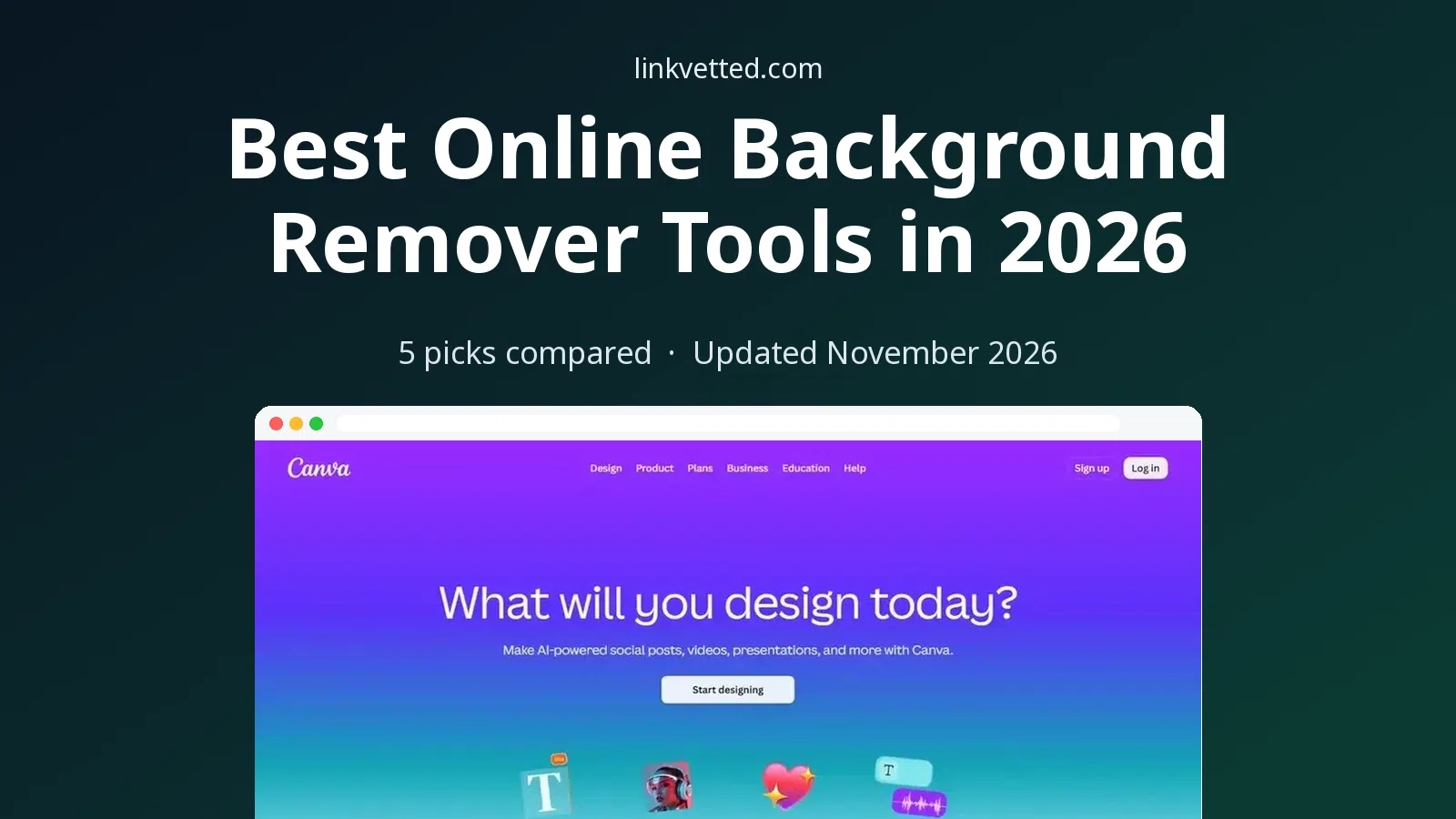
- Editor's choice
 Canva
All-in-one design with cutouts
Starts atSee websiteVisit canva.comFull review - Great alternative
 Slazzer
Automatic background removal in seconds
Starts at$12.65 a monthVisit slazzer.comFull review - Also consider
 remove.bg
Quick one-click background removal
Starts atSee websiteVisit remove.bgFull review
Direct answer
This list puts Canva first for all-in-one design with cutouts. Listed starting prices: Slazzer from $12.65 a month and Pixlr from $2.49 a month. If your case is different, Slazzer suits automatic background removal in seconds and remove.bg suits fast one-click background removal. Prices, free plans and limits for all 5 tools follow.
TL;DR:
- This list starts with Canva, which is built for all-in-one design with cutouts.
- The cheapest monthly starting price in the list is $2.49 per month, offered by Pixlr.
- Photoroom is the one to check for E-commerce product visuals.
- What to know about Pixlr first: feature set can feel dense for beginners.
- Neither Canva nor Photoroom, nor any of the other 3 tools, has a permanent free plan; trials and quotes are the norm.
Last checked November 2026. Prices and plan details were read from the vendors' own pages in November 2026; vendors change plans often, so confirm the current price on the vendor site before you buy.
Quick comparison
| Tool | Best for | Starts at | Free plan? | |
|---|---|---|---|---|
| Canva | All-in-one design with cutouts | See website | Not stated | Visit |
| Slazzer | Automatic background removal in seconds | $12.65 a month | Not stated | Visit |
| remove.bg | Quick one-click background removal | See website | Not stated | Visit |
 Pixlr | AI editing and generation plus cutouts | $2.49 a month | Not stated | Visit |
 Photoroom | E-commerce product visuals | See website | Free trial | Visit |
The 5 tools in detail
This LinkVetted guide covers 5 online background remover tools. Each profile lists a starting price, free plan details, strengths and drawbacks, so you can drop poor fits quickly.

In short, Canva is for all-in-one design with cutouts. It suits users who want background removal inside a bigger design workflow.
So a cutout can move straight into a post, slide or poster without switching tools. No starting price is listed for Canva here; confirm pricing on the vendor site. Free access: Not stated.
Downsides: Complex cutouts may need additional editing.
- Wide design suite for numerous formats
- Templates for posts
- Not a single-purpose remover
In short, Slazzer is for automatic background removal in seconds. Slazzer is an online background remover.
Pick Slazzer when speed and simplicity are the priority and the cutout is the end goal. As a focused remover, Slazzer does not aim to replace a full photo editor or design product. What you pay to start with Slazzer: $12.65 per month. As for free access: Not stated.
Honest limits: Restricted broader editing features.
- Automatic removal in seconds
- No manual pixel picking
- Complicated edges may need cleanup
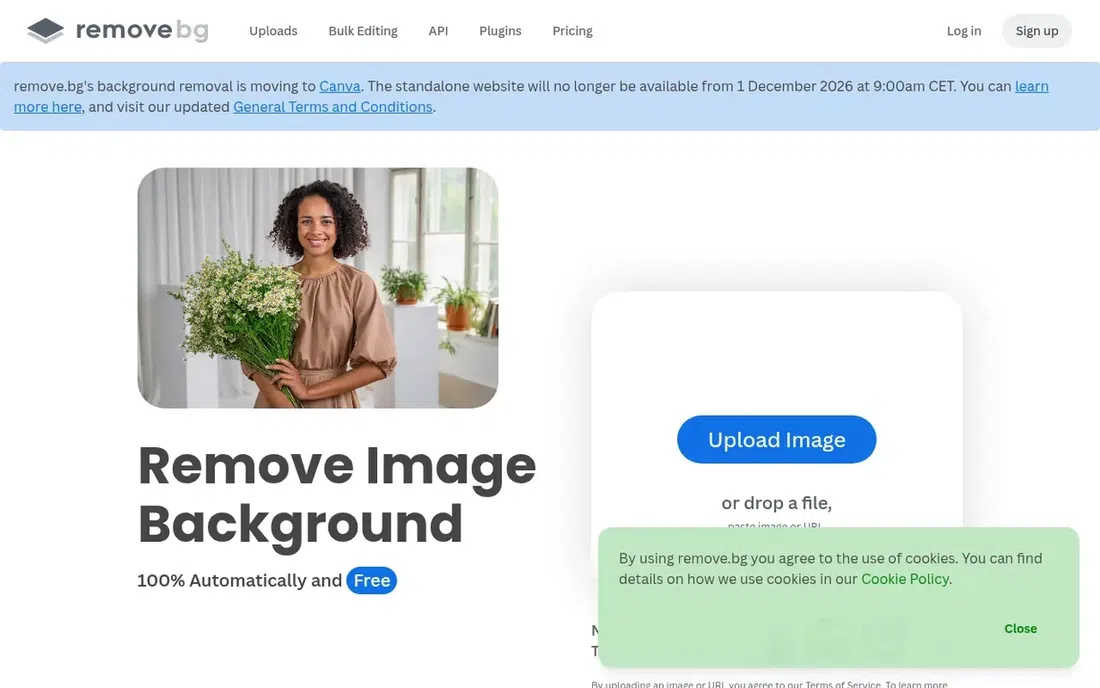
remove.bg was built for quick one-click background removal. It suits users who want a fast, focused cutout without opening a full design editor, like preparing a subject for a slide, listing or composite.
Watch-outs: Restricted broader design features.
If you need layout templates, social post design or product video creation, a broader editor may be a better fit. This comparison lists no price for remove.bg; ask the vendor. Trial and free access: Not stated.
- Automatic removal in seconds
- Concentrated on background cutouts
- Results may need touch-ups on complicated edges
Pixlr is a good fit for AI editing and generation plus cutouts. Pixlr is a free online AI photo editor and image generator.
Its homepage lists editing photos, generating AI images and videos, swapping faces, removing backgrounds and making collages, with no install needed. Users seeking a minimal one-click remover may find a dedicated tool quicker. Pixlr pricing: $2.49 per month. Free plan details: Not stated.
Trade-offs to know: Feature set can feel dense for beginners.
- Background removal among numerous tools
- No install needed
- Not focused only on cutouts
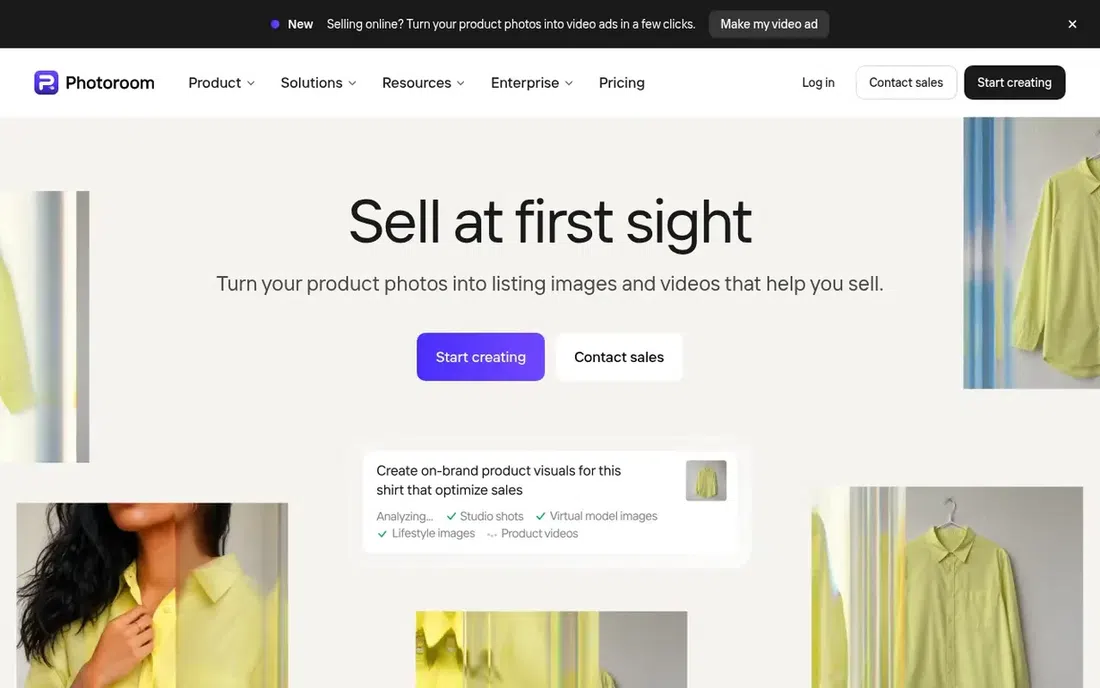
Photoroom is designed for E-commerce product visuals. If your goal is a fast cutout for a document or presentation, a more straightforward dedicated remover can be quicker. Photoroom is described as a full AI visual editor for e-commerce.
Its homepage says it turns product photos into listing images and videos that help you sell, from product page videos to video ads. Its e-commerce orientation means casual users who only need a transparent PNG may find it heavier than necessary. From a buyer's view, pick Photoroom when product listings and promotional visuals are the central job. This comparison lists no price for Photoroom; ask the vendor. Free plan details: Free trial.
Points against: Centred on commerce use cases.
- AI visual editor for product photos
- Supports video ads and product page videos
- May be more than needed for straightforward cutouts
How the list was put together
The comparison looks at four things: starting price, free access, how well the feature set matches online background remover tools, and the main limit of each tool. Where a price is missing, the vendor does not list one publicly or ties it to a quote. Always confirm before budgeting. The ranking is editorial: typical fit first, then clear pricing, then free access. If your needs are unusual, read the profiles rather than relying on position.
What to check before you buy
- Get a written quote from Canva, remove.bg and Photoroom; the list shows no starting price for them.
- Run a trial of Photoroom with real work before paying for a year; your own workflow is the best test.
- Read the limits listed for Canva first: not a single-purpose remover.
- List the apps you already depend on and check that Canva supports each one on the plan you would buy.
- Read the plan comparison for remove.bg carefully; key features often start on a higher tier.
FAQ
Does any tool for online background remover tools here have a free plan?
A permanent free plan is not offered by Canva, Photoroom or the other tools here. Photoroom offer a trial. Plan a short evaluation period instead.
Do these tools publish their prices?
Not all of them. Canva, remove.bg and Photoroom publish no starting price, so expect a quote request for those. The rest, Slazzer included, show a starting price, though seats and billing terms still change the final cost.
Can I try these options before paying?
Often, yes. Photoroom offers a free trial. Use your own data and a real task during the test, and check what the free tier or trial limits before you rely on it.
What is the cheapest option for online background remover tools in this list?
On published monthly entry prices, Pixlr is the lowest here at $2.49 per month. Entry price is only part of the cost, because seats, add-ons and billing terms can change the total. All 5 picks in this online background Remover tools comparison list a starting price, free plan details and the main limits on their cards above.
Sources
- https://www.canva.com
- https://www.slazzer.com
- https://www.remove.bg
- https://pixlr.com
- https://www.photoroom.com