Best Motion Graphics Software for YouTubers in 2026: Prices, Free Plans and 5 Picks
Best motion graphics software for YouTubers, compared. 5 tools with published prices, free plans and limits. Each entry gets a plain verdict. Quick to scan.
- Editor's choice
 DaVinci Resolve
One app for editing, color and effects
Starts atPricing on requestVisit blackmagicdesign.comFull review - Great alternative
 Cavalry
Live 2D animation and data-driven motion
Starts atPricing on requestVisit cavalry.scenegroup.coFull review - Also consider
 Final Cut Pro
Quick editing on Mac and iPad
Starts atPricing on requestVisit apple.comFull review
Direct answer
If you need one app for editing, color and effects, DaVinci Resolve is the first tool to look at here. Cavalry is the stronger choice for live 2D animation and data-driven motion, while Final Cut Pro suits quick editing on Mac and iPad. All 5 tools are compared below on fit, free plan and limits. None of these vendors publish plan prices, so pricing is on request for every option.
TL;DR:
- This list starts with DaVinci Resolve, which is built for one app for editing, color and effects.
- Before buying DaVinci Resolve, weigh this: Effects workflow differs from dedicated motion tools.
- No starting price is shown for any of the 5 tools, DaVinci Resolve and Adobe After Effects included, so plan time for sales calls.
- Neither DaVinci Resolve nor Adobe After Effects, nor any of the other 3 tools, has a permanent free plan; trials and quotes are the norm.
Last checked November 2026. Pricing on request: vendors did not publish plan prices when this guide was last checked (November 2026), so ask each vendor for a written quote.
Quick comparison
| Tool | Best for | Starts at | Free plan? | |
|---|---|---|---|---|
| DaVinci Resolve | One app for editing, color and effects | Pricing on request | Not stated | Visit |
| Cavalry | Live 2D animation and data-driven motion | Pricing on request | Not stated | Visit |
| Final Cut Pro | Quick editing on Mac and iPad | Pricing on request | Not stated | Visit |
 Cinema 4D | 3D motion graphics and product visuals | Pricing on request | Not stated | Visit |
 Adobe After Effects | Full control over animated graphics | Pricing on request | Not stated | Visit |
5 motion graphics software for YouTubers in detail
Short on time? The summary and table above give the quick view of 5 motion graphics software for YouTubers, and the profiles that follow give the detail behind each entry.
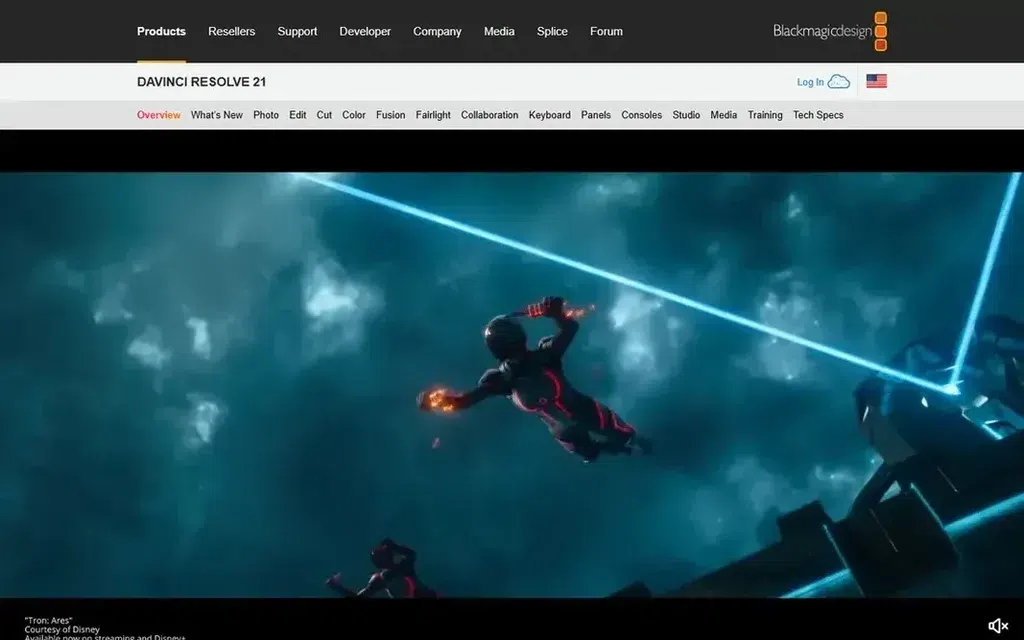
Pick DaVinci Resolve if this describes you: one app for editing, color and effects. DaVinci Resolve from Blackmagic Design bundles professional video editing, color correction, visual effects and audio post production in a single application, with versions for Mac, Windows and Linux. Beginners may feel lost at first.
Honest limits: Feature depth can overwhelm new users.
More specifically, since it spans so much ground, the interface and node-based effects approach take time to learn, and dedicated animation software still supplies more motion design depth. Choose Resolve when you want color, sound and graphics under one roof and are willing to learn its way of working. Check the vendor site for DaVinci Resolve pricing; none is listed in this comparison. Free access: Not stated.
- Runs on Mac
- Free and premium versions available
- Effects workflow differs from dedicated motion tools
For live 2D animation and data-driven motion, Cavalry is a natural candidate. Cavalry is 2D animation and motion graphics software for Mac and Windows, built around live animation, motion design and data-driven workflows for animators and motion designers. Worth adding: Cavalry concentrates on 2D, so 3D scenes and deep compositing are outside its scope.
Its community is smaller than those around major creative suites. For everyday use, pick Cavalry when live 2D animation and data-driven graphics are the core of your channel's visuals. Cavalry shows no starting price here, so confirm the cost on the vendor site. Free options: Not stated.
Drawbacks to consider: 2D focus limits 3D work.
- Live 2D animation workflow
- Data-driven motion design
- Smaller user community than major suites
Pick Final Cut Pro if this describes you: quick editing on Mac and iPad. Choose it when quick editing on a Mac or iPad matters most and graphics needs are moderate.
Where it is weaker: Motion design is secondary to editing.
Editors on Windows or Linux should consider cross-platform choices. Check the vendor site for Final Cut Pro pricing; none is listed in this comparison. Free plan details: Not stated.
- Strong performance on Apple hardware
- Runs on Mac and iPad
- Apple products only
Cinema 4D was built for 3D motion graphics and product visuals. YouTubers who want dimensional logos, product-style shots or 3D titles can build them here and composite the results into their videos. If flat animated titles are all you need, more straightforward choices will get you there quicker.
In practice, choose it when 3D elements are central to your content instead of an occasional accent. Cinema 4D is a serious 3D tool, so the ramp-up time is steeper than for 2D motion software and renders demand capable hardware. No starting price is listed for Cinema 4D here; confirm pricing on the vendor site. Free plan details: Not stated.
Watch-outs: Hardware demands are higher than 2D tools.
- Typical choice for broadcast-style graphics
- Links up with widely used motion workflows
- Steep ramp-up time for 3D beginners
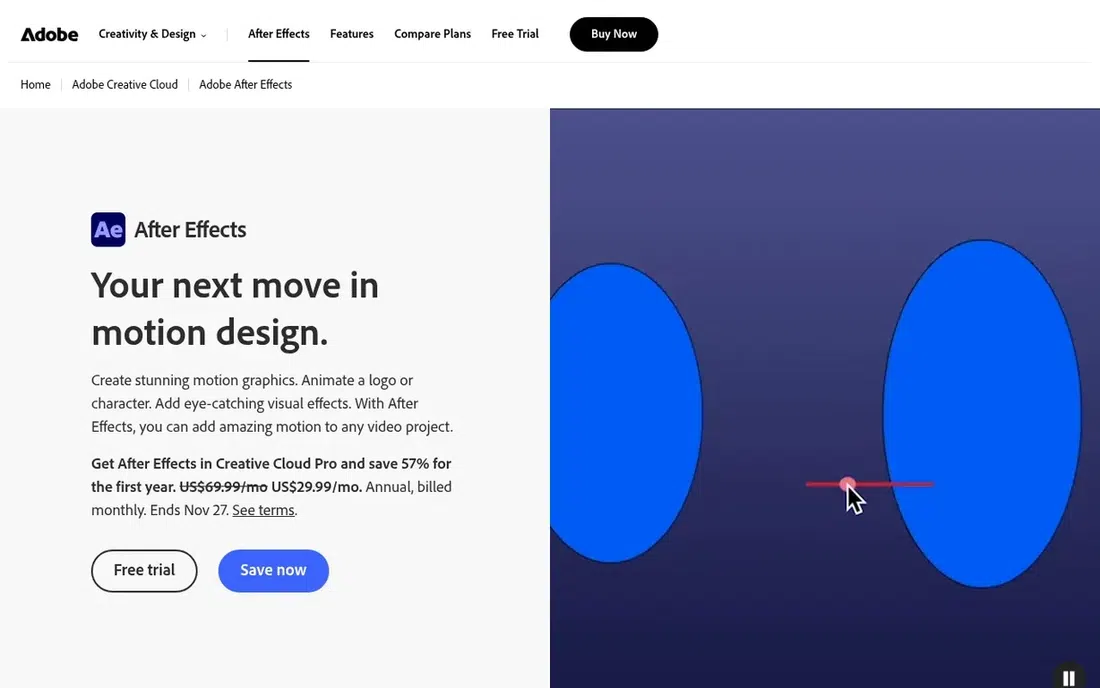
Adobe After Effects is built with full control over animated graphics in mind. Adobe After Effects is positioned as industry-standard motion graphics software for taking an idea and making it move, with design geared toward film, TV, video and web.
What works well: Widely used across the industry.
The main drawbacks: Ramp-up time is steep for beginners.
For YouTubers, that means animated titles, lower thirds, transitions and effects-driven intros built from scratch. Pricing for Adobe After Effects is not stated here, so ask the vendor for current figures. Free plan details: Not stated.
- Suits film, TV
- Deep animation and compositing toolset
- Heavy projects need a capable machine
How we compared the tools
LinkVetted looked at what each vendor publishes: pricing, plan limits, feature coverage for motion graphics software for YouTubers and stated drawbacks. No hands-on testing is claimed. Plan names, prices and limits change often. Treat the figures here as a starting point and verify them with the vendor. The ranking is editorial: typical fit first, then clear pricing, then free access. If your needs are unusual, read the profiles rather than relying on position.
A buyer's checklist
- Confirm the entry price with every vendor: no tool from DaVinci Resolve to Adobe After Effects shows a fixed starting price.
- Read the limits listed for DaVinci Resolve first: Effects workflow differs from dedicated motion tools.
- Check whether the features you need in Cinema 4D sit on the entry plan or only on higher tiers.
- Work out what Cavalry costs with your real seat count, add-ons and usage, not just the entry price.
- Check the integration list for DaVinci Resolve against the tools you run today, and note which ones need a higher plan.
FAQ
Can I try these tools before paying?
Not by default. None of the tools, from DaVinci Resolve to Adobe After Effects, lists a free plan or a free trial here, so ask each vendor for a demo before committing.
Do these tools publish their prices?
No. None of the tools, from DaVinci Resolve to Adobe After Effects, shows a fixed starting price here, so budget time for quotes.
Do I need separate motion graphics software if my editor already layers on titles?
Dedicated tools such as After Effects or Cavalry make sense when you want custom animated graphics, data-driven visuals or a distinctive channel look that built-in templates cannot deliver.
Is DaVinci Resolve the right pick for everyone comparing motion graphics software for YouTubers?
No single tool suits every team. DaVinci Resolve comes first because it fits one app for editing, color and effects, while Cavalry suits real-time 2D animation and data-driven motion and Final Cut Pro suits fast editing on Mac and iPad. Match the tool to your own size, budget and workflow before deciding.
How are the motion graphics software for YouTubers ordered?
The order follows typical fit for motion graphics software for YouTubers, with DaVinci Resolve first and Adobe After Effects last, then price clarity and free access. It is editorial judgement, not a score, so another team could rank the tools differently.
Sources
- https://www.blackmagicdesign.com/products/davinciresolve
- https://cavalry.scenegroup.co
- https://www.apple.com/final-cut-pro
- https://www.maxon.net/en/cinema-4d
- https://www.adobe.com/products/aftereffects.html