Motion Graphics Software for Freelancers in 2026: The 5 Best Options Side by Side
5 best motion graphics software for freelancers, compared on pricing, free plans and best-fit use. Strengths and weak spots are spelled out. Straight answers.
- Editor's choiceMaxon Cinema 4D
3D motion graphics and animation
Starts atPricing on requestVisit maxon.netFull review - Great alternativeMaxon Red Giant
Effects and motion plugins
Starts atPricing on requestVisit maxon.netFull review - Also consider
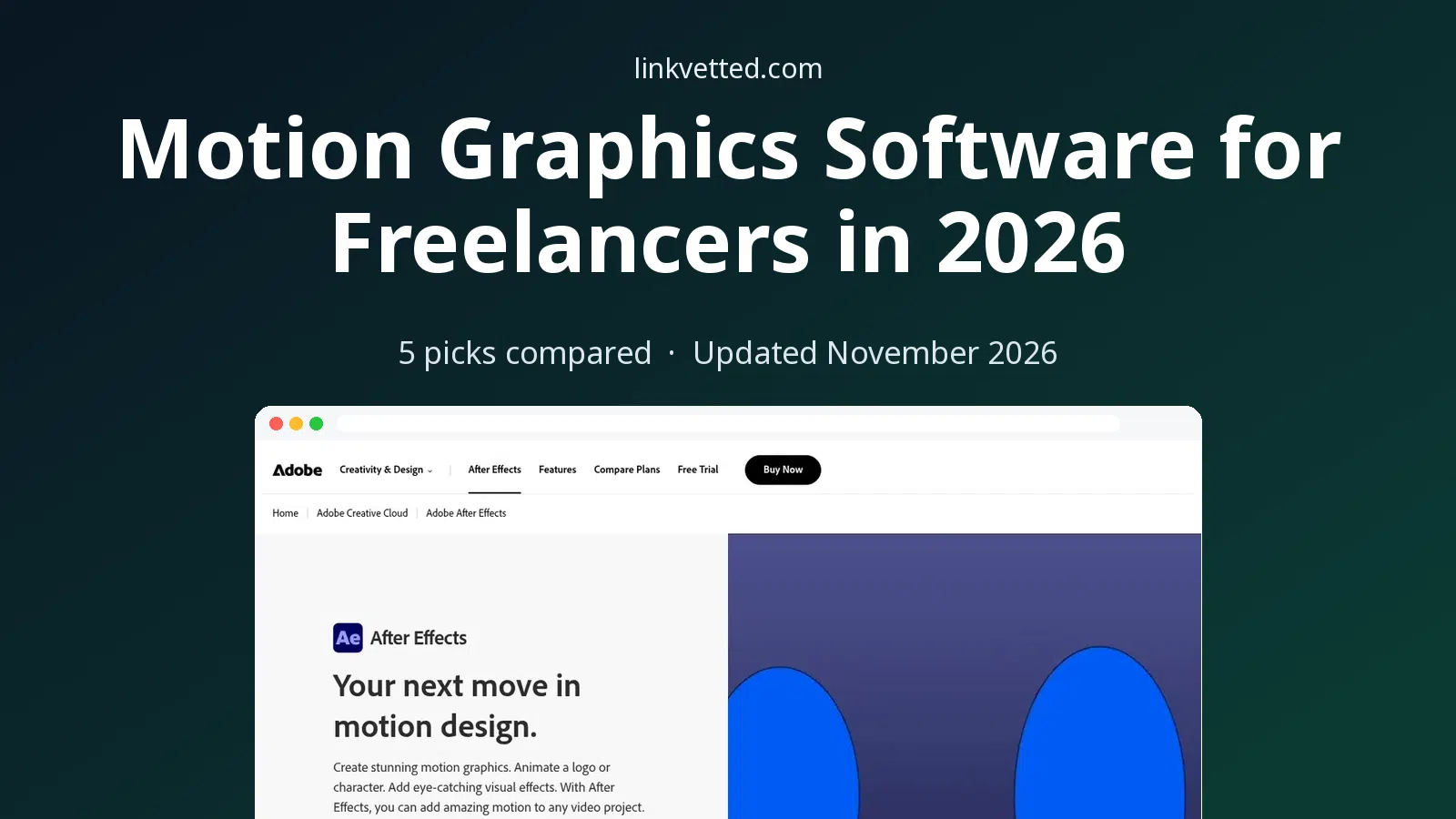
 Adobe After Effects
Dedicated motion graphics and compositing
Starts atPricing on requestVisit adobe.comFull review
Direct answer
Our first pick is Maxon Cinema 4D, best for 3D motion graphics and animation. If your case is different, Maxon Red Giant suits Effects and motion plugins and Adobe After Effects suits dedicated motion graphics and compositing. The remaining 2 options are covered below with pricing notes and limits. None of these vendors publish plan prices, so pricing is on request for every option.
TL;DR:
- This list starts with Maxon Cinema 4D, which is built for 3D motion graphics and animation.
- Every tool from Maxon Cinema 4D to Adobe Premiere Pro works by quote, with no list price shown.
- For editing and finishing motion work, Adobe Premiere Pro is worth a look.
- Maxon Cinema 4D, Adobe Premiere Pro and the 3 others all need a premium plan or a trial, since no free plan is listed.
- Before buying DaVinci Resolve, weigh this: wide feature set takes time to learn.
Last checked November 2026. Pricing on request: vendors did not publish plan prices when this guide was last checked (November 2026), so ask each vendor for a written quote.
Quick comparison
| Tool | Best for | Starts at | Free plan? | |
|---|---|---|---|---|
| Maxon Cinema 4D | 3D motion graphics and animation | Pricing on request | Not stated | Visit |
| Maxon Red Giant | Effects and motion plugins | Pricing on request | Not stated | Visit |
| Adobe After Effects | Dedicated motion graphics and compositing | Pricing on request | Not stated | Visit |
 DaVinci Resolve | All-in-one editing, color and effects | Pricing on request | Not stated | Visit |
 Adobe Premiere Pro | Editing and finishing motion work | Pricing on request | Not stated | Visit |
Motion Graphics Software for Freelancers profiles
LinkVetted put together this guide to motion graphics software for freelancers for readers who want a clear shortlist without reading every vendor page. It compares 5 tools on starting price, free plans, who each one suits and where each one falls short.
Maxon Cinema 4D
Best for: 3D motion graphics and animation
Maxon Cinema 4D is a good fit for 3D motion graphics and animation. The 3D ramp-up time is real, and the tool is more than a 2D animator needs.
Freelancers who largely produce titles, transitions and straightforward animations should start with a 2D-focused application and add Cinema 4D when client work calls for 3D. Maxon Cinema 4D shows no starting price here, so confirm the cost on the vendor site. As for free access: Not stated.
Where it falls short: 3D workflow has a steep ramp-up time.
- Links up with typical motion pipelines
- Well known for 3D modeling and animation
- Overkill for straightforward 2D graphics
Maxon Red Giant
Best for: Effects and motion plugins
Maxon Red Giant is aimed squarely at Effects and motion plugins. Freelancers who already have a primary editing or animation tool can use it to add stylized looks, transitions and motion elements without switching their core workflow.
Maxon Red Giant is a collection of effects and motion graphics plugins that extend host applications for example editing and compositing software. Pricing for Maxon Red Giant is not stated here, so ask the vendor for current figures. Free options: Not stated.
Drawbacks to consider: Plugin-based, so it is not a standalone editor.
- Collection of effects and motion tools
- Extends host editing and compositing apps
- Works alongside a host application
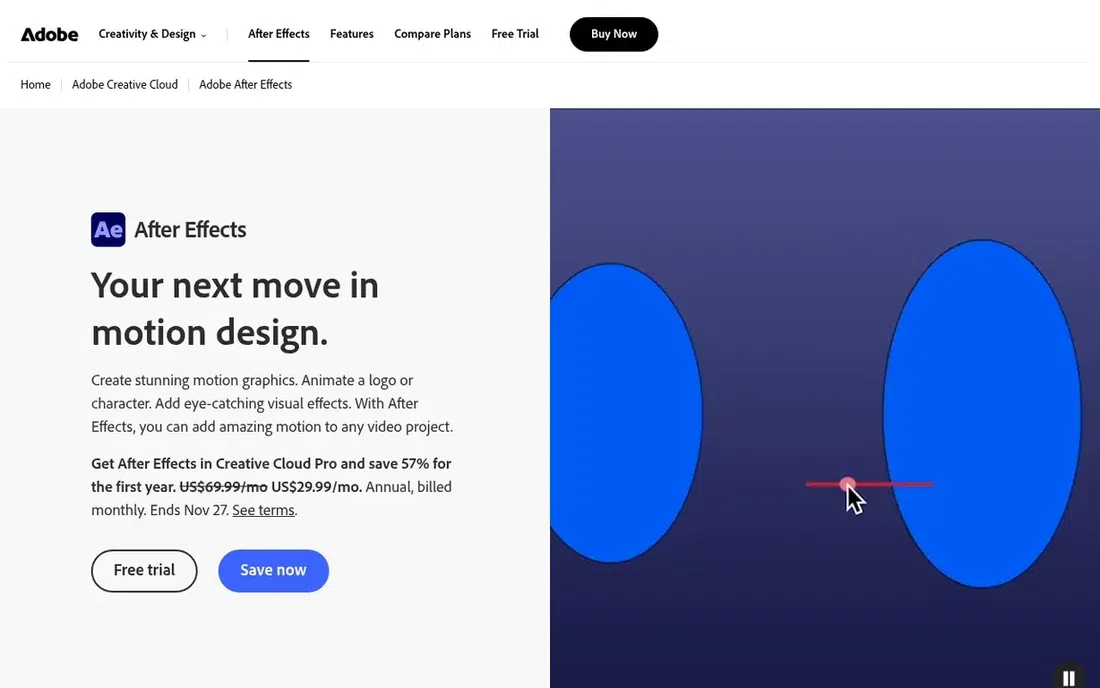
Adobe After Effects is a good fit for dedicated motion graphics and compositing. For freelancers whose core work is animated titles, lower thirds, explainers or visual effects, it is the most direct fit since motion design is the product's central purpose instead of an add-on.
This comparison lists no price for Adobe After Effects; ask the vendor. Free options: Not stated.
Where it falls short: Demanding on hardware.
Where Adobe After Effects stands out: Made for motion graphics.
- Video and web output
- Spans film, TV
- Needs a ramp-up time
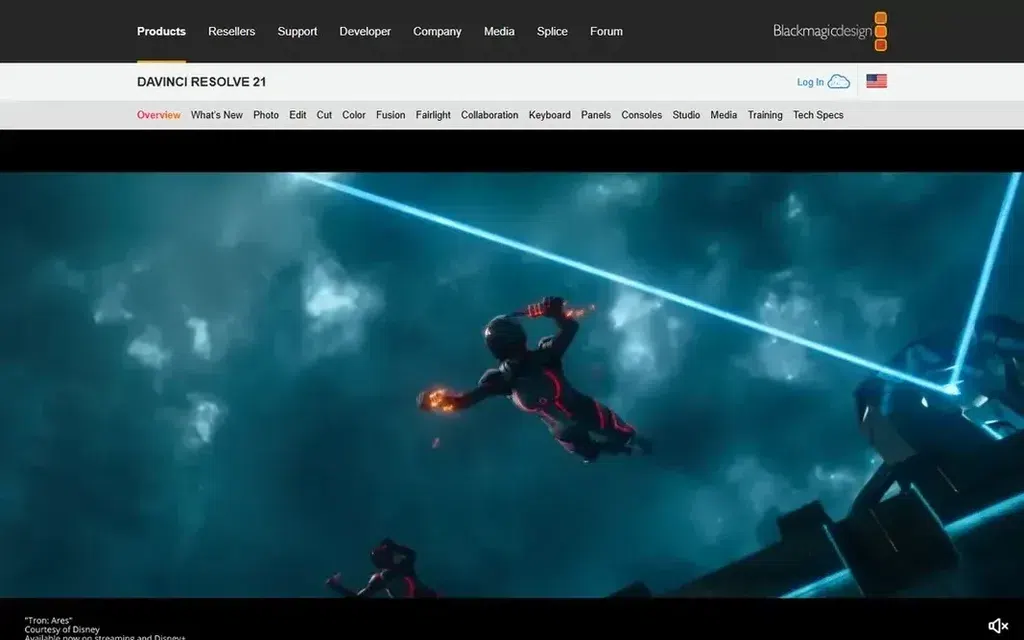
DaVinci Resolve is a good fit for all-in-one editing, color and effects. DaVinci Resolve merges professional video editing, color correction, visual effects and audio postproduction in a single application, with free and premium versions for Mac, Windows and Linux.
Where it is weaker: Motion design is one part of a bigger suite.
No starting price is listed for DaVinci Resolve here; confirm pricing on the vendor site. On free options: Not stated.
- Editing
- Color correction
- Wide feature set takes time to learn
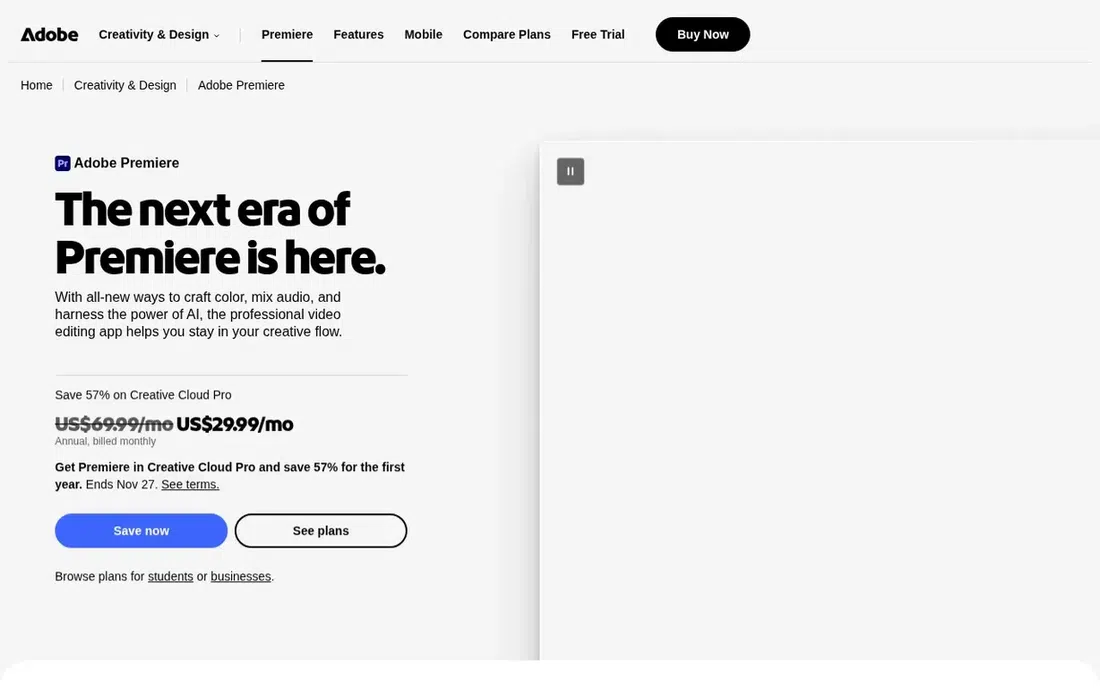
Adobe Premiere Pro was built for editing and finishing motion work. Premiere Pro is an editor first, so complicated motion graphics and compositing are better handled elsewhere.
Adobe Premiere Pro does not show a starting price in this comparison, so check the vendor site for current pricing. Trial and free access: Not stated.
Where it falls short: Not a dedicated motion design tool.
- Manages postproduction end to end
- Audio mixing and extended video tools
- Animation work is restricted compared to compositing apps
How we compared the tools
What to check before you buy
- Request quotes from Maxon Cinema 4D, Adobe Premiere Pro and the others; the list shows no fixed prices.
- Before choosing Maxon Cinema 4D, weigh its main limit: 3D workflow has a steep learning curve.
- Make sure Maxon Red Giant lets you export your data in a format another tool can read.
- Confirm minimum seats and billing terms with DaVinci Resolve before you commit to an annual plan.
- Confirm the exact Adobe Premiere Pro plan that includes your must-have features.
FAQ
Is Maxon Cinema 4D the right pick for everyone comparing motion graphics software for freelancers?
No single tool suits every team. Maxon Cinema 4D comes first because it fits 3D motion graphics and animation, while Maxon Red Giant suits Effects and motion plugins and Adobe After Effects suits dedicated motion graphics and compositing. Match the tool to your own size, budget and workflow before deciding.
Do these tools publish their prices?
No. None of the tools, from Maxon Cinema 4D to Adobe Premiere Pro, shows a fixed starting price here, so budget time for quotes.
When does a freelancer need 3D or plugin tools?
Cinema 4D becomes relevant when client work calls for three-dimensional graphics and animation, whereas Red Giant adds effects and motion plugins to an existing host application. Add them when a specific project type justifies the additional learning and setup.
Does any tool for motion graphics software for freelancers here have a free plan?
A permanent free plan is not offered by Maxon Cinema 4D, Adobe Premiere Pro or the other tools here. Plan a short evaluation period instead.
Can I try these tools before paying?
Not by default. None of the tools, from Maxon Cinema 4D to Adobe Premiere Pro, lists a free plan or a free trial here, so ask each vendor for a demo before committing.
Sources
- https://www.maxon.net/en/cinema-4d
- https://www.maxon.net/en/red-giant
- https://www.adobe.com/products/aftereffects.html
- https://www.blackmagicdesign.com/products/davinciresolve
- https://www.adobe.com/products/premiere.html