The 5 Best Graphic Design Software for Freelancers in 2026, Ranked
Weighing the best graphic design software for freelancers? We lined up 5 products by cost, free access and fit. Each tool gets a one-line verdict. No hype.
- Editor's choice
 Affinity Photo
Professional photo editing on a budget
Starts atSee websiteVisit affinity.serif.comFull review - Great alternative
 Sketch
Interface design and developer handoff
Starts at$12 per editor a monthVisit sketch.comFull review - Also consider
 Canva
Quick template-driven client graphics
Starts atSee websiteVisit canva.comFull review
Direct answer
Affinity Photo is the first pick on this list for professional photo editing on a budget. Listed starting prices: Sketch from $12 per editor a month. Look at Sketch for interface design and developer handoff, and at Canva for quick template-driven client graphics. Prices, free plans and limits for all 5 tools follow.
TL;DR:
- The list opens with Affinity Photo, aimed at professional photo editing on a budget.
- Adobe Photoshop fits Photo editing and image composites.
- Check the limits for Canva before you commit: less precise than pro vector tools.
- Sketch is the lowest-priced starter here at $12 per editor per month.
Last checked November 2026. Prices and plan details were read from the vendors' own pages in November 2026; vendors change plans often, so confirm the current price on the vendor site before you buy.
Quick comparison
| Tool | Best for | Starts at | Free plan? | |
|---|---|---|---|---|
| Affinity Photo | Professional photo editing on a budget | See website | Not stated | Visit |
| Sketch | Interface design and developer handoff | $12 per editor a month | Free trial | Visit |
| Canva | Quick template-driven client graphics | See website | Not stated | Visit |
 Adobe Illustrator | Professional vector graphics and illustration | See website | Not stated | Visit |
 Adobe Photoshop | Photo editing and image composites | See website | Not stated | Visit |
The full graphic design software for freelancers list
If you are comparing graphic design software for freelancers, this page covers 5 tools in one place: what each is best for, what it costs to start, whether it has a free plan, and the main limit to know about.
Affinity Photo targets professional photo editing on a budget. Affinity Photo is a professional photo editor positioned around precision, speed and creative freedom, based on its homepage. Freelancers who retouch client photography, prepare images for print or build composites can use it as a capable alternative to subscription editors, and the one-time purchase model keeps costs predictable.
It is less widely known than Photoshop, so file exchange and tutorials may be thinner. In daily use, if clients or collaborators need Adobe-native workflows, Photoshop is safer; for straightforward template edits, Canva is quicker. No starting price is listed for Affinity Photo here; confirm pricing on the vendor site. On free options: Not stated.
Where it falls short: Steeper ramp-up time for beginners.
- Speed-focused performance
- One-time purchase model
- Less industry familiarity than Photoshop
Sketch serves interface design and developer handoff. Sketch is a design, prototyping and collaboration tool built by designers for designers, based on its homepage.
Drawbacks to consider: Not geared toward print or photo editing.
For everyday use, freelancers working on digital products like apps and websites can design screens, build prototypes and hand off assets to developers within one environment, which fits client work that moves from concept to implementation. Sketch cost at the entry level: $12 per editor per month. Trial and free access: Free trial.
- Prototype and handoff in one
- Made for designers' workflows
- Mac-only system
In short, Canva is for quick template-driven client graphics. Canva is an online graphic design tool for social media posts, presentations, posters, videos, logos and more, as its homepage states.
Beyond that, Canva is less suited to precise vector illustration or advanced photo retouching, and complicated custom artwork can hit its limits. This comparison lists no price for Canva; ask the vendor. Free options: Not stated.
Where it falls short: Restricted for complicated custom artwork.
- Fast output for straightforward projects
- Browser-based and quick to learn
- Less precise than pro vector tools
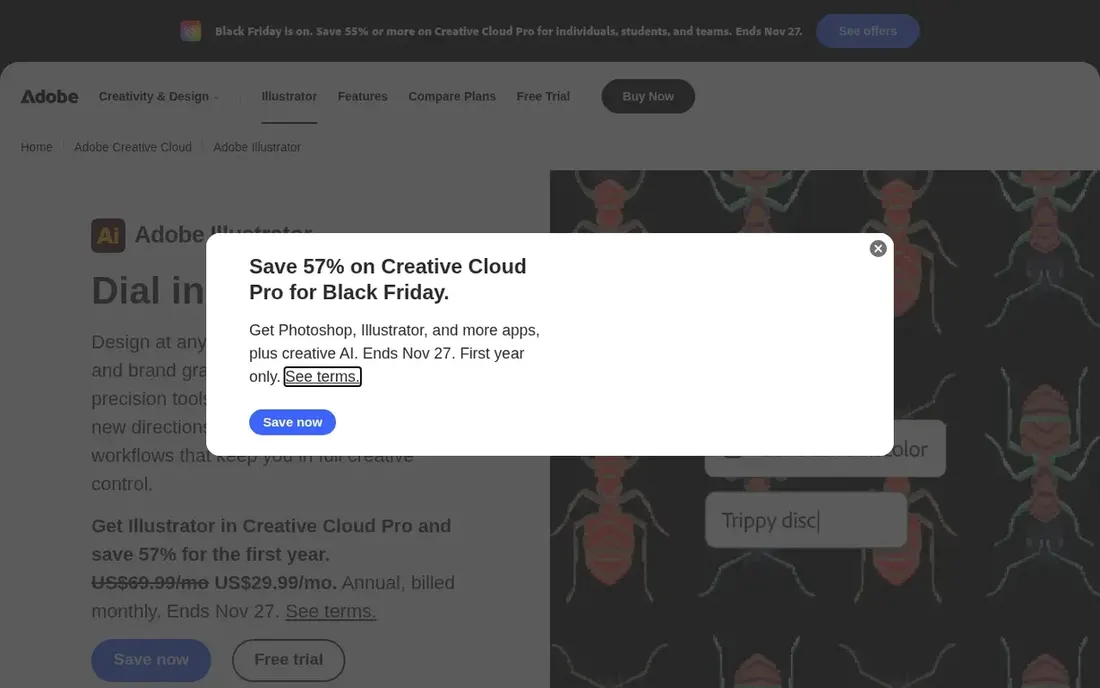
Adobe Illustrator is aimed squarely at professional vector graphics and illustration. Its homepage flags generative AI that transforms a text prompt into a completely editable vector graphic.
Freelancers who deliver brand identities, icon sets or print-ready vector assets will find the depth handy, notably when clients or agencies expect Adobe-format files. No starting price is listed for Adobe Illustrator here; confirm pricing on the vendor site. Trial and free access: Not stated.
Where it is weaker: Can feel heavy for straightforward jobs.
- Generative AI turns prompts into editable vectors
- Capable file compatibility with agencies
- Subscription-based access
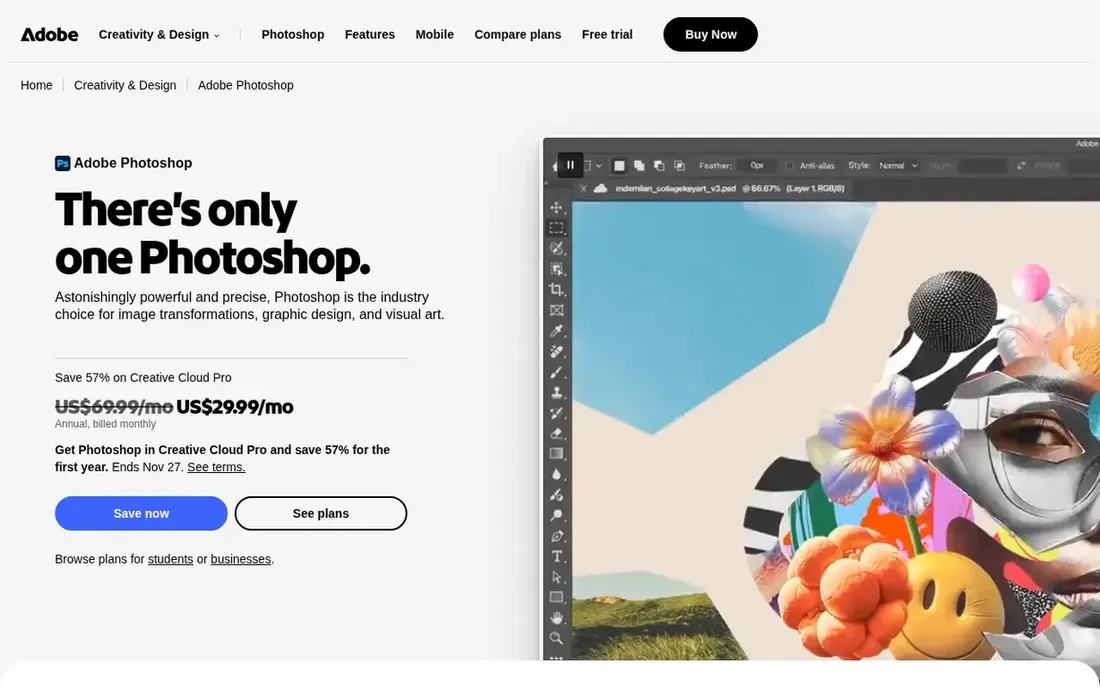
Adobe Photoshop is aimed squarely at Photo editing and image composites. Adobe Photoshop is the reference tool for raster image editing, retouching and compositing. Its homepage describes fast new ways to produce custom scenes, make complicated edits and combine images online or through the mobile app.
In practice, Photoshop is subscription-based and its layer-heavy workflow has a ramp-up time. Freelancers handling product photos, social imagery or layered marketing visuals will get the most from it. Adobe Photoshop shows no starting price here, so confirm the cost on the vendor site. On free options: Not stated.
Points against: Subscription required.
- Desktop and mobile access
- Fast ways to build custom scenes
- Not aimed at vector-first work
How these tools were picked
The comparison looks at four things: starting price, free access, how well the feature set matches graphic design software for freelancers, and the main limit of each tool. Treat prices as a snapshot: vendors change plans often, so check the vendor site for the figure that applies today. Order on the page follows fit for the typical buyer first, then price transparency and free access. Your own requirements should decide the final pick.
What to check before you buy
- Get a written quote from Affinity Photo, Canva, Adobe Illustrator and Adobe Photoshop; the list shows no starting price for them.
- Take the trial from Sketch and push a live task through it before you pay.
- Before choosing Affinity Photo, weigh its main limit: less industry familiarity than Photoshop.
- The entry price of Adobe Illustrator is only the starting point; model the full cost with seats and extras.
- See whether Adobe Photoshop offers onboarding or training, and whether it is included in the price.
FAQ
Do these tools publish their prices?
Not all of them. Affinity Photo, Canva, Adobe Illustrator and Adobe Photoshop publish no starting price, so expect a quote request for those. The rest, Sketch included, show a starting price, though seats and billing terms still change the final cost.
Can I try these tools before paying?
Often, yes. Sketch offers a free trial. Use your own data and a real task during the test, and check what the free tier or trial limits before you rely on it. Each of the 5 options in this Graphic design software for freelancers guide has its own card above with the price, free plan and limits.
What is the cheapest option for graphic design software for freelancers in this list?
On published monthly entry prices, Sketch is the lowest here at $12 per editor per month. Entry price is only part of the cost, because seats, add-ons and billing terms can change the total.
Does any tool for graphic design software for freelancers here have a free plan?
A permanent free plan is not offered by Affinity Photo, Adobe Photoshop or the other tools here. Sketch offer a trial. Plan a short evaluation period instead.
Which graphic design software is best for a freelance beginner?
For most readers this guide would start with Affinity Photo, built for professional photo editing on a budget. Sketch is the alternative for interface design and developer handoff, and Canva for quick template-driven client graphics. The right answer depends on budget and workflow.
Sources
- https://affinity.serif.com/en-us/photo
- https://www.sketch.com
- https://www.canva.com
- https://www.adobe.com/products/illustrator.html
- https://www.adobe.com/products/photoshop.html