The 5 Best Font Management Software for Small Business in 2026, Ranked
Searching for the best font management software for small business? Here are 5 options with prices and free plans. The catches are listed up front. No hype.
- Editor's choiceMonotype Fonts
Premium font library access
Starts atSee websiteVisit monotype.comFull review - Great alternativeRightFont
Cloud-synced font organization
Starts at$59.00 one-timeVisit rightfontapp.comFull review - Also considerTypeface
Minimal Mac font browsing
Starts atSee websiteVisit typefaceapp.comFull review
Direct answer
This list puts Monotype Fonts first for premium font library access. Listed starting prices: RightFont from $59.00 one-time and FontBase from $3 a month. Alternatives: RightFont for cloud-synced font organization, and Typeface for minimal Mac font browsing. The full list of 5 tools follows, with prices and free plan facts.
TL;DR:
- Monotype Fonts sits first on this list: premium font library access.
- The main caution on FontBase: restricted advanced team controls.
- FontBase has the lowest monthly starting price in this list: $3 per month.
- FontBase stands alone as the one tool in this list with a free plan.
Last checked November 2026. Prices and plan details were read from the vendors' own pages in November 2026; vendors change plans often, so confirm the current price on the vendor site before you buy.
Quick comparison
| Tool | Best for | Starts at | Free plan? | |
|---|---|---|---|---|
| Monotype Fonts | Premium font library access | See website | Not stated | Visit |
| RightFont | Cloud-synced font organization | $59.00 one-time | No | Visit |
| Typeface | Minimal Mac font browsing | See website | Free trial | Visit |
| FontBase | Cross-platform teams on a budget | $3 a month | Yes | Visit |
| FontExplorer X | Mac-based font organization | See website | Not stated | Visit |
Tool-by-tool breakdown
LinkVetted put together this guide to font management software for small business for readers who want a clear shortlist without reading every vendor page. It compares 5 tools on starting price, free plans, who each one suits and where each one falls short.
Monotype Fonts
Best for: Premium font library access
Monotype Fonts is built with premium font library access in mind. It fits small companies that require access to a wide, professionally licensed type collection and want to browse and discover fonts in one place.
Where it is weaker: Library-focused instead of desktop organizer.
It is centered on font access and licensing instead of organizing local font files across machines. This comparison lists no price for Monotype Fonts; ask the vendor. Trial and free access: Not stated.
- Browsing and filtering tools
- Broad premium font library
- Licensing terms need review
RightFont
Best for: Cloud-synced font organization
RightFont is designed for cloud-synced font organization. RightFont is a Mac font manager that helps preview, sync, install, and organize fonts using iCloud or Dropbox.
Limits to weigh: Cloud sync relies on external services.
Its reliance on cloud storage services means sync behavior relies on those accounts and settings. Worth adding: Windows-based teams should look at FontBase or another cross-platform tool instead. The starting price for RightFont: $59.00 one-time. RightFont does not include a free plan.
What works well: Syncs fonts via iCloud and Dropbox.
- All-in-one manager for business
- Preview and install fonts easily
- Mac-focused
Typeface
Best for: Minimal Mac font browsing
For minimal Mac font browsing, Typeface is a natural candidate. Typeface is a macOS font manager with a minimal interface that centres on helping you browse your collection and pick the right type for designs.
The main drawbacks: Fewer team administration features.
Upsides: Suited to design workflows. It fits small creative studios and individual designers who value a clean, distraction-free way to explore fonts. Typeface shows no starting price here, so confirm the cost on the vendor site. Free access: Free trial.
- Clean
- Focus on font browsing
- Mac only
FontBase
Best for: Cross-platform teams on a budget
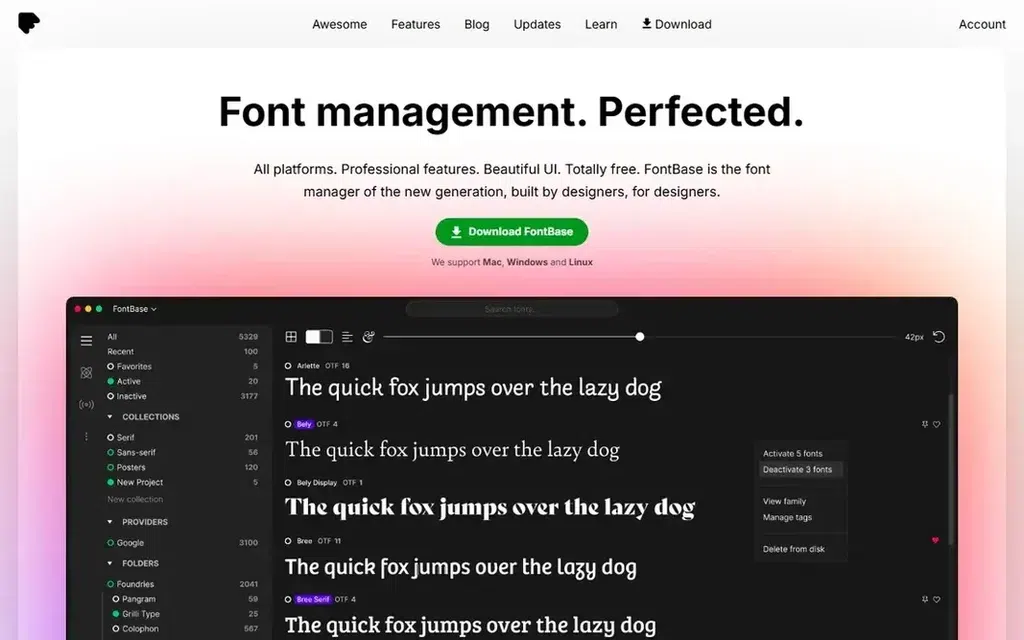
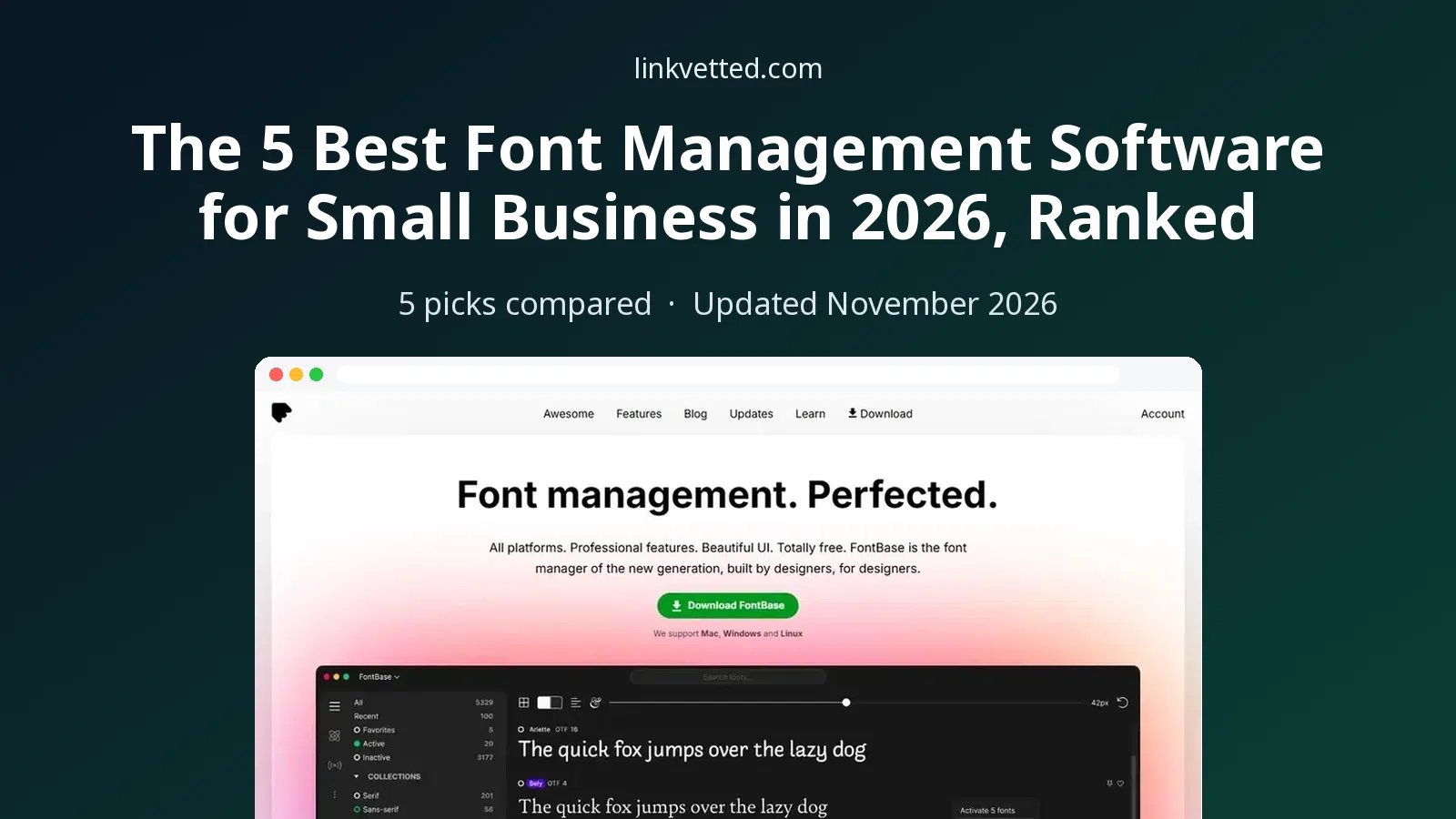
FontBase works best for cross-platform teams on a budget. It fits small firms and freelancers who want a light way to organize and activate fonts across mixed operating systems without a heavy setup.
It is less centred on shared server libraries and enterprise controls, so bigger teams with strict font governance may outgrow it. Starting cost for FontBase: $3 per month. Free access exists with FontBase.
The main drawbacks: Limited advanced team controls.
- Light interface
- Straightforward font organization
- Fewer enterprise features
FontExplorer X
Best for: Mac-based font organization
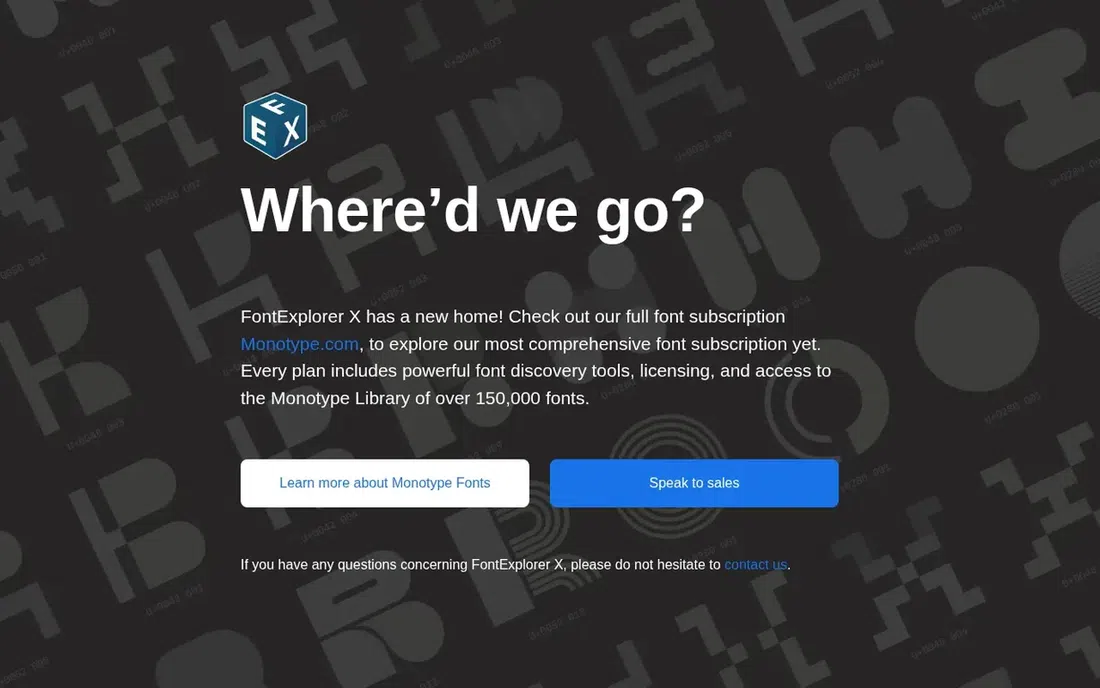
FontExplorer X is built with Mac-based font organization in mind. FontExplorer X is a Mac font manager meant to help you find and organize all of your fonts in one place.
Where it is weaker: Server features require a separate product.
Since it concentrates on the Mac desktop, it is not the right fit for mixed Windows and Mac offices. No starting price is listed for FontExplorer X here; confirm pricing on the vendor site. On free options: Not stated.
- Familiar desktop interface
- Speedy search and management
- Restricted to Mac systems
What went into this list
We compared the tools on published pricing, free plan or trial availability, feature coverage for font management software for small business, and the limits each vendor documents. Seat minimums, billing terms and add-ons can move the real cost, so the starting prices here are a guide and not a quote. The sequence is a judgement call: typical use case first, then pricing transparency, then free access. Use the profiles to check fit.
A buyer's checklist
- Ask Monotype Fonts, Typeface and FontExplorer X for a written quote, since no starting price is shown.
- Look at the free plan from FontBase closely: its caps decide whether it is usable for real work.
- Run a trial of Typeface with real work before paying for a year; your own workflow is the best test.
- Before choosing Monotype Fonts, weigh its main limit: library-focused instead of desktop organizer.
- Confirm you can export your data from Monotype Fonts, so leaving later does not mean losing records.
- Find out what support RightFont includes on your plan, and whether onboarding help costs extra.
FAQ
Do these tools publish their prices?
Not all of them. Monotype Fonts, Typeface and FontExplorer X publish no starting price, so expect a quote request for those. The rest, RightFont included, show a starting price, though seats and billing terms still change the final cost.
How are the tools for font management software for small business ordered?
Monotype Fonts sits first and FontExplorer X last because the order follows typical fit for font management software for small business, then price clarity and free access. It is a judgement call, so read each profile for fit and limits.
What is the cheapest option for font management software for small business in this list?
On published monthly entry prices, FontBase is the lowest here at $3 per month. Entry price is only part of the cost, because seats, add-ons and billing terms can change the total. Each of the 5 options in this Font management software for small business guide has its own card above with the price, free plan and limits.
Can I try these tools before paying?
Often, yes. FontBase has a free plan and Typeface offers a free trial. Use your own data and a real task during the test, and check what the free tier or trial limits before you rely on it. All 5 picks in this Font management software for small business comparison list a starting price, free plan details and the main limits on their cards above.
Sources
- https://www.monotype.com/products/monotype-fonts
- https://rightfontapp.com
- https://typefaceapp.com
- https://fontba.se
- https://www.fontexplorerx.com