6 Best Font Management Software for Designers for 2026, Vetted and Compared
Need the best font management software for designers? We compare 6 tools on cost, free access and who each suits. Every pick gets a straight assessment.
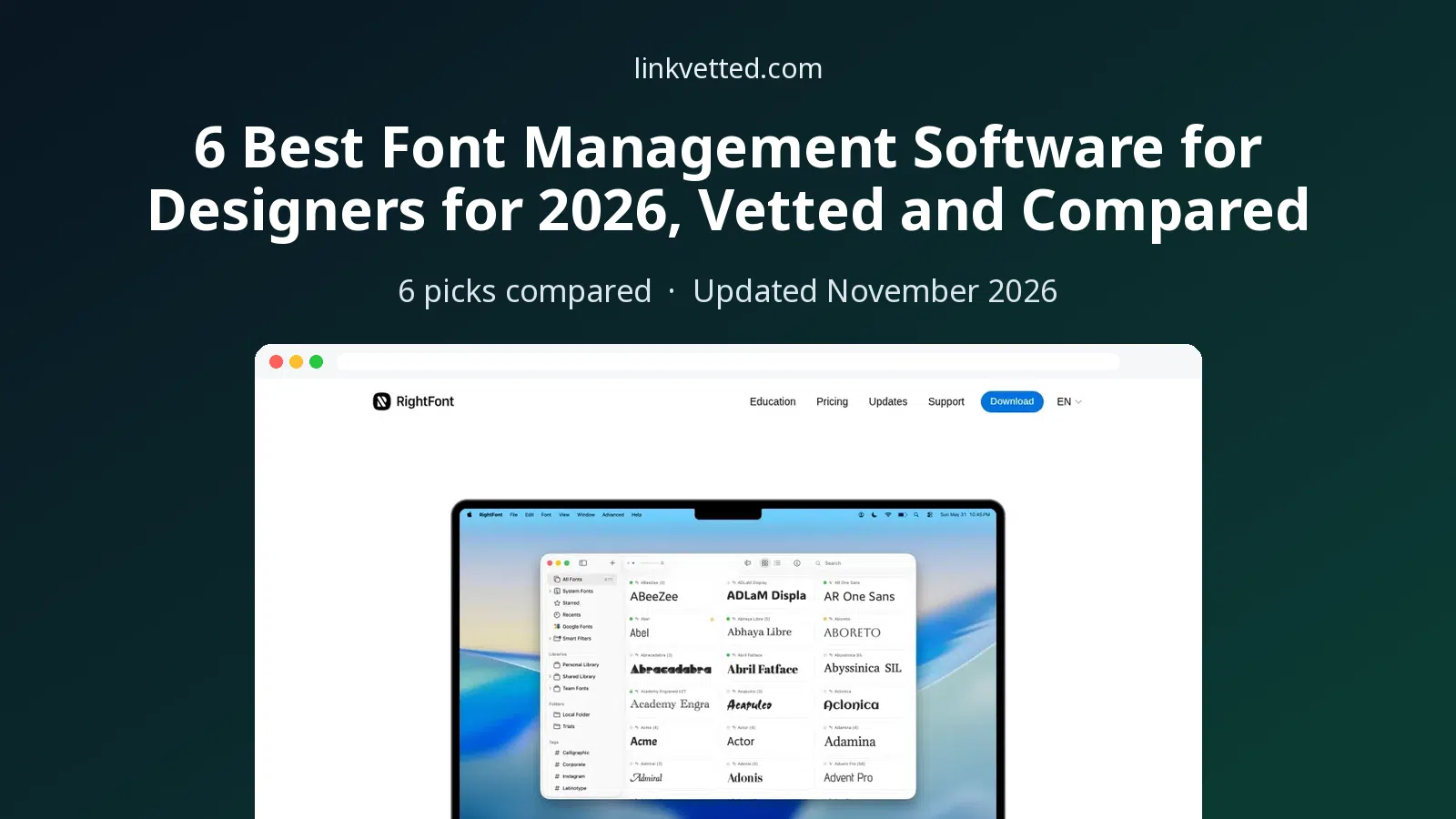
- Editor's choiceRightFont
Teams syncing fonts via iCloud or Dropbox
Starts at$59.00 one-timeVisit rightfontapp.comFull review - Great alternativeMainType
Windows users managing large font libraries
Starts atSee websiteVisit high-logic.comFull review - Also considerNexusFont
Windows users wanting a straightforward, simple font manager
Starts atSee websiteVisit xiles.appFull review
Direct answer
RightFont is the first pick on this list for teams syncing fonts via iCloud or Dropbox. Listed starting prices: RightFont from $59.00 one-time and FontBase from $3 per month. MainType is the stronger choice for Windows users managing large font libraries, while NexusFont suits Windows users wanting a straightforward, simple font manager. The other 3 tools in the list cover narrower or pricier cases.
TL;DR:
- RightFont is the opening pick, best for teams syncing fonts via iCloud or Dropbox.
- FontExplorer X Pro fits Mac designers wanting a refined all-in-one manager.
- FontBase is the lowest-priced starter here at $3 per month.
- Only 2 of the 6 tools have a free plan (NexusFont, FontBase), so check the caps.
Last checked November 2026. Prices and plan details were read from the vendors' own pages in November 2026; vendors change plans often, so confirm the current price on the vendor site before you buy.
Quick comparison
| Tool | Best for | Starts at | Free plan? | |
|---|---|---|---|---|
| RightFont | Teams syncing fonts via iCloud or Dropbox | $59.00 one-time | No | Visit |
| MainType | Windows users managing large font libraries | See website | Not stated | Visit |
| NexusFont | Windows users wanting a straightforward, simple font manager | See website | Yes | Visit |
| Typeface | Mac users who want a minimal, focused font browser | See website | Free trial | Visit |
| FontBase | Cross-platform designers seeking a free, quick manager | $3 per month | Yes | Visit |
| FontExplorer X Pro | Mac designers wanting a refined all-in-one manager | See website | Not stated | Visit |
The full font management software for designers list
LinkVetted put together this guide to font management software for designers for readers who want a clear shortlist without reading every vendor page. It compares 6 tools on starting price, free plans, who each one suits and where each one falls short.
RightFont
Best for: Teams syncing fonts via iCloud or Dropbox
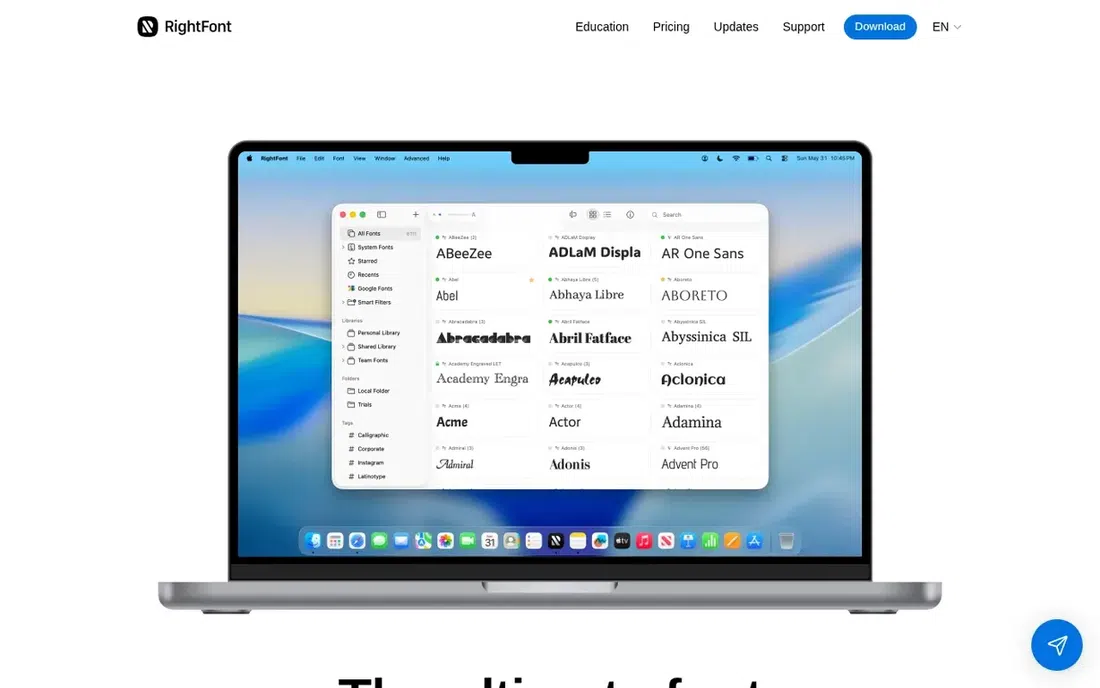
Choose RightFont for teams syncing fonts via iCloud or Dropbox. Pick RightFont when cloud sync and a clean preview experience matter most. Beyond that, if you work entirely offline or on Windows, consider a cross-platform or local-first alternative.
Points against: Cloud sync may not suit offline-only workflows.
From a buyer's view, RightFont is a professional and beautiful font manager and organizer for Mac that helps you preview, sync, install, and organize fonts over iCloud and Dropbox. It is an all-in-one font manager for business, making it a solid fit for designers and teams who want their font libraries available across machines. Its cloud-centric approach means you have to be comfortable with syncing services, and it is primarily made for Mac. Starting cost for RightFont: $59.00 one-time. There is no free plan with RightFont.
- All-in-one for business use
- Previews and installs fonts easily
- Mac-focused
MainType
Best for: Windows users managing large font libraries
Where MainType fits: Windows users managing large font libraries. If you are on Mac or want a more straightforward tool, look elsewhere. Pick MainType when you need solid, professional font control on Windows and are ready to explore its plenty of features.
Downsides: Windows only.
MainType is a feature-rich, approachable font manager meant to help you efficiently organize, preview, install, and maintain complete control over your font library. It is targeted at Windows users who want professional-level font management, including those with large collections that require careful organization. Its depth can feel heavy for someone who only needs to browse a handful of fonts, and it is Windows-only. Pricing for MainType is not stated here, so ask the vendor for current figures. Trial and free access: Not stated.
Main advantages: Efficiently organizes and previews fonts.
- Professional-level control over libraries
- Feature-rich and approachable
- Feature depth may overwhelm casual users
NexusFont
Best for: Windows users wanting a straightforward, simple font manager
Pick NexusFont if this describes you: Windows users wanting a straightforward, simple font manager. It is presented as straightforward and simple, making it a reasonable choice for Windows users who want a straightforward way to preview and organize fonts without a steep ramp-up time. It is also Windows-only.
If you need deeper control or cross-platform support, consider another choice. Choose NexusFont for entry-level, simple font management on Windows. NexusFont shows no starting price here, so confirm the cost on the vendor site. NexusFont offers a free plan.
The main drawbacks: May lack advanced features of dedicated pro tools.
- Part of a suite of well-designed utilities
- A decent match for entry-level font organization
- Windows only
Typeface
Best for: Mac users who want a minimal, focused font browser
Typeface makes the most sense for Mac users who want a minimal, focused font browser. With a minimal interface and total focus on your fonts, browsing your collection becomes a delightful experience. Typeface is a font manager for macOS that helps you pick the perfect type for your designs.
The minimal design means it may not offer the deep organizational controls or team features some bigger studios need. It is also Mac-only. Pricing for Typeface is not stated here, so ask the vendor for current figures. On free options: Free trial.
The main drawbacks: Minimal approach may lack advanced management features.
- Delightful browsing experience
- Minimal interface with total focus on fonts
- Mac only
FontBase
Best for: Cross-platform designers seeking a free, quick manager
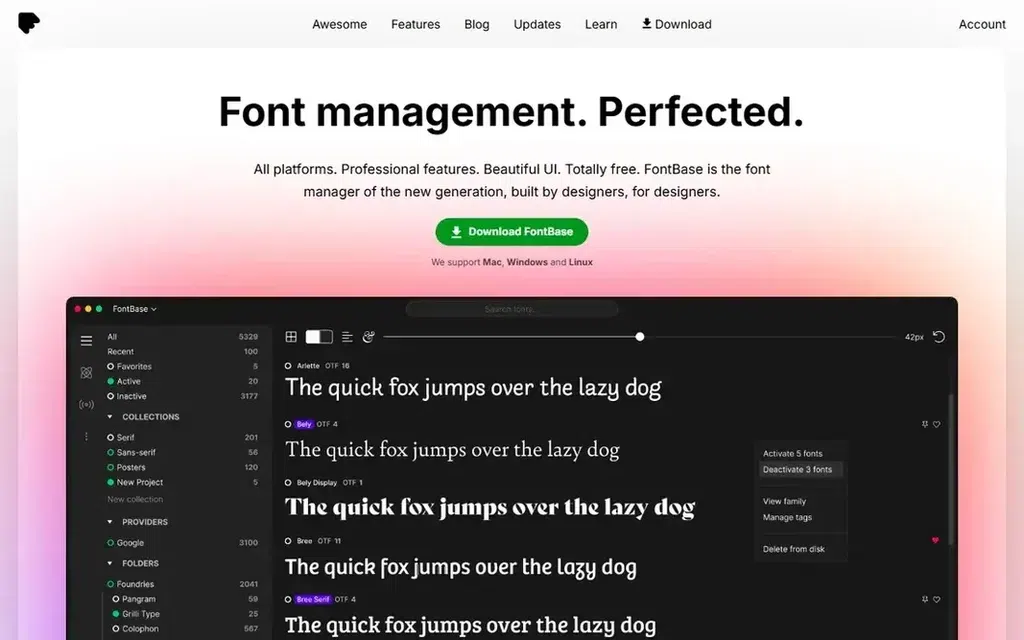
FontBase is a good fit for cross-platform designers seeking a free, quick manager. Choose FontBase when speed, cross-platform support, and simplicity are your priorities. It is described as lightning quick, with a beautiful interface, and totally free, and it works on both Mac and Windows.
Watch-outs: Fewer business-oriented extras than some rivals.
That makes it a capable starting point for individual designers or small studios that want a modern, no-cost way to organize fonts across products. More specifically, if you need centralized administration across plenty of seats, a server product may fit better. On cost, FontBase starts like this: $3 per month. FontBase offers a free plan.
- Lightning-fast performance
- Works on Mac and Windows
- Free focus may limit advanced enterprise features
FontExplorer X Pro
Best for: Mac designers wanting a refined all-in-one manager
For Mac designers wanting a refined all-in-one manager, FontExplorer X Pro is a natural candidate. Choose FontExplorer X Pro when you want a refined Mac experience and are ready to invest in a full-featured manager. As for the details, since it is Mac-only, Windows users will have to look elsewhere.
Trade-offs to know: Mac only.
Also, if you only keep a handful of fonts, a lighter or free choice may be enough. FontExplorer X Pro is a font manager for Mac that concentrates on making it straightforward and speedy to find and organize all of your fonts. Pricing for FontExplorer X Pro is not stated here, so ask the vendor for current figures. Free options: Not stated.
- Straightforward and speedy organization
- Clean interface for finding fonts
- May be overkill for very small libraries
How the list was put together
What to check before you buy
- Ask MainType, NexusFont, Typeface and FontExplorer X Pro for a written quote, since no starting price is shown.
- Check what the free option really includes: NexusFont and FontBase offer a free plan, and usage caps differ.
- Take the trial from Typeface and push a live task through it before you pay.
- Before choosing RightFont, weigh its main limit: Mac-focused.
- Run a one or two week pilot of FontExplorer X Pro with the people who will use it every day.
- The entry price of FontBase is only the starting point; model the full cost with seats and extras.
FAQ
Can I try these tools before paying?
Often, yes. NexusFont and FontBase have a free plan and Typeface offers a free trial. Use your own data and a real task during the test, and check what the free tier or trial limits before you rely on it.
Is there a decent free font manager for designers?
FontBase is described as totally free and works on both Mac and Windows, making it a solid choice for designers who want a quick, beautiful manager without cost. It is a decent starting point for individuals and small studios.
Which options for font management software for designers have a free plan?
On this list, NexusFont and FontBase include a free plan. Caps on seats, usage or features are common, so test the free plan against your real workload. One other tool offers a trial instead.
Is RightFont the right pick for everyone comparing font management software for designers?
No single tool suits every team. RightFont comes first because it fits teams syncing fonts via iCloud or Dropbox, while MainType suits Windows users managing large font libraries and NexusFont suits Windows users wanting a simple, easy font manager. Match the tool to your own size, budget and workflow before deciding.
How are the tools for font management software for designers ordered?
RightFont sits first and FontExplorer X Pro last because the order follows typical fit for font management software for designers, then price clarity and free access. It is a judgement call, so read each profile for fit and limits.
Sources
- https://rightfontapp.com
- https://www.high-logic.com/font-manager/maintype
- https://www.xiles.app
- https://typefaceapp.com
- https://fontba.se
- https://www.fontexplorerx.com