6 Best Font Recognition Software for 2026, Vetted and Compared
Shortlisting the top Font recognition software? 6 products compared on cost, free access and ideal buyer. Caveats come with every verdict. Full profiles inside.
- Editor's choiceAdobe Fonts
Licensed fonts for active design work
Starts atPricing on requestVisit fonts.adobe.comFull review - Great alternativeMonotype Fonts
Browsing premium font families
Starts atPricing on requestVisit monotype.comFull review - Also considerFontjoy
Generating font pairings rapidly
Starts atPricing on requestVisit fontjoy.comFull review
Direct answer
Adobe Fonts is the first pick on this list for licensed fonts for active design work. Monotype Fonts is better for browsing premium font families, and Fontjoy is better for generating font pairings rapidly. All 6 tools are compared below on fit, free plan and limits. None of these vendors publish plan prices, so pricing is on request for every option.
TL;DR:
- The list opens with Adobe Fonts, aimed at licensed fonts for active design work.
- WhatTheFont suits identifying fonts from uploaded images.
- What to know about Adobe Fonts first: centred on use instead of image matching.
- A permanent free plan is missing from all 6 tools, Adobe Fonts and WhatTheFont included; plan for a trial or a premium start.
- No starting price is shown for any of the 6 tools, Adobe Fonts and WhatTheFont included, so plan time for sales calls.
Last checked November 2026. Pricing on request: vendors did not publish plan prices when this guide was last checked (November 2026), so ask each vendor for a written quote.
Quick comparison
| Tool | Best for | Starts at | Free plan? | |
|---|---|---|---|---|
| Adobe Fonts | Licensed fonts for active design work | Pricing on request | Not stated | Visit |
| Monotype Fonts | Browsing premium font families | Pricing on request | Not stated | Visit |
| Fontjoy | Generating font pairings rapidly | Pricing on request | Not stated | Visit |
| Fontke | CJK and multilingual font discovery | Pricing on request | Not stated | Visit |
| Font Squirrel Matcherator | Fast font checks from image files | Pricing on request | Not stated | Visit |
| WhatTheFont | Identifying fonts from uploaded images | Pricing on request | Not stated | Visit |
Our 6 picks for Font recognition software
If you are comparing Font recognition software, this page covers 6 tools in one place: what each is best for, what it costs to start, whether it has a free plan, and the main limit to know about.
Adobe Fonts
Best for: Licensed fonts for active design work
Adobe Fonts is built with licensed fonts for active design work in mind. Adobe Fonts brings together typefaces from partner foundries for designers to use in their projects.
Pricing for Adobe Fonts is not stated here, so ask the vendor for current figures. On free options: Not stated.
Watch-outs: Concentrated on use instead of image matching.
- Licensing handled within the service
- Large partner foundry network
- Tied to the Adobe ecosystem
Monotype Fonts
Best for: Browsing premium font families
Pick Monotype Fonts if this describes you: browsing premium font families. It suits teams and designers who require professional, licensed typefaces from an established source.
Drawbacks to consider: Not designed for image matching.
Monotype Fonts does not show a starting price in this comparison, so check the vendor site for current pricing. Free options: Not stated.
Reasons to shortlist it: Filtering and discovery tools.
- Web and apps
- Fonts for print
- Centred on library browsing
Fontjoy
Best for: Generating font pairings rapidly
Fontjoy is built with generating font pairings rapidly in mind. Fontjoy generates font pairings in a single click, helping designers mix and match typefaces for headings, body text and accents. It is aimed at the stage after identification, when you have candidate fonts and need to see how they work together.
Downsides: Suggestions still need designer judgment.
It does not identify fonts from images, so it cannot solve a what-font-is-this problem. Also, pairing suggestions are a starting point and still need judgment about tone, readability and brand fit. Pricing for Fontjoy is not stated here, so ask the vendor for current figures. Free plan details: Not stated.
- Handy for early layout ideas
- One-click pairing suggestions
- Not an image recognition tool
Fontke
Best for: CJK and multilingual font discovery
Fontke is aimed squarely at CJK and multilingual font discovery. If your work is largely Latin-language branding, a Western-focused library may be more direct. From a buyer's view, Fontke is a font download and sharing site with a catalog spanning Chinese, Japanese, Korean and Latin typefaces, along with icon, calligraphy and handwriting styles.
It also provides font recognition and online preview features. More specifically, recognition and download choices are tied to the system's own catalog. The site is primarily presented in Chinese, which can slow down navigation for other users. No starting price is listed for Fontke here; confirm pricing on the vendor site. As for free access: Not stated.
Limits to weigh: Interface is primarily in Chinese.
- Japanese and Korean fonts
- Wide catalog of type styles
- Navigation may take adjustment
Font Squirrel Matcherator
Best for: Fast font checks from image files
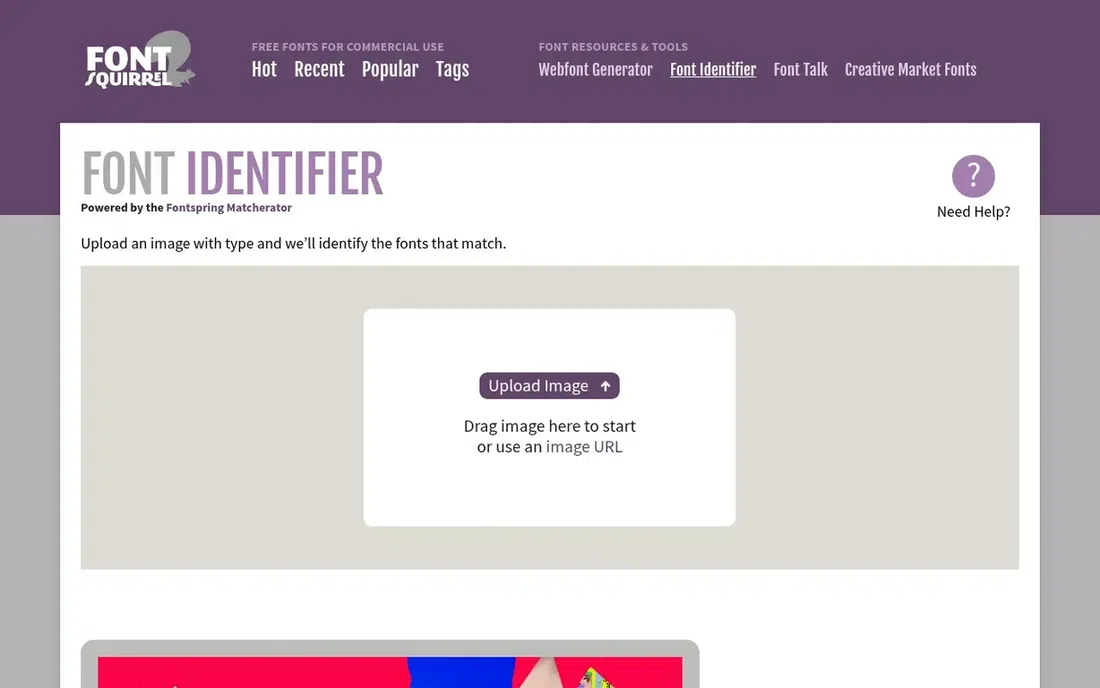
Font Squirrel Matcherator is aimed squarely at fast font checks from image files. The Font Squirrel Matcherator helps identify the font in an image by accepting a jpg, gif or png upload. It is a practical choice for designers and hobbyists who have a clean sample and want a quick answer without additional setup.
Trade-offs to know: Restricted to what the library contains.
On top of that, for broader library searches or licensing, a bigger font service may serve you better. For everyday use, results are restricted to the fonts the service can match against, and low-quality or heavily edited samples cut accuracy. Font Squirrel Matcherator shows no starting price here, so confirm the cost on the vendor site. Free options: Not stated.
- Straightforward upload process
- Handy for quick visual checks
- Clean samples work best
WhatTheFont
Best for: Identifying fonts from uploaded images
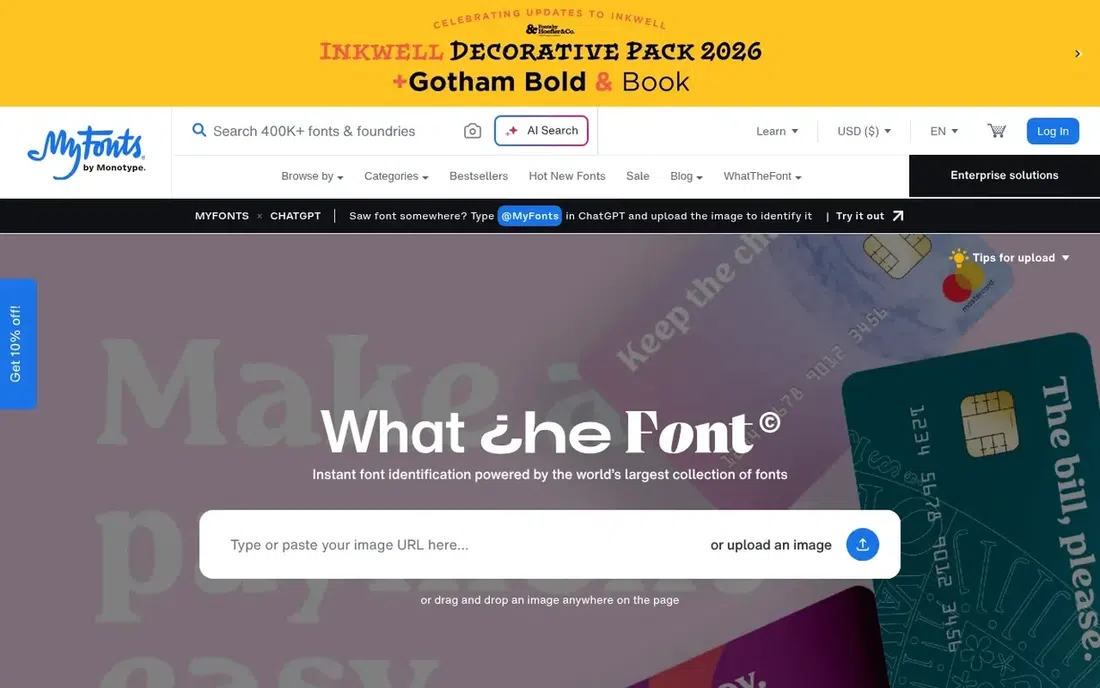
WhatTheFont is built with identifying fonts from uploaded images in mind. WhatTheFont is a font finder made for identifying typefaces from an image or photo. As for the details, accuracy depends heavily on image quality, angle and resolution, so blurry or stylized samples can produce weak matches.
Where it is weaker: Results point to a specific library.
It is best treated as a first-pass identification step. In practice, if you already know the font and chiefly need licensed families to use, a font library service is the better stop. In daily use, you upload a sample, and the tool searches a large font collection for the closest matches. WhatTheFont shows no starting price here, so confirm the cost on the vendor site. On free options: Not stated.
- Straightforward upload workflow
- Large searchable font collection
- Match quality relies on image clarity
Our selection method
The comparison looks at four things: starting price, free access, how well the feature set matches Font recognition software, and the main limit of each tool. Where a vendor does not publish a price, the entry says quote. Where a price depends on seats or billing term, the entry says so. Order on the page follows fit for the typical buyer first, then price transparency and free access. Your own requirements should decide the final pick.
Before you commit
- Confirm the entry price with every vendor: no tool from Adobe Fonts to WhatTheFont shows a fixed starting price.
- Read the limits listed for Adobe Fonts first: concentrated on use instead of image matching.
- Map your must-have features to a specific Font Squirrel Matcherator plan before you compare prices.
- Check the support hours and onboarding help Adobe Fonts offers; smaller vendors vary a lot here.
- Check how data leaves Fontke: formats, limits and whether exports are available on every plan.
FAQ
Can I try these options before paying?
Not by default. None of the tools, from Adobe Fonts to WhatTheFont, lists a free plan or a free trial here, so ask each vendor for a demo before committing.
Which tools include non-Latin fonts?
Fontke is notable for handling Chinese, Japanese and Korean typefaces alongside Latin and decorative styles. For Latin-focused branding, Western library services may be more direct.
Do these tools publish their prices?
No. None of the tools, from Adobe Fonts to WhatTheFont, shows a fixed starting price here, so budget time for quotes.
How are the tools for Font recognition software ordered?
Adobe Fonts sits first and WhatTheFont last because the order follows typical fit for Font recognition software, then price clarity and free access. It is a judgement call, so read each profile for fit and limits.
Does any tool for Font recognition software here have a free plan?
No tool in this list, Adobe Fonts and WhatTheFont included, has a permanent free plan. Trials and quotes are the usual route, so plan a short evaluation period.
Sources
- https://fonts.adobe.com
- https://www.monotype.com/fonts
- https://fontjoy.com
- https://www.fontke.com
- https://www.fontsquirrel.com/matcherator
- https://www.myfonts.com/pages/whatthefont