6 Image Recognition Software for Remote Teams Worth Shortlisting in 2026
Best image recognition software for remote teams, compared. 6 tools with published prices, free plans and limits. Short verdicts, no fluff. Updated for 2026.
- Editor's choiceV7
Turning instructions into repeatable AI workflows
Starts atSee websiteVisit v7labs.comFull review - Great alternative
 Scale AI
Data, evaluation, and dependable AI systems
Starts atSee websiteVisit scale.comFull review - Also consider
 Roboflow
Building vision models on images and streams
Starts at$39 a monthVisit roboflow.comFull review
Direct answer
Our first pick is V7, best for turning instructions into repeatable AI workflows. Listed starting prices: Roboflow from $39 a month, Hugging Face from $9 per month and Landing AI from $250 a month. Scale AI is better for data, evaluation, and dependable AI systems, and Roboflow is better for building vision models on images and streams. The other 3 tools in the list cover narrower or pricier cases.
TL;DR:
- V7 takes the first slot, best suited to turning instructions into repeatable AI workflows.
- Landing AI suits document extraction and automation pipelines.
- A fair warning about V7: not purely an image recognition tool.
- For the cheapest start, look at Hugging Face: $9 per month.
Last checked November 2026. Prices and plan details were read from the vendors' own pages in November 2026; vendors change plans often, so confirm the current price on the vendor site before you buy.
Quick comparison
| Tool | Best for | Starts at | Free plan? | |
|---|---|---|---|---|
| V7 | Turning instructions into repeatable AI workflows | See website | Not stated | Visit |
| Scale AI | Data, evaluation, and dependable AI systems | See website | Not stated | Visit |
| Roboflow | Building vision models on images and streams | $39 a month | Yes | Visit |
| Google Cloud Video Intelligence API | Annotating stored and streaming video | See website | Not stated | Visit |
 Hugging Face | Open source vision models and community resources | $9 per month | Yes | Visit |
| Landing AI | Document extraction and automation pipelines | $250 a month | Yes | Visit |
Every option for image recognition software for remote teams explained
LinkVetted put together this guide to image recognition software for remote teams for readers who want a clear shortlist without reading every vendor page. It compares 6 tools on starting price, free plans, who each one suits and where each one falls short.
V7
Best for: Turning instructions into repeatable AI workflows
In short, V7 is for turning instructions into repeatable AI workflows. V7 Go is presented as an operating system for repeatable work, turning long sets of instructions into AI workflows for areas like due diligence, underwriting, and claims. Remote teams that process visual and document inputs as part of bigger operations can use it to standardize how work runs at scale.
Honest limits: Workflow design takes planning.
From a buyer's view, designing workflows well takes upfront planning. Choose a dedicated vision system when image recognition itself, instead of surrounding process automation, is the primary goal. V7 shows no starting price here, so confirm the cost on the vendor site. On free options: Not stated.
- Targets repeatable operations
- Workflow-oriented positioning
- Not purely an image recognition tool
Scale AI works best for data, evaluation, and dependable AI systems. Scale AI describes itself as delivering data, evaluations, and outcomes for AI systems used in critical decisions, working with AI labs, governments, and large enterprises. Remote teams that require help preparing or evaluating visual data for serious production systems may find it relevant.
Its scope spans AI systems broadly, so it is not a single-purpose image recognition product. On top of that, consider a focused system first if you chiefly have to label images and train a model quickly. Scale AI does not show a starting price in this comparison, so check the vendor site for current pricing. Free options: Not stated.
Limits to weigh: Oriented toward bigger engagements.
- Serves critical decision systems
- Focus on data and evaluations
- Wide AI scope instead of image-only
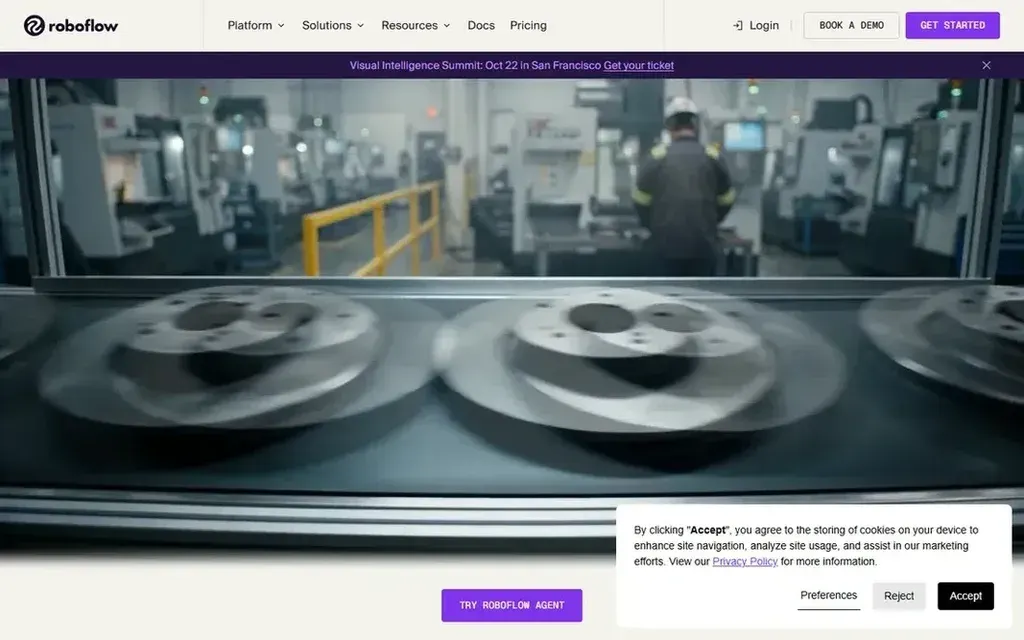
Roboflow makes the most sense for building vision models on images and streams. Pick something else if your central need is video annotation through a cloud API or document extraction instead of model building.
Watch-outs: Setup relies on data readiness.
Roboflow starts at: $39 per month. Roboflow includes a free tier.
- Fits physical-world use cases
- Focused vision AI product
- Vision-specific scope
Google Cloud Video Intelligence API
Best for: Annotating stored and streaming video
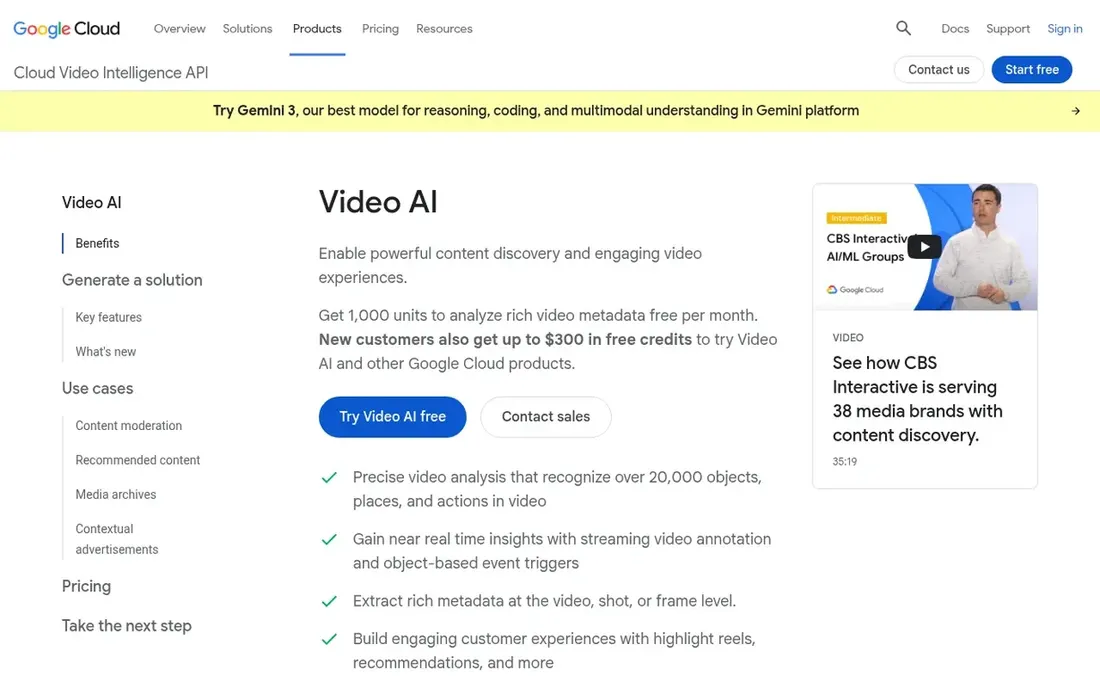
Google Cloud Video Intelligence API is designed for Annotating stored and streaming video. Integration needs engineering effort and cloud familiarity. Beyond that, consider a broader vision system if you need labeling, training, and deployment in one place.
Where it falls short: Concentrated on video instead of stills.
As for the details, Google Cloud Video Intelligence API offers content detection and annotations for both streaming and stored video. Remote teams working with recorded meetings, field footage, or media archives can call the API from their own applications. As for the details, the product is oriented toward video. So teams whose image recognition work centers on still photos may need extra tooling. Google Cloud Video Intelligence API shows no starting price here, so confirm the cost on the vendor site. As for free access: Not stated.
- Content detection for video
- API-driven integration
- Needs cloud development work
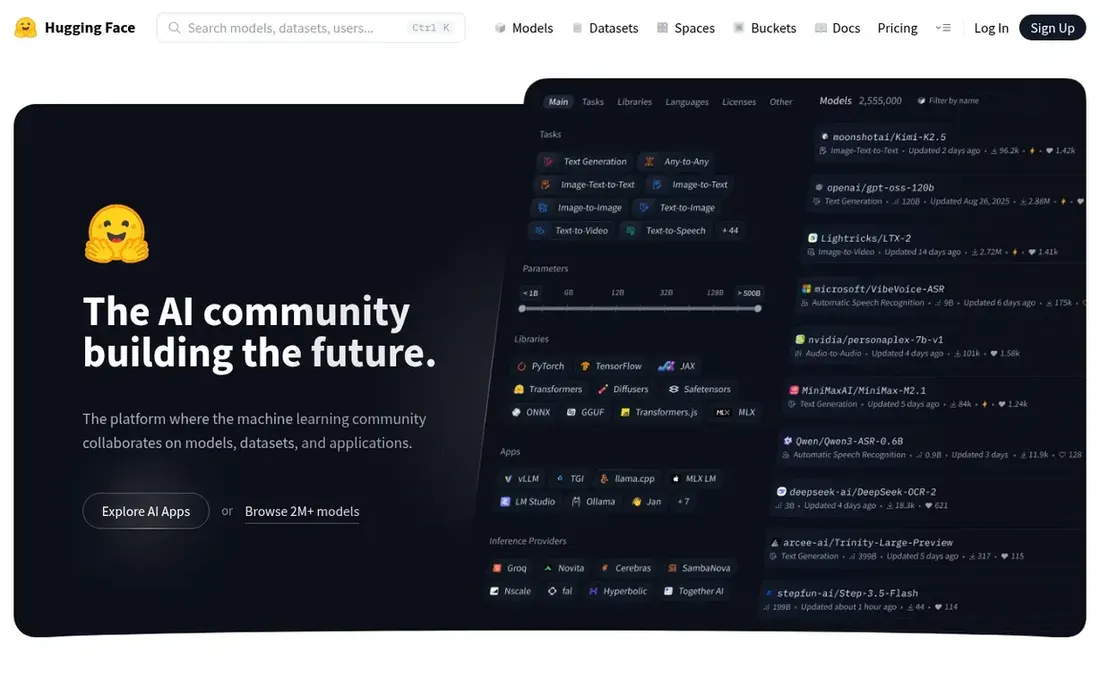
Hugging Face is a good fit for open source vision models and community resources. Choose a managed platform instead if you want an opinionated, end-to-end vision workflow.
Points against: Less turnkey for non-technical teams.
Non-technical remote members can find the ecosystem harder to navigate. Hugging Face presents itself as an AI community building the future, with a mission to advance and democratize artificial intelligence through open source and open science. What you pay to start with Hugging Face: $9 per month. Hugging Face includes a free tier.
- Community-driven approach
- Open source and open science focus
- Needs model evaluation skills
Landing AI
Best for: Document extraction and automation pipelines
In short, Landing AI is for document extraction and automation pipelines. Landing AI focuses on making documents computable, with agentic document extraction that helps enterprise developers build document automation pipelines at scale.
Drawbacks to consider: Targeted at developer pipelines.
It is made for developer pipelines, which can mean more setup for non-technical users. On cost, Landing AI starts like this: $250 per month. A free plan is available with Landing AI.
- Emphasis on accuracy and auditability
- Made for enterprise developers
- Narrower than general image recognition
What went into this list
LinkVetted looked at what each vendor publishes: pricing, plan limits, feature coverage for image recognition software for remote teams and stated drawbacks. No hands-on testing is claimed. Prices and plan limits come from vendor pages and can change, so confirm them on the vendor site before you buy. The order reflects how well each tool fits the most common buying scenario for image recognition software for remote teams, then price clarity, then free plan access. It is a starting point, not a verdict.
Pre-purchase checklist
- Confirm the entry price on the vendor page. For V7, Scale AI and Google Cloud Video Intelligence API that means a quote rather than a fixed price.
- Check what the free option really includes: Roboflow, Hugging Face and Landing AI offer a free plan, and usage caps differ.
- Read the limits listed for V7 first: not purely an image recognition tool.
- Check the support hours and onboarding help Roboflow offers; smaller vendors vary a lot here.
- Confirm minimum seats and billing terms with Landing AI before you commit to an annual plan.
FAQ
How should a remote team evaluate image recognition vendors?
Start by listing your input types, collaboration needs, and integration requirements, then check each vendor's documented features against that list. Beyond that, a short internal pilot with your own data is a practical way to compare fit.
Is V7 the right pick for everyone comparing image recognition software for remote teams?
No single tool suits every team. V7 comes first because it fits turning instructions into repeatable AI workflows, while Scale AI suits data, evaluation, and reliable AI systems and Roboflow suits building vision models on images and streams. Match the tool to your own size, budget and workflow before deciding.
Which options for image recognition software for remote teams have a free plan?
Roboflow, Hugging Face and Landing AI offer a free plan in this list. Free plans usually cap users, projects or features, so check the limits on the vendor page.
Can I try these tools before paying?
Often, yes. Roboflow, Hugging Face and Landing AI have a free plan. Use your own data and a real task during the test, and check what the free tier or trial limits before you rely on it.
Can these tools manage video along with images?
Roboflow states that it works with images, videos, and streams, and Google Cloud Video Intelligence API concentrates on stored and streaming video annotations. Match the input type to your actual content before choosing.
Do these tools publish their prices?
Not all of them. V7, Scale AI and Google Cloud Video Intelligence API publish no starting price, so expect a quote request for those. The rest, Roboflow included, show a starting price, though seats and billing terms still change the final cost.
Sources
- https://www.v7labs.com
- https://scale.com
- https://roboflow.com
- https://cloud.google.com/video-intelligence
- https://huggingface.co
- https://landing.ai