Best Intelligent Character Recognition Software in 2026: 5 Tools Compared
Best intelligent character recognition software in 2026: 5 contenders with entry costs and free tiers. Strengths and gaps are listed per tool. Plain facts.
- Editor's choiceGoogle Cloud Document AI
Cloud document processing at scale
Starts atSee websiteVisit cloud.google.comFull review - Great alternative
 Amazon Textract
Extracting text, forms, and tables
Starts atSee websiteVisit aws.amazon.comFull review - Also considerKofax OmniPage
Dedicated OCR and document management
Starts at$129 one time per licenseVisit kofax.comFull review
Direct answer
If you need Cloud document processing at scale, Google Cloud Document AI is the first tool to look at here. Listed starting prices: Kofax OmniPage from $129 one time per license, ABBYY FineReader from $16 per month and Rossum from $18,000 per year. For a different need, Amazon Textract covers extracting text, forms, and tables and Kofax OmniPage covers dedicated OCR and document management. Details, prices and limits for the rest of the 5 tools are below.
TL;DR:
- Google Cloud Document AI takes the first slot, best suited to Cloud document processing at scale.
- Rossum fits AI document processing for transactions.
- None of the 5 tools, from Google Cloud Document AI to Rossum, has a free plan, so budget for a subscription or use a trial.
- One limit worth knowing about Google Cloud Document AI: needs cloud integration work.
- ABBYY FineReader is the lowest-priced starter here at $16 per month.
Last checked November 2026. Prices and plan details were read from the vendors' own pages in November 2026; vendors change plans often, so confirm the current price on the vendor site before you buy.
Quick comparison
| Tool | Best for | Starts at | Free plan? | |
|---|---|---|---|---|
| Google Cloud Document AI | Cloud document processing at scale | See website | Not stated | Visit |
| Amazon Textract | Extracting text, forms, and tables | See website | Not stated | Visit |
| Kofax OmniPage | Dedicated OCR and document management | $129 one time per license | Free trial | Visit |
 ABBYY FineReader | AI-based OCR with PDF editing | $16 per month | Free trial | Visit |
 Rossum | AI document processing for transactions | $18,000 per year | Free trial | Visit |
Every option for intelligent character recognition software explained
If you are comparing intelligent character recognition software, this page covers 5 tools in one place: what each is best for, what it costs to start, whether it has a free plan, and the main limit to know about.
Google Cloud Document AI
Best for: Cloud document processing at scale
Google Cloud Document AI was built for Cloud document processing at scale. As for the details, users who chiefly have to edit a PDF or convert a single file may find it heavier than necessary.
In daily use, choose it when scale, custom models, and searchable document storage are priorities and your team can build around cloud APIs. Google Cloud Document AI shows no starting price here, so confirm the cost on the vendor site. Trial and free access: Not stated.
The main drawbacks: Needs cloud integration work.
- Warehouse to search and store
- Pretrained document models
- Not a desktop PDF editor
Amazon Textract targets extracting text, forms, and tables. Amazon Textract is a machine learning service that uses optical character recognition to extract text, handwriting, and data from scanned PDF documents, forms, and tables. On top of that, teams wanting a desktop tool for editing and converting files should choose a PDF editor instead.
As for the details, Textract is an API service. So it is not a PDF editor for everyday office use and it needs AWS integration and engineering effort. Pricing for Amazon Textract is not stated here, so ask the vendor for current figures. Free access: Not stated.
Watch-outs: API-first.
- Handles forms and tables
- Extracts text and handwriting
- Not a desktop editor
Kofax OmniPage
Best for: Dedicated OCR and document management
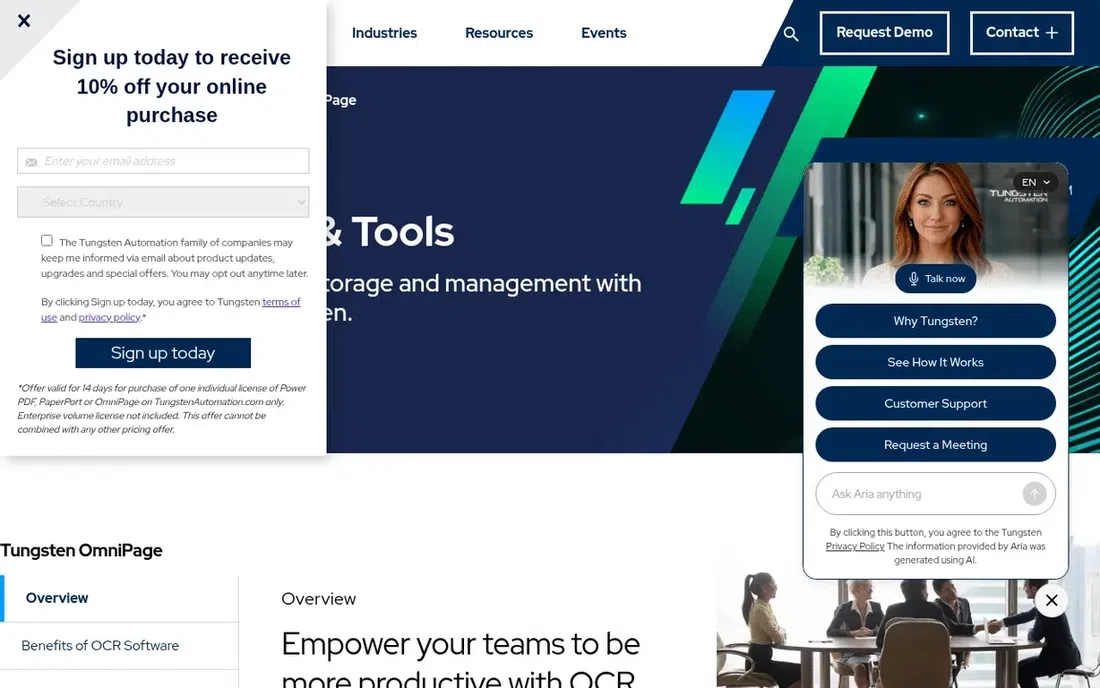
Kofax OmniPage is designed for dedicated OCR and document management. Kofax OmniPage, from Tungsten Automation, is OCR software and tools for accurate optical character recognition. It aims to enhance document management by turning scanned pages into usable text.
Honest limits: Less suited to custom model building.
OmniPage is built around OCR and document management instead of full PDF editing or custom machine learning models. For everyday use, the tool suits users who require a focused OCR engine instead of a wide PDF editor. Starting cost for Kofax OmniPage: $129 one time per license. On free options: Free trial.
- Accurate optical character recognition
- OCR-focused feature set
- Narrower PDF editing scope
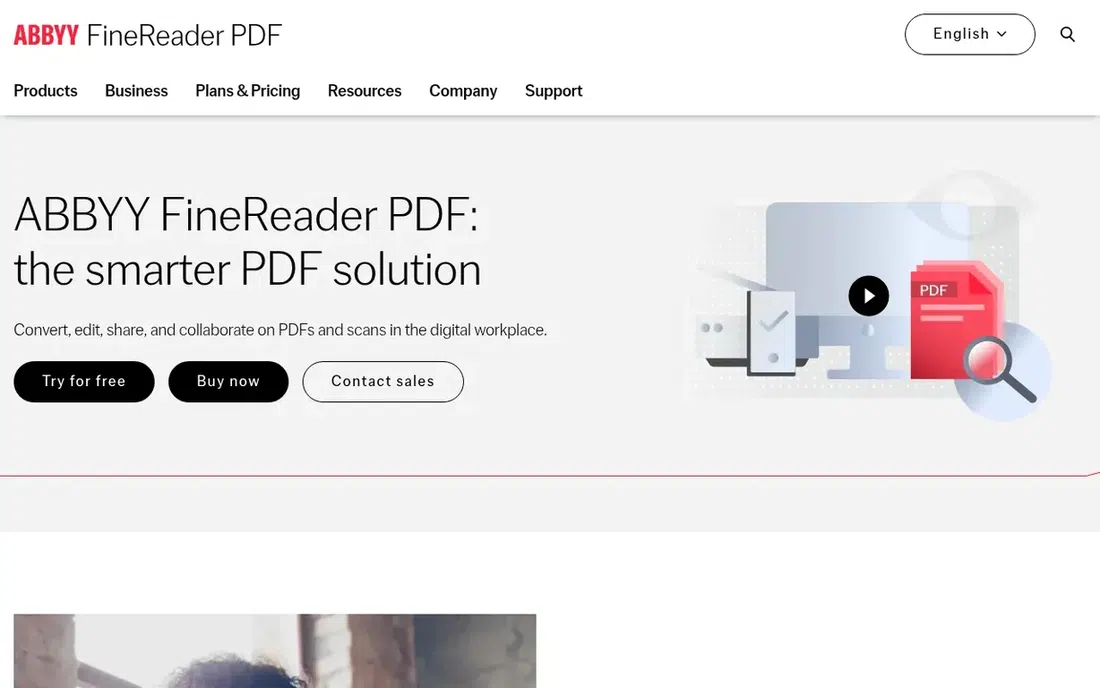
ABBYY FineReader is designed for AI-based OCR with PDF editing. It converts files for example PDF to Excel and PDF to Word, and it supports editing, sharing, and collaboration.
Downsides: Advanced automation may need other tools.
In daily use, FineReader centers on desktop PDF work, so teams that require completely cloud-native, API-driven document pipelines may prefer a system service. It is also less suited to high-volume, automatic transaction processing than dedicated document AI services. ABBYY FineReader pricing: $16 per month. As for free access: Free trial.
- AI-based OCR technology
- PDF to Word and Excel conversion
- Desktop-focused workflow
Rossum is aimed squarely at AI document processing for transactions. Rossum is an AI document processing solution for transactional workflows.
Watch-outs: Not a general PDF editor.
It aims to automate complicated transactional workflows, cut manual tasks, and drive efficiency. Rossum is oriented toward transactional document workflows, so it is not the right fit for general PDF editing, conversion, or ad hoc OCR tasks. Entry price for Rossum: $18,000 per year. Free plan details: Free trial.
- Automates transactional workflows
- Aims to increase accuracy
- Centred on transactional documents
What went into this list
We compared the tools on published pricing, free plan or trial availability, feature coverage for intelligent character recognition software, and the limits each vendor documents. Treat prices as a snapshot: vendors change plans often, so check the vendor site for the figure that applies today. The ranking is editorial: typical fit first, then clear pricing, then free access. If your needs are unusual, read the profiles rather than relying on position.
Things to verify first
- Get a written quote from Google Cloud Document AI and Amazon Textract; the list shows no starting price for them.
- Use real work to test the free trial from Kofax OmniPage, ABBYY FineReader and Rossum, rather than a demo project.
- Before choosing Google Cloud Document AI, weigh its main limit: needs cloud integration work.
- Check the support hours and onboarding help Google Cloud Document AI offers; smaller vendors vary a lot here.
- Ask Kofax OmniPage how an export works before you move any records in; an easy exit lowers the risk.
FAQ
Do these tools publish their prices?
Not all of them. Google Cloud Document AI and Amazon Textract publish no starting price, so expect a quote request for those. The rest, Kofax OmniPage included, show a starting price, though seats and billing terms still change the final cost.
Can I try these options before paying?
Often, yes. Kofax OmniPage, ABBYY FineReader and Rossum offer a free trial. Use your own data and a real task during the test, and check what the free tier or trial limits before you rely on it.
What is the cheapest option for intelligent character recognition software in this list?
On published monthly entry prices, ABBYY FineReader is the lowest here at $16 per month. Entry price is only part of the cost, because seats, add-ons and billing terms can change the total. Each of the 5 options in this intelligent character recognition software guide has its own card above with the price, free plan and limits.
How are the tools for intelligent character recognition software ordered?
The order follows typical fit for intelligent character recognition software, with Google Cloud Document AI first and Rossum last, then price clarity and free access. It is editorial judgement, not a score, so another team could rank the tools differently.
What is intelligent character recognition software?
It commonly merges OCR with machine learning to extract fields from forms and tables. The tools here range from desktop PDF editors to cloud document AI systems.
Sources
- https://cloud.google.com/document-ai
- https://aws.amazon.com/textract
- https://www.kofax.com/products/omnipage
- https://www.abbyy.com/finereader
- https://rossum.ai