Best Instructional Design Software in 2026: Prices, Free Plans and 6 Picks
6 options for the best instructional design software, with entry costs, free tiers and the buyer each one serves. Every tool lists pros and cons. Plain facts.
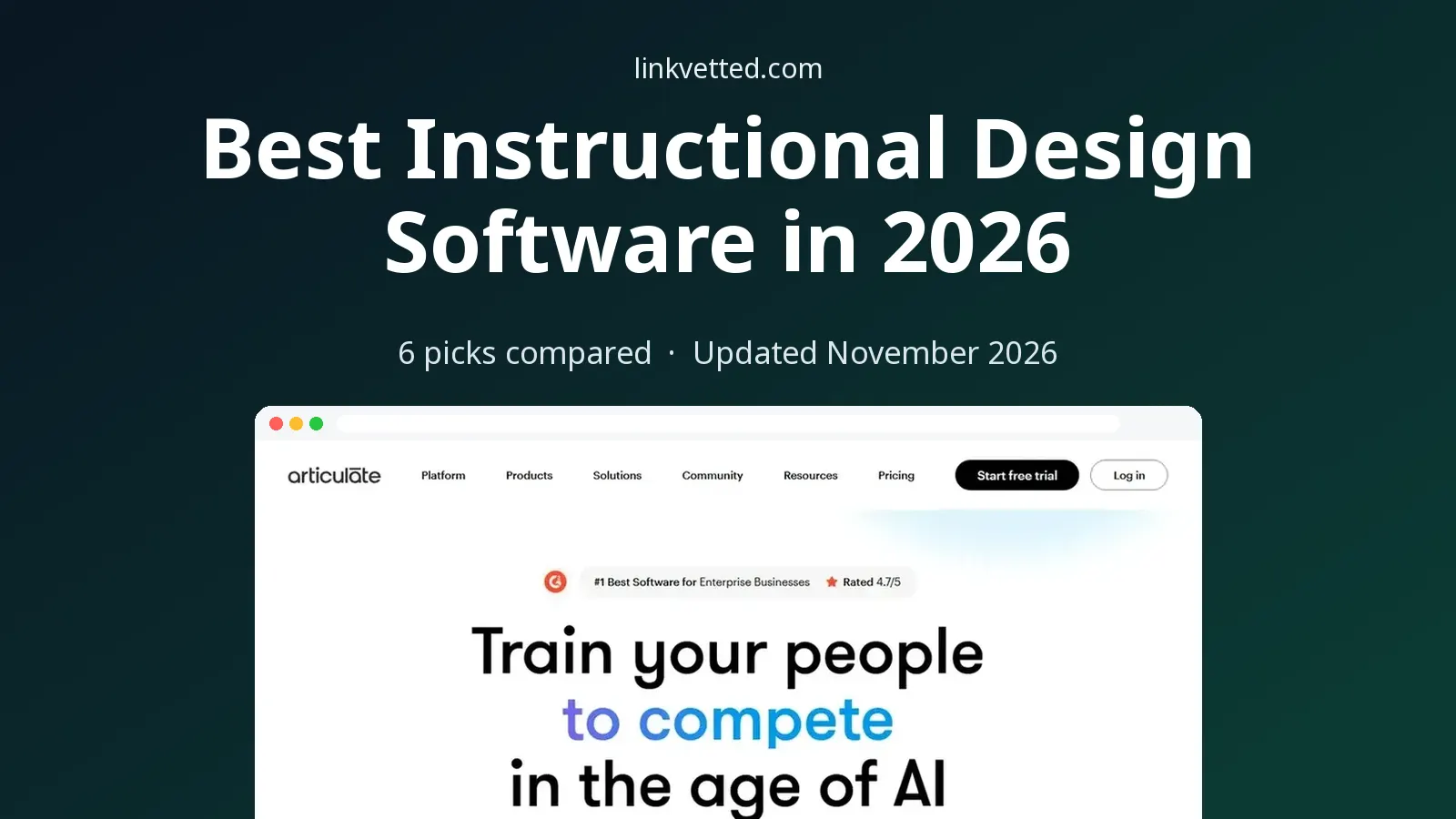
- Editor's choiceRise 360
Responsive mobile-friendly course building
Starts atSee websiteVisit articulate.comFull review - Great alternative
 Elucidat
AI-assisted frontline training authoring
Starts at$4 per user a monthVisit elucidat.comFull review - Also consider
 Articulate 360
All-in-one workplace course authoring
Starts atSee websiteVisit articulate.comFull review
Direct answer
Rise 360 is the first pick on this list for Responsive mobile-friendly course building. Listed starting prices: Elucidat from $4 per user a month. Look at Elucidat for AI-assisted frontline training authoring, and at Articulate 360 for all-in-one workplace course authoring. The other 3 tools in the list cover narrower or pricier cases.
TL;DR:
- Rise 360 is the opening pick, best for Responsive mobile-friendly course building.
- Elucidat has the lowest monthly starting price in this list: $4 per user per month.
- Rise 360, Docebo and the 4 others all need a premium plan or a trial, since no free plan is listed.
- The main caution on Adobe Captivate: feature depth can overwhelm.
- Docebo fits learning product with skills intelligence.
Last checked November 2026. Prices and plan details were read from the vendors' own pages in November 2026; vendors change plans often, so confirm the current price on the vendor site before you buy.
Quick comparison
| Tool | Best for | Starts at | Free plan? | |
|---|---|---|---|---|
| Rise 360 | Responsive mobile-friendly course building | See website | Not stated | Visit |
| Elucidat | AI-assisted frontline training authoring | $4 per user a month | Not stated | Visit |
| Articulate 360 | All-in-one workplace course authoring | See website | Not stated | Visit |
 Adobe Captivate | Quick mobile-ready course creation | See website | Not stated | Visit |
 Camtasia | Screen recording and training video editing | See website | Not stated | Visit |
 Docebo | Learning system with skills intelligence | See website | Not stated | Visit |
Instructional Design Software profiles
LinkVetted put together this guide to instructional design software for readers who want a clear shortlist without reading every vendor page. It compares 6 tools on starting price, free plans, who each one suits and where each one falls short.
Rise 360
Best for: Responsive mobile-friendly course building
Rise 360 serves Responsive mobile-friendly course building. The block-based approach limits fine-grained design control compared to more open authoring tools.
Limits to weigh: Centred on block-based courses.
In daily use, Rise 360 is an Articulate tool for building completely responsive, mobile-friendly e-learning with an easy-to-learn workflow. If you need highly customized interactions, a different tool in the Articulate family may fit better. This comparison lists no price for Rise 360; ask the vendor. Free options: Not stated.
- Completely responsive output
- Mobile-friendly by design
- Less control over custom layouts
Elucidat was built for AI-assisted frontline training authoring. Elucidat, now presented as Create, is an AI-powered training and course authoring system targeted at frontline teams.
Watch-outs: Frontline focus may not fit all.
Worth adding: pick Elucidat when quick, collaborative content for frontline staff is the priority. The AI-driven creation approach helps teams scale content without deep authoring expertise. Elucidat pricing: $4 per user per month. Trial and free access: Not stated.
- Collaborative authoring approach
- Centred on frontline teams
- Narrower than general suites

Choose Articulate 360 for all-in-one workplace course authoring. Articulate 360 is a workplace training platform that brings course authoring tools and content resources together in one subscription. Its homepage positions it as an AI-powered product for workplace training, which fits instructional designers who require to build varied e-learning in a single environment.
Downsides: Large suite to learn.
As for the details, if your work is largely screen recording or straightforward video tutorials, a dedicated video editor will be more straightforward. On top of that, since it is a wide suite, new users face a ramp-up time and may pay for tools they seldom use. Articulate 360 does not show a starting price in this comparison, so check the vendor site for current pricing. Free access: Not stated.
- Broad asset and course support
- Bundles several authoring tools
- Overkill for straightforward video work
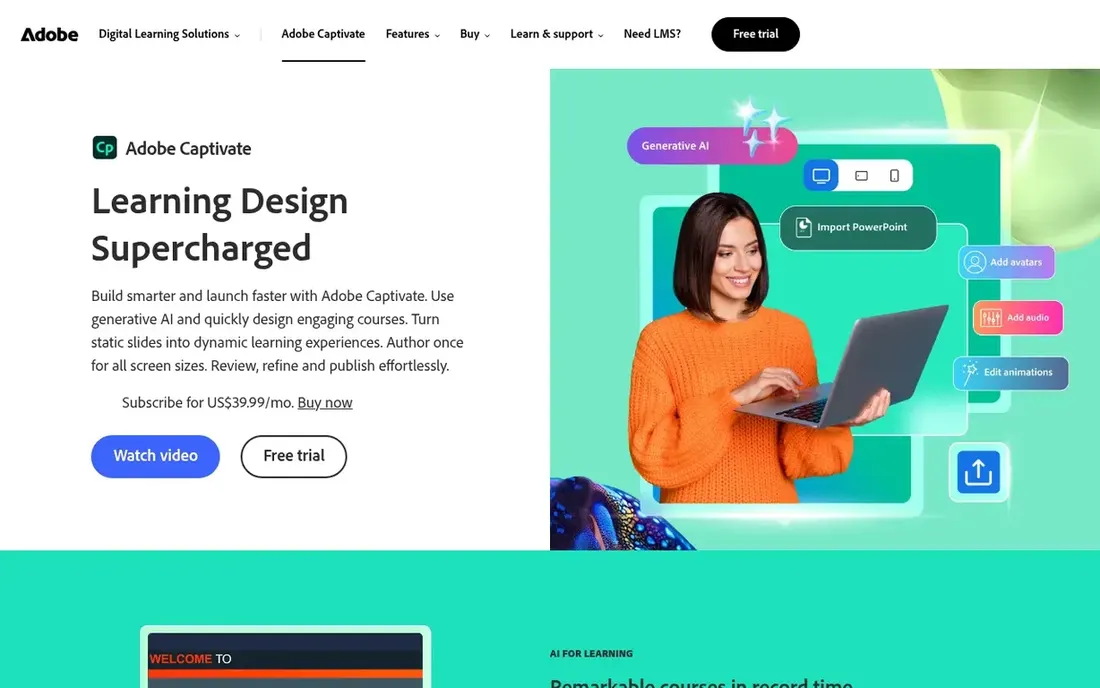
For quick mobile-ready course creation, Adobe Captivate is a natural candidate. Adobe Captivate is a course authoring tool whose homepage emphasizes designing courses in minutes, with an update targeted at easing beginners whereas giving professionals speed.
Points against: Feature depth can overwhelm.
For everyday use, pick Captivate when you want a serious authoring tool that balances beginner access with professional depth. If you only have to record and trim video, a lighter editor is easier. Adobe Captivate shows no starting price here, so confirm the cost on the vendor site. Trial and free access: Not stated.
- Speed for professional users
- Mobile-ready course output
- Best results need practice
Camtasia is built with screen recording and training video editing in mind. Camtasia is not a complete course authoring product, so quizzes, tracking, and structured e-learning may need another tool.
Camtasia does not show a starting price in this comparison, so check the vendor site for current pricing. On free options: Not stated.
What to check first: Not a full course authoring suite.
- Screen recorder and editor combined
- Straightforward video workflow
- Limited for complicated interactivity
Docebo is built with learning system with skills intelligence in mind. Docebo does not replace a dedicated authoring tool, so you still need software to build courses.
From a buyer's view, choose Docebo when skills insight and program management matter as much as course delivery. No starting price is listed for Docebo here; confirm pricing on the vendor site. Trial and free access: Not stated.
Watch-outs: Product scope may exceed needs.
- Workforce readiness focus
- Supports broader learning programs
- Not a course authoring tool
How these tools were picked
Selection started from tools commonly considered for instructional design software, then narrowed to 6 that have clear pricing information or a clear quote process. Prices and plan limits come from vendor pages and can change, so confirm them on the vendor site before you buy. Tools are placed by general fit for instructional design software, with price clarity and free access as tie-breakers. A different team can reasonably rank them differently.
Pre-purchase checklist
- Get a written quote from Rise 360, Articulate 360, Adobe Captivate and others; the list shows no starting price for them.
- Read the limits listed for Rise 360 first: less control over custom layouts.
- Confirm the exact Camtasia plan that includes your must-have features.
- Look at the help docs and support options for Articulate 360 before you commit.
- Check whether Rise 360 bills monthly or annually, and what cancelling early costs.
FAQ
What is the cheapest option for instructional design software in this list?
On published monthly entry prices, Elucidat is the lowest here at $4 per user per month. Entry price is only part of the cost, because seats, add-ons and billing terms can change the total. Each of the 6 options in this Instructional design software guide has its own card above with the price, free plan and limits.
Do these tools publish their prices?
Not all of them. Rise 360, Articulate 360, Adobe Captivate and others publish no starting price, so expect a quote request for those. The rest, Elucidat included, show a starting price, though seats and billing terms still change the final cost.
How are the tools for instructional design software ordered?
Rise 360 sits first and Docebo last because the order follows typical fit for instructional design software, then price clarity and free access. It is a judgement call, so read each profile for fit and limits.
Can I try these options before paying?
Not by default. None of the tools, from Rise 360 to Docebo, lists a free plan or a free trial here, so ask each vendor for a demo before committing.
How should I choose among these choices?
Start with your content type: slide-based courses, video, or frontline training. Then check export formats, responsiveness, and whether you need a delivery system. Confirm current features on each vendor site before deciding.
Sources
- https://articulate.com/rise
- https://www.elucidat.com
- https://articulate.com/360
- https://www.adobe.com/products/captivate.html
- https://www.techsmith.com/camtasia.html
- https://www.docebo.com