6 Live Streaming Software for Gamers Worth Shortlisting in 2026
6 best live streaming software for gamers, with entry costs, free tiers and the buyer each one serves. We note where every tool falls short. See which fits.

- Editor's choice
 Ecamm Live
Mac streaming across social products
Starts atSee websiteVisit ecamm.comFull review - Great alternativeLightstream Studio
Console gaming without downloads
Starts atSee websiteVisit golightstream.comFull review - Also consider
 Wirecast
Mac and PC broadcast switching
Starts at$34 a monthVisit telestream.netFull review
Direct answer
Ecamm Live is the first pick on this list for Mac streaming across social systems. Listed starting prices: Wirecast from $34 a month and Restream Studio from $239 per month. Alternatives: Lightstream Studio for console gaming without downloads, and Wirecast for Mac and PC broadcast switching. All 6 tools are compared below on price, free plan and limits.
TL;DR:
- Top of the list is Ecamm Live, which targets Mac streaming across social systems.
- What to know about Wirecast first: broadcast focus may be more than needed.
- Wirecast has the lowest monthly starting price in this list: $34 per month.
- None of the 6 tools, from Ecamm Live to vMix, has a free plan, so budget for a subscription or use a trial.
Last checked November 2026. Prices and plan details were read from the vendors' own pages in November 2026; vendors change plans often, so confirm the current price on the vendor site before you buy.
Quick comparison
| Tool | Best for | Starts at | Free plan? | |
|---|---|---|---|---|
| Ecamm Live | Mac streaming across social products | See website | Not stated | Visit |
| Lightstream Studio | Console gaming without downloads | See website | Not stated | Visit |
| Wirecast | Mac and PC broadcast switching | $34 a month | Free trial | Visit |
| Restream Studio | Cloud multistreaming to numerous channels | $239 per month | Not stated | Visit |
 OBS Studio | Open source streaming and recording | See website | Not stated | Visit |
 vMix | Windows live production and switching | See website | Not stated | Visit |
6 live streaming software for gamers in detail
LinkVetted compared 6 live streaming software for gamers. The goal is a practical shortlist: published prices, free plan facts, best-fit use cases and honest limits for every entry.
Ecamm Live is a good fit for Mac streaming across social systems. Choose it when you stream from a Mac and want Twitch alongside your social channels.
Where it is weaker: Not pitched at Windows gamers.
Ecamm Live shows no starting price here, so confirm the cost on the vendor site. Free plan details: Not stated.
- Streams to Twitch and other products
- Aimed at Mac
- Mac only
Lightstream Studio
Best for: Console gaming without downloads
In short, Lightstream Studio is for console gaming without downloads. The browser based workflow also helps creators who switch between devices.
Watch-outs: Needs a steady internet connection.
It is built so you can build more impactful live streams with no downloads needed, which is a natural fit for console players who cannot install desktop capture software on their console. Check the vendor site for Lightstream Studio pricing; none is listed in this comparison. On free options: Not stated.
What works well: no downloads needed.
- Fits podcasts and talk presents
- Pitched at console gaming
- Less control over local encoding
Wirecast is aimed squarely at Mac and PC broadcast switching. The workflow takes time to learn before a first show feels smooth.
Points against: Broadcast focus may be more than needed.
For everyday use, cross system support helps creators who work across both Mac and PC. It lets you switch unlimited cameras, add remote guests and multistream to every product, which makes it a good fit for gamers who host guests or run displays with multiple angles. Starting cost for Wirecast: $34 per month. Free plan details: Free trial.
- Runs on Mac and Windows
- Switch unlimited cameras
- Learning the workflow takes time
Restream Studio
Best for: Cloud multistreaming to numerous channels
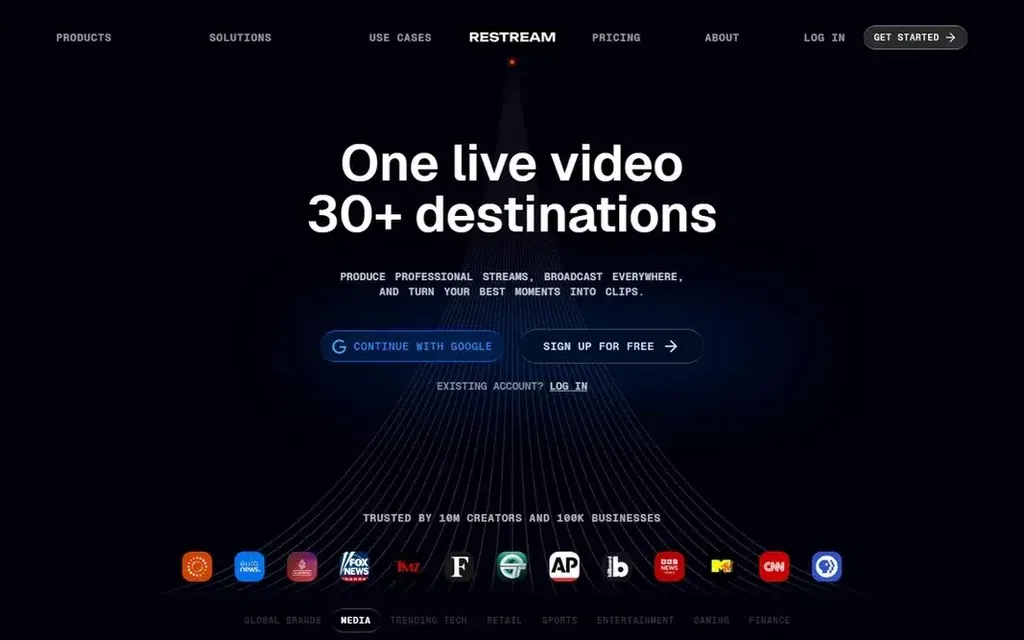
Choose Restream Studio for cloud multistreaming to many channels. Choose Restream Studio when multichannel reach is the priority.
Where it falls short: Fewer deep local production controls.
For everyday use, gamers who require fine control over encoding and sources may pair it with a desktop tool or choose one instead. On cost, Restream Studio starts like this: $239 per month. As for free access: Not stated.
- Runs in the browser
- Multistreams to favorite channels
- Relies on a stable connection
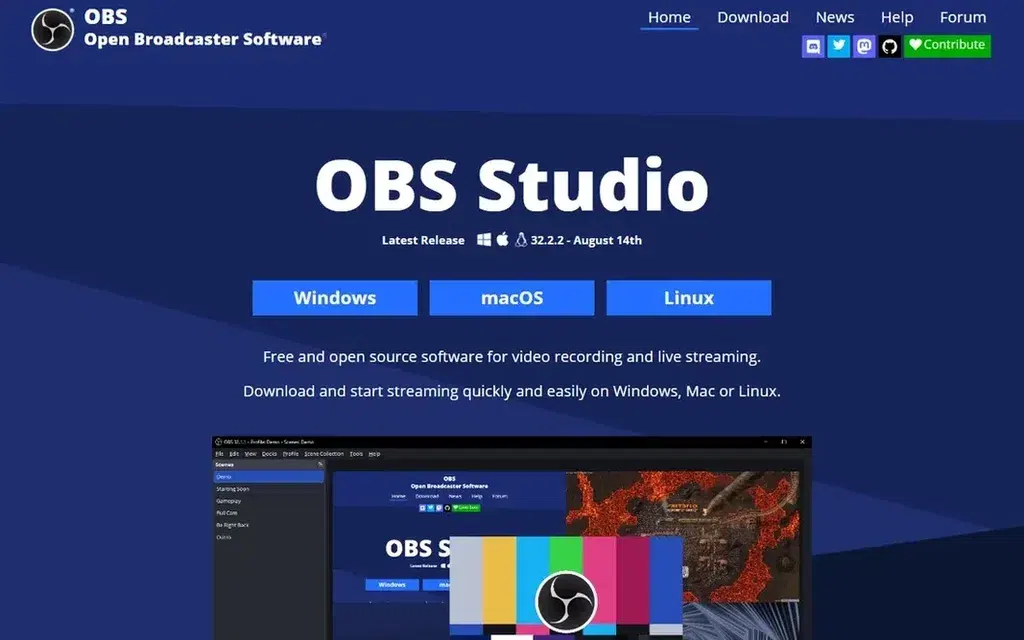
OBS Studio is designed for open source streaming and recording. It sends to Twitch, YouTube and many other providers, and it records your own videos with high quality H264 and AAC encoding. The depth of OBS Studio includes a ramp-up time, since scene and source setup asks more of newcomers than a guided app would.
It also leans on your own PC for encoding, so weaker hardware may struggle at high settings. Beyond that, consider a cloud based choice instead if you stream from a console or want minimal setup. Since it is open source, it appeals to gamers who want direct control over scenes, sources and encoding without based on a vendor's feature roadmap. No starting price is listed for OBS Studio here; confirm pricing on the vendor site. Trial and free access: Not stated.
Drawbacks to consider: Setup can feel technical for beginners.
- Free and open source
- YouTube and more
- Interface is dense on smaller screens
Think of vMix for Windows live production and switching. vMix is live streaming and live production software with a video mixer and switcher for Windows. It lets you produce, record and live stream professional looking content from your PC, which fits gamers who run multi camera or multi source presents instead of a single gameplay feed.
Also, vMix is Windows only, so Mac based creators need a different tool. Its production focus can overwhelm casual streamers who just want to share gameplay, and the mixer style workflow takes practice. Choose it when switching between sources is central to your stream instead of an afterthought. This comparison lists no price for vMix; ask the vendor. On free options: Not stated.
Upsides: Produce. Drawbacks to consider: Production focus can overwhelm casual streamers.
- Video mixing and switching built in
- Geared toward professional looking content
- Windows only
What went into this list
Pricing pages, product documentation and feature lists were the main sources, and every entry carries at least one honest drawback. Where a price is missing, the vendor does not list one publicly or ties it to a quote. Always confirm before budgeting. The order reflects how well each tool fits the most common buying scenario for live streaming software for gamers, then price clarity, then free plan access. It is a starting point, not a verdict.
A buyer's checklist
- Confirm the entry price on the vendor page. For Ecamm Live, Lightstream Studio, OBS Studio and vMix that means a quote rather than a fixed price.
- Run a trial of Wirecast with real work before paying for a year; your own workflow is the best test.
- Read the limits listed for Ecamm Live first: Mac only.
- The entry price of Lightstream Studio is only the starting point; model the full cost with seats and extras.
- Read the plan comparison for Restream Studio carefully; key features often start on a higher tier.
FAQ
How are the tools for live streaming software for gamers ordered?
The order follows typical fit for live streaming software for gamers, with Ecamm Live first and vMix last, then price clarity and free access. It is editorial judgement, not a score, so another team could rank the tools differently.
What is the best live streaming software for gamers overall?
Start with Ecamm Live if you need Mac streaming across social products. Lightstream Studio is the better match for console gaming without downloads, and Wirecast for Mac and PC broadcast switching. The best choice depends on budget, team size and workflow.
Can I try these tools before paying?
Often, yes. Wirecast offers a free trial. Use your own data and a real task during the test, and check what the free tier or trial limits before you rely on it. For the full picture, the cards above cover all 6 entries of this live Streaming software for Gamers list, including price, free plan and limits.
Does any tool for live streaming software for gamers here have a free plan?
No tool in this list, Ecamm Live and vMix included, has a permanent free plan. Wirecast offer a trial. Trials and quotes are the usual route, so plan a short evaluation period.
Is Ecamm Live the right pick for everyone comparing live streaming software for gamers?
No single tool suits every team. Ecamm Live comes first because it fits Mac streaming across social platforms, while Lightstream Studio suits console gaming without downloads and Wirecast suits Mac and PC broadcast switching. Match the tool to your own size, budget and workflow before deciding.
Sources
- https://www.ecamm.com
- https://golightstream.com
- https://www.telestream.net/wirecast
- https://restream.io
- https://obsproject.com
- https://www.vmix.com