Best Live Streaming Software for Beginners (2026): 5 Picks Checked on Vendor Pages
Need the best live streaming software for beginners? We compare 5 tools on cost, free access and who each suits. Prices and drawbacks included. Easy to scan.
- Editor's choice
 vMix
Live production with video mixing
Starts atSee websiteVisit vmix.comFull review - Great alternative
 Wirecast
Professional broadcasting with remote guests
Starts at$34 a monthVisit telestream.netFull review - Also considerRestream Studio
Browser-based multistreaming
Starts at$239 a monthVisit restream.ioFull review
Direct answer
This list puts vMix first for Live production with video mixing. Listed starting prices: Wirecast from $34 a month and Restream Studio from $239 a month. For a different need, Wirecast covers professional broadcasting with remote guests and Restream Studio covers browser-based multistreaming. The other 2 tools in the list cover narrower or pricier cases.
TL;DR:
- Top of the list is vMix, which targets Live production with video mixing.
- Before buying OBS Studio, weigh this: steeper ramp-up time for beginners.
- The cheapest monthly starting price in the list is $34 per month, offered by Wirecast.
- Neither vMix nor XSplit Broadcaster, nor any of the other 3 tools, has a permanent free plan; trials and quotes are the norm.
- XSplit Broadcaster fits approachable interface with templates.
Last checked November 2026. Prices and plan details were read from the vendors' own pages in November 2026; vendors change plans often, so confirm the current price on the vendor site before you buy.
Quick comparison
| Tool | Best for | Starts at | Free plan? | |
|---|---|---|---|---|
| vMix | Live production with video mixing | See website | Not stated | Visit |
| Wirecast | Professional broadcasting with remote guests | $34 a month | Free trial | Visit |
| Restream Studio | Browser-based multistreaming | $239 a month | Not stated | Visit |
 OBS Studio | Free and open source streaming | See website | Not stated | Visit |
| XSplit Broadcaster | Approachable interface with templates | See website | Not stated | Visit |
Live Streaming Software for Beginners profiles
LinkVetted put together this guide to live streaming software for beginners for readers who want a clear shortlist without reading every vendor page. It compares 5 tools on starting price, free plans, who each one suits and where each one falls short.
vMix works best for Live production with video mixing. The software is feature-rich but can be intimidating for those new to streaming. From a buyer's view, if you need a more straightforward tool for entry-level streaming, Restream Studio or OBS Studio might be more approachable.
As for the details, vMix is a live streaming and live production software video mixer and switcher for Windows. It lets you to produce, record, and live stream professional-looking content from your PC, making it a good match for beginners who are serious about production quality and willing to learn. Check the vendor site for vMix pricing; none is listed in this comparison. As for free access: Not stated.
Drawbacks to consider: Higher ramp-up time.
- Supports several inputs and outputs
- Advanced video mixing and switching
- Complicated for beginners
Wirecast works best for professional broadcasting with remote guests. Beginners on a budget should consider free choices like OBS Studio or browser-based tools like Restream Studio.
On top of that, the software comes at a higher cost and may be overkill for casual streamers. It lets you switch unlimited cameras, add remote guests, and multistream to every system. What you pay to start with Wirecast: $34 per month. Free options: Free trial.
Trade-offs to know: Costly for beginners.
- Multistream to several systems
- Supports unlimited cameras
- Needs a learning period
Restream Studio
Best for: Browser-based multistreaming
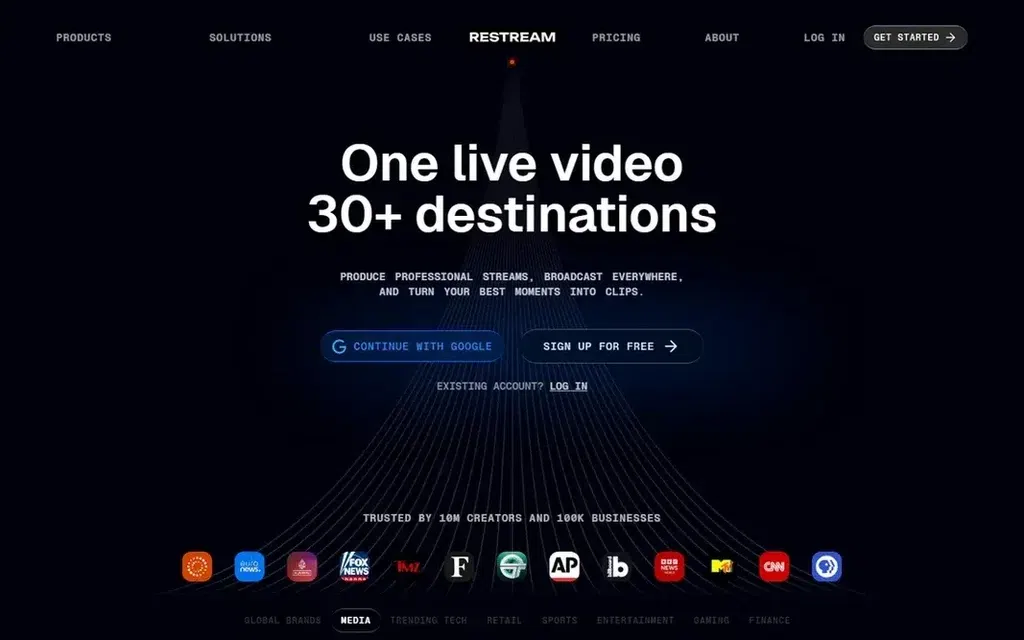
Restream Studio was built for browser-based multistreaming. Restream Studio is a straightforward live video product that lets you produce and multistream to your favorite channels straight from your browser. It is a strong match for beginners who want to go live rapidly without dealing with complicated software.
If you need advanced scene composition or local recording, a desktop tool might be a better fit. From a buyer's view, whereas it excels at multistreaming, it may lack the deep customization choices found in desktop software like OBS Studio. Restream Studio starts at: $239 per month. Free options: Not stated.
Downsides: Needs stable internet connection. What Restream Studio does well: Multistream to several systems simultaneously.
- Straightforward and clean interface
- No software installation required
- Restricted advanced customization
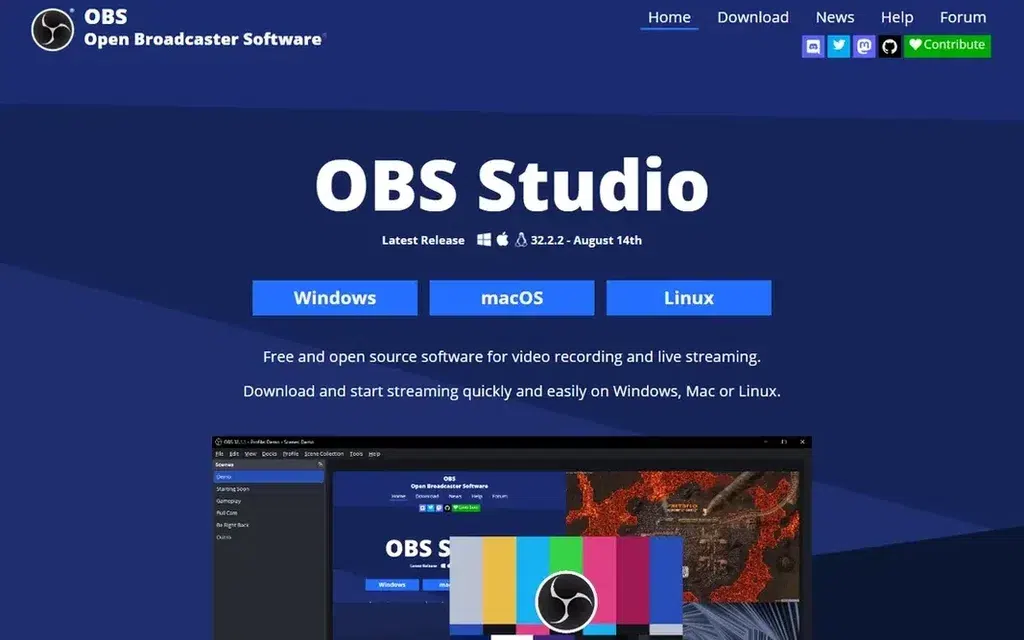
OBS Studio targets free and open source streaming. It supports streaming to Twitch, YouTube, and numerous other providers, and can record videos with high-quality H264/AAC encoding.
What to check first: Needs manual configuration.
It is most useful for beginners who are willing to invest some time in learning the interface and want a capable, no-cost option. OBS Studio shows no starting price here, so confirm the cost on the vendor site. As for free access: Not stated.
- Fully free with no hidden costs
- Open source with active community support
- Steeper ramp-up time for beginners
XSplit Broadcaster
Best for: Approachable interface with templates
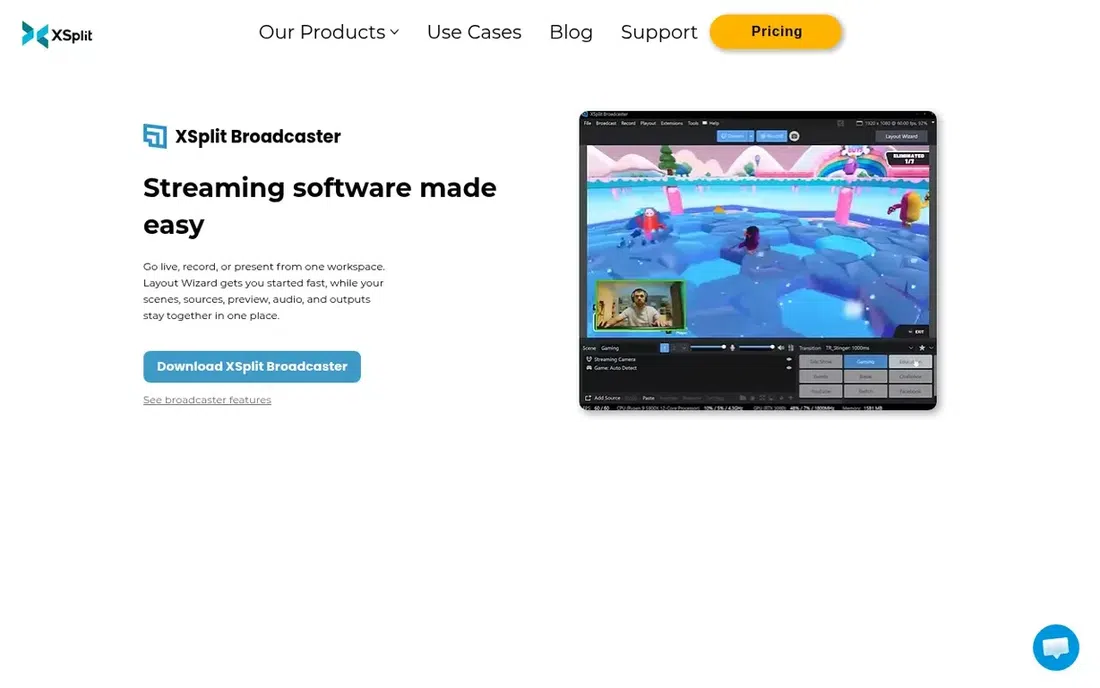
XSplit Broadcaster makes the most sense for approachable interface with templates. For a fully free alternative, OBS Studio is a solid choice, though it has a steeper ramp-up time. The software may need a premium license to access all features, and it can be demanding on system resources.
Also, XSplit Broadcaster is recording and live streaming software for games, podcasts, and presentations. It supplies an approachable interface with drag-and-drop scene creation and a variety of built-in templates, making it accessible for beginners who want professional-looking streams. This comparison lists no price for XSplit Broadcaster; ask the vendor. Free access: Not stated.
Where it is weaker: Some features need a premium license.
- Supports many different plugins
- Built-in templates for fast setup
- Can be resource-intensive
What went into this list
The comparison looks at four things: starting price, free access, how well the feature set matches live streaming software for beginners, and the main limit of each tool. Figures are shown as the vendors publish them. Billing terms, seat minimums and add-ons can change the real cost. The ranking is editorial: typical fit first, then clear pricing, then free access. If your needs are unusual, read the profiles rather than relying on position.
Things to verify first
- Get a written quote from vMix, OBS Studio and XSplit Broadcaster; the list shows no starting price for them.
- Run a trial of Wirecast with real work before paying for a year; your own workflow is the best test.
- Before choosing vMix, weigh its main limit: complicated for beginners.
- Total up the real monthly cost of Restream Studio, including add-ons, extra users and usage-based fees.
- Look at the help docs and support options for OBS Studio before you commit.
FAQ
How are the tools for live streaming software for beginners ordered?
vMix sits first and XSplit Broadcaster last because the order follows typical fit for live streaming software for beginners, then price clarity and free access. It is a judgement call, so read each profile for fit and limits.
What is the cheapest option for live streaming software for beginners in this list?
On published monthly entry prices, Wirecast is the lowest here at $34 per month. Entry price is only part of the cost, because seats, add-ons and billing terms can change the total. Each of the 5 options in this live Streaming software for beginners guide has its own card above with the price, free plan and limits.
Does any tool for live streaming software for beginners here have a free plan?
A permanent free plan is not offered by vMix, XSplit Broadcaster or the other tools here. Wirecast offer a trial. Plan a short evaluation period instead.
Can I try these tools before paying?
Often, yes. Wirecast offers a free trial. Use your own data and a real task during the test, and check what the free tier or trial limits before you rely on it. All 5 picks in this live Streaming software for beginners comparison list a starting price, free plan details and the main limits on their cards above.
Sources
- https://www.vmix.com
- https://www.telestream.net/wirecast
- https://restream.io
- https://obsproject.com
- https://www.xsplit.com