Best Design Software for Beginners in 2026: 8 Tools Compared
Best design software for beginners compared: 8 easy graphic design tools for social posts, presentations, photos and print, with pricing and free plans.

- Editor's choice
 Canva
All-round beginner design
Starts atFreeVisit canva.comFull review - Great alternative
 Adobe Express
Adobe templates and quick edits
Starts atFreeVisit adobe.comFull review - Also consider
 Figma
Learning interface design
Starts atFreeVisit figma.comFull review
TL;DR:
- Canva and Adobe Express suit most beginners, with templates, stock assets and easy sharing.
- Figma suits beginners who want to learn interface and collaborative design.
- PicMonkey, VistaCreate, Snappa, Desygner and Fotor suit fast social, photo and print work.
- The best graphic design tools for beginners balance templates, editing control and export quality.
Quick comparison
| Tool | Best for | Starts at | Free plan? | |
|---|---|---|---|---|
| Canva | All-round beginner design | Free | Yes | Visit |
| Adobe Express | Adobe templates and quick edits | Free | Yes | Visit |
| Figma | Learning interface design | Free | Yes | Visit |
 PicMonkey | Photo and social design | See website | Free trial | Visit |
 VistaCreate | Social and print templates | Free | Yes | Visit |
 Snappa | Fast social graphics | Free | Yes | Visit |
 Desygner | Templates for business use | Free | Yes | Visit |
 Fotor | Photo editing plus design | Free | Yes | Visit |
The best design software for beginners
We compared official feature pages, pricing pages, app store listings, privacy policies and public reviews for design tools that suit beginners. The list covers social posts, presentations, print, photo editing and interface design, with a focus on learning curve and template quality.

Canva is the easiest starting point for most beginners. Templates cover social posts, presentations, posters, resumes and videos, and drag-and-drop editing keeps changes simple. Stock photos, fonts and shapes sit in the same editor, so a first design rarely needs another tool.
Limits appear with advanced work. Precise vector editing, CMYK print control and full brand kits sit on paid plans or in professional tools. For everyday design, though, Canva gives a beginner a fast path from blank page to a clean result, and the free plan is generous.
- Huge template range
- Drag-and-drop editing
- Free plan covers many needs
- Advanced vector and print control is limited
- Brand controls need paid plan

Adobe Express brings Adobe templates, fonts and stock assets into a beginner-friendly editor. Social posts, flyers and short videos come together fast, and quick actions handle background removal and photo fixes. Beginners who may later move to Photoshop or Illustrator gain a familiar Adobe starting point.
Depth is the trade-off. Express is not a replacement for Photoshop, Illustrator or InDesign, and some premium assets need a paid plan. For quick, polished design with Adobe quality, Express is a strong rival to Canva, especially for users already in the Adobe world.
- Strong Adobe templates and assets
- Quick photo and video edits
- Free plan available
- Depth is less than full Adobe apps
- Some assets and features need paid plan
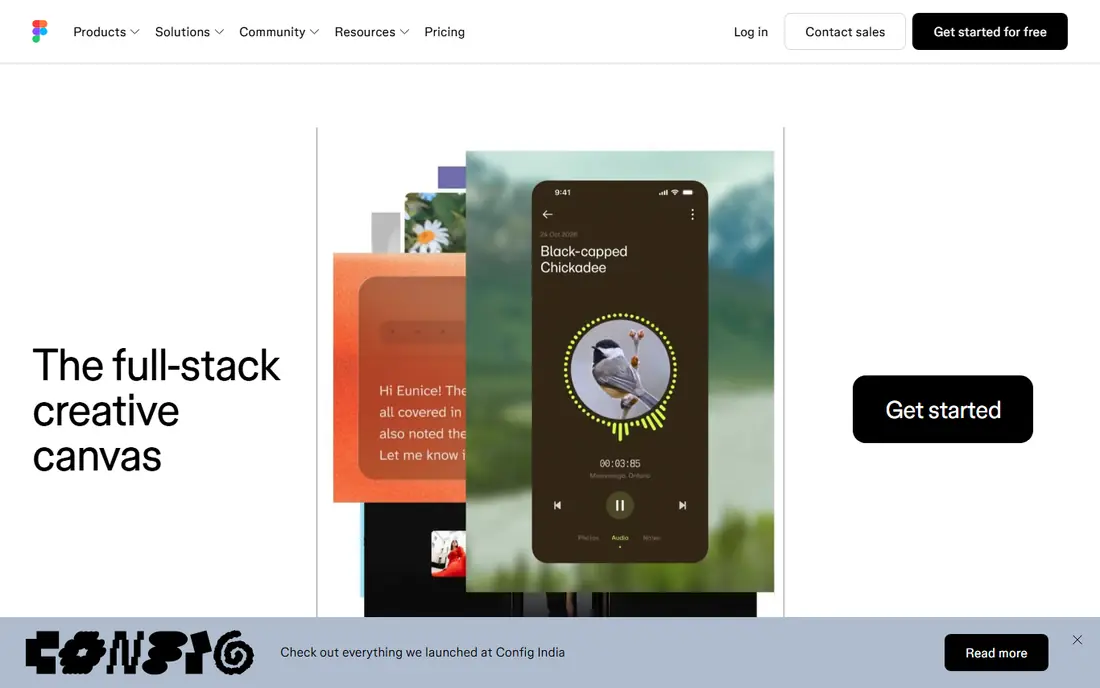
Figma suits beginners who want to learn interface design, app screens and collaborative work. The free starter plan covers personal projects, real-time collaboration lets teams comment and edit together, and learning resources help new users grasp frames, components and layout. That foundation transfers well to professional design work.
Figma is less suited to print flyers or heavy photo editing, where Canva or Adobe Express fit better. The interface also feels more technical at first than a template editor. For a beginner aiming at digital product design, Figma is the best free learning tool in this list.
- Free starter plan
- Collaborative design
- Strong learning resources
- Print and photo editing are not its focus
- Interface feels technical at first
PicMonkey mixes photo editing with design templates, which suits small business owners who start from photos. Touch-up tools, filters and text overlays help turn a product photo into a social post or ad. Templates cover common marketing sizes, so resizing for different platforms is quick.
The main drawback is pricing. PicMonkey uses a trial rather than a permanent free plan, so long-term use needs a subscription. Template range is also smaller than Canva. For photo-led social design, PicMonkey still earns a place, especially for users who edit photos often.
- Photo editing plus templates
- Touch-up tools
- Good for social and marketing graphics
- No permanent free plan
- Template range is smaller than Canva
VistaCreate, formerly Crello, offers templates for social posts, ads and print, with animation options for social feeds. The free plan covers many everyday designs, and the editor stays simple for beginners who want a quick result without learning a complex tool.
Asset range is smaller than Canva, and advanced editing such as detailed vector work is limited. For a beginner who needs social and print templates fast, VistaCreate is a solid free alternative, especially when Canva templates feel overused.
- Free plan with templates
- Social and print sizes
- Animation options
- Asset range is smaller than Canva
- Advanced editing is limited
Snappa is built for speed. Preset sizes for each social platform, stock photos and a simple editor let a beginner make a post in minutes. That focus suits social media managers and small businesses that publish often and need consistent sizes without extra steps.
Free downloads are limited, so heavy users need a paid plan. Design depth is also lighter than Canva or Adobe Express, with fewer templates and effects. For fast, frequent social graphics, Snappa is hard to beat on simplicity.
- Very fast social graphics
- Preset sizes for platforms
- Simple editor
- Free plan limits downloads
- Design depth is lighter than Canva
Desygner suits business users who need flyers, menus, business cards and social posts from one app. PDF editing is a useful bonus, since many business documents arrive as PDFs, and the mobile app helps with quick edits away from a desk. Templates cover everyday business needs well.
Community and learning resources are smaller than Canva, so beginners may find fewer tutorials. Some features also need a paid plan. For business-led design with PDF needs, Desygner is a practical, less crowded alternative to the larger tools.
- Business templates
- PDF editing
- Mobile app for on-the-go design
- Smaller community and learning resources
- Some features need paid plan
Fotor mixes photo editing, collage tools and design templates in one free-start app. A beginner can fix a photo, add text and export a social post without switching tools. Collage and batch editing options help with photo-heavy work such as events and product posts.
The interface can feel busy, with many tools and upsell prompts on the free plan. Advanced design control is also limited compared with Figma or Adobe tools. For photo-first beginners, Fotor still offers a useful mix of editing and design in one place.
- Photo editing and design together
- Templates and collages
- Free plan available
- Interface can feel busy
- Advanced design control is limited
How we picked these
We compared official feature pages, pricing pages, app store listings, privacy policies and public reviews for design tools that suit beginners. We looked for template quality, editing simplicity, stock assets, export options, mobile apps and free plan value. We did not claim hands-on testing. We used "See website" for prices we could not verify on the day of writing.
How to learn design faster as a beginner
Start with one tool and one format, such as Instagram posts in Canva or app screens in Figma. Copy a layout you admire to learn spacing, type size and colour balance, then change it into your own work. Limit fonts to two per design, keep text short, and export at the right size for the platform. Small, regular practice beats buying many tools at once.
Templates, files and export quality
Check template licences, especially for commercial use, and check export quality for print versus social use. Keep source files so you can edit later, and save brand colours and fonts in one place if the tool allows it. A tool that exports clean PNG, JPG and PDF files will serve you longer than a tool with pretty templates but weak exports.
FAQ
What is the best design software for beginners?
Canva is the best all-round design software for beginners, with templates for almost every format. Adobe Express is a strong alternative, especially for Adobe users. Figma suits beginners who want to learn interface design rather than social templates.
What are the best graphic design tools for beginners?
Canva, Adobe Express, VistaCreate and Snappa are strong graphic design tools for beginners, since they offer templates, stock assets and simple editing. Fotor and PicMonkey add photo editing, while Desygner suits business templates. Pick by format, not by feature count.
Is Canva or Adobe Express better for beginners?
Canva offers a larger template range and a simpler all-round editor, while Adobe Express offers Adobe fonts, assets and quick actions. Both have free plans, so test the same post in each and compare the result. The better tool is the one whose templates and workflow you enjoy.
Can beginners use Figma without design experience?
Yes, Figma offers a free starter plan and many tutorials for beginners, and its collaborative tools suit learning with others. The interface feels technical at first, so start with a simple app screen tutorial before building a full project. Figma rewards patience with skills that transfer to professional work.
What is the best free design software for beginners?
Canva, Adobe Express, Figma, VistaCreate, Snappa, Desygner and Fotor all offer free plans for beginners. Free plans usually limit premium assets, brand controls or downloads. Start free, learn one tool well, and pay only when a limit blocks real work.
Do beginners need paid design software?
Most beginners do not need paid design software at first, since free plans cover social posts, presentations and simple print work. Paid plans add brand kits, premium assets and higher export options. Pay when you need consistent branding or commercial assets often, not on day one.