Best Lightweight Design Software for Teams for 2026: Our 6 Vetted Picks
6 best lightweight design software for teams, compared on pricing, free plans and best-fit use. Each listing flags where it falls short. Easy to scan.

- Editor's choice
 Miro
Ideation and product planning workshops
Starts at$8 per member per monthVisit miro.comFull review - Great alternative
 Sketch
Designers who want a focused workspace
Starts at$12 per editor a monthVisit sketch.comFull review - Also consider
 Mural
Collaborative strategy and planning sessions
Starts at$9.99 per member per monthVisit mural.coFull review
Direct answer
Our first pick is Miro, best for Ideation and product planning workshops. Listed starting prices: Miro from $8 per member per month, Sketch from $12 per editor a month and Mural from $9.99 per member per month. Sketch fits designers who want a focused workspace; Mural fits collaborative strategy and planning sessions. The remaining 3 options are covered below with prices and limits.
TL;DR:
- This list starts with Miro, which is built for Ideation and product planning workshops.
- The lowest published monthly entry price here is $3 per month, from Figma.
- Mural comes with a trade-off: not aimed at final design assets.
- Only 2 of the 6 tools have a free plan (Miro, Mural), so check the caps.
Last checked November 2026. Prices and plan details were read from the vendors' own pages in November 2026; vendors change plans often, so confirm the current price on the vendor site before you buy.
Quick comparison
| Tool | Best for | Starts at | Free plan? | |
|---|---|---|---|---|
| Miro | Ideation and product planning workshops | $8 per member per month | Yes | Visit |
| Sketch | Designers who want a focused workspace | $12 per editor a month | Free trial | Visit |
| Mural | Collaborative strategy and planning sessions | $9.99 per member per month | Yes | Visit |
 Lucidchart | Diagrams and process documentation | See website | Not stated | Visit |
 Figma | Product teams designing and shipping interfaces | $3 a month | Not stated | Visit |
 Canva | Quick visual content for non-designers | See website | Not stated | Visit |
The 6 tools in detail
LinkVetted put together this guide to lightweight design software for teams for readers who want a clear shortlist without reading every vendor page. It compares 6 tools on starting price, free plans, who each one suits and where each one falls short.
Miro serves Ideation and product planning workshops. Miro calls itself an AI innovation workspace that accelerates product development from ideation to launch, helping teams align and break down tool silos on one visual product.
More specifically, choose it when the early collaborative phase is where your team needs the most support. Miro is designed for thinking and planning instead of producing finished design assets, so it complements instead of replaces a design tool. Miro pricing: $8 per member per month. You can start on Miro without paying.
Where it is weaker: Large boards can get busy.
- Visual workspace for alignment
- AI-assisted system features
- Not a precision graphic design tool
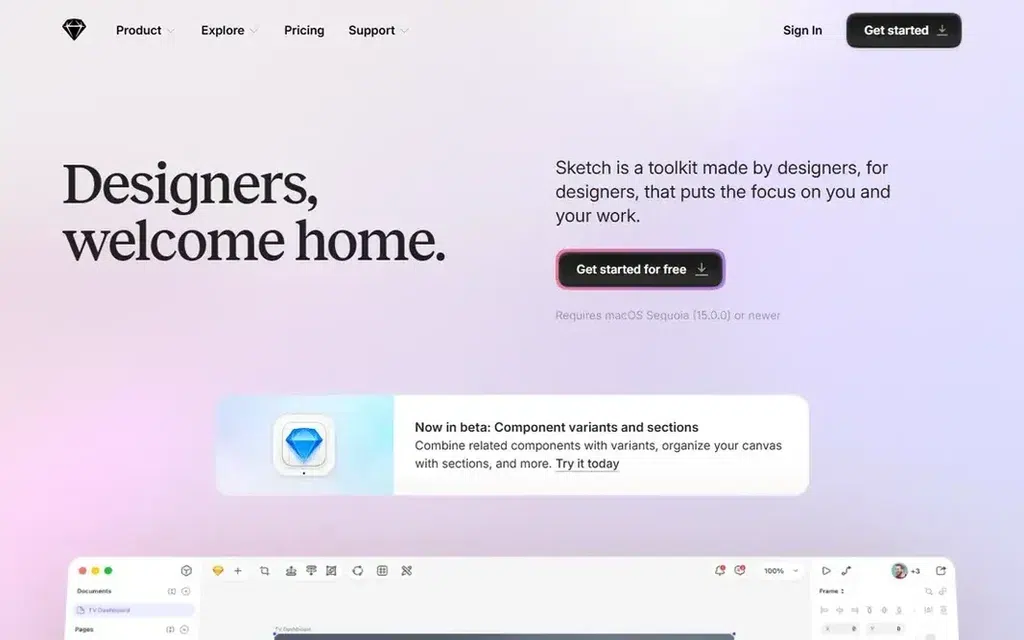
Sketch makes the most sense for designers who want a focused workspace. Sketch positions itself around design, prototyping, collaboration and handoff, made by designers for designers.
Watch-outs: Less appealing to non-design collaborators.
The emphasis on the designer's own workflow keeps the tool centered on craft. That designer-first focus can leave marketers or project managers with less to do inside the tool. Starting cost for Sketch: $12 per editor per month. Free options: Free trial.
- Aimed squarely at designers
- Prototype and handoff in one app
- Narrower scope than all-in-one suites
Think of Mural for collaborative strategy and planning sessions. Mural provides an AI-powered visual workspace for team collaboration, helping groups plan, strategize and execute projects on one easy-to-learn tool.
In practice, Mural supports the thinking phase rather than finished design production, so it works alongside a dedicated design application. Choose Mural when collaborative planning is the primary need. Starting cost for Mural: $9.99 per member per month. A free plan is available with Mural.
Points against: Not aimed at final design assets.
- Visual workspace for team collaboration
- Supports planning and execution
- Overlaps with other whiteboard tools
Where Lucidchart fits: diagrams and process documentation. The automation angle helps when diagrams have to reflect changing data.
Its strength is structured explanation instead of creative output. Beyond that, pick it when process clarity and system mapping are the priority for your team. Lucidchart shows no starting price here, so confirm the cost on the vendor site. On free options: Not stated.
The main drawbacks: Diagram-first scope.
- Suited to systems and process mapping
- Diagramming with AI and automation
- Restricted for general graphic design
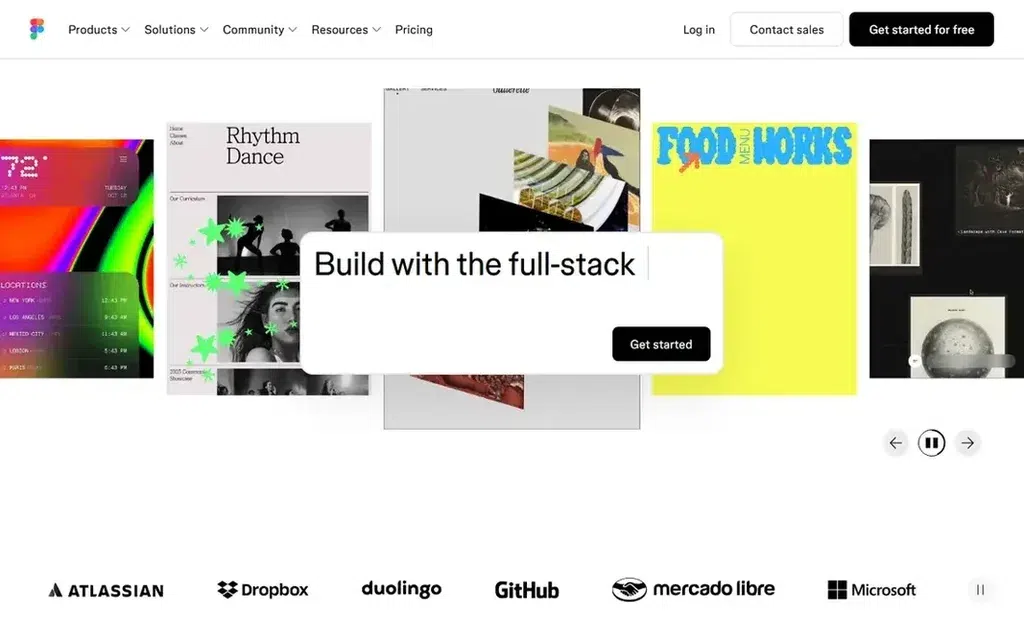
For product teams designing and shipping interfaces, Figma is a natural candidate. Figma describes itself as the collaborative canvas where design, code and AI come together, taking a team from first idea to shipped product in one place. Worth adding: for a small team that only needs a fast poster or social graphic, Figma may be more tool than necessary.
Its depth also means a learning period for newcomers. Cross-functional groups can review and iterate together instead of passing static files around. Figma starts at: $3 per month. Trial and free access: Not stated.
The main drawbacks: Feature depth takes time to learn.
- Design
- Code and AI in one canvas
- Can feel heavy for straightforward graphics
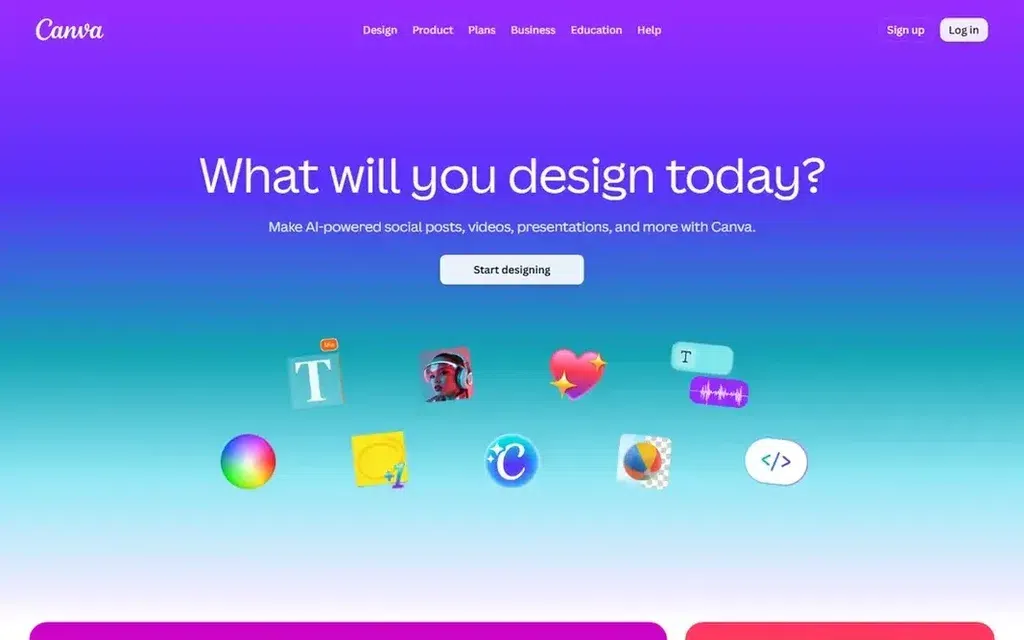
Choose Canva for quick visual content for non-designers. Canva presents itself as a visual suite for everyone, with an online graphic design tool for social media posts, presentations, posters, videos and logos. That breadth makes it a natural fit for marketing, communications and operations teams that require refined visuals without a design background.
Beyond that, the trade-off is precision. Choose Canva when speed and accessibility matter more than fine control over every element. More specifically, since it runs in the browser, teammates can pick it up with minimal onboarding and contribute to shared projects. No starting price is listed for Canva here; confirm pricing on the vendor site. Free access: Not stated.
Points against: Template-driven look can feel generic.
- Made for shared team work
- Browser-based and approachable
- Less suited to precise vector work
How we built this list
Questions to settle before buying
- Ask Lucidchart and Canva for a written quote, since no starting price is shown.
- Look at free plan limits closely: Miro and Mural have one, and the caps decide whether it is usable for real work.
- Run a trial of Sketch with real work before paying for a year; your own workflow is the best test.
- Read the limits listed for Miro first: not a precision graphic design tool.
- Ask whether Lucidchart integrates with your current software, and whether that comes standard or as an add-on.
- Let daily users try Canva on real work; their feedback beats any feature checklist.
FAQ
Is Miro the right pick for everyone comparing lightweight design software for teams?
No single tool suits every team. Miro comes first because it fits Ideation and product planning workshops, while Sketch suits designers who want a focused workspace and Mural suits collaborative strategy and planning sessions. Match the tool to your own size, budget and workflow before deciding.
Do these tools publish their prices?
Not all of them. Lucidchart and Canva publish no starting price, so expect a quote request for those. The rest, Miro included, show a starting price, though seats and billing terms still change the final cost.
Which options for lightweight design software for teams have a free plan?
On this list, Miro and Mural include a free plan. Caps on seats, usage or features are common, so test the free plan against your real workload. One other tool offers a trial instead.
Which choice suits teams without dedicated designers?
Canva is the most approachable for non-designers producing social posts, presentations and posters. Beyond that, Lucidchart and Mural also help teams communicate visually without formal design training, each for diagrams or collaborative planning respectively.
What is the cheapest option for lightweight design software for teams in this list?
On published monthly entry prices, Figma is the lowest here at $3 per month. Entry price is only part of the cost, because seats, add-ons and billing terms can change the total. All 6 picks in this lightweight design software for teams comparison list a starting price, free plan details and the main limits on their cards above.
Sources
- https://miro.com
- https://www.sketch.com
- https://www.mural.co
- https://www.lucidchart.com
- https://www.figma.com
- https://www.canva.com