Best Lands Design Alternatives for 2026 (5 Compared)
Shortlisting Lands Design alternatives? 5 products compared on cost, free access and ideal buyer. Fit and flaws are laid out for each entry. Straight answers.
- Editor's choice
 Lumion
Quick live architectural rendering
Starts at$96 named user a monthVisit lumion.comFull review - Great alternative
 Cinema 4D
Motion graphics and visualization
Starts atSee websiteVisit maxon.netFull review - Also consider
 Revit
BIM coordination and documentation
Starts atSee websiteVisit autodesk.comFull review
Direct answer
Lumion leads the list, best for quick live architectural rendering. Listed starting prices: Lumion from $96 named user a month. Alternatives: Cinema 4D for motion graphics and visualization, and Revit for BIM coordination and documentation. Details, prices and limits for the rest of the 5 tools are below.
TL;DR:
- Lumion takes the first slot, best suited to quick live architectural rendering.
- AutoCAD fits general 2D and 3D drafting with DWG.
- A fair warning about Vectorworks Landmark: wide feature set may take time to learn.
- Starting prices begin at $96 named user per month with Lumion.
Last checked November 2026. Prices and plan details were read from the vendors' own pages in November 2026; vendors change plans often, so confirm the current price on the vendor site before you buy.
Quick comparison
| Tool | Best for | Starts at | Free plan? | |
|---|---|---|---|---|
| Lumion | Quick live architectural rendering | $96 named user a month | Free trial | Visit |
| Cinema 4D | Motion graphics and visualization | See website | Not stated | Visit |
| Revit | BIM coordination and documentation | See website | Not stated | Visit |
 Vectorworks Landmark | All-in-one landscape design and documentation | See website | Not stated | Visit |
 AutoCAD | General 2D and 3D drafting with DWG | See website | Not stated | Visit |
The 5 tools in detail
Choosing Lands Design usually comes down to price, fit and limits. This LinkVetted guide sets 5 tools side by side on those three points, with the facts kept short and checkable.
For quick live architectural rendering, Lumion is a natural candidate. Landscape teams can bring in models from design software and produce presentation-ready images and animations rapidly.
Honest limits: Concentrated on rendering, not design.
Lumion does not build design geometry or documentation itself, so it relies on models from other tools. Lumion pricing: $96 named user per month. Trial and free access: Free trial.
- Simple visualization workflow
- Suited to architects and designers
- Needs models from other software
Choose Cinema 4D for motion graphics and visualization. Cinema 4D from Maxon is a 3D modeling, animation, and rendering application widely used for visualization and motion graphics.
Watch-outs: Needs separate design tools.
Cinema 4D is a visualization tool instead of a landscape design product, so planting plans and construction drawings need another application. Worth adding: pick it when visual output is the goal, not documentation. This comparison lists no price for Cinema 4D; ask the vendor. Free plan details: Not stated.
- Widely used for visualization work
- Solid modeling and animation toolset
- Not aimed at landscape documentation
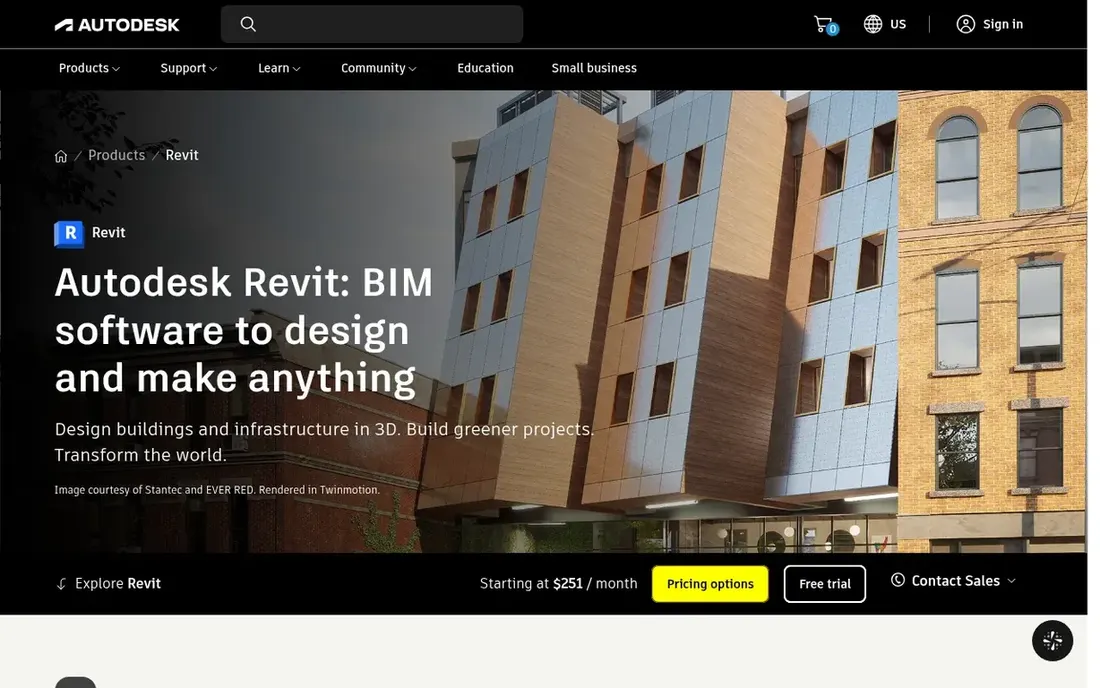
Revit is aimed squarely at BIM coordination and documentation. It suits landscape teams working alongside architects and engineers who require coordinated drawings and shared project data, notably on bigger multidisciplinary projects.
Downsides: Landscape-specific tools are restricted.
Choose a landscape-dedicated tool when planting and site design are the core deliverable. Revit shows no starting price here, so confirm the cost on the vendor site. Trial and free access: Not stated.
- Intelligent 3D models with coordinated drawings
- Optional AI-assisted workflows
- Steep ramp-up time for new users
Pick Vectorworks Landmark if this describes you: all-in-one landscape design and documentation. Vectorworks Landmark is a 3D landscape design product aimed at professionals who want design, presentation, irrigation, and documentation in a single workflow. It is the closest thematic match to Lands Design among these choices.
In daily use, since it is aimed squarely at landscape work, teams needing general-purpose drafting or heavy BIM coordination may prefer a broader system. Choose something else if your priority is rendering output or animation instead of design documentation. Pricing for Vectorworks Landmark is not stated here, so ask the vendor for current figures. As for free access: Not stated.
Drawbacks to consider: Broad feature set may take time to learn.
- Merges design, presentation, irrigation, documentation
- Purpose-built for landscape professionals
- Concentrated on landscape instead of general drafting
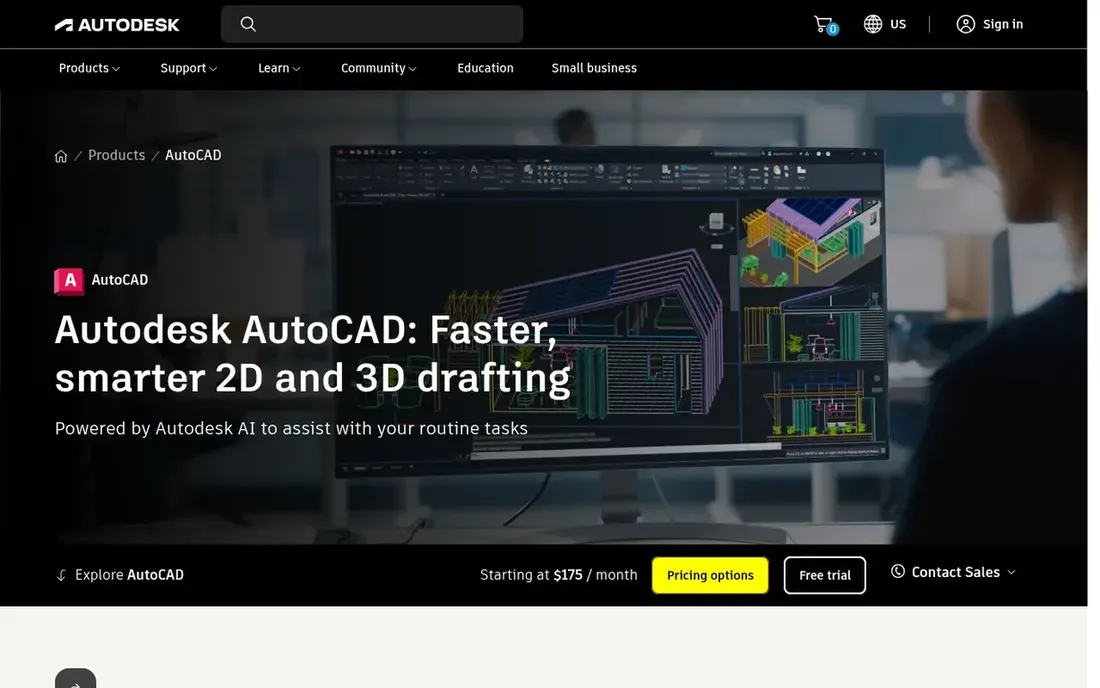
AutoCAD is aimed squarely at general 2D and 3D drafting with DWG. AutoCAD does not contain dedicated landscape objects from day one, so plant libraries and terrain modeling commonly need additional workflows.
Where it is weaker: Needs extras for planting and terrain tools.
AutoCAD is Autodesk's drafting product for 2D and 3D design, with shared DWG collaboration across desktop and web. In practice, pick a landscape-focused system if you want those features built in. No starting price is listed for AutoCAD here; confirm pricing on the vendor site. Free plan details: Not stated.
- AI automation and performance improvements
- Desktop and web access
- Not landscape-specific
How we compared the tools
The comparison looks at four things: starting price, free access, how well the feature set matches Lands Design, and the main limit of each tool. Prices and plan limits come from vendor pages and can change, so confirm them on the vendor site before you buy. The order reflects how well each tool fits the most common buying scenario for Lands Design, then price clarity, then free plan access. It is a starting point, not a verdict.
What to check before you buy
- Get a written quote from Cinema 4D, Revit, Vectorworks Landmark and AutoCAD; the list shows no starting price for them.
- Run a trial of Lumion with real work before paying for a year; your own workflow is the best test.
- Read the limits listed for Lumion first: centred on rendering, not design.
- Total up the real monthly cost of Lumion, including add-ons, extra users and usage-based fees.
- Before rolling out Vectorworks Landmark, verify the integrations your workflow depends on.
FAQ
Does any tool for Lands Design here have a free plan?
No tool in this list, Lumion and AutoCAD included, has a permanent free plan. Lumion offer a trial. Trials and quotes are the usual route, so plan a short evaluation period.
Can I try these tools before paying?
Often, yes. Lumion offers a free trial. Use your own data and a real task during the test, and check what the free tier or trial limits before you rely on it. Prices, free plan details and limits for all 5 tools in this Lands Design alternatives roundup sit on the individual cards above.
What is the cheapest option for Lands Design in this list?
On published monthly entry prices, Lumion is the lowest here at $96 named user per month. Entry price is only part of the cost, because seats, add-ons and billing terms can change the total. Each of the 5 options in this Lands Design alternatives guide has its own card above with the price, free plan and limits.
Do these tools publish their prices?
Not all of them. Cinema 4D, Revit, Vectorworks Landmark and AutoCAD publish no starting price, so expect a quote request for those. The rest, Lumion included, show a starting price, though seats and billing terms still change the final cost.
Sources
- https://lumion.com
- https://www.maxon.net/en/cinema-4d
- https://www.autodesk.com/products/revit
- https://www.vectorworks.net/en-US/landmark
- https://www.autodesk.com/products/autocad