6 Logo Design Software Online Worth Shortlisting in 2026
Top logo design software online in 2026: 6 contenders with entry costs and free tiers. Plain-spoken summaries throughout. Last reviewed November 2026.
- Editor's choice
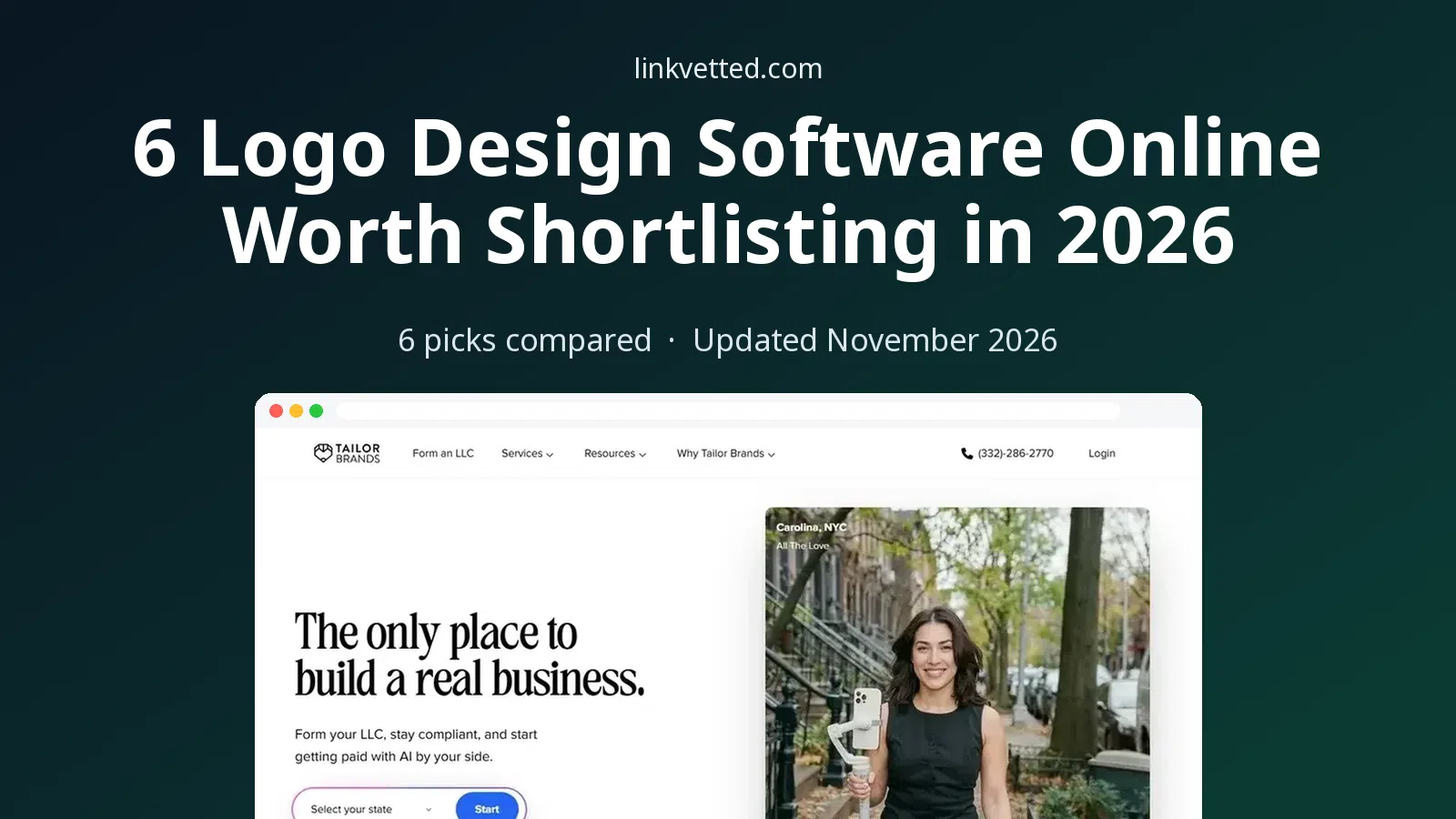
 Tailor Brands
Guided brand and business setup
Starts at$199 a yearVisit tailorbrands.comFull review - Great alternative
 Hatchful
Fast AI-generated logos without design skills
Starts at$19 a monthVisit hatchful.shopify.comFull review - Also consider
 Adobe Illustrator
Professional vector logo creation
Starts atSee websiteVisit adobe.comFull review
Direct answer
Our first pick is Tailor Brands, best for guided brand and business setup. Listed starting prices: Tailor Brands from $199 a year, Hatchful from $19 a month and LogoMakr from $29 one-time. If your case is different, Hatchful suits fast AI-generated logos without design skills and Adobe Illustrator suits professional vector logo creation. The full list of 6 tools follows, with prices and free plan facts.
TL;DR:
- The list opens with Tailor Brands, aimed at guided brand and business setup.
- The main caution on Tailor Brands: less manual design control.
- Starting prices begin at $19 per month with Hatchful.
- DesignEvo fits straightforward online logo creation.
- A free plan is available from 2 of the 6 tools: Tailor Brands, DesignEvo.
Last checked November 2026. Prices and plan details were read from the vendors' own pages in November 2026; vendors change plans often, so confirm the current price on the vendor site before you buy.
Quick comparison
| Tool | Best for | Starts at | Free plan? | |
|---|---|---|---|---|
| Tailor Brands | Guided brand and business setup | $199 a year | Yes | Visit |
| Hatchful | Fast AI-generated logos without design skills | $19 a month | Free trial | Visit |
| Adobe Illustrator | Professional vector logo creation | See website | Not stated | Visit |
 Canva | All-around visual design for beginners | See website | Not stated | Visit |
 LogoMakr | Original logos with vector export | $29 one-time | No | Visit |
 DesignEvo | Straightforward online logo creation | $24.99 USD one time | Yes | Visit |
Every option for logo design software online explained
LinkVetted put together this guide to logo design software online for readers who want a clear shortlist without reading every vendor page. It compares 6 tools on starting price, free plans, who each one suits and where each one falls short.
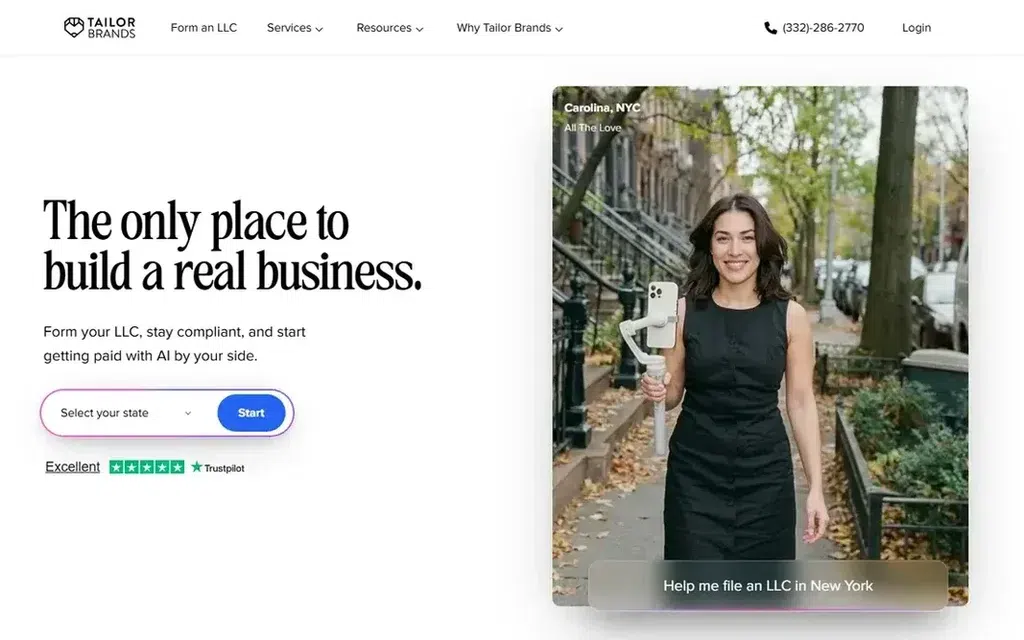
Think of Tailor Brands for guided brand and business setup. For founders who want a logo alongside broader brand setup, it supplies a structured path instead of a blank canvas, which can accelerate early decisions.
In practice, if you want to hand-tune every curve or work from in-depth templates, a dedicated design or template tool may suit you better. Tailor Brands cost at the entry level: $199 per year. Tailor Brands includes a free tier.
Downsides: Less manual design control.
- Logo plus brand asset support
- Guided business building system
- Centred on guided output
Hatchful serves fast AI-generated logos without design skills. Hatchful is Shopify's AI logo maker, meant to produce unique, high-resolution logo designs in minutes with no design skills required.
Hatchful prioritizes speed and simplicity, so deep customization is limited. More specifically, if your brand needs a highly tailored vector identity, plan to move to a more advanced design tool after generating a starting point. On cost, Hatchful starts like this: $19 per month. Free plan details: Free trial.
What to check first: Restricted manual editing.
- No design skills needed
- AI logo generation
- Best for straightforward logo needs
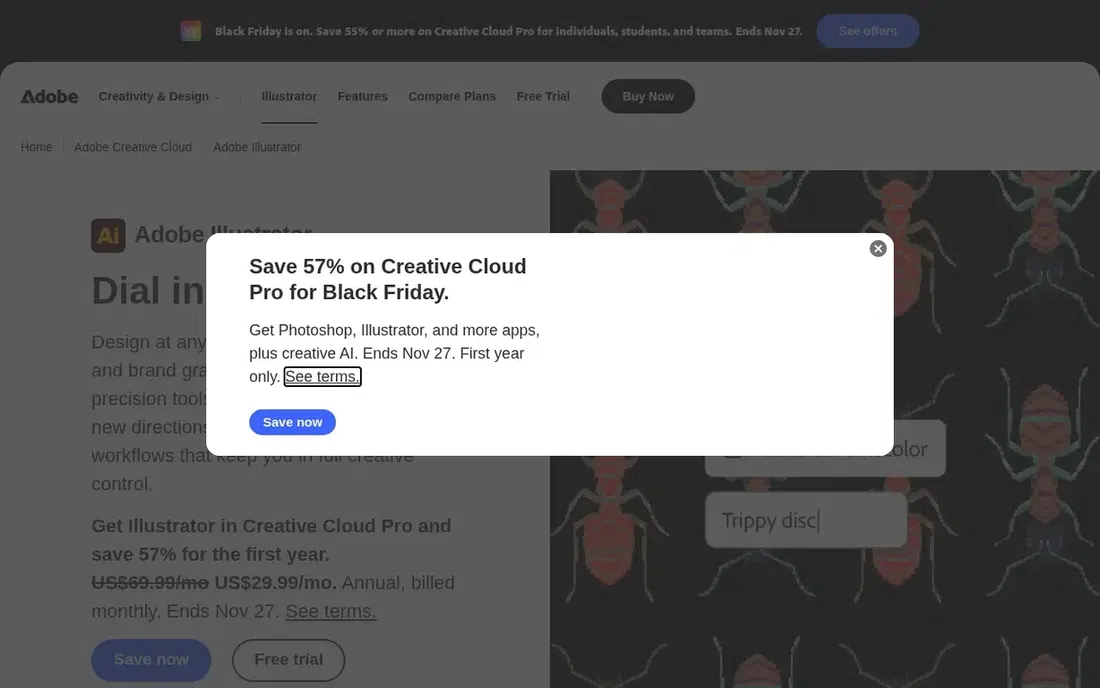
For professional vector logo creation, Adobe Illustrator is a natural candidate. Adobe Illustrator is vector graphics software with generative AI that can transform a text prompt into a completely editable vector graphic.
In daily use, for fast, template-driven logos without a ramp-up time, a more straightforward online maker is commonly the better choice. This comparison lists no price for Adobe Illustrator; ask the vendor. Free plan details: Not stated.
Drawbacks to consider: Desktop-class workflow required.
- Industry-standard vector tools
- Precise path and shape control
- Steeper ramp-up time
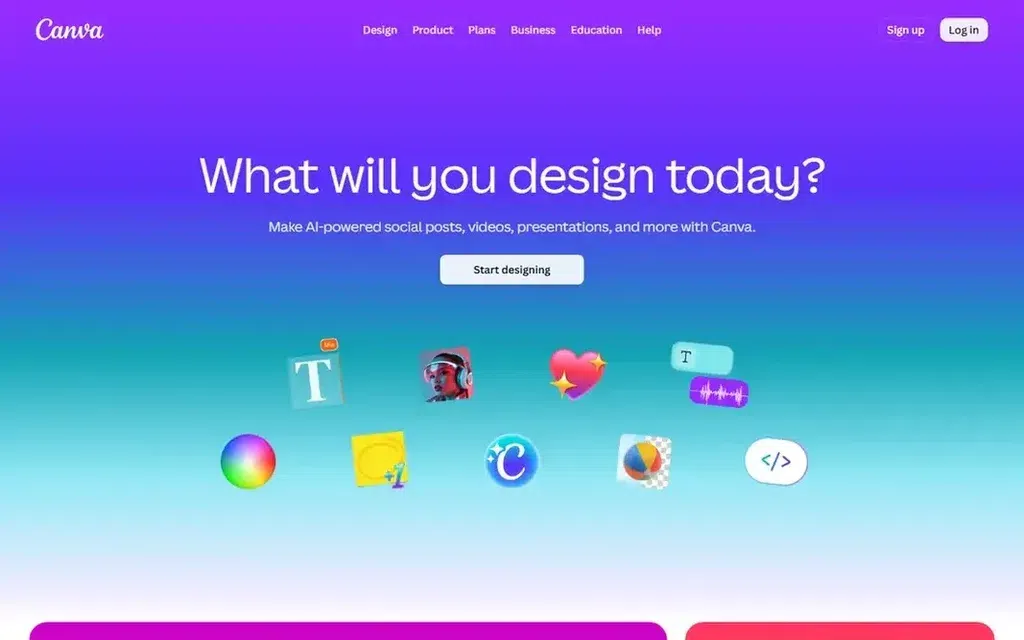
Canva serves all-around visual design for beginners. Canva is an online graphic design tool for creating social media posts, presentations, posters, videos, logos, and more. Its visual suite approach makes it a practical starting point for small teams and solo founders who want one place to design brand assets without a steep ramp-up time.
Limits to weigh: Logo-specific tools are restricted.
As for the details, if you need exact curves, scalable paths, and print-ready vector output, consider a vector-focused tool instead. On top of that, since Canva centres on wide visual design, it provides less precise vector editing than dedicated illustration software. Canva shows no starting price here, so confirm the cost on the vendor site. Trial and free access: Not stated.
- Spans plenty of design types
- Wide template library
- Less precise vector control
Choose LogoMakr for original logos with vector export. LogoMakr concentrates on logo creation instead of a full brand suite, so broader marketing assets are not its strength.
Downsides: Interface can feel entry-level.
It fits owners who want an original logo and practical output formats for signage and merchandise. Price to start with LogoMakr: $29 one-time. LogoMakr has no permanent free option.
- Print-ready file output
- Vector conversion support
- Advanced branding tools are restricted
DesignEvo works best for straightforward online logo creation. DesignEvo is a free logo maker for creating custom logo designs online. It is built around a straightforward editing experience, making it a reasonable choice for small firms and individuals who want a logo without installing software.
What users get: Straightforward editing.
More specifically, for advanced path editing or a complete brand system, a professional vector tool is the better route. More specifically, DesignEvo is not a full vector illustration environment, so complicated custom artwork may be harder to produce. Entry price for DesignEvo: $24.99 USD one time. You can start on DesignEvo without paying.
Where it falls short: Best for standard logo layouts.
- Online logo maker focus
- Beginner-friendly interface
- Less advanced vector control
How we chose
Selection started from tools commonly considered for logo design software online, then narrowed to 6 that have clear pricing information or a clear quote process. Plan names, prices and limits change often. Treat the figures here as a starting point and verify them with the vendor. Order on the page follows fit for the typical buyer first, then price transparency and free access. Your own requirements should decide the final pick.
What to check before you buy
- Confirm the entry price on the vendor page. For Adobe Illustrator and Canva that means a quote rather than a fixed price.
- Look at free plan limits closely: Tailor Brands and DesignEvo have one, and the caps decide whether it is usable for real work.
- Run a trial of Hatchful with real work before paying for a year; your own workflow is the best test.
- Before choosing Tailor Brands, weigh its main limit: less manual design control.
- Confirm minimum seats and billing terms with Tailor Brands before you commit to an annual plan.
- Look at which plan of Adobe Illustrator unlocks the features you need; entry tiers are often cut down.
FAQ
Which tool is best for a professional vector logo?
For most readers this guide would start with Tailor Brands, built for guided brand and business setup. Hatchful is the alternative for fast AI-generated logos without design skills, and Adobe Illustrator for professional vector logo creation. The right answer depends on budget and workflow.
How are the tools for logo design software online ordered?
Tailor Brands sits first and DesignEvo last because the order follows typical fit for logo design software online, then price clarity and free access. It is a judgement call, so read each profile for fit and limits.
What is the cheapest option for logo design software online in this list?
On published monthly entry prices, Hatchful is the lowest here at $19 per month. Entry price is only part of the cost, because seats, add-ons and billing terms can change the total. For the full picture, the cards above cover all 6 entries of this logo design software online list, including price, free plan and limits.
Can I try these tools before paying?
Often, yes. Tailor Brands and DesignEvo have a free plan and Hatchful offers a free trial. Use your own data and a real task during the test, and check what the free tier or trial limits before you rely on it.
Is Tailor Brands the right pick for everyone comparing logo design software online?
No single tool suits every team. Tailor Brands comes first because it fits guided brand and business setup, while Hatchful suits quick AI-generated logos without design skills and Adobe Illustrator suits professional vector logo creation. Match the tool to your own size, budget and workflow before deciding.
Sources
- https://www.tailorbrands.com
- https://hatchful.shopify.com
- https://www.adobe.com/products/illustrator.html
- https://www.canva.com
- https://logomakr.com
- https://www.designevo.com