6 PCB Design Software for Startups Worth Shortlisting in 2026
Best PCB design software for startups: 6 contenders ranked by fit, with entry costs and free tiers. Short, factual notes on every option. Prices included.

- Editor's choiceSiemens EDA Xpedition
Scalable enterprise-grade PCB design
Starts atSee websiteVisit eda.sw.siemens.comFull review - Great alternativeEasyEDA
Fast browser-based PCB design
Starts at$19.9 a monthVisit easyeda.comFull review - Also considerDesignSpark PCB
Cost-sensitive startups needing free tools
Starts atSee websiteVisit rs-online.comFull review
Direct answer
If you need scalable enterprise-grade PCB design, Siemens EDA Xpedition is the first tool to look at here. Listed starting prices: EasyEDA from $19.9 a month. Alternatives: EasyEDA for quick browser-based PCB design, and DesignSpark PCB for cost-sensitive startups needing free tools. The remaining 3 options are covered below with prices and limits.
TL;DR:
- Siemens EDA Xpedition is the opening pick, best for scalable enterprise-grade PCB design.
- For simulation-heavy PCB projects, Proteus Design Suite is worth a look.
- A fair warning about Altium Designer: higher cost may strain early budgets.
- Only EasyEDA offers a free plan among these 6 tools.
- EasyEDA has the lowest monthly starting price in this list: $19.9 per month.
Last checked November 2026. Prices and plan details were read from the vendors' own pages in November 2026; vendors change plans often, so confirm the current price on the vendor site before you buy.
Quick comparison
| Tool | Best for | Starts at | Free plan? | |
|---|---|---|---|---|
| Siemens EDA Xpedition | Scalable enterprise-grade PCB design | See website | Not stated | Visit |
| EasyEDA | Fast browser-based PCB design | $19.9 a month | Yes | Visit |
| DesignSpark PCB | Cost-sensitive startups needing free tools | See website | Not stated | Visit |
| Altium Designer | Professional high-performance PCB teams | See website | Not stated | Visit |
| KiCad | Budget-conscious startups and open-source fans | See website | Not stated | Visit |
| Proteus Design Suite | Simulation-heavy PCB projects | See website | Not stated | Visit |
The full PCB design software for startups list
LinkVetted put together this guide to PCB design software for startups for readers who want a clear shortlist without reading every vendor page. It compares 6 tools on starting price, free plans, who each one suits and where each one falls short.
Siemens EDA Xpedition
Best for: Scalable enterprise-grade PCB design
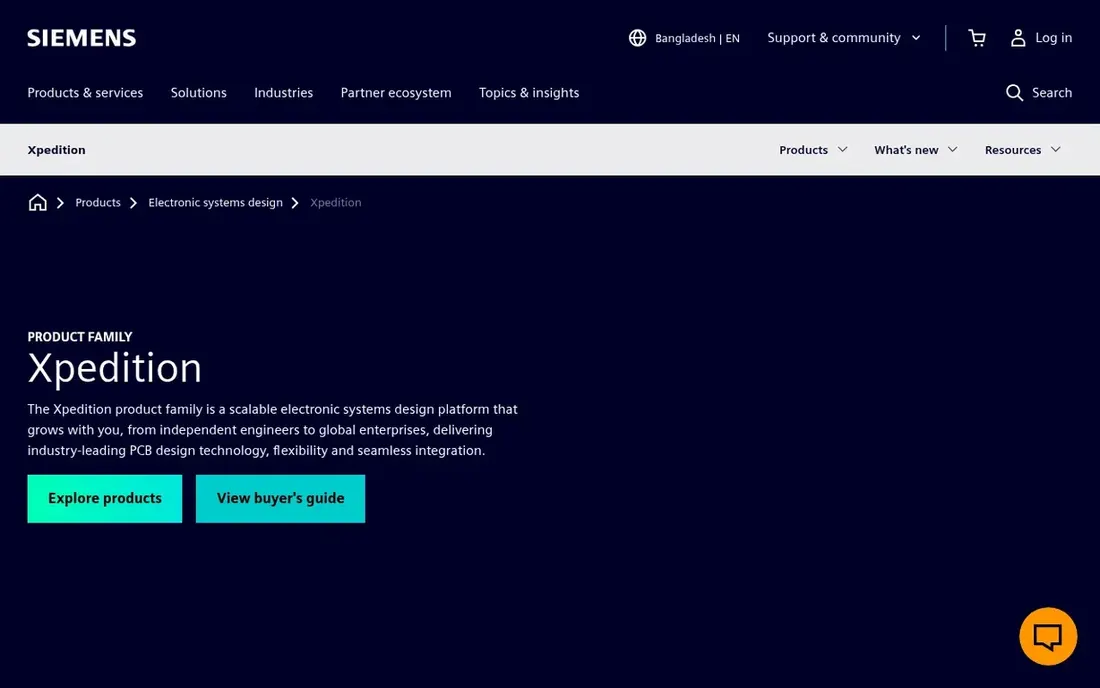
Choose Siemens EDA Xpedition for scalable enterprise-grade PCB design. The tool is generally costly and complicated, which can be overkill for early-stage startups with restricted budgets and straightforward designs.
Where it falls short: Needs specialized training.
It also needs a significant learning investment. Pricing for Siemens EDA Xpedition is not stated here, so ask the vendor for current figures. As for free access: Not stated.
- Solid integration with Siemens ecosystem
- Industry-leading features
- Complicated and pricey for startups
EasyEDA
Best for: Fast browser-based PCB design
Where EasyEDA fits: fast browser-based PCB design. EasyEDA is a free, web-based PCB design tool that comes with circuit simulation and runs entirely in a browser. It is a strong match for startups that require a fast, accessible option without installing software.
Limits to weigh: Needs internet connection.
On top of that, since it is browser-based, EasyEDA may not perform well for very large or complicated designs, and it needs a stable internet connection. In daily use, startups with advanced needs might find it restricted. Even so, for rapid prototyping and educational purposes, it supplies a convenient and economical entry point. Entry price for EasyEDA: $19.9 per month. A free plan is available with EasyEDA.
- Free to use
- Integrated circuit simulator
- May lack advanced features for complicated designs
DesignSpark PCB
Best for: Cost-sensitive startups needing free tools
Choose DesignSpark PCB for cost-sensitive startups needing free tools. DesignSpark PCB is a free PCB design software from RS Components, pitched at making professional tools accessible. It contains schematic capture and PCB layout, and is supported by a community of engineers.
Watch-outs: Windows only.
In daily use, the tool is Windows-only and may not offer the advanced features of premium alternatives, which could limit complicated designs. Beyond that, startups with cross-platform needs or high-end requirements might have to look elsewhere. This comparison lists no price for DesignSpark PCB; ask the vendor. On free options: Not stated.
- Free to use
- Community and resources
- Less advanced features
Altium Designer
Best for: Professional high-performance PCB teams
Altium Designer serves professional high-performance PCB teams. Altium Designer is a professional PCB design tool that includes schematics, simulation, layout, and manufacturing. It is aimed at high-performance product teams that require a unified environment.
Where it falls short: Higher cost may strain early budgets.
For everyday use, the tool includes a higher price point and a ramp-up time that may not suit absolute beginners or very tight budgets. That said, for teams planning to grow into complicated products, Altium Designer gives you a solid foundation. Startups with complex designs and a need for advanced features will find it a solid candidate, notably as they scale. Altium Designer shows no starting price here, so confirm the cost on the vendor site. Free options: Not stated.
- Full schematic to manufacturing flow
- Simulation and layout integration
- Steeper ramp-up time
KiCad
Best for: Budget-conscious startups and open-source fans
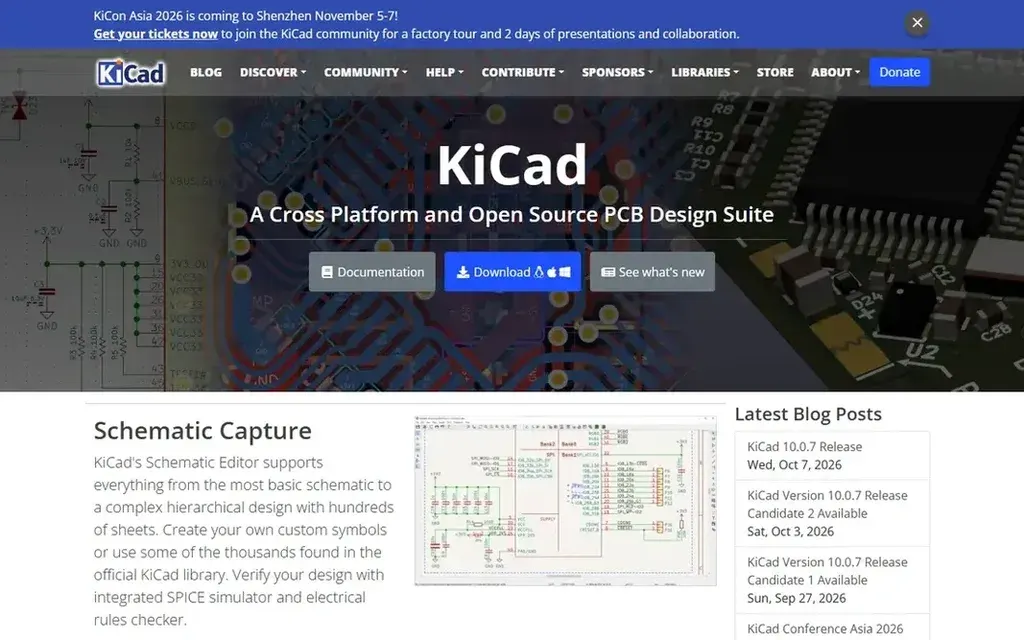
KiCad works best for budget-conscious startups and open-source fans. KiCad is an open-source PCB design suite that contains schematic capture, PCB layout, and 3D viewing. As for the details, Whereas KiCad is feature-rich, it may lack some of the polish and advanced automation found in commercial tools.
Trade-offs to know: Less refined than commercial tools.
Teams with very complicated requirements might have to supplement it with extra tools. However, for numerous startups, KiCad provides a capable and economical option that can deal with a broad set of projects. Pricing for KiCad is not stated here, so ask the vendor for current figures. Free options: Not stated.
- Cross-platform (Windows, macOS, Linux)
- Active community support
- Advanced features may need plugins
Proteus Design Suite
Best for: Simulation-heavy PCB projects
Choose Proteus Design Suite for simulation-heavy PCB projects. Startups with restricted simulation needs might not completely utilize its capabilities. Even so, for projects where virtual testing is critical, Proteus gives you a solid environment that can save time and cut errors.
Proteus Design Suite by Labcenter Electronics is a full EDA tool that comes with schematic capture, advanced simulation, PCB autorouting, and MCAD integration. It is especially solid in simulation, making it right for startups that require to test circuits extensively before physical prototyping. Its integrated approach can simplify the design process. Also, the full suite can be expensive, and the simulation features may need a ramp-up time. No starting price is listed for Proteus Design Suite here; confirm pricing on the vendor site. As for free access: Not stated.
Points against: Steeper ramp-up time for simulation.
- Autorouting features
- Advanced simulation capabilities
- Higher cost for full suite
How we compared the tools
A buyer's checklist
- Ask Siemens EDA Xpedition, DesignSpark PCB, Altium Designer and others for a written quote, since no starting price is shown.
- Look at the free plan from EasyEDA closely: its caps decide whether it is usable for real work.
- Before choosing Siemens EDA Xpedition, weigh its main limit: complicated and pricey for startups.
- Let daily users try Proteus Design Suite on real work; their feedback beats any feature checklist.
- Ask Siemens EDA Xpedition about contract length, onboarding fees and user minimums before you sign.
FAQ
Is Siemens EDA Xpedition the right pick for everyone comparing PCB design software for startups?
No single tool suits every team. Siemens EDA Xpedition comes first because it fits scalable enterprise-grade PCB design, while EasyEDA suits quick browser-based PCB design and DesignSpark PCB suits cost-sensitive startups needing free tools. Match the tool to your own size, budget and workflow before deciding.
Which options for PCB design software for startups have a free plan?
EasyEDA is the only tool in this list with a free plan. Free plans usually cap users, projects or features, so check the limits on the vendor page. For the full picture, the cards above cover all 6 entries of this PCB design software for startups list, including price, free plan and limits.
What is the cheapest option for PCB design software for startups in this list?
On published monthly entry prices, EasyEDA is the lowest here at $19.9 per month. Entry price is only part of the cost, because seats, add-ons and billing terms can change the total. Prices, free plan details and limits for all 6 tools in this PCB design software for startups roundup sit on the individual cards above.
Do these tools publish their prices?
Not all of them. Siemens EDA Xpedition, DesignSpark PCB, Altium Designer and others publish no starting price, so expect a quote request for those. The rest, EasyEDA included, show a starting price, though seats and billing terms still change the final cost.
What is the best free PCB design software for startups?
Start with Siemens EDA Xpedition if you need scalable enterprise-grade PCB design. EasyEDA is the better match for fast browser-based PCB design, and DesignSpark PCB for cost-sensitive startups needing free tools. The best choice depends on budget, team size and workflow.
Sources
- https://eda.sw.siemens.com/en-US/pcb/xpedition
- https://easyeda.com
- https://www.rs-online.com/designspark/pcb-software
- https://www.altium.com/altium-designer
- https://www.kicad.org
- https://www.labcenter.com