6 Graphic Design Software for Restaurant Menus Worth Shortlisting in 2026
6 tools for the best graphic design software for restaurant menus, compared on pricing, free plans and best-fit use. Real limits included. Read before you buy.
- Editor's choice
 Sketch
Digital menu prototyping and collaboration
Starts at$12 per editor per monthVisit sketch.comFull review - Great alternativeAffinity Publisher
Professional page layout without cost
Starts atSee websiteVisit affinity.serif.comFull review - Also consider
 Canva
Fast menu updates by staff
Starts atSee websiteVisit canva.comFull review
Direct answer
Our first pick is Sketch, best for digital menu prototyping and collaboration. Listed starting prices: Sketch from $12 per editor per month. For a different need, Affinity Publisher covers professional page layout without cost and Canva covers fast menu updates by staff. Prices, free plans and limits for all 6 tools follow.
TL;DR:
- Sketch takes the first slot, best suited to digital menu prototyping and collaboration.
- What to know about Affinity Publisher first: smaller ecosystem than Adobe.
- Starting prices begin at $12 per editor per month with Sketch.
- Affinity Designer fits vector menu art and graphics.
- Sketch, Affinity Designer and the 4 others all need a premium plan or a trial, since no free plan is listed.
Last checked November 2026. Prices and plan details were read from the vendors' own pages in November 2026; vendors change plans often, so confirm the current price on the vendor site before you buy.
Quick comparison
| Tool | Best for | Starts at | Free plan? | |
|---|---|---|---|---|
| Sketch | Digital menu prototyping and collaboration | $12 per editor per month | Free trial | Visit |
| Affinity Publisher | Professional page layout without cost | See website | Not stated | Visit |
| Canva | Fast menu updates by staff | See website | Not stated | Visit |
 CorelDRAW Graphics Suite | All-in-one vector and layout work | See website | Not stated | Visit |
 Adobe InDesign | Print-ready multi-page menu layouts | See website | Not stated | Visit |
 Affinity Designer | Vector menu art and graphics | See website | Not stated | Visit |
Graphic Design Software for Restaurant Menus compared in detail
This LinkVetted guide covers 6 options for graphic design software for restaurant menus. Each profile lists a starting price, free plan details, strengths and drawbacks, so you can drop poor fits quickly.
In short, Sketch is for digital menu prototyping and collaboration. Sketch is design software for prototyping, collaboration and handoff, described as made by designers for designers. In practice, for restaurant menus, it is most relevant for digital menus for example tablet or web menus, where prototyping and team collaboration help.
Sketch is oriented toward digital product design, so it lacks the print-focused layout controls that printed menus often need. Worth adding: choose Sketch when your menu is digital and you value prototyping and handoff. Price to start with Sketch: $12 per editor per month. Free plan details: Free trial.
Trade-offs to know: Mac-oriented workflow.
- Prototype and handoff in one tool
- Made for digital product design
- Not concentrated on print menus
Affinity Publisher
Best for: Professional page layout without cost
Affinity Publisher works best for professional page layout without cost. Affinity Publisher is page layout and desktop publishing software for crafting striking layouts with precision. Its page states that it is free, professional page layout software with total control and no cost.
What to check first: Smaller ecosystem than Adobe.
Also, for restaurant menus, it supports structured layouts, typography and print preparation, making it a fit for restaurants that want professional results and are comfortable with layout software. Affinity Publisher assumes some familiarity with page layout concepts, so beginners may need time to learn it. It also has a smaller ecosystem of templates and integrations than some established tools. Affinity Publisher shows no starting price here, so confirm the cost on the vendor site. Free access: Not stated.
- Page layout and desktop publishing focus
- Precise layout control
- Needs layout knowledge
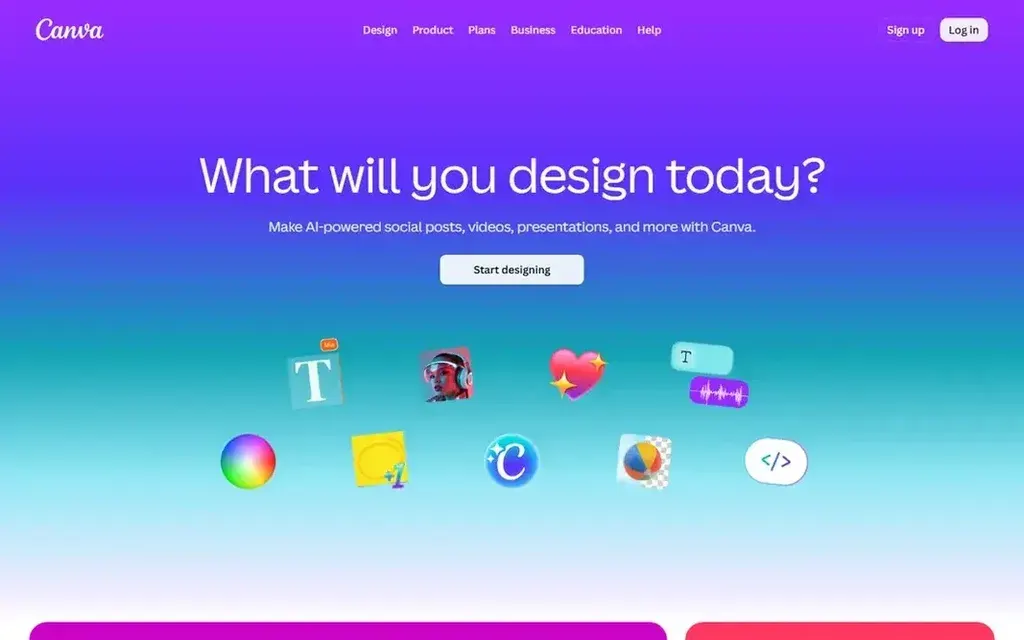
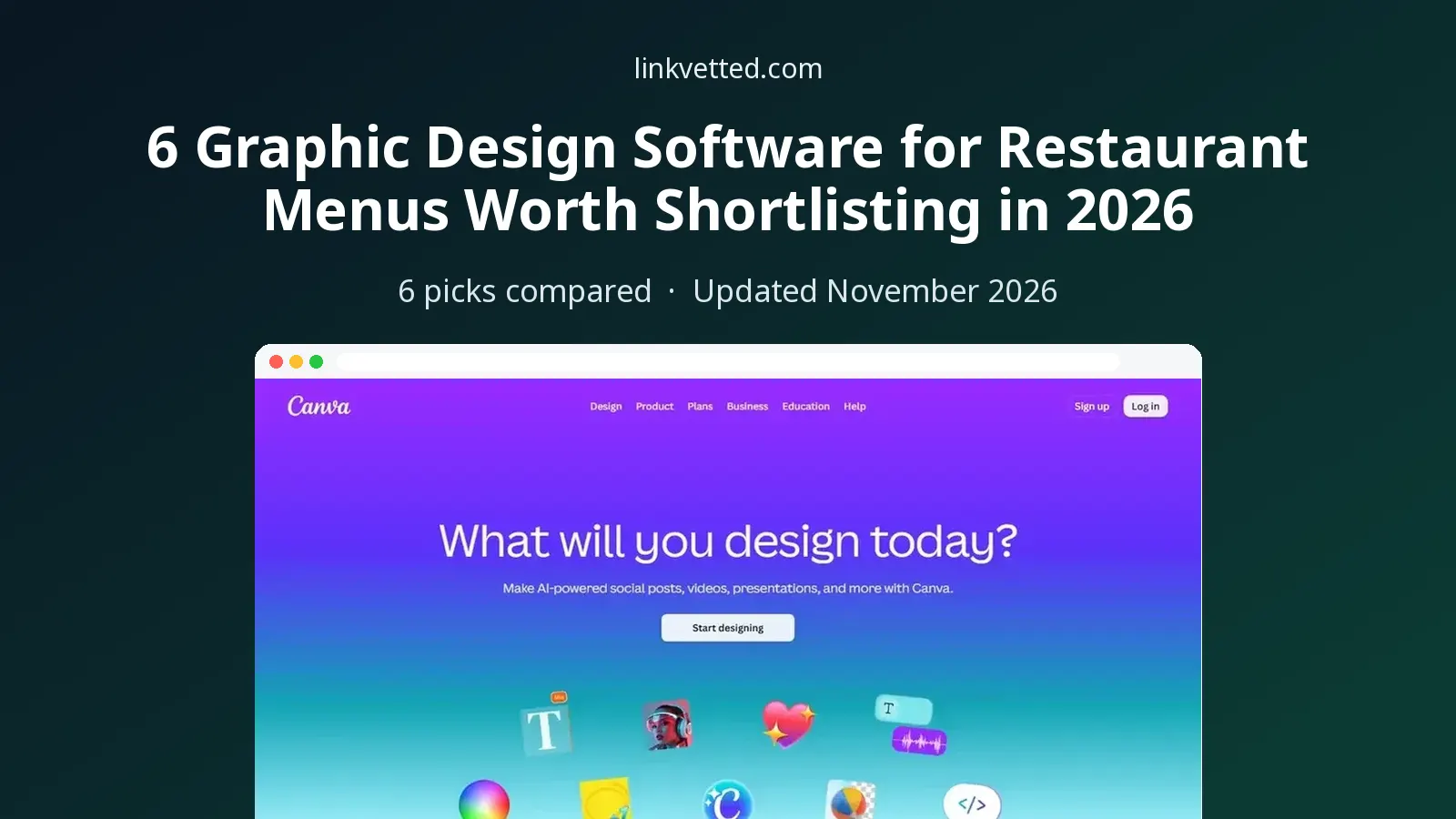
For fast menu updates by staff, Canva is a natural candidate. Canva is an online graphic design tool described as a visual suite for everyone, used to produce social media posts, presentations, posters, videos, logos and more.
Trade-offs to know: Restricted for complicated print layouts.
From a buyer's view, for restaurant menus, it lets staff assemble or update a menu rapidly using visual editing, which fits daily specials or temporary menus. As for the details, Canva supplies less fine control over typography and print production details than professional layout software, which can matter for formal printed menus. No starting price is listed for Canva here; confirm pricing on the vendor site. Free access: Not stated.
- Online visual design suite
- Accessible to non-designers
- Less precise typographic control
CorelDRAW Graphics Suite is built with all-in-one vector and layout work in mind. It suits restaurants or designers who prefer a single suite for vector art and page composition.
Where it is weaker: Different product focus than some rivals.
Pick CorelDRAW when you want an integrated design suite for menu artwork and layout. This comparison lists no price for CorelDRAW Graphics Suite; ask the vendor. On free options: Not stated.
- Professional design feature set
- Contains photo editing
- Can be complicated for beginners
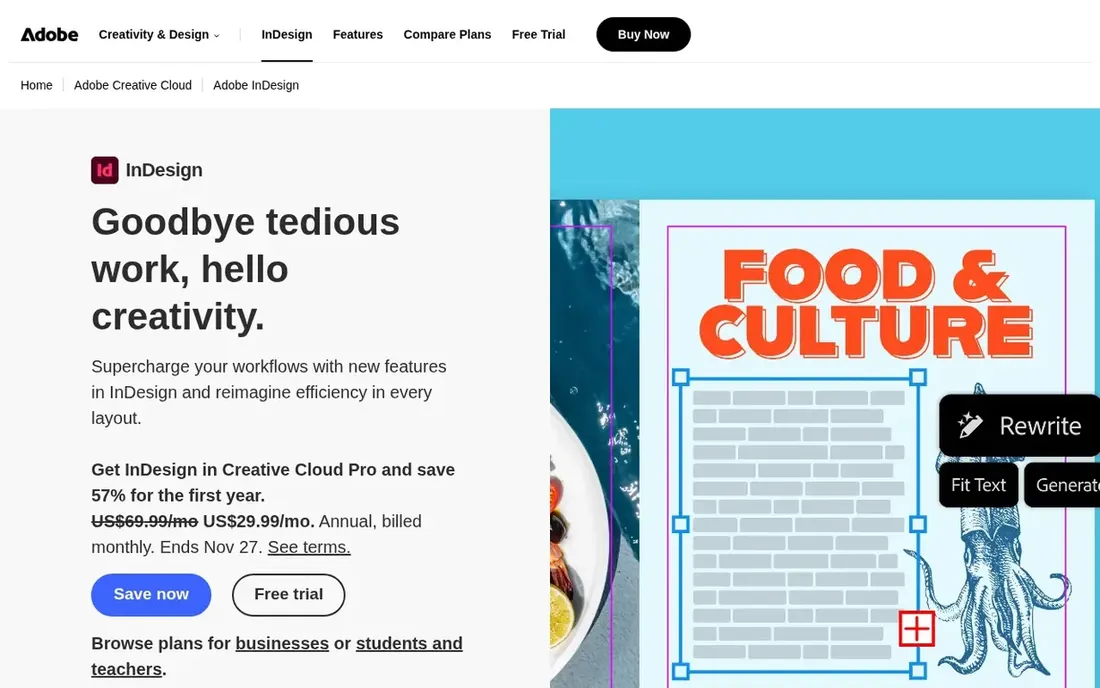
Adobe InDesign makes the most sense for print-ready multi-page menu layouts. Adobe InDesign is desktop publishing software for creating layout designs like printed books, brochures, flyers, digital magazines and interactive online documents.
Points against: Needs a learning curve.
Beyond that, choose InDesign when print quality and in-depth typography are the priority. For restaurant menus, it hands precise control over columns, type styles and page structure, which helps when a menu has plenty of sections or changes seasonally. No starting price is listed for Adobe InDesign here; confirm pricing on the vendor site. Free options: Not stated.
- Capable page layout and typography controls
- Takes care of print and digital publishing
- Most useful for dedicated designers
Affinity Designer is a good fit for vector menu art and graphics. Affinity Designer is graphic and vector design software for creating crisp vector art and bold graphics, described as professional design software made for precision, speed and freedom.
In daily use, if you need to arrange text and prices across pages, a layout tool is the better primary choice. This comparison lists no price for Affinity Designer; ask the vendor. Trial and free access: Not stated.
Downsides: Ramp-up time for vector editing.
- No cost according to its page
- Crisp vector art creation
- Not a page layout tool
How the list was put together
We compared the tools on published pricing, free plan or trial availability, feature coverage for graphic design software for restaurant menus, and the limits each vendor documents. Seat minimums, billing terms and add-ons can move the real cost, so the starting prices here are a guide and not a quote. Tools are placed by general fit for graphic design software for restaurant menus, with price clarity and free access as tie-breakers. A different team can reasonably rank them differently.
Pre-purchase checklist
- Get a written quote from Affinity Publisher, Canva, CorelDRAW Graphics Suite and others; the list shows no starting price for them.
- Run a trial of Sketch with real work before paying for a year; your own workflow is the best test.
- Before choosing Sketch, weigh its main limit: not centred on print menus.
- Total up the real monthly cost of Affinity Publisher, including add-ons, extra users and usage-based fees.
- Map your must-have features to a specific Affinity Designer plan before you compare prices.
FAQ
Is Sketch suitable for restaurant menus?
Sketch is centred on digital design, prototyping and handoff, so it suits screen-based menus like tablet or web menus. It is not targeted at print layout, so printed menus are better handled with page layout software.
What is the cheapest option for graphic design software for restaurant menus in this list?
On published monthly entry prices, Sketch is the lowest here at $12 per editor per month. Entry price is only part of the cost, because seats, add-ons and billing terms can change the total. Prices, free plan details and limits for all 6 tools in this Graphic design software for restaurant menus roundup sit on the individual cards above.
Do I need both a layout tool and a vector tool for a menu?
Plenty of restaurants use a layout tool for the menu structure and a vector tool for logos, icons and custom graphics. CorelDRAW Graphics Suite merges both in one suite.
Do these tools publish their prices?
Not all of them. Affinity Publisher, Canva, CorelDRAW Graphics Suite and others publish no starting price, so expect a quote request for those. The rest, Sketch included, show a starting price, though seats and billing terms still change the final cost.
Does any tool for graphic design software for restaurant menus here have a free plan?
No tool in this list, Sketch and Affinity Designer included, has a permanent free plan. Sketch offer a trial. Trials and quotes are the usual route, so plan a short evaluation period.
Can I try these tools before paying?
Often, yes. Sketch offers a free trial. Use your own data and a real task during the test, and check what the free tier or trial limits before you rely on it. Each of the 6 options in this Graphic design software for restaurant menus guide has its own card above with the price, free plan and limits.
Sources
- https://www.sketch.com
- https://affinity.serif.com/en-us/publisher
- https://www.canva.com
- https://www.coreldraw.com/en/product/coreldraw
- https://www.adobe.com/products/indesign.html
- https://affinity.serif.com/en-us/designer