Graphic Design Companies Software for Startups in 2026: The 5 Best Options Side by Side
Searching for the best graphic design companies software for startups? Here are 5 options with prices and free plans. Every pick gets a straight assessment.
- Editor's choice
 Procreate
IPad drawing and animation
Starts atSee websiteVisit procreate.comFull review - Great alternativeAdobe Creative Cloud
Professional multi-format creative production
Starts atSee websiteVisit adobe.comFull review - Also consider
 Sketch
Focused interface design and handoff
Starts at$12 per editor per monthVisit sketch.comFull review
Direct answer
This list puts Procreate first for iPad drawing and animation. Listed starting prices: Sketch from $12 per editor per month and Figma from $3 a month. Adobe Creative Cloud is better for professional multi-format creative production, and Sketch is better for focused interface design and handoff. Details, prices and limits for the rest of the 5 tools are below.
TL;DR:
- Number one here is Procreate, a fit for iPad drawing and animation.
- Procreate, Figma and the 3 others all need a premium plan or a trial, since no free plan is listed.
- Adobe Creative Cloud comes with a trade-off: numerous apps to learn.
- Figma is the lowest-priced starter here at $3 per month.
Last checked November 2026. Prices and plan details were read from the vendors' own pages in November 2026; vendors change plans often, so confirm the current price on the vendor site before you buy.
Quick comparison
| Tool | Best for | Starts at | Free plan? | |
|---|---|---|---|---|
| Procreate | IPad drawing and animation | See website | Not stated | Visit |
| Adobe Creative Cloud | Professional multi-format creative production | See website | Not stated | Visit |
| Sketch | Focused interface design and handoff | $12 per editor per month | Free trial | Visit |
 Canva | Quick everyday branded content | See website | Not stated | Visit |
 Figma | Collaborative product and interface design | $3 a month | Not stated | Visit |
5 graphic design companies software for startups in detail
If you are comparing graphic design companies software for startups, this page covers 5 tools in one place: what each is best for, what it costs to start, whether it has a free plan, and the main limit to know about.
Choose Procreate for iPad drawing and animation. The workflow is centered on iPad, so teams needing shared files, layout and handoff will need other software alongside it.
Highlights: Contains animation tools.
Points against: Not aimed at team collaboration or layout. No starting price is listed for Procreate here; confirm pricing on the vendor site. Free options: Not stated.
- Easy-to-use drawing apps
- Fits professionals and aspiring artists
- IPad-only workflow
Adobe Creative Cloud
Best for: Professional multi-format creative production
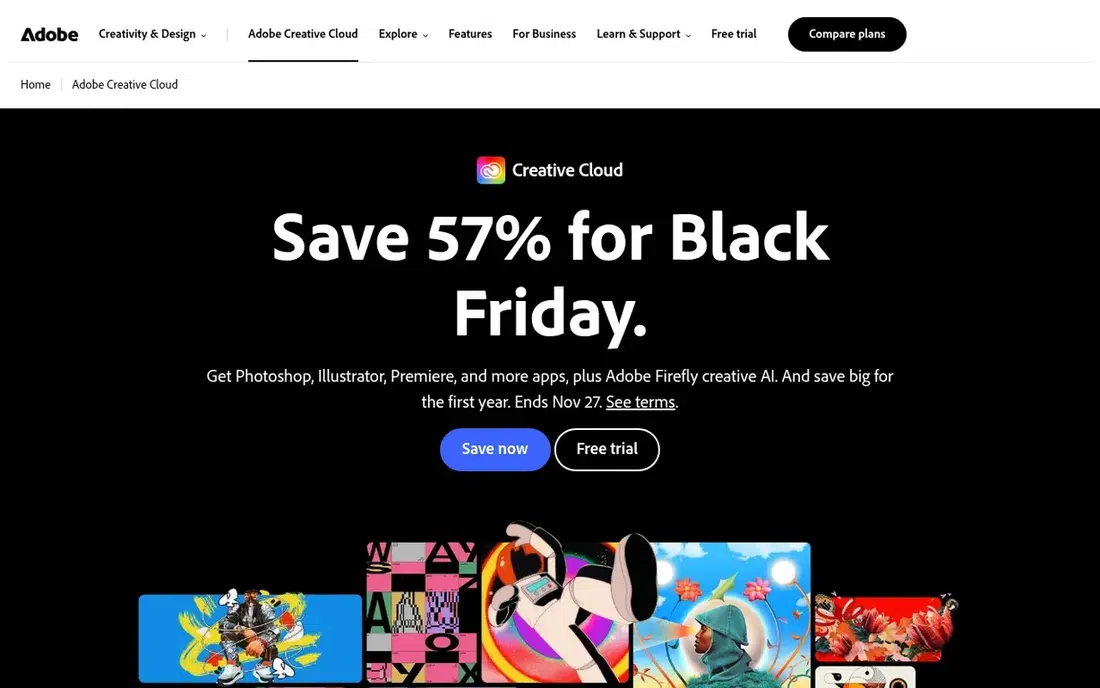
Adobe Creative Cloud was built for professional multi-format creative production. The scope can overwhelm small teams, since each application carries its own ramp-up time and the collection is bigger than plenty of startups need day to day.
More specifically, more straightforward single-purpose tools may be quicker for entry-level social graphics. From a buyer's view, businesses with in-house designers or a mix of visual and motion needs will find the breadth handy. Check the vendor site for Adobe Creative Cloud pricing; none is listed in this comparison. Free access: Not stated.
Limits to weigh: Many apps to learn.
- Desktop
- Mobile and web access
- Heavier installs than browser tools
Sketch is aimed squarely at focused interface design and handoff. Since it centers on Apple systems, mixed Windows and Mac teams may face friction, and real-time co-editing is less of a headline than in browser-first tools.
Sketch is a design application for prototyping, collaboration and handoff, positioned as made by designers for designers. It puts the focus on the work itself, which appeals to startups with a dedicated product designer who wants a tidy, purpose-built environment for screens and flows. Sketch starts at: $12 per editor per month. Free options: Free trial.
Best features of Sketch: Design.
Downsides: Smaller collaboration footprint than browser tools.
- Built by designers for designers
- Prototype and handoff in one app
- Mac-centered workflow
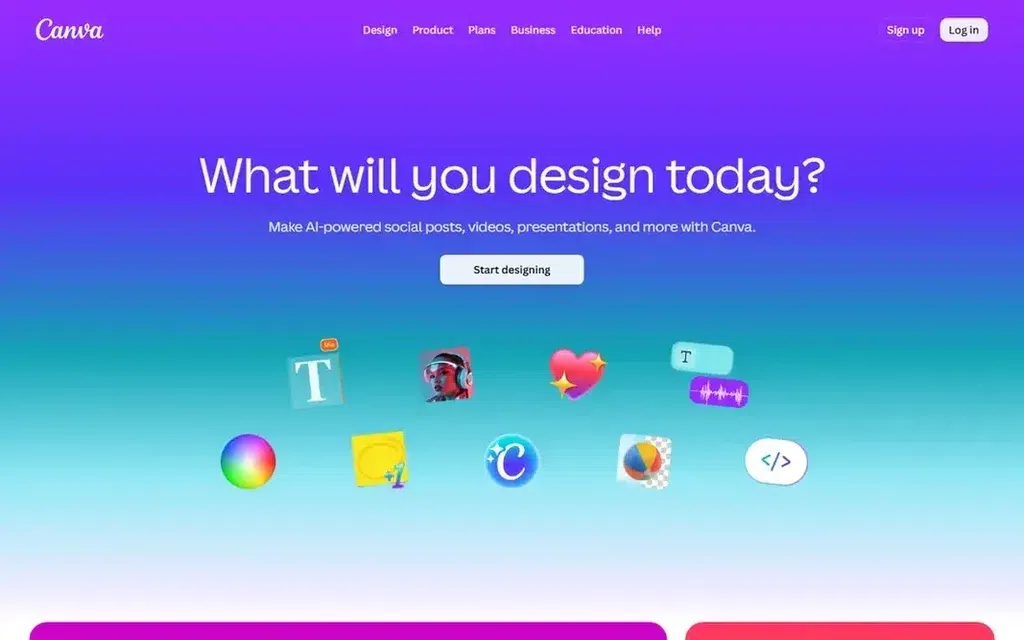
Canva is aimed squarely at quick everyday branded content. Canva is an online visual suite aimed at creating social media posts, presentations, posters, videos, logos and more.
The main drawbacks: Less precise control for complicated vector work.
Its template-driven approach means founders and marketers without design training can produce on-brand assets rapidly from a browser. As for the details, teams with exacting brand systems or complicated file requirements should look at dedicated design software instead. Pricing for Canva is not stated here, so ask the vendor for current figures. As for free access: Not stated.
- Browser-based and fast to learn
- Templates for social posts
- Template-driven output can feel generic
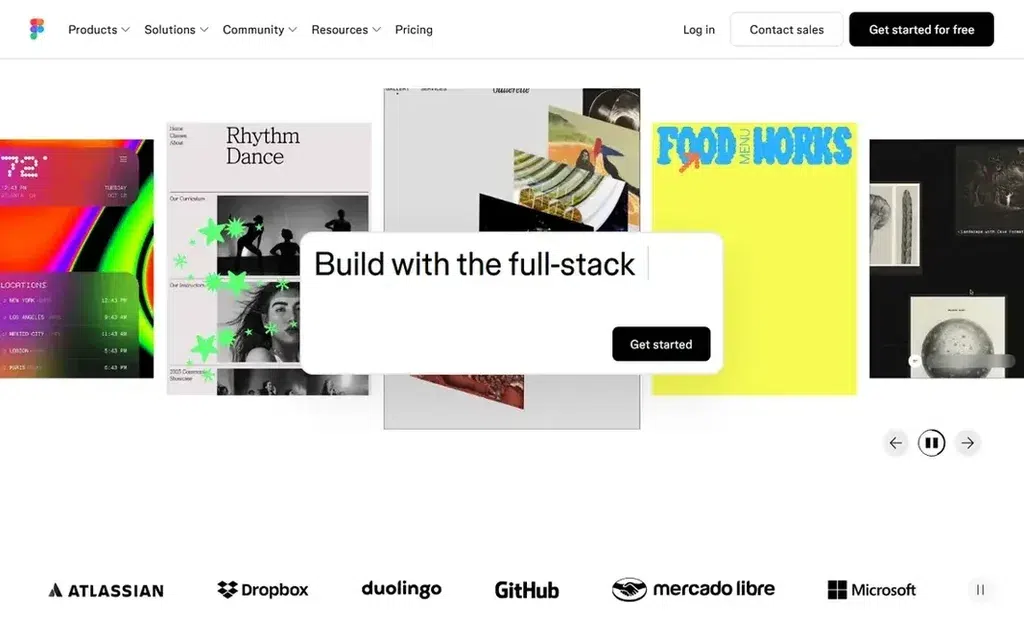
In short, Figma is for collaborative product and interface design. Startups building digital products benefit most, since designers, developers and stakeholders can work in the same file instead of passing static exports back and forth.
The main drawbacks: Concentrated on digital instead of print.
Its strengths lean toward interface and product work, so print-heavy or illustration-first projects may feel constrained. Price to start with Figma: $3 per month. Free options: Not stated.
Best features of Figma: Live team collaboration.
- Supports concept-to-production workflows
- Bridges design
- Complex files can become heavy
Our selection method
We compared the tools on published pricing, free plan or trial availability, feature coverage for graphic design companies software for startups, and the limits each vendor documents. Figures are shown as the vendors publish them. Billing terms, seat minimums and add-ons can change the real cost. We ordered the tools by general fit, then by how clearly pricing is shown, then by free access. A buyer with unusual needs may reorder them.
Pre-purchase checklist
- Confirm the entry price on the vendor page. For Procreate, Adobe Creative Cloud and Canva that means a quote rather than a fixed price.
- Take the trial from Sketch and push a live task through it before you pay.
- Before choosing Procreate, weigh its main limit: iPad-only workflow.
- Work out what Figma costs with your real seat count, add-ons and usage, not just the entry price.
- Ask Canva which support channels and response times come with the plan you would buy.
FAQ
Which graphic design software is a good match for a startup with no designer?
Start with Procreate if you need iPad drawing and animation. Adobe Creative Cloud is the better match for professional multi-format creative production, and Sketch for focused interface design and handoff. The best choice depends on budget, team size and workflow.
Does any tool for graphic design companies software for startups here have a free plan?
A permanent free plan is not offered by Procreate, Figma or the other tools here. Sketch offer a trial. Plan a short evaluation period instead.
Is Procreate the right pick for everyone comparing graphic design companies software for startups?
No single tool suits every team. Procreate comes first because it fits iPad drawing and animation, while Adobe Creative Cloud suits professional multi-format creative production and Sketch suits focused interface design and handoff. Match the tool to your own size, budget and workflow before deciding.
Can I try these tools before paying?
Often, yes. Sketch offers a free trial. Use your own data and a real task during the test, and check what the free tier or trial limits before you rely on it. Each of the 5 options in this Graphic design companies software for startups guide has its own card above with the price, free plan and limits.
What is the cheapest option for graphic design companies software for startups in this list?
On published monthly entry prices, Figma is the lowest here at $3 per month. Entry price is only part of the cost, because seats, add-ons and billing terms can change the total. All 5 picks in this Graphic design companies software for startups comparison list a starting price, free plan details and the main limits on their cards above.
Sources
- https://procreate.com
- https://www.adobe.com/creativecloud.html
- https://www.sketch.com
- https://www.canva.com
- https://www.figma.com