6 Best Photography for Augmented Reality for 2026, Vetted and Compared
Need the best photography for augmented reality? We compare 6 tools on cost, free access and who each suits. Each entry gets a plain verdict. Easy to scan.
- Editor's choiceZappar
Creative AR campaigns with photography
Starts atSee websiteVisit zappar.comFull review - Great alternative
 8th Wall
Web-based AR photography experiences
Starts atSee websiteVisit 8thwall.comFull review - Also considerWikitude
Cross-platform AR SDK for developers
Starts atSee websiteVisit wikitude.comFull review
Direct answer
Our first pick is Zappar, best for creative AR campaigns with photography. Listed starting prices: Unity from $210.00 per month. 8th Wall is better for web-based AR photography experiences, and Wikitude is better for cross-platform AR SDK for developers. Details, prices and limits for the rest of the 6 tools are below.
TL;DR:
- Zappar takes the first slot, best suited to creative AR campaigns with photography.
- Check the limits for Zappar before you commit: restricted customization for advanced developers.
- Zappar, Vuforia and the 4 others all need a premium plan or a trial, since no free plan is listed.
- Vuforia suits enterprise AR with image recognition.
Last checked November 2026. Prices and plan details were read from the vendors' own pages in November 2026; vendors change plans often, so confirm the current price on the vendor site before you buy.
Quick comparison
| Tool | Best for | Starts at | Free plan? | |
|---|---|---|---|---|
| Zappar | Creative AR campaigns with photography | See website | Not stated | Visit |
| 8th Wall | Web-based AR photography experiences | See website | Not stated | Visit |
| Wikitude | Cross-platform AR SDK for developers | See website | Not stated | Visit |
 Unity | Versatile AR development with high-quality rendering | $210.00 per month | Free trial | Visit |
 Lens Studio | Snapchat AR lenses with photography effects | See website | Not stated | Visit |
| Vuforia | Enterprise AR with image recognition | See website | Not stated | Visit |
The full photography for augmented reality list
LinkVetted compared 6 tools for photography for augmented reality. The goal is a practical shortlist: published prices, free plan facts, best-fit use cases and honest limits for every entry.
Zappar
Best for: Creative AR campaigns with photography
Zappar works best for creative AR campaigns with photography. Zappar provides a system for creating augmented reality experiences, including photography-based campaigns.
Where it is weaker: Subscription-based pricing.
More specifically, with an in-house creative studio and tools for brands, it makes it possible for the development of interactive AR content like filters and product try-ons without deep coding. Zappar does not show a starting price in this comparison, so check the vendor site for current pricing. Free options: Not stated.
- User-friendly drag-and-drop editor
- Broad range of AR features
- Restricted customization for advanced developers
8th Wall targets web-based AR photography experiences. 8th Wall supplies an open-source product for building augmented reality and 3D experiences that run straight in web browsers.
In practice, for complicated AR photography apps with high-fidelity graphics, Unity or Vuforia might be more appropriate. 8th Wall does not show a starting price in this comparison, so check the vendor site for current pricing. On free options: Not stated.
Where it is weaker: Needs web development skills.
- No app required
- Runs in browser
- Restricted advanced 3D features
Wikitude
Best for: Cross-platform AR SDK for developers
Choose Wikitude for cross-platform AR SDK for developers. It supplies image recognition and tracking, which can be used in photography apps to overlay digital content onto the camera view.
For everyday use, Wikitude is developer-oriented and lacks the out-of-the-box creative tools of systems like Lens Studio. Pricing for Wikitude is not stated here, so ask the vendor for current figures. On free options: Not stated.
Drawbacks to consider: Needs programming knowledge.
- Cross-platform support
- Thorough AR features
- Less focus on photography-specific tools
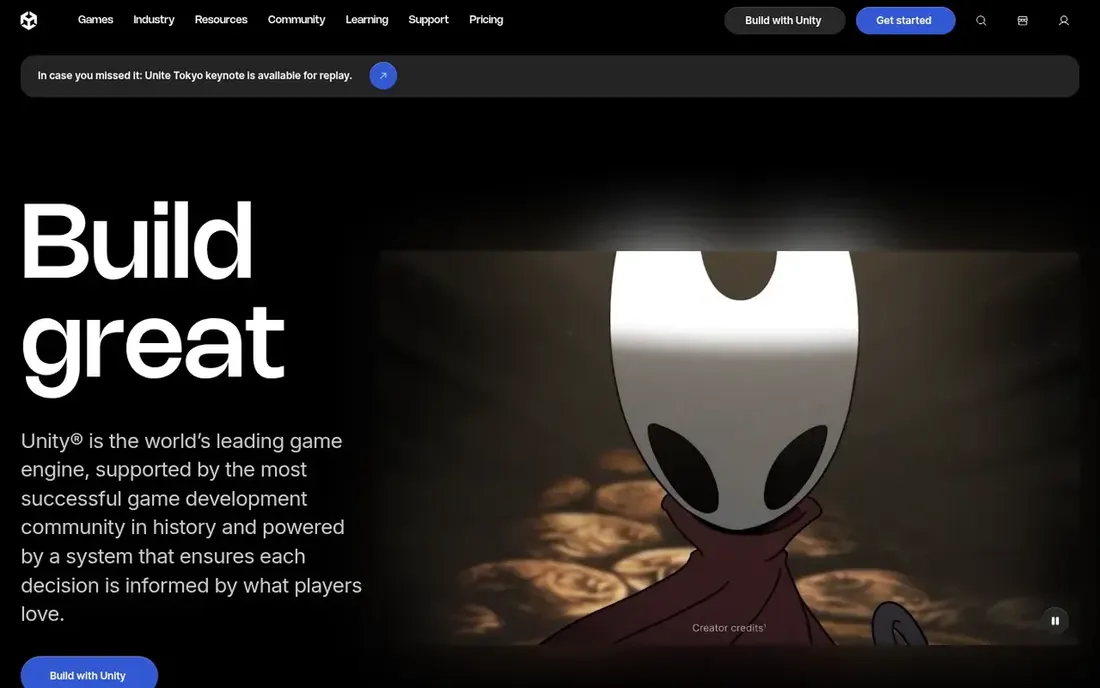
Where Unity fits: versatile AR development with high-quality rendering. Unity is a leading 3D engine used for AR development across mobile, PC, console, and XR. It gives you solid tools for creating interactive AR experiences, including photography apps that overlay digital content onto camera feeds.
What to check first: Steep ramp-up time for beginners.
Its rendering capabilities make it right for projects requiring realistic visuals. Unity's complexity can be overwhelming for straightforward AR photography apps, and performance optimization for mobile AR can be challenging. On cost, Unity starts like this: $210.00 per month. Trial and free access: Free trial.
- Large asset store and community
- Capable rendering and lighting
- Needs coding knowledge for advanced features
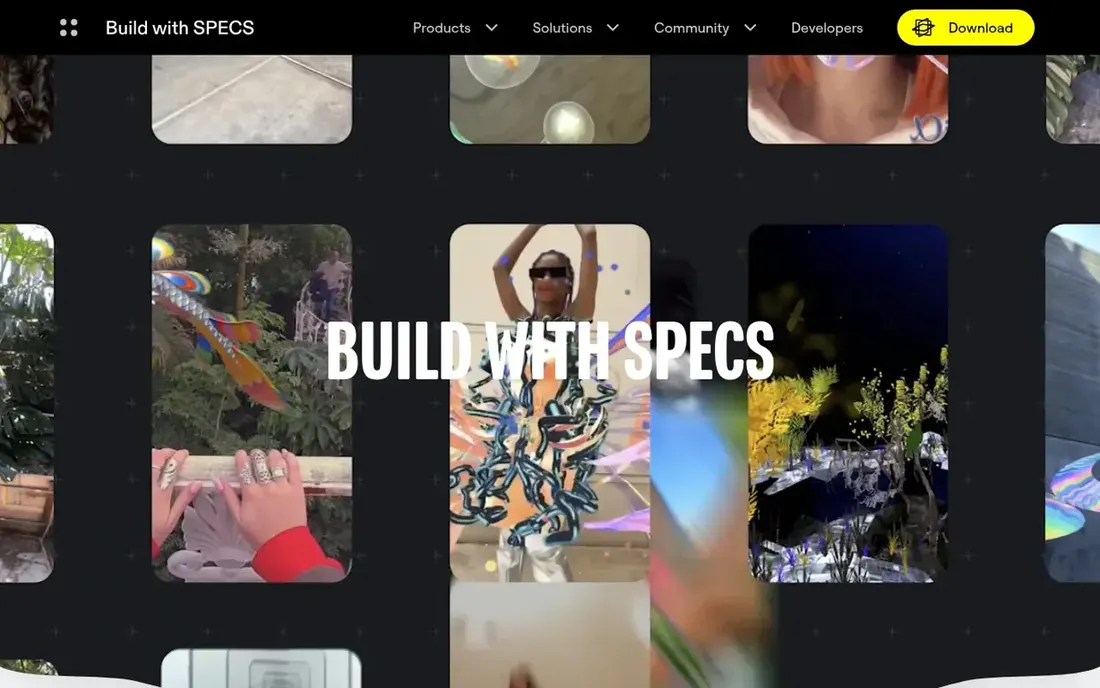
Lens Studio serves Snapchat AR lenses with photography effects. Lens Studio is Snap's official tool for building augmented reality experiences for Snapchat. It makes it possible for creators to design interactive Lenses that use the camera to overlay effects, making it widely used for photography-centric AR like filters and virtual try-ons.
Watch-outs: Restricted to Snapchat ecosystem.
It gives you an approachable interface and a set of templates. Also, if you need cross-platform deployment or enterprise features, other tools like Unity or Vuforia may be better. Also, Lens Studio is confined to Snapchat, so it's not a strong match for AR photography apps outside that product. Pricing for Lens Studio is not stated here, so ask the vendor for current figures. On free options: Not stated.
- Direct integration with Snapchat
- Deep templates and assets
- Less a good match for standalone apps
Vuforia
Best for: Enterprise AR with image recognition
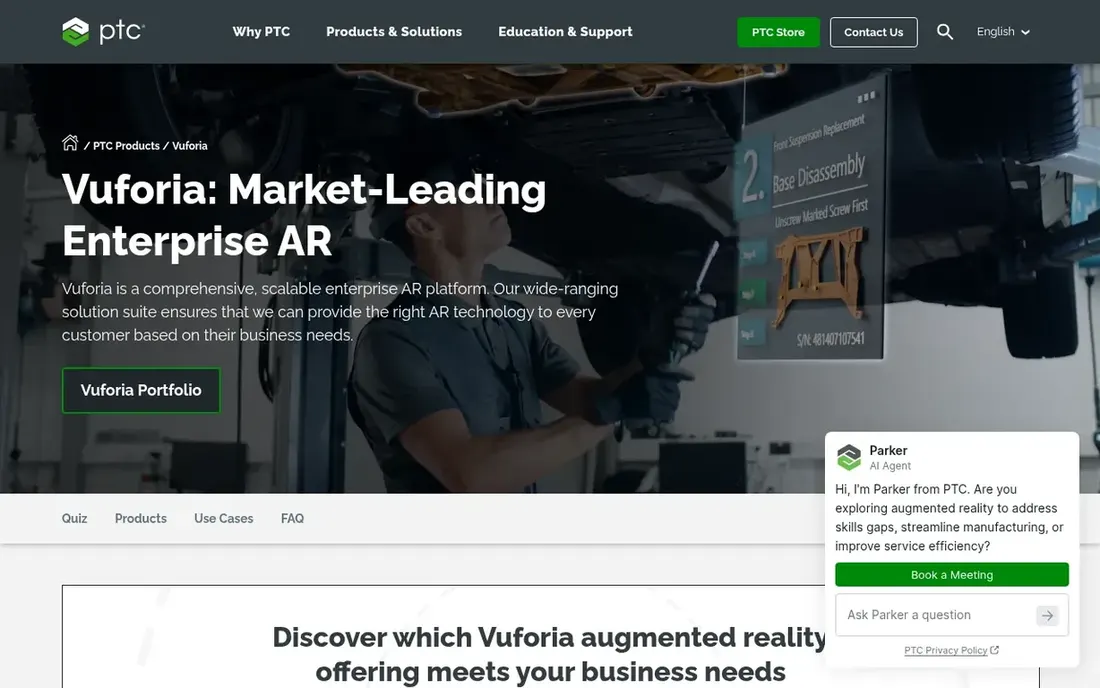
Where Vuforia fits: enterprise AR with image recognition. Vuforia is an enterprise augmented reality product from PTC, known for its solid computer vision capabilities. It excels at recognizing images and objects, making it right for industrial AR applications that involve photography, for example maintenance guides or product visualization.
Beyond that, Vuforia's focus on enterprise means it may be overkill for straightforward AR photography apps, and its pricing can be high. For creative or consumer-oriented projects, consider more accessible tools like Lens Studio or 8th Wall. Vuforia shows no starting price here, so confirm the cost on the vendor site. Free options: Not stated.
Downsides: Can be costly for small teams.
- Enterprise-focused features
- Supports many different devices
- Less suited for consumer-facing creative projects
How we chose
LinkVetted looked at what each vendor publishes: pricing, plan limits, feature coverage for photography for augmented reality and stated drawbacks. No hands-on testing is claimed. Figures are shown as the vendors publish them. Billing terms, seat minimums and add-ons can change the real cost. The order reflects how well each tool fits the most common buying scenario for photography for augmented reality, then price clarity, then free plan access. It is a starting point, not a verdict.
What to check before you buy
- Ask Zappar, 8th Wall, Wikitude and others for a written quote, since no starting price is shown.
- Take the trial from Unity and push a live task through it before you pay.
- Before choosing Zappar, weigh its main limit: restricted customization for advanced developers.
- Involve the people who will use Lens Studio daily; a short pilot beats a long feature checklist.
- Look at the renewal terms for Unity: auto-renewal, notice periods and price changes can matter more than the first-year price.
FAQ
Can I use these tools without coding experience?
Some tools like Lens Studio and Zappar offer approachable interfaces with drag-and-drop features, reducing the need for coding. That said, more advanced systems like Unity and Wikitude generally need programming knowledge for full functionality.
What is the best tool for AR photography on mobile?
For most readers this guide would start with Zappar, built for creative AR campaigns with photography. 8th Wall is the alternative for web-based AR photography experiences, and Wikitude for cross-platform AR SDK for developers. The right answer depends on budget and workflow.
Does any tool for photography for augmented reality here have a free plan?
A permanent free plan is not offered by Zappar, Vuforia or the other tools here. Unity offer a trial. Plan a short evaluation period instead. Each of the 6 options in this Photography for Augmented reality guide has its own card above with the price, free plan and limits.
What is the cheapest option for photography for augmented reality in this list?
On published monthly entry prices, Unity is the lowest here at $210.00 per month. Entry price is only part of the cost, because seats, add-ons and billing terms can change the total. All 6 picks in this Photography for Augmented reality comparison list a starting price, free plan details and the main limits on their cards above.
Do these tools publish their prices?
Not all of them. Zappar, 8th Wall, Wikitude and others publish no starting price, so expect a quote request for those. The rest, Unity included, show a starting price, though seats and billing terms still change the final cost.
How are the tools for photography for augmented reality ordered?
Zappar sits first and Vuforia last because the order follows typical fit for photography for augmented reality, then price clarity and free access. It is a judgement call, so read each profile for fit and limits.
Sources
- https://www.zappar.com
- https://www.8thwall.com
- https://www.wikitude.com
- https://unity.com
- https://ar.snap.com
- https://www.ptc.com/en/products/vuforia