Best Denoise Software for Photography in 2026: Prices, Free Plans and 6 Picks
Weighing the best denoise software for photography? We lined up 6 products by cost, free access and fit. Short, factual notes on every option. Pick by budget.
- Editor's choice
 Capture One
Precision RAW work and tethering
Starts atSee websiteVisit captureone.comFull review - Great alternative
 ON1 Photo RAW
All-in-one RAW editor with AI tools
Starts at$49.99Visit on1.comFull review - Also consider
 Luminar Neo
Straightforward AI-assisted editing
Starts atSee websiteVisit skylum.comFull review
Direct answer
Capture One comes first here, mainly for precision RAW work and tethering. Listed starting prices: ON1 Photo RAW from $49.99 and Topaz Photo AI from $19 a month. Look at ON1 Photo RAW for all-in-one RAW editor with AI tools, and at Luminar Neo for straightforward AI-assisted editing. All 6 tools are compared below on price, free plan and limits.
TL;DR:
- The list opens with Capture One, aimed at precision RAW work and tethering.
- Capture One comes with a trade-off: targeted at photographers wanting control.
- Neither Capture One nor Adobe Lightroom Classic, nor any of the other 4 tools, has a permanent free plan; trials and quotes are the norm.
- Adobe Lightroom Classic suits catalog-based editing with denoise.
- The cheapest monthly starting price in the list is $19 per month, offered by Topaz Photo AI.
Last checked November 2026. Prices and plan details were read from the vendors' own pages in November 2026; vendors change plans often, so confirm the current price on the vendor site before you buy.
Quick comparison
| Tool | Best for | Starts at | Free plan? | |
|---|---|---|---|---|
| Capture One | Precision RAW work and tethering | See website | Not stated | Visit |
| ON1 Photo RAW | All-in-one RAW editor with AI tools | $49.99 | Free trial | Visit |
| Luminar Neo | Straightforward AI-assisted editing | See website | No | Visit |
 Adobe Photoshop | In-depth retouching and compositing | See website | Not stated | Visit |
 Topaz Photo AI | Dedicated AI denoise and sharpen | $19 a month | Not stated | Visit |
 Adobe Lightroom Classic | Catalog-based editing with denoise | See website | Not stated | Visit |
Denoise Software for Photography profiles
LinkVetted put together this guide to denoise software for photography for readers who want a clear shortlist without reading every vendor page. It compares 6 tools on starting price, free plans, who each one suits and where each one falls short.
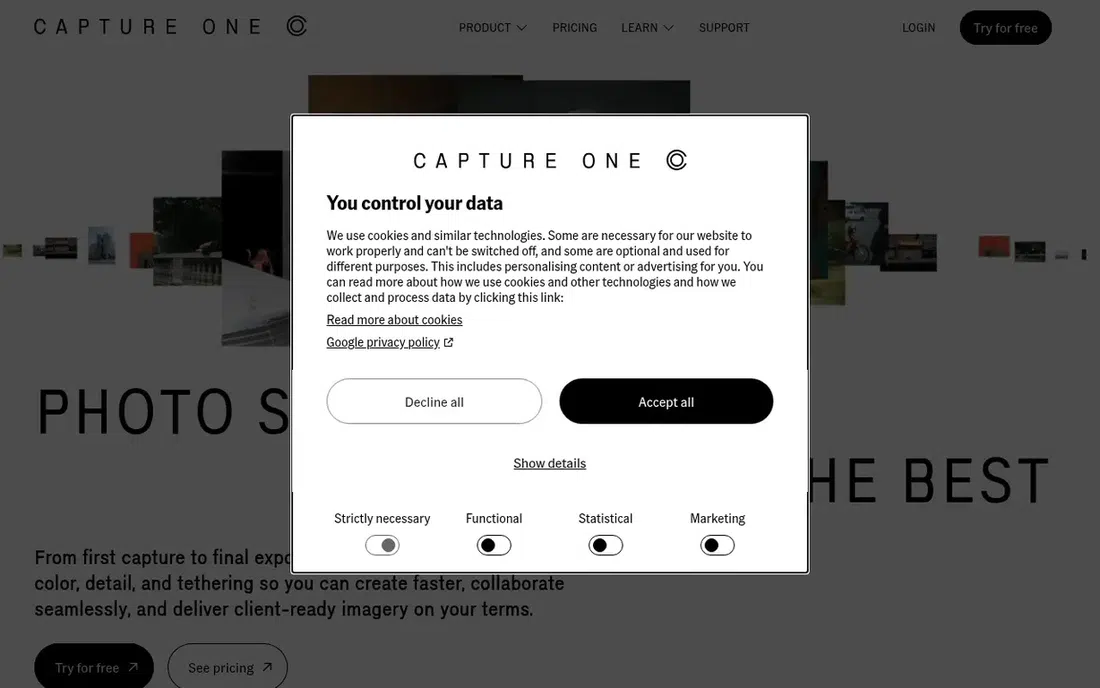
Choose Capture One for precision RAW work and tethering. The emphasis on control means more settings to learn, which can slow down casual editors. For everyday use, choose Capture One when RAW precision and tethering matter more than simplicity, and when denoising is part of a deliberate, hands-on editing process.
Where it falls short: Ramp-up time for newcomers.
Its homepage flags advanced editing tools, smooth RAW handling, and capable tethering. That makes it a fit for studio and tethered shooters who process RAW files and want in-depth control over noise and detail as part of a careful editing pipeline instead of a fast automatic pass. Photographers who want one-click denoising may prefer a more automatic tool. Capture One shows no starting price here, so confirm the cost on the vendor site. Free access: Not stated.
- Solid RAW handling
- Feature-rich tethering capabilities
- Geared toward photographers wanting control
ON1 Photo RAW makes the most sense for all-in-one RAW editor with AI tools. For denoising, it fits photographers who want RAW processing, organization, and enhancement in a single application and who prefer to avoid recurring subscription commitments.
ON1 Photo RAW pricing: $49.99. Free access: Free trial.
Points against: Not a single-purpose denoiser.
Upsides: AI-powered raw editing.
- No subscription
- Edit, organize
- Wide feature set takes time to learn
Where Luminar Neo fits: straightforward AI-assisted editing. Luminar Neo is described as a straightforward photo editor with AI that helps edit photos as you imagine them, available for PC and Mac.
Choose Luminar Neo when simplicity and creative AI help matter more than fine-grained denoising control. No starting price is listed for Luminar Neo here; confirm pricing on the vendor site. There is no free plan with Luminar Neo.
Watch-outs: Not a dedicated denoiser.
- AI-assisted editing tools
- Guided toward creative results
- Less depth for advanced manual control
Adobe Photoshop is designed for in-depth retouching and compositing. Photographers use it for retouching and compositing, and denoising can be handled as part of an in-depth edit.
Choose Photoshop when denoising is one step in a broader retouching job that needs precise, layered control. No starting price is listed for Adobe Photoshop here; confirm pricing on the vendor site. Free access: Not stated.
Honest limits: Not built as a batch denoiser.
- Deep editing and compositing tools
- Works online or with mobile app
- Denoising is one task among plenty
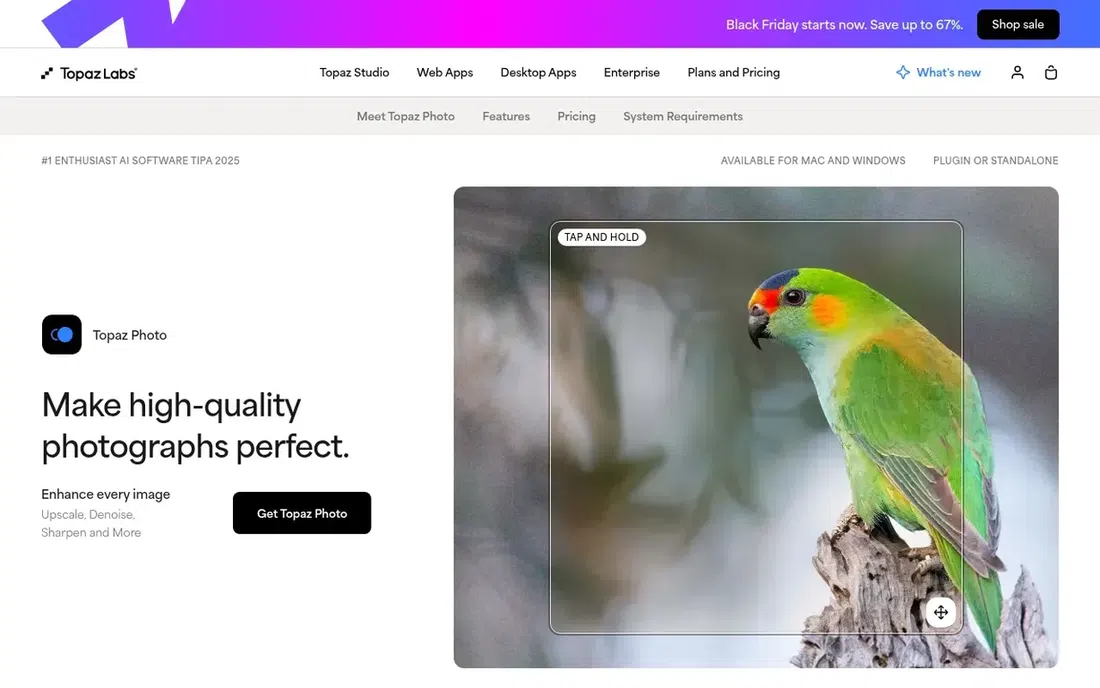
Topaz Photo AI makes the most sense for dedicated AI denoise and sharpen. The vendor describes it as a way to make decent photos excellent and to upscale images.
Honest limits: Concentrated on enhancement instead of full editing.
Topaz Photo AI is built around image enhancement, with denoise, sharpen, and unblur presented as its core jobs. In practice, choose Topaz Photo AI when noise and softness are the primary problems and you want a specialized step for them. Price to start with Topaz Photo AI: $19 per month. Trial and free access: Not stated.
Strengths: Denoise, sharpen.
- Suits as a step in existing workflows
- Upscaling for in-depth images
- Best results need some tuning per image

In short, Adobe Lightroom Classic is for catalog-based editing with denoise. Adobe Lightroom Classic is a desktop photo editor that merges organization with editing tools for bringing out the best in photos. Its homepage stresses easily organizing photos on the desktop and sharing them in multiple ways.
Trade-offs to know: Denoising shares space with numerous other tools.
Photographers who seldom organize in a catalog may find the structure heavier than needed. For denoising, it fits photographers who already cull, sort, and edit in a catalog and want noise reduction to sit inside that same environment instead of in a separate application. Check the vendor site for Adobe Lightroom Classic pricing; none is listed in this comparison. Trial and free access: Not stated.
- Organize and edit in one desktop app
- Full set of desktop editing tools
- Desktop-centric workflow
Our selection method
LinkVetted looked at what each vendor publishes: pricing, plan limits, feature coverage for denoise software for photography and stated drawbacks. No hands-on testing is claimed. Prices and plan limits come from vendor pages and can change, so confirm them on the vendor site before you buy. The ranking is editorial: typical fit first, then clear pricing, then free access. If your needs are unusual, read the profiles rather than relying on position.
What to check before you buy
- Get a written quote from Capture One, Luminar Neo, Adobe Photoshop and Adobe Lightroom Classic; the list shows no starting price for them.
- Use real work to test the free trial from ON1 Photo RAW, rather than a demo project.
- Before choosing Capture One, weigh its main limit: targeted at photographers wanting control.
- Make sure Luminar Neo lets you export your data in a format another tool can read.
- Ask the daily users to test ON1 Photo RAW on a live task before you roll it out to everyone.
FAQ
Do these tools publish their prices?
Not all of them. Capture One, Luminar Neo, Adobe Photoshop and Adobe Lightroom Classic publish no starting price, so expect a quote request for those. The rest, ON1 Photo RAW included, show a starting price, though seats and billing terms still change the final cost.
Does any tool for denoise software for photography here have a free plan?
A permanent free plan is not offered by Capture One, Adobe Lightroom Classic or the other tools here. ON1 Photo RAW offer a trial. Plan a short evaluation period instead.
Can I try these tools before paying?
Often, yes. ON1 Photo RAW offers a free trial. Use your own data and a real task during the test, and check what the free tier or trial limits before you rely on it. All 6 picks in this Denoise software for Photography comparison list a starting price, free plan details and the main limits on their cards above.
Is a dedicated denoiser better than denoising inside an editor?
A dedicated tool like Topaz Photo AI concentrates on noise and sharpness, which can help with hard files. Editors for example Lightroom Classic or ON1 Photo RAW keep denoising alongside organizing and color work.
What is the cheapest option for denoise software for photography in this list?
On published monthly entry prices, Topaz Photo AI is the lowest here at $19 per month. Entry price is only part of the cost, because seats, add-ons and billing terms can change the total. For the full picture, the cards above cover all 6 entries of this Denoise software for Photography list, including price, free plan and limits.
Can I denoise RAW files before editing?
Plenty of photography tools, including Capture One and ON1 Photo RAW, are built around RAW handling, so noise reduction can be part of processing. Beyond that, others work as an enhancement step before or after your central edit.
Sources
- https://www.captureone.com
- https://www.on1.com/products/photo-raw
- https://skylum.com/luminar
- https://www.adobe.com/products/photoshop.html
- https://www.topazlabs.com/topaz-photo-ai
- https://www.adobe.com/products/photoshop-lightroom-classic.html